AI Image Sharpener Fix Blurry Photos Instantly Free
Upload a blurry or out-of-focus photo and our AI Image Sharpener will restore sharp edges and fine detail in seconds.
By uploading you agree to our Terms & Privacy Policy
Our AI Tools
AI-powered photo enhancement, restoration, colorization, and object removal.
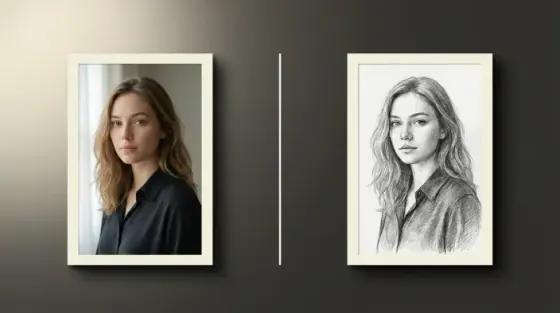
Why use the Picverce AI Image Sharpener?
Fix soft, shaky, and out-of-focus photos with AI that restores real detail instead of cranking contrast.
Precision edge recovery for blurry photos
Rebuilds crisp edges lost to camera shake, soft focus, or compression without harsh halos.
No watermarks on downloads
Save a clean, full-quality file on every plan.
Results in under 15 seconds
Most sharpening jobs finish before you blink.
Detail-aware sharpening, not crude contrast
Sharpens real edges and textures while leaving smooth skin and gradients alone.
Works on phone and desktop
Runs in the browser. No install required.
One click, no sliders
Pick Image Sharpener and let the AI handle settings.
Photos deleted after download
Processed in memory and purged when you save.
Built for motion blur and missed focus
Trained on shake, subject movement, and out-of-focus shots so everyday blur cleans up fast.
JPEG, PNG, WEBP up to 5 MB
iPhone HEIC converts automatically.
Free daily sharpening credits
Try it free. Premium unlocks higher limits.
Natural look, not oversharpened
Clean detail without crunchy noise or rings.
Pairs well with Upscaler
Sharpen first, then upscale for max print clarity.
Ready to sharpen a blurry photo?
Upload above and get crisp edges in seconds. Free to try.
Sharpener results
Drag the slider to compare soft input against AI-sharpened detail across people, animals, products, and scenes.
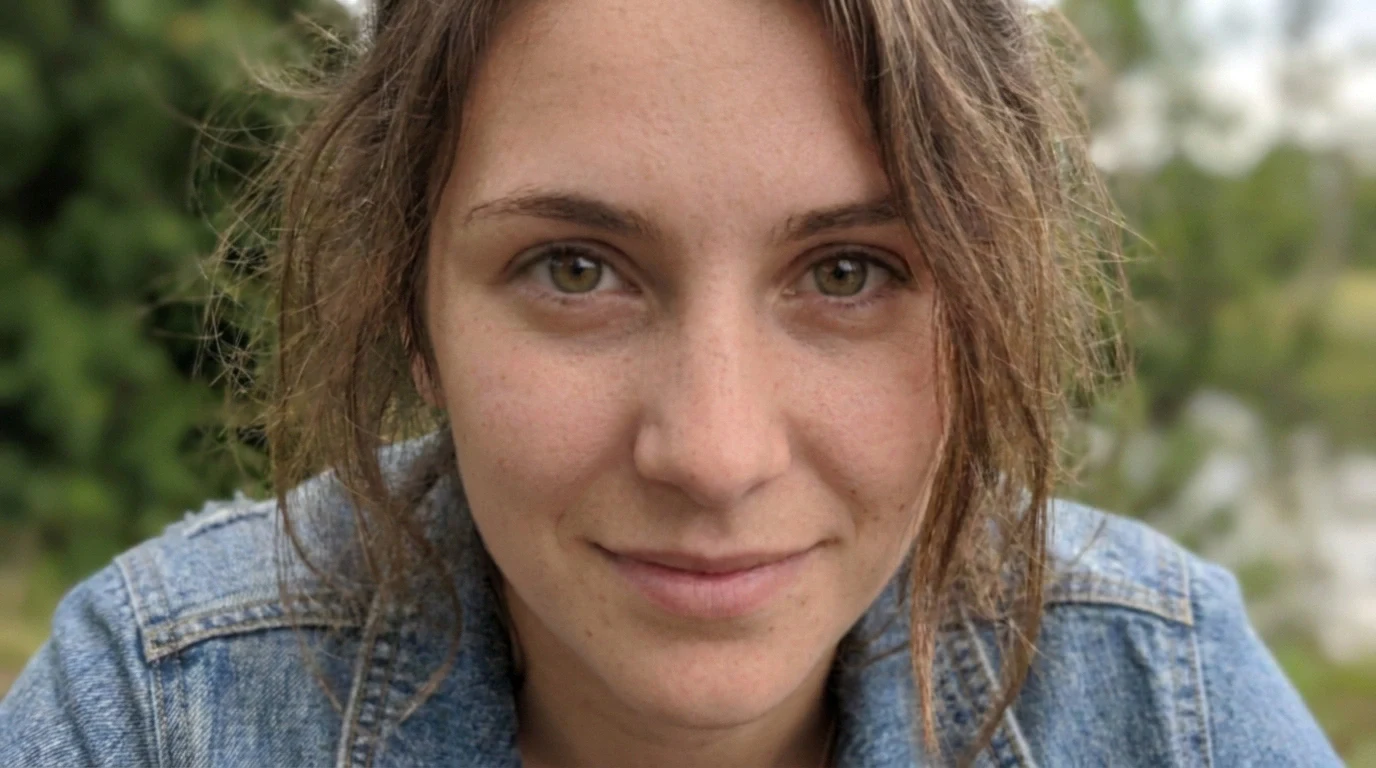 Before
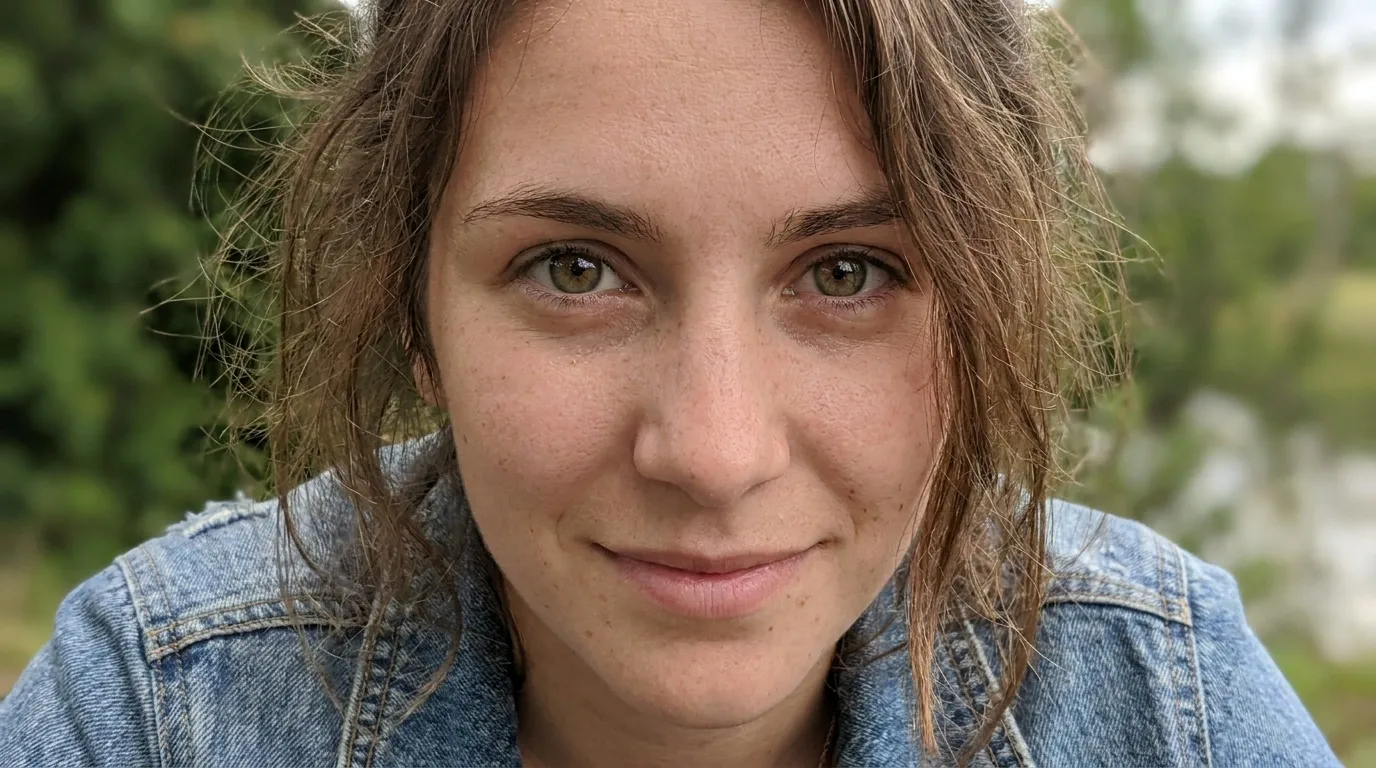 After
AfterSharpen soft portraits and faces
Recover crisp eyes, hair strands, and fabric detail when a portrait lands slightly out of focus.
- Restores facial micro-detail
- Keeps skin looking natural
- Great for phone and DSLR portraits
How to sharpen an image online
Four quick steps from a soft upload to a crisp download, all in your browser.
Upload your blurry image
Drag and drop or click to upload. JPEG, PNG, and WEBP up to 5 MB. iPhone HEIC converts automatically.
Select Image Sharpener
Choose the Image Sharpener model so the AI focuses on edge recovery and crispness.
AI restores sharp detail
The model finds blur patterns and rebuilds natural edges in under 15 seconds.
Download your sharp photo
Compare before and after with the slider, then save a watermark-free high-quality file.
Ready to see the difference?
Upload a blurry photo above and sharpen it in seconds.
Loved by millions
See how creators, marketers, and developers are using Picverce AI to supercharge their workflows.
"This platform completely changed how I generate assets for my campaigns. The quality is unmatched and it saves me hours every single day."
Sarah Jenkins
Creative Director
"I've tried every AI generator out there, and nothing comes close to the precision and ease-of-use of Picverce AI. It's simply the best in class."
Marcus Chen
Lead Game Designer
"The upscaling and background removal tools alone are worth their weight in gold. A must-have tool for any modern digital business."
Elena Rodriguez
E-commerce Founder
"The speed and efficiency of Picverce AI is incredible. I can produce ten times the content I used to, all while maintaining top-notch quality."
David Miller
Content Creator
"Our ad campaigns have never looked better. The AI-generated assets perfectly match our brand style and have significantly boosted our click-through rates."
Aisha Patel
Marketing Manager
"I was skeptical at first, but this tool has completely won me over. It handles complex editing tasks in seconds that would normally take me hours in Photoshop."
James Wilson
Freelance Designer
"The image upscaler is absolute magic. It breathes new life into our older, low-res photos, making them completely usable for modern high-DPI displays."
Sophia Lee
Social Media Strategist
"Creating sprites and background assets used to be the biggest bottleneck in our workflow. Now we can rapidly prototype visual ideas without breaking a sweat."
Lucas Silva
Indie Game Developer
"The background removal tool is flawlessly accurate. It has streamlined our entire product photography pipeline, saving us thousands of dollars a month."
Emma Thompson
E-commerce Specialist
Image Sharpener FAQ
Everything you need to know about sharpening blurry photos with Picverce AI.