AI Text Enhancer Unblur Blurred Text in Seconds
Unblur blurred text in images, deblur text in screenshots and photos, and restore blurry receipt photos online free with our AI text enhancer.
By uploading you agree to our Terms & Privacy Policy
Our AI Tools
AI-powered photo enhancement, restoration, colorization, and object removal.
Why use the Picverce AI Text Enhancer?
Unblur text in images, screenshots, and receipts with a model built for letters, not landscapes.
Rebuild readable letterforms
Trained on typography so blurry or pixelated text becomes sharp letters instead of melted blobs.
Printed and handwritten text
Works on notes, forms, and typed documents.
Watermark-free downloads
Save clean images ready for OCR or sharing.
Unblur screenshots and receipt photos
Clarify soft phone captures of invoices, notes, IDs, and UI text in seconds.
Results in under 15 seconds
Most text jobs finish quickly.
Typography-aware AI
Understands curves, serifs, and digit shapes.
Private document handling
Files purged after you download.
Better than standard enhancement for text
Generic enhancers warp letters. Text Clarity prioritizes straight strokes and readable characters.
Mobile browser friendly
Unblur photos from your camera roll.
JPEG, PNG, WEBP up to 5 MB
Upload scans and screenshots easily.
Free daily credits
Try Text Clarity free, upgrade for more volume.
Ideal before OCR
Cleaner text improves recognition accuracy.
Ready to unblur text?
Upload a soft screenshot or receipt photo above and restore readability.
Text enhancer results
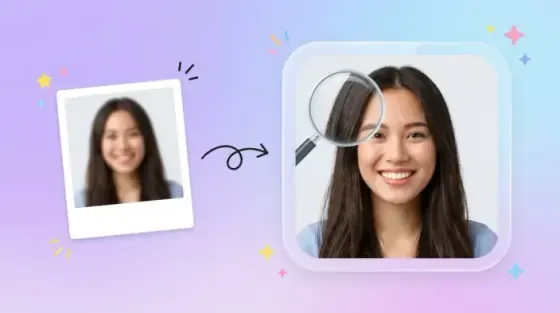
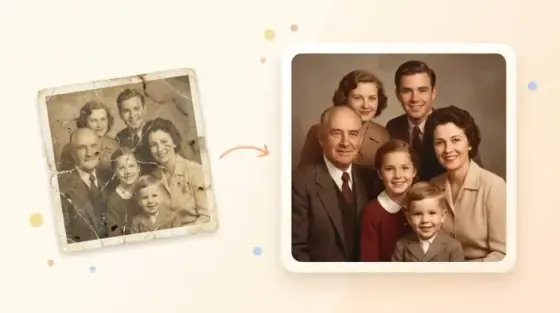
Compare blurry text captures with AI-restored letter clarity across common document types.
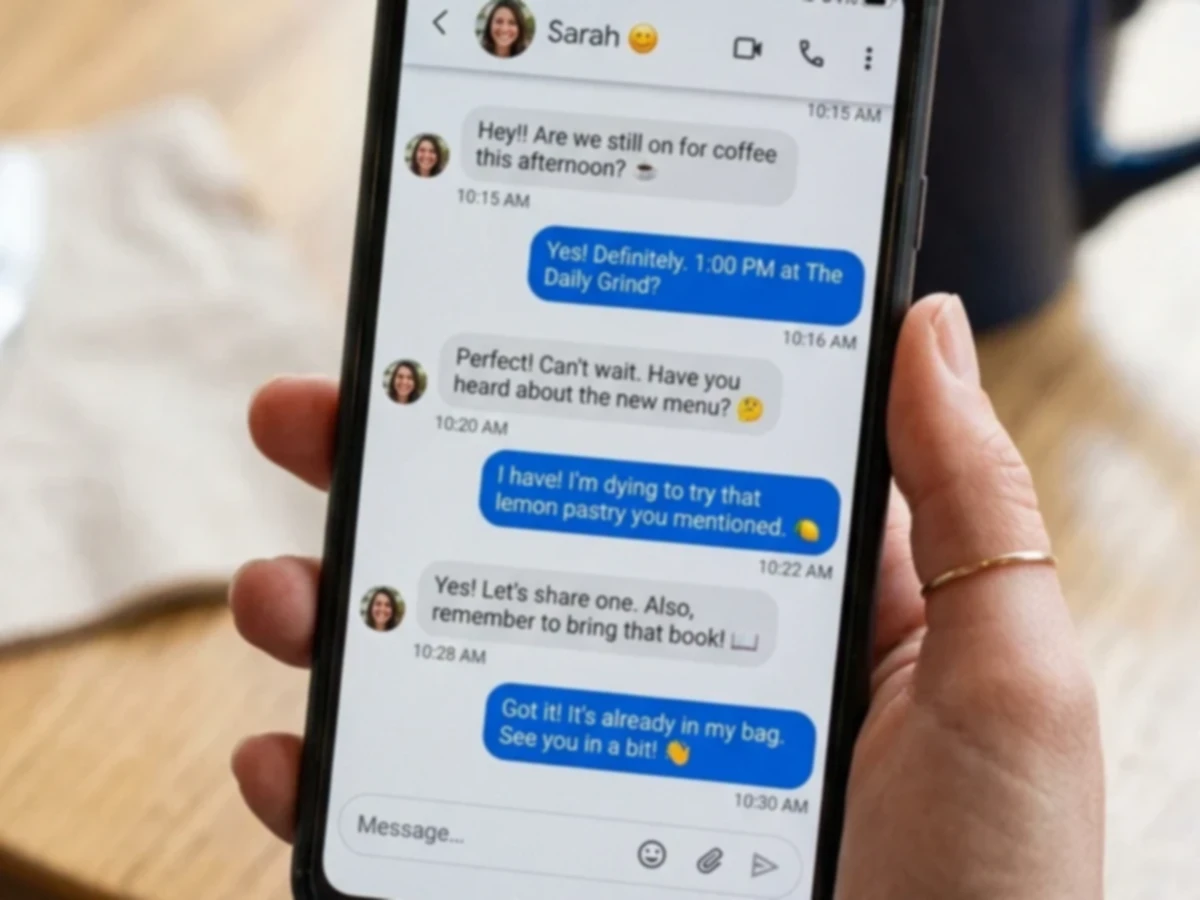 Before
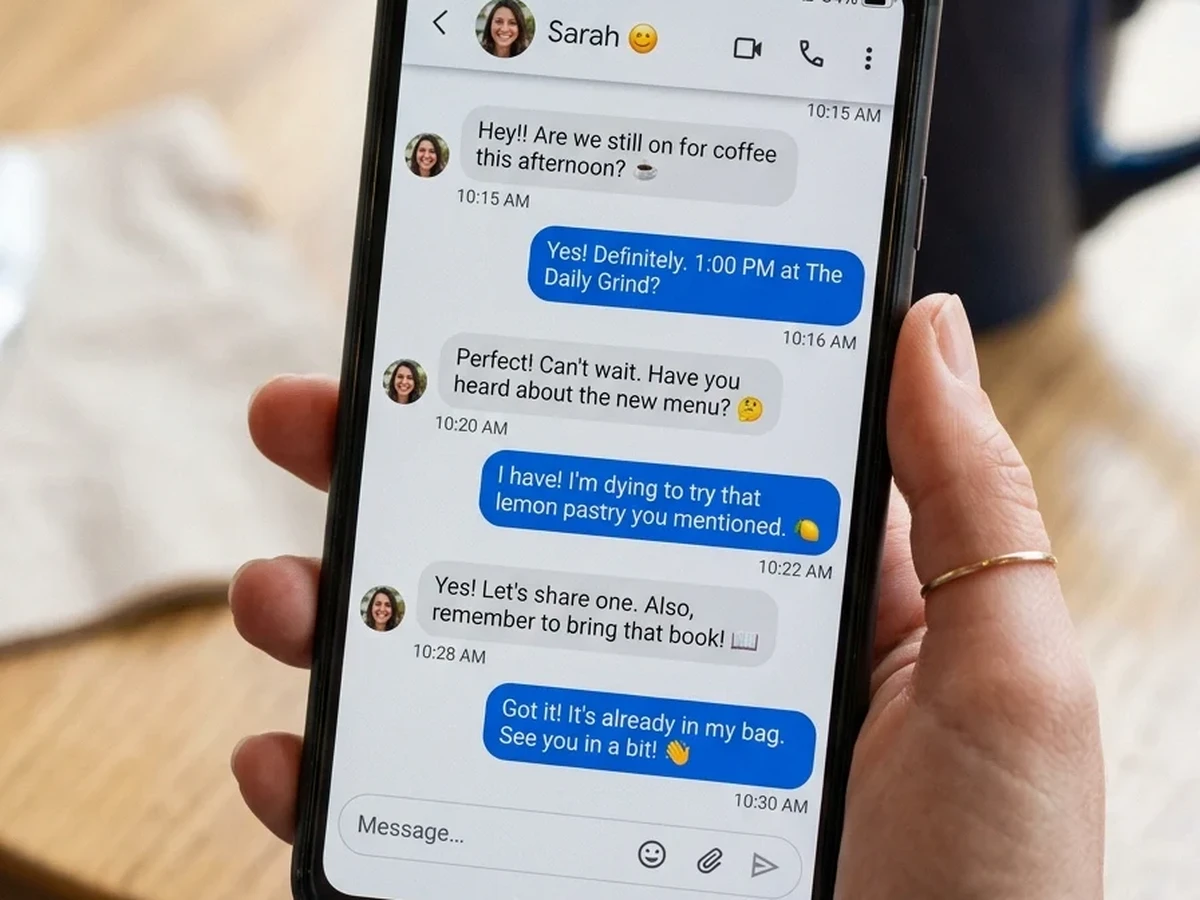 After
AfterUnblur soft screenshot text
Recover crisp UI labels and chat text when a phone screenshot comes out soft or compressed.
- Sharper on-screen letters
- Less JPEG mush on glyphs
- Great for support and docs
How to unblur text in an image
Four steps from a soft capture to readable letters, all in your browser.
Upload an image with blurry text
Drop a screenshot, receipt photo, or scan. JPEG, PNG, and WEBP up to 5 MB.
Select Text Clarity
Choose the Text Clarity model so the AI prioritizes letterforms over scenic detail.
AI rebuilds the characters
Typography-aware processing reconstructs edges and contrast for readable text.
Download the clarified image
Compare before and after, then save a watermark-free file ready to read or OCR.
Ready to restore blurry text?
Upload a soft screenshot or receipt above and clarify it in seconds.
Loved by millions
See how creators, marketers, and developers are using Picverce AI to supercharge their workflows.
"This platform completely changed how I generate assets for my campaigns. The quality is unmatched and it saves me hours every single day."
Sarah Jenkins
Creative Director
"I've tried every AI generator out there, and nothing comes close to the precision and ease-of-use of Picverce AI. It's simply the best in class."
Marcus Chen
Lead Game Designer
"The upscaling and background removal tools alone are worth their weight in gold. A must-have tool for any modern digital business."
Elena Rodriguez
E-commerce Founder
"The speed and efficiency of Picverce AI is incredible. I can produce ten times the content I used to, all while maintaining top-notch quality."
David Miller
Content Creator
"Our ad campaigns have never looked better. The AI-generated assets perfectly match our brand style and have significantly boosted our click-through rates."
Aisha Patel
Marketing Manager
"I was skeptical at first, but this tool has completely won me over. It handles complex editing tasks in seconds that would normally take me hours in Photoshop."
James Wilson
Freelance Designer
"The image upscaler is absolute magic. It breathes new life into our older, low-res photos, making them completely usable for modern high-DPI displays."
Sophia Lee
Social Media Strategist
"Creating sprites and background assets used to be the biggest bottleneck in our workflow. Now we can rapidly prototype visual ideas without breaking a sweat."
Lucas Silva
Indie Game Developer
"The background removal tool is flawlessly accurate. It has streamlined our entire product photography pipeline, saving us thousands of dollars a month."
Emma Thompson
E-commerce Specialist
Text Enhancer FAQ
How Picverce AI unblurs text in screenshots, scans, and receipt photos.
An AI text enhancer is a machine learning model trained specifically on typography, letters, and handwriting. Unlike a standard image upscaler that warps text into unrecognizable symbols, a text enhancer identifies characters and redraws them accurately to restore readability.