Free AI Image Upscaler Increase Resolution to 2x, 4x, and 8x
Upload any image and our AI increases the resolution to 2x, 4x, or up to 8x while reconstructing fine details. Output is sharp, clean, and ready for print, large displays, or professional use.
By uploading you agree to our Terms & Privacy Policy
Our AI Tools
AI-powered photo enhancement, restoration, colorization, and object removal.

Why use the Picverce AI Image Upscaler?
Increase resolution for print, web, and large screens with AI that reconstructs detail instead of stretching pixels.
Upscale 2×, 4×, or 8× without pixel soup
AI rebuilds missing pixels so enlargements stay sharp for social, print, and large displays.
Watermark-free downloads
Clean files on free and paid plans.
Fast 2× to 8× processing
Most jobs finish in under a minute.
Texture and edge reconstruction
Adds realistic detail along edges and surfaces instead of simply stretching the original.
Browser-based on any device
No desktop app or install needed.
Trained for photo structure
Understands edges, grain, and color transitions.
Private processing
Images purged after you download.
Print-ready and display-ready output
From product shots to portfolios, get resolution that holds up on A4, posters, and 4K screens.
JPEG, PNG, WEBP up to 5 MB
HEIC from iPhone converts automatically.
Free daily upscales
Try 2× or 4× free. Premium for more volume.
Better than simple resize
No mushy blur from naive enlargement.
Great for e-commerce photos
Enlarge product shots for listings and ads.
Ready to upscale your image?
Upload above and choose 2×, 4×, or 8×. Free to try.
Upscaler results
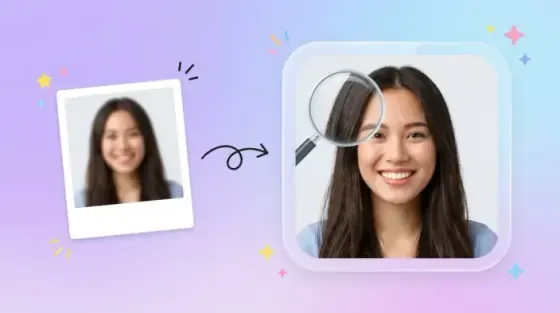
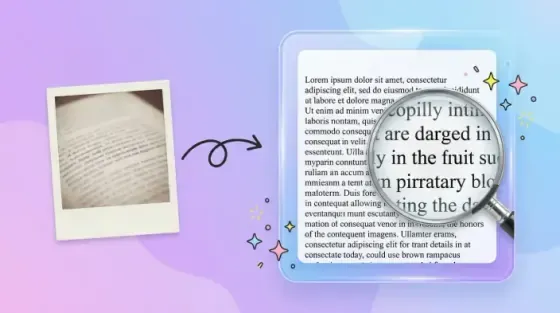
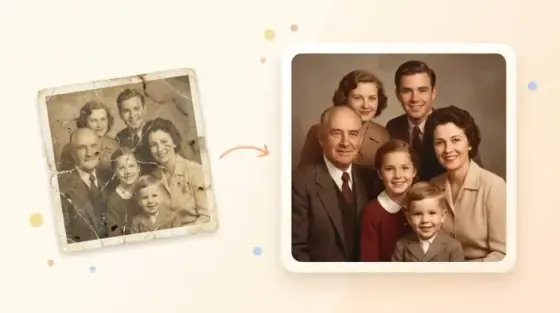
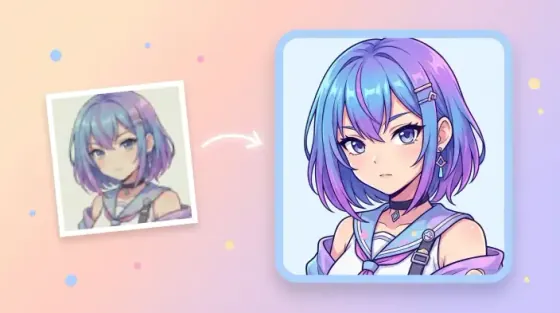
Compare low-resolution input with AI-enlarged output across 2×, 4×, and 8× use cases.
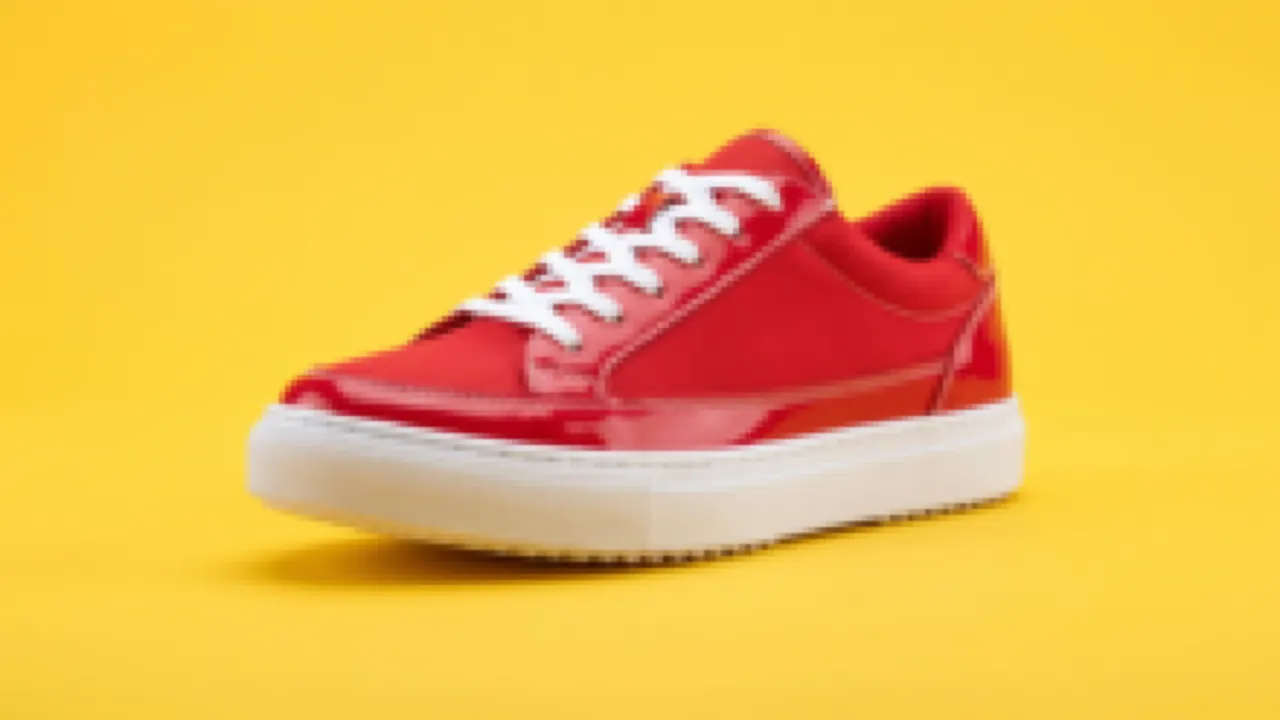 Before
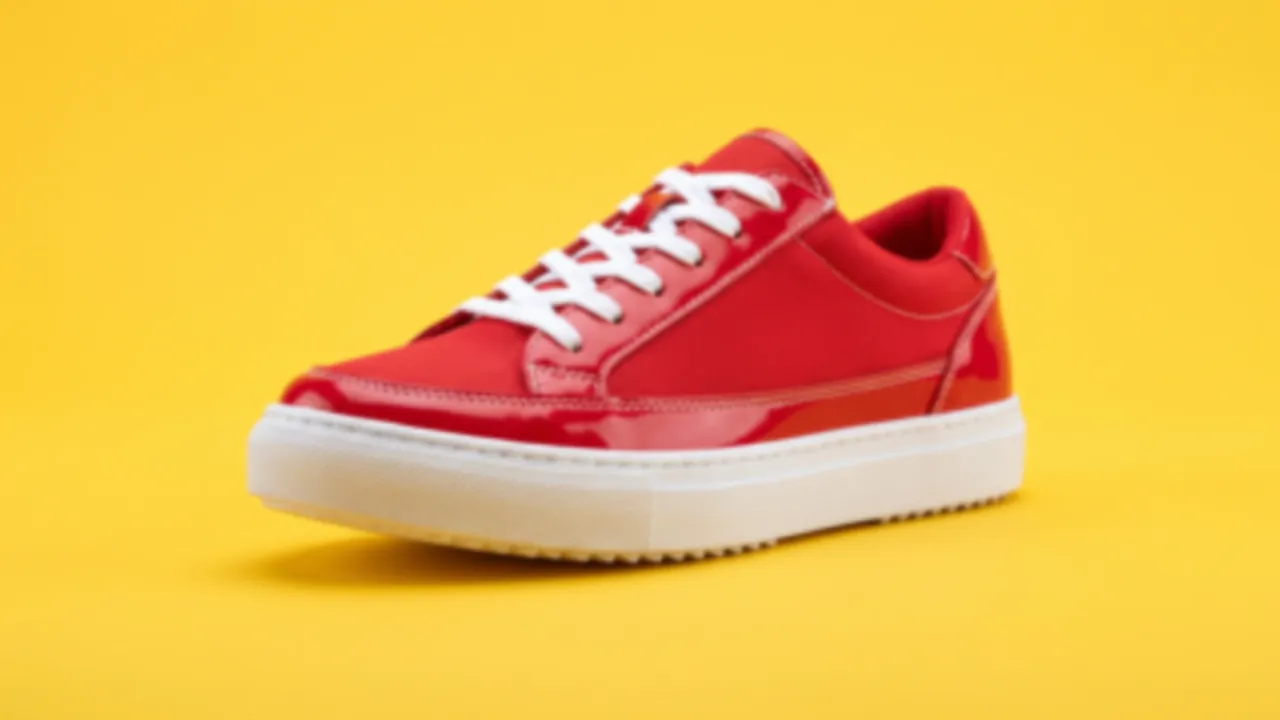 After
AfterDouble resolution for social and screens
Enlarge small photos for feeds, presentations, and web use without the soft blur of simple resize.
- Doubles width and height
- Ideal for social and web
- Faster processing than 8×
How to upscale an image online
Four steps to turn a small photo into a sharp, high-resolution download.
Upload your image
Drag and drop or browse. JPEG, PNG, and WEBP up to 5 MB from phone, camera, or computer.
Choose 2×, 4×, or 8×
Pick 2× for social, 4× for standard print, or 8× for large-format and ultra-HD displays.
AI reconstructs resolution
Deep learning rebuilds edges, texture, and color transitions instead of stretching pixels.
Download high-res output
Compare before and after, then save a watermark-free file ready for print or sharing.
Ready to enlarge your photo?
Upload above and pick your upscale factor.
Loved by millions
See how creators, marketers, and developers are using Picverce AI to supercharge their workflows.
"This platform completely changed how I generate assets for my campaigns. The quality is unmatched and it saves me hours every single day."
Sarah Jenkins
Creative Director
"I've tried every AI generator out there, and nothing comes close to the precision and ease-of-use of Picverce AI. It's simply the best in class."
Marcus Chen
Lead Game Designer
"The upscaling and background removal tools alone are worth their weight in gold. A must-have tool for any modern digital business."
Elena Rodriguez
E-commerce Founder
"The speed and efficiency of Picverce AI is incredible. I can produce ten times the content I used to, all while maintaining top-notch quality."
David Miller
Content Creator
"Our ad campaigns have never looked better. The AI-generated assets perfectly match our brand style and have significantly boosted our click-through rates."
Aisha Patel
Marketing Manager
"I was skeptical at first, but this tool has completely won me over. It handles complex editing tasks in seconds that would normally take me hours in Photoshop."
James Wilson
Freelance Designer
"The image upscaler is absolute magic. It breathes new life into our older, low-res photos, making them completely usable for modern high-DPI displays."
Sophia Lee
Social Media Strategist
"Creating sprites and background assets used to be the biggest bottleneck in our workflow. Now we can rapidly prototype visual ideas without breaking a sweat."
Lucas Silva
Indie Game Developer
"The background removal tool is flawlessly accurate. It has streamlined our entire product photography pipeline, saving us thousands of dollars a month."
Emma Thompson
E-commerce Specialist
Image Upscaler FAQ
Answers about 2×, 4×, and 8× upscaling with Picverce AI.
Upload your image using the tool above, select the Image Upscaler model, choose 2x, 4x, or 8x, and run enhance. The AI rebuilds your image at the higher resolution in under a minute. Download the result with no watermark. Free users get daily credits.