AI Photo Restoration Revive Damaged Photos Instantly
Transform old, damaged, and faded photographs into crystal-clear memories with our free AI photo restoration tool. Fix scratches, tears, and discoloration automatically.
By uploading you agree to our Terms & Privacy Policy
Our AI Tools
AI-powered photo enhancement, restoration, colorization, and object removal.

Why restore photos with Picverce AI?
Repair scratches, fading, and age damage so family memories look clear again in about a minute.
Fix scratches, tears, and creases
Repair physical damage on old photos with AI that fills gaps while preserving the original look.
Professional-grade clarity
Cleaner detail without looking fake or overprocessed.
About 60-second processing
Most restorations finish in under a minute.
Restore faded color and tone
Bring back vibrancy and contrast on vintage prints without washing out authentic character.
Faster than manual retouching
Skip hours of brush work for family archives.
Private memory handling
Photos are not kept after you download.
No watermarks on results
Download clean files for albums and gifts.
Rebuild missing detail in 60 seconds
Neural networks trained on damaged and restored pairs reconstruct texture and faces fast.
Works in any browser
Restore from phone or desktop scans.
JPEG, PNG, WEBP up to 5 MB
Upload the best scan you have.
Trained on vintage photos
Handles B&W, sepia, and early color prints.
Great for family archives
Revive heirlooms and historical snapshots.
Ready to restore an old photo?
Upload a damaged scan above and bring it back to life.
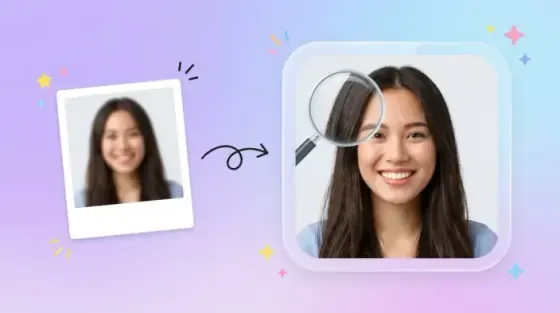
Photo restore results
See how Picverce AI repairs damage while keeping the soul of the original print.
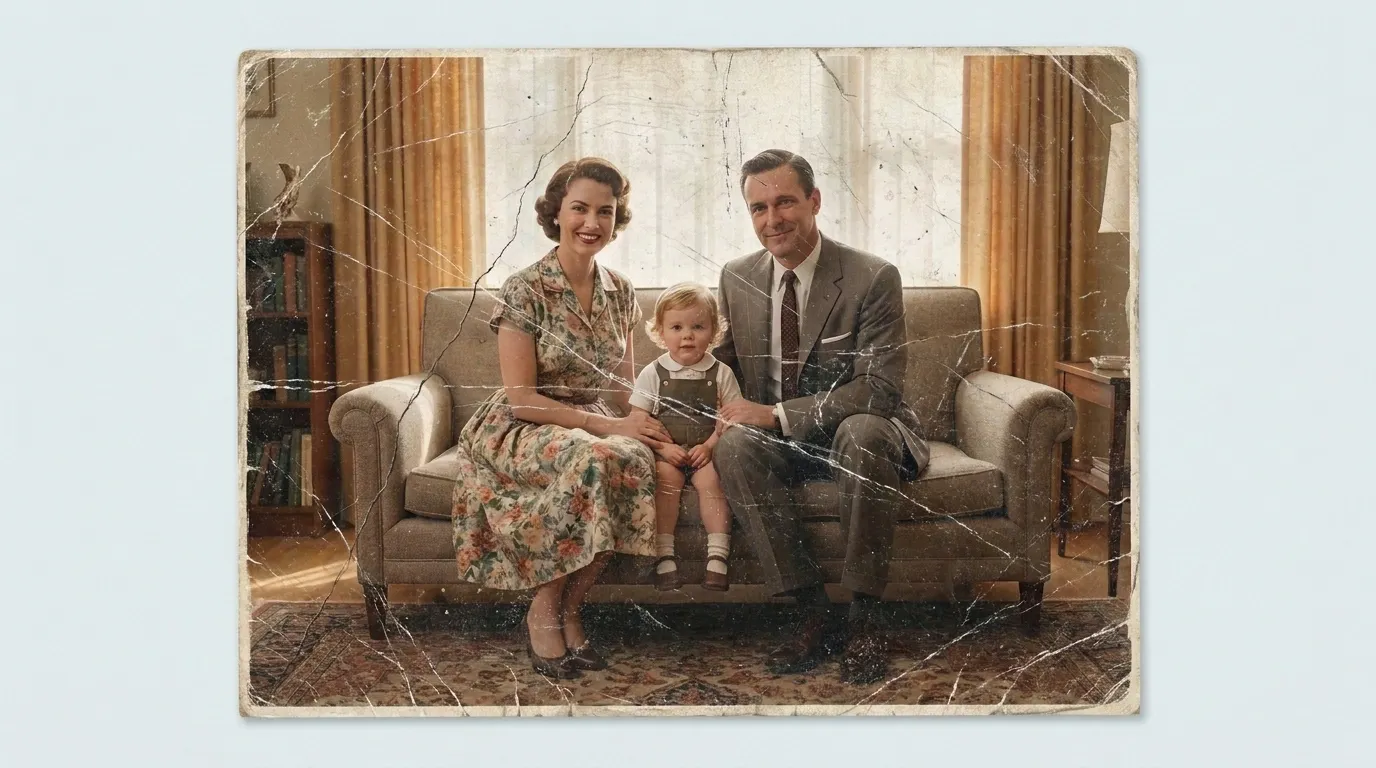 Before
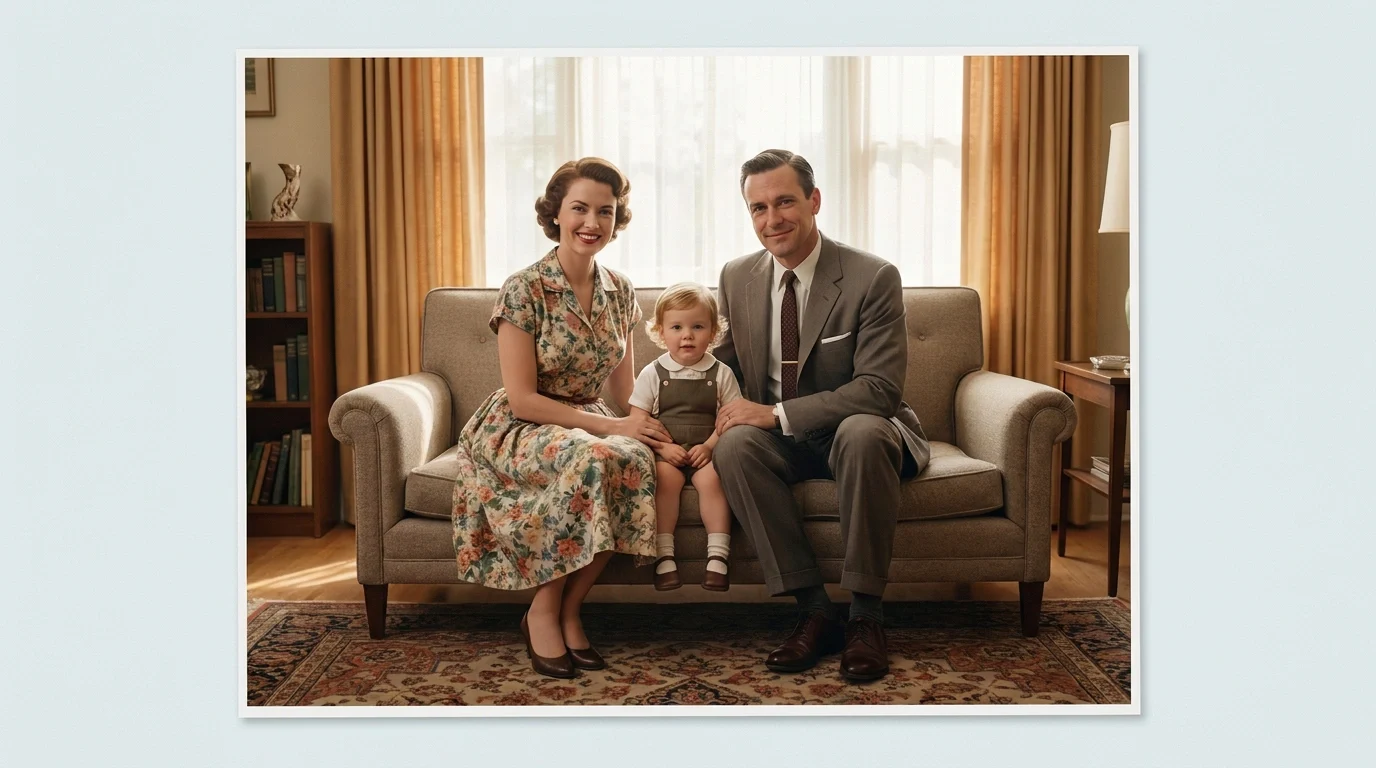 After
AfterRepair scratches and surface damage
Fill cracks, scuffs, and linear damage so faces and backgrounds look continuous again.
- Removes scratch lines
- Preserves facial identity
- Keeps period-appropriate texture
How to restore a photo online
Four steps from a damaged scan to a revived memory, right in your browser.
Upload a damaged photo
Scan or photograph your print, then upload JPEG, PNG, or WEBP up to 5 MB.
Select Photo Restore
Choose the Photo Restore model optimized for scratches, tears, and fading.
AI repairs the damage
Neural networks reconstruct missing areas and revive tone in about 60 seconds.
Download the restored image
Compare before and after, then save a clean high-resolution keepsake.
Ready to revive an old photo?
Upload a damaged print above and restore it in about a minute.
Loved by millions
See how creators, marketers, and developers are using Picverce AI to supercharge their workflows.
"This platform completely changed how I generate assets for my campaigns. The quality is unmatched and it saves me hours every single day."
Sarah Jenkins
Creative Director
"I've tried every AI generator out there, and nothing comes close to the precision and ease-of-use of Picverce AI. It's simply the best in class."
Marcus Chen
Lead Game Designer
"The upscaling and background removal tools alone are worth their weight in gold. A must-have tool for any modern digital business."
Elena Rodriguez
E-commerce Founder
"The speed and efficiency of Picverce AI is incredible. I can produce ten times the content I used to, all while maintaining top-notch quality."
David Miller
Content Creator
"Our ad campaigns have never looked better. The AI-generated assets perfectly match our brand style and have significantly boosted our click-through rates."
Aisha Patel
Marketing Manager
"I was skeptical at first, but this tool has completely won me over. It handles complex editing tasks in seconds that would normally take me hours in Photoshop."
James Wilson
Freelance Designer
"The image upscaler is absolute magic. It breathes new life into our older, low-res photos, making them completely usable for modern high-DPI displays."
Sophia Lee
Social Media Strategist
"Creating sprites and background assets used to be the biggest bottleneck in our workflow. Now we can rapidly prototype visual ideas without breaking a sweat."
Lucas Silva
Indie Game Developer
"The background removal tool is flawlessly accurate. It has streamlined our entire product photography pipeline, saving us thousands of dollars a month."
Emma Thompson
E-commerce Specialist
Photo Restore FAQ
Common questions about repairing old and damaged photos with Picverce AI.
Our AI photo restoration tool repairs scratches, tears, creases, stains, fading, discoloration, water damage, and aging effects. It works especially well on photographs with visible physical damage, missing sections, or color deterioration over time.