AI Wall Art Generator Printable Wall Art
Turn ideas into display-ready wall art. Generate from text, remix your own photos, and apply built-in style templates to create art prints for homes, studios, and commercial spaces.
By generating you agree to our Terms & Privacy Policy
Our AI Tools
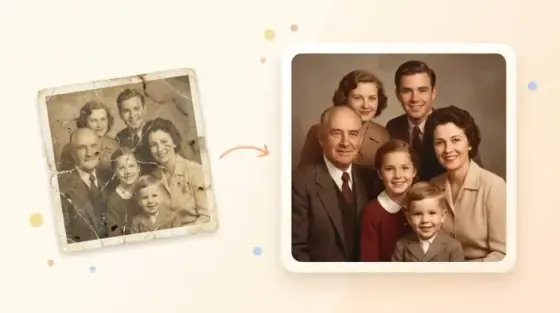
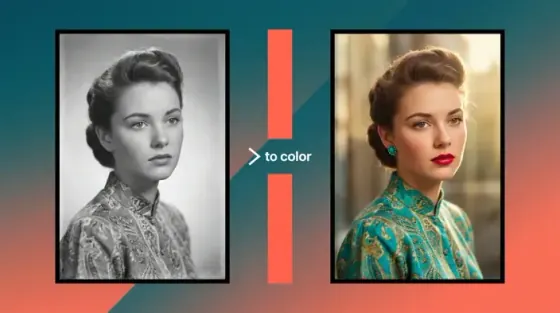
AI-powered photo enhancement, restoration, colorization, and object removal.
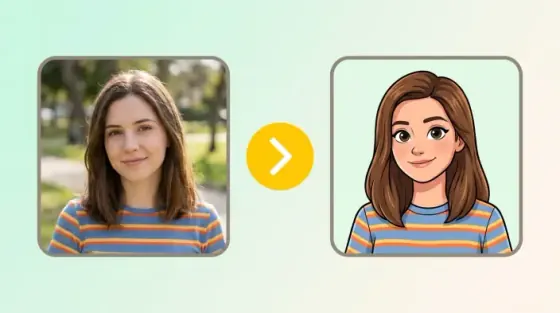
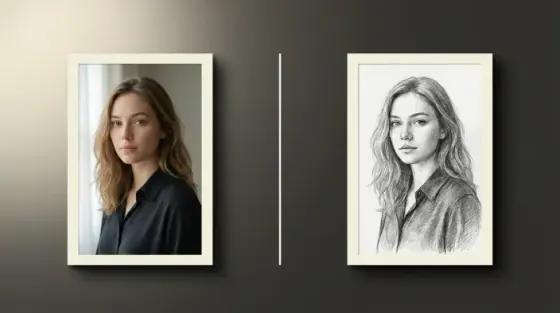
What the Picverce AI Wall Art Generator can do
Turn a written idea into artwork you can print, frame, and hang.
Print-ready art from a single prompt
Describe the subject, palette, and mood. Picverce AI returns framed-ready artwork sized for canvas, poster, and gallery prints.
No watermarks on downloads
Clean files ready for print shops.
Works on any device
Generate in the browser on phone or desktop.
Style templates for every interior
Watercolor, oil painting, botanical, line art, mid-century geometric, and celestial looks that match real decor schemes.
Type a prompt and generate
No design software or layer editing.
Fast generation
Most pieces finish in well under a minute.
Private processing
Secure handling with history controls when signed in.
High resolution that holds up large
Detail stays crisp at oversized statement sizes, so a living room centerpiece reads as sharp as a small desk print.
Build a matching set
Reuse a palette prompt for cohesive gallery walls.
Made for real rooms
Living rooms, bedrooms, studios, and offices.
Try with free credits
Generate wall art within your plan limits.
Commercial use on paid plans
Sell prints and decor products you create.
Ready to fill an empty wall?
Describe the piece you want in the prompt box above and generate it.
Wall art results gallery
Every piece below started as the prompt shown beside it. Open one in the generator and edit it.
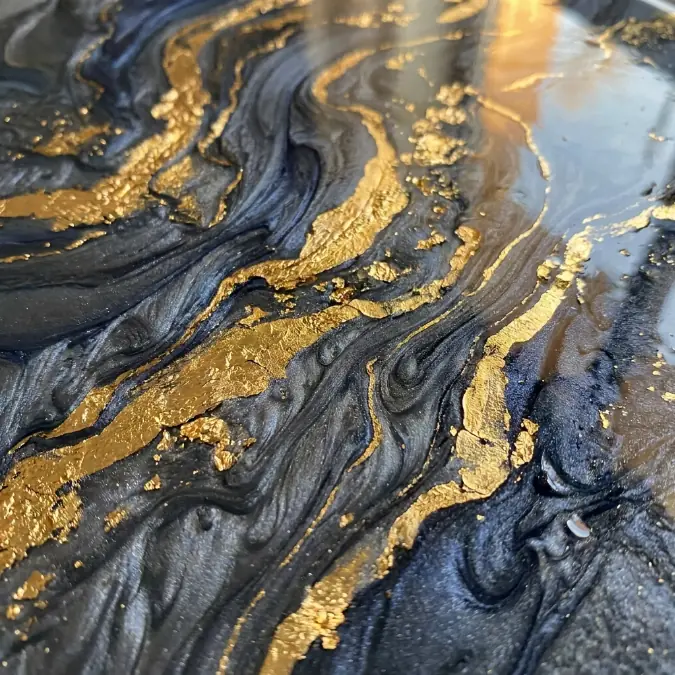
Statement abstracts for open living spaces
Large-format fluid art that anchors a room. Marble veining and metallic accents stay sharp at oversized print sizes.
Prompt used
Luxurious abstract fluid art, swirling marble patterns in deep charcoal and indigo, accented with bright shimmering gold foil veins, rich opulent texture, hyper-realistic, 8k resolution.
- Holds fine detail on canvas prints over 40 inches wide
- Deep charcoal base works against both white and dark walls
- Metallic accents read as texture, not flat color
How to create AI wall art
Four steps from a written idea to a file you can send to a printer.
Describe the piece
Name the subject, palette, and mood. Something like vintage botanical print in sage and bone works better than art for my wall.
Pick an art style
Choose watercolor, oil painting, line art, geometric, or another template so the output matches your interior.
Generate the artwork
Picverce AI renders a high-resolution piece. Adjust the prompt and regenerate until the composition is right.
Download and print
Save the full-resolution file, then send it to a print shop for canvas, poster, or framed output.
Ready to design your wall?
Enter a prompt in the box above and generate your first piece.
Loved by millions
See how creators, marketers, and developers are using Picverce AI to supercharge their workflows.
"This platform completely changed how I generate assets for my campaigns. The quality is unmatched and it saves me hours every single day."
Sarah Jenkins
Creative Director
"I've tried every AI generator out there, and nothing comes close to the precision and ease-of-use of Picverce AI. It's simply the best in class."
Marcus Chen
Lead Game Designer
"The upscaling and background removal tools alone are worth their weight in gold. A must-have tool for any modern digital business."
Elena Rodriguez
E-commerce Founder
"The speed and efficiency of Picverce AI is incredible. I can produce ten times the content I used to, all while maintaining top-notch quality."
David Miller
Content Creator
"Our ad campaigns have never looked better. The AI-generated assets perfectly match our brand style and have significantly boosted our click-through rates."
Aisha Patel
Marketing Manager
"I was skeptical at first, but this tool has completely won me over. It handles complex editing tasks in seconds that would normally take me hours in Photoshop."
James Wilson
Freelance Designer
"The image upscaler is absolute magic. It breathes new life into our older, low-res photos, making them completely usable for modern high-DPI displays."
Sophia Lee
Social Media Strategist
"Creating sprites and background assets used to be the biggest bottleneck in our workflow. Now we can rapidly prototype visual ideas without breaking a sweat."
Lucas Silva
Indie Game Developer
"The background removal tool is flawlessly accurate. It has streamlined our entire product photography pipeline, saving us thousands of dollars a month."
Emma Thompson
E-commerce Specialist
Frequently asked questions about AI wall art
Styles, printing, resolution, and licensing for Picverce AI wall art.
It creates print-ready artwork from a written description. You describe the subject, colors, and style, and Picverce AI renders a high-resolution image suitable for framing, canvas, or poster printing.