AI Tattoo Generator Design Custom Ink with AI
Turn ideas into tattoo-ready designs with text prompts and reference uploads. Generate concepts in 17 styles including traditional, Japanese, blackwork, fine line, watercolor, and realism.
By generating you agree to our Terms & Privacy Policy
Our AI Tools
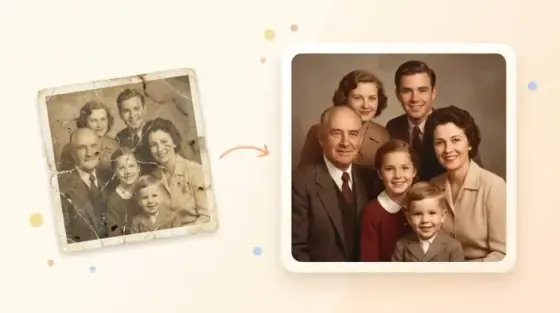
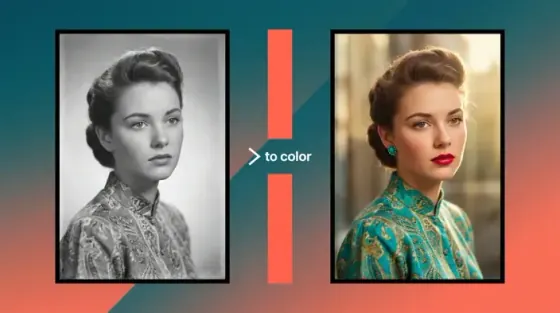
AI-powered photo enhancement, restoration, colorization, and object removal.
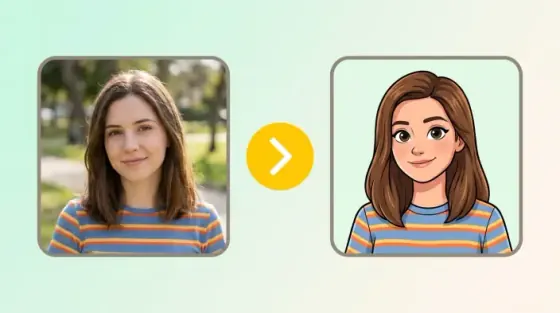
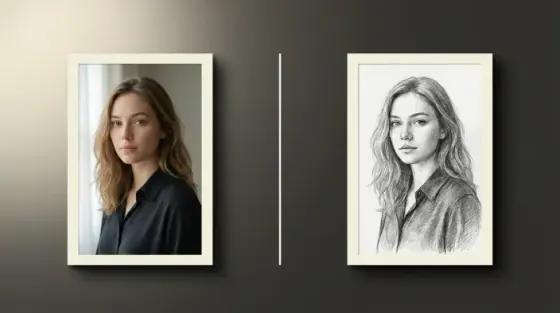
What the Picverce AI Tattoo Generator can do
Turn a tattoo idea into a concept you can hand to an artist.
17 tattoo styles with dedicated pages
Traditional, Japanese irezumi, blackwork, fine line, watercolor, realism, tribal, dotwork, lettering, ornamental, Chicano, and more.
No watermarks on downloads
Clean references to bring to your artist.
Works on any device
Design in the browser on phone or desktop.
Flash-ready line work, not just illustration
Prompts are tuned for tattoo conventions, so outlines, contrast, and negative space read the way ink does on skin.
Pick a style and generate
No design software or drawing skill needed.
Seconds per concept
Compare directions before booking a session.
Private processing
Secure handling with history controls when signed in.
Start from a sketch or a reference photo
Attach your own drawing or an inspiration image alongside the text prompt to steer composition more precisely.
Placement and size cues
Describe forearm, rib, or sleeve for better proportion.
Useful for artists too
Fast mood boards for client consultations.
Try with free credits
Generate designs within your plan limits.
Style-tuned prompts
Each style maps to its own generation path.
Have an idea in mind?
Describe it in the prompt box above and pick a tattoo style.
Tattoo results gallery
Every design below came from the prompt beside it. Open one in the generator and change the subject.
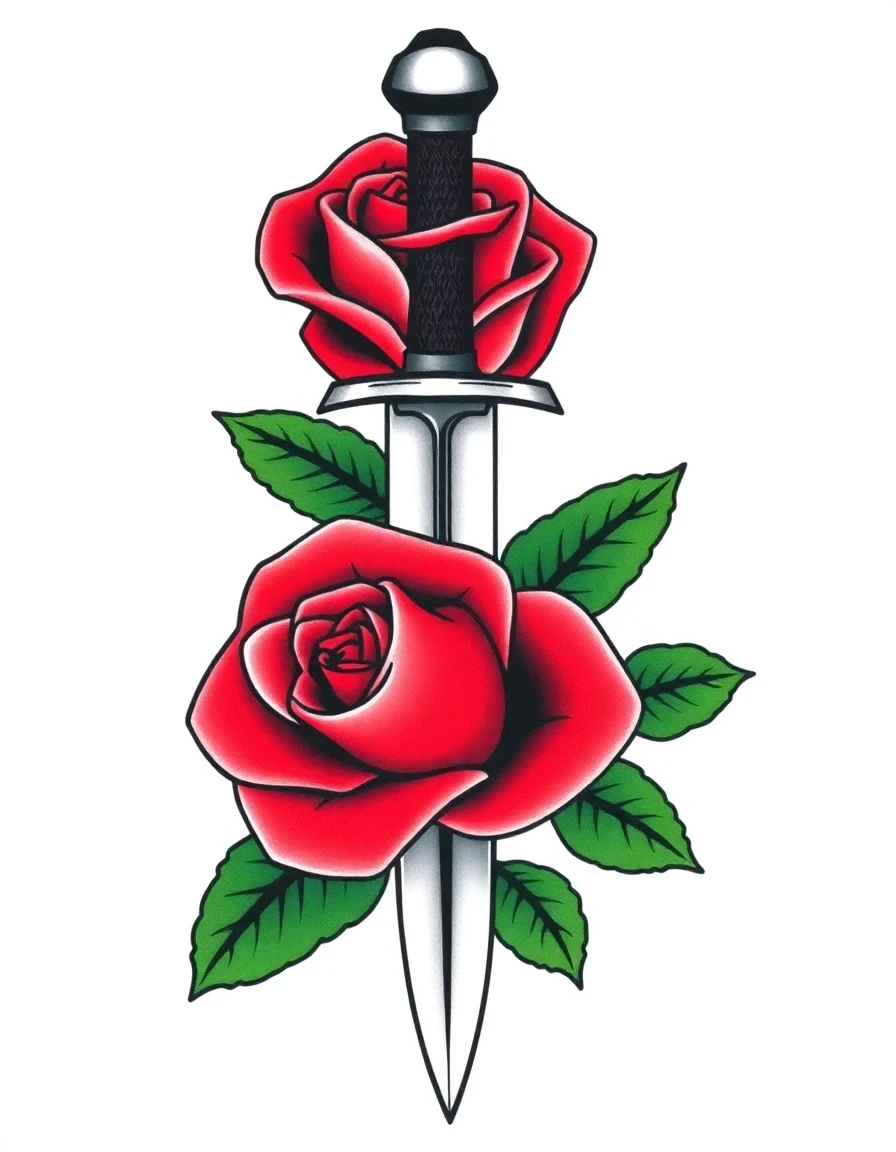
American traditional flash
Thick outlines and a limited primary palette, the look that holds up decades after the session.
Prompt used
Traditional American tattoo of a rose wrapped around a dagger, bold black outlines, limited red and green color, classic sailor tattoo flash style
- Heavy outlines stay readable as the ink spreads over time
- Limited palette suits forearm and bicep placements
- Classic flash motifs your artist can adapt quickly
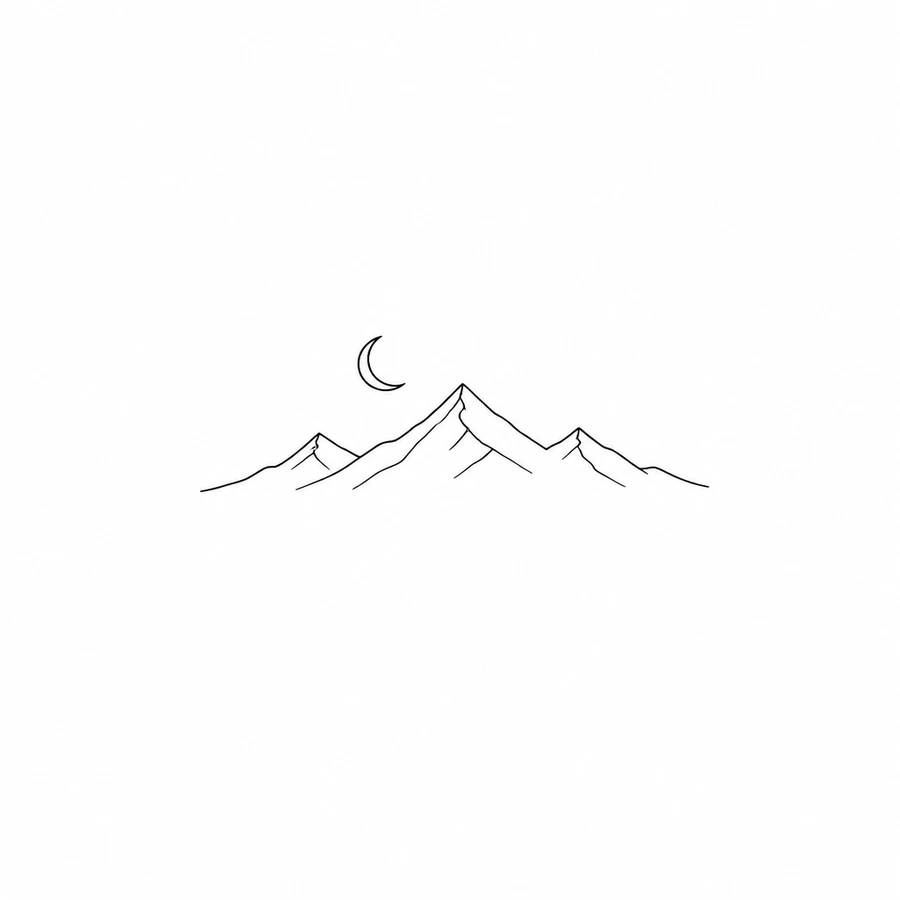
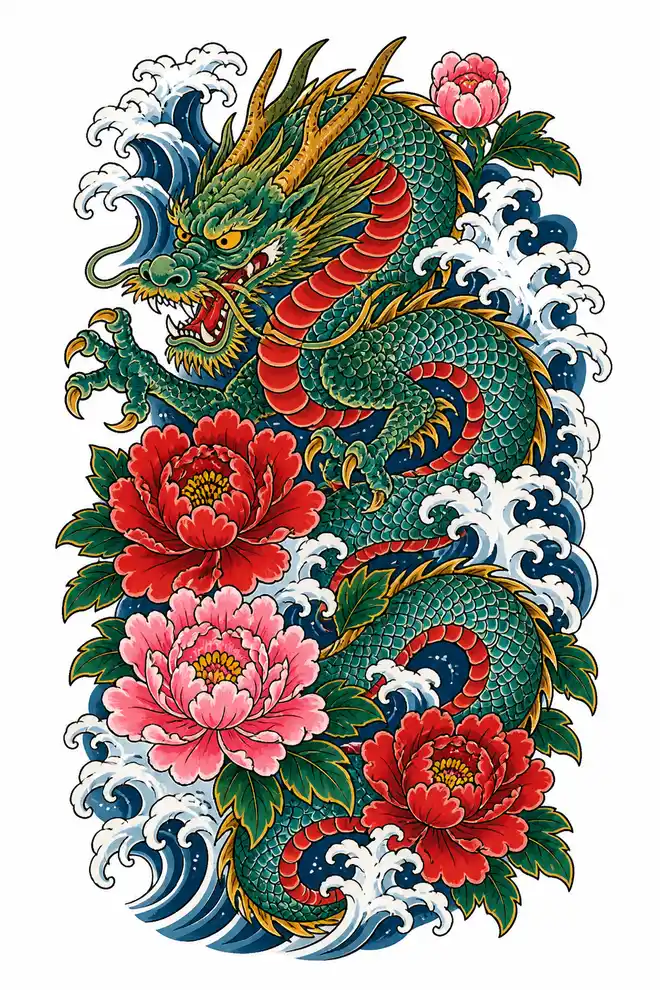
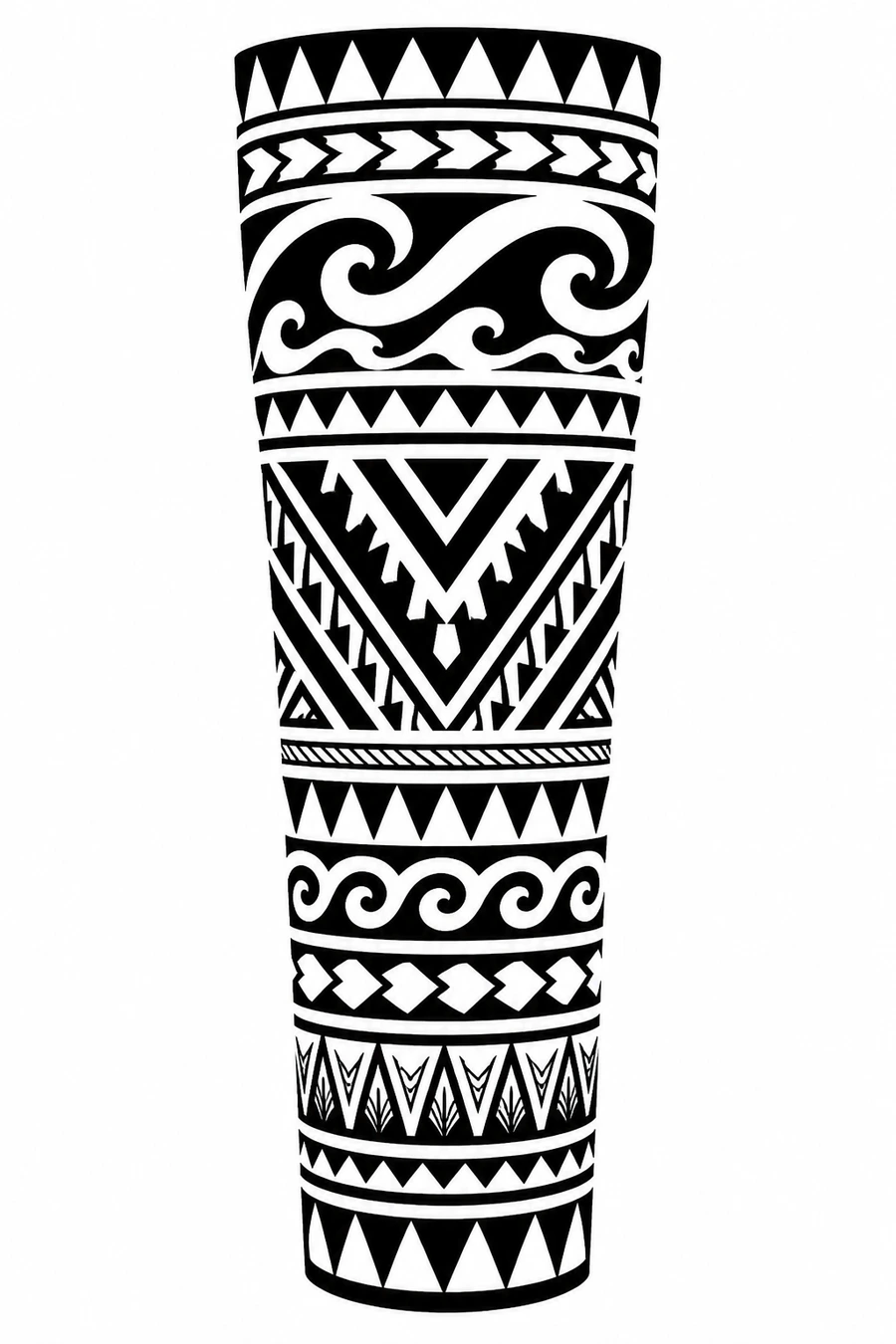
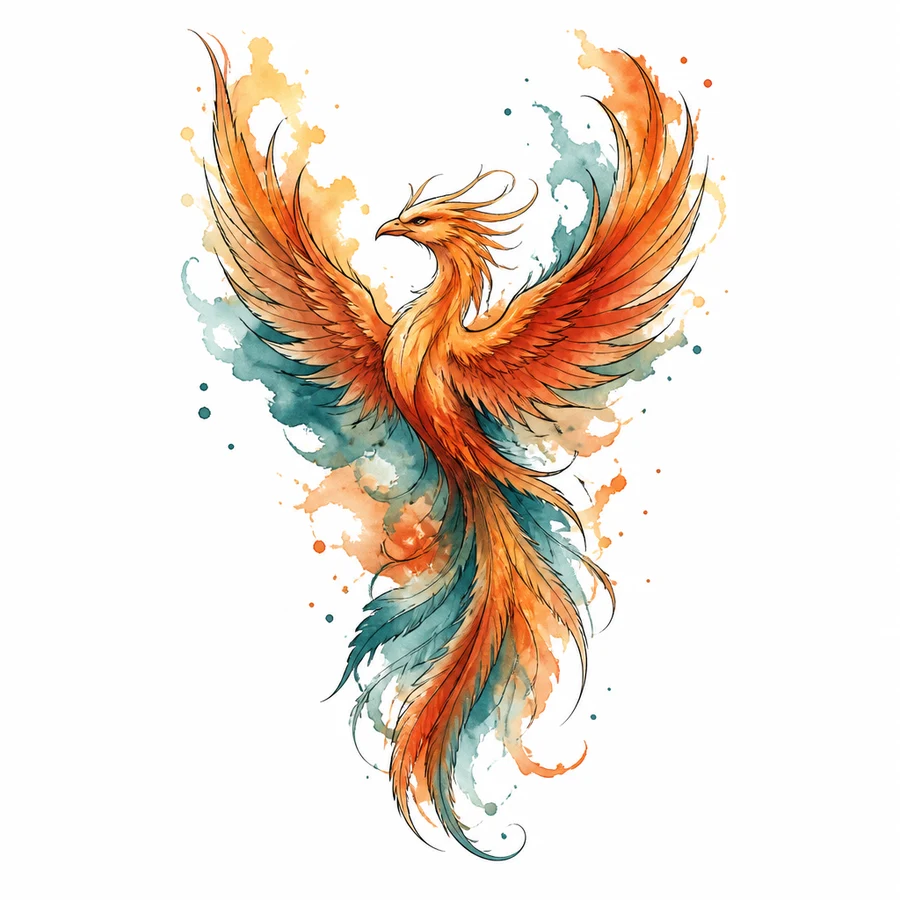
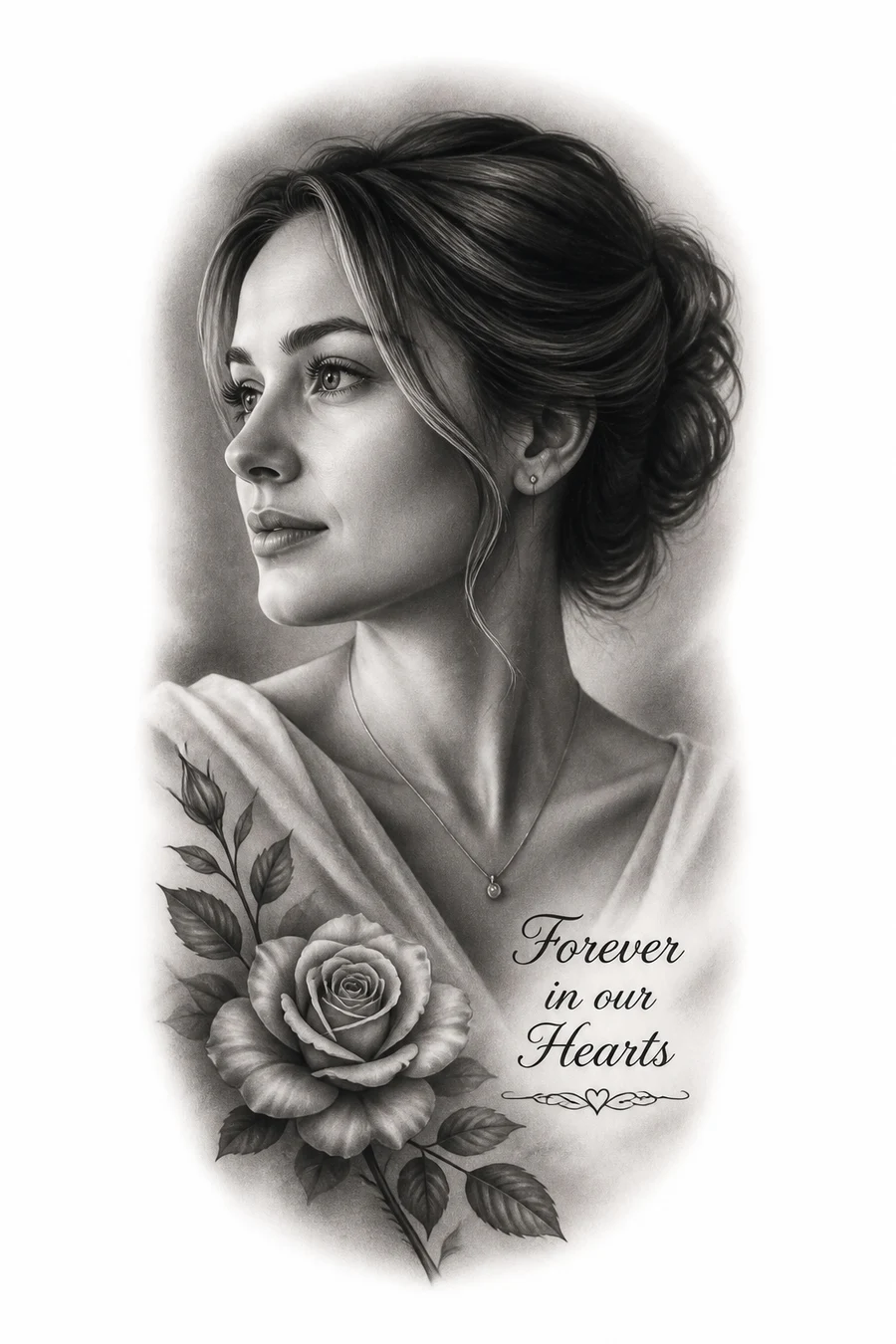
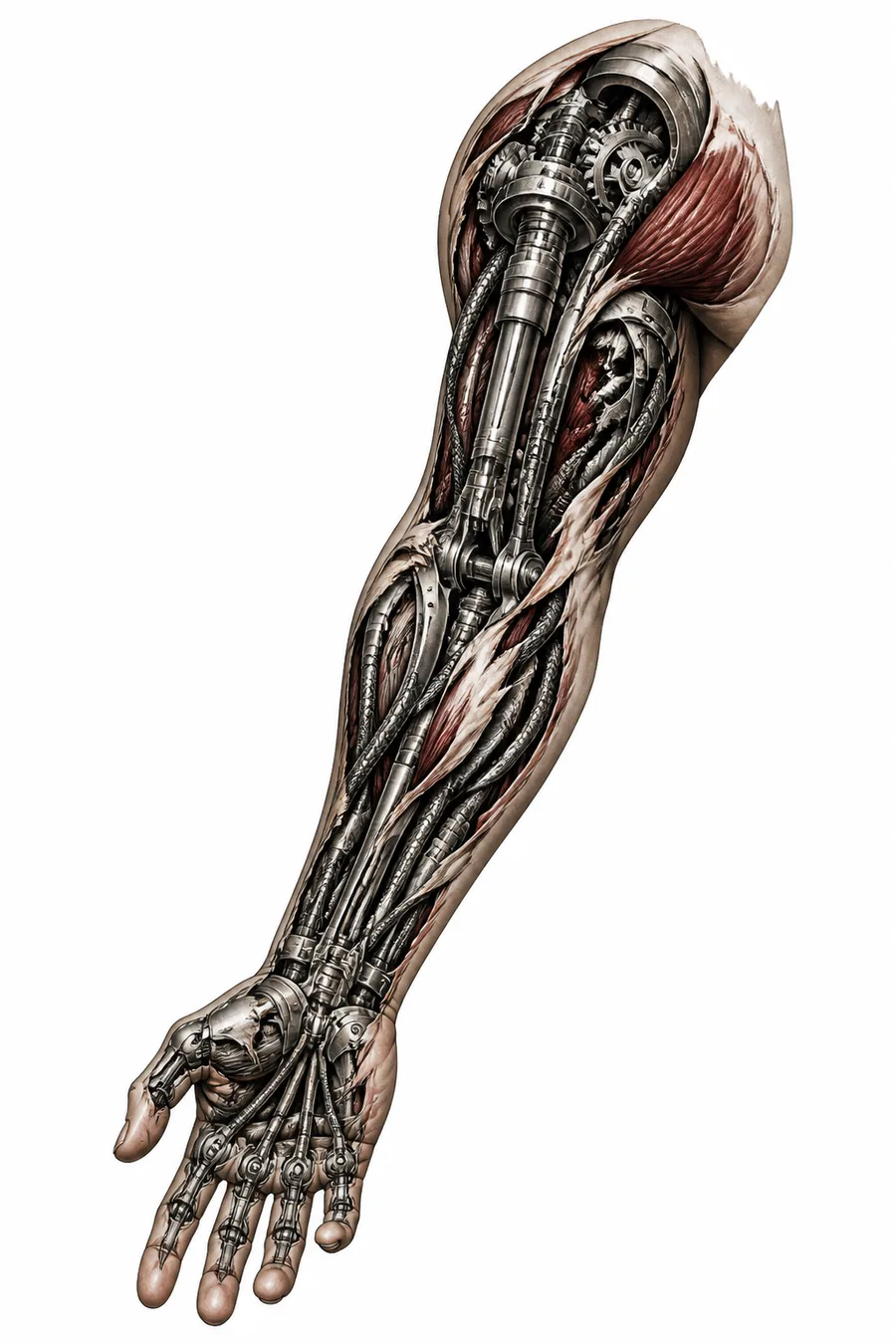
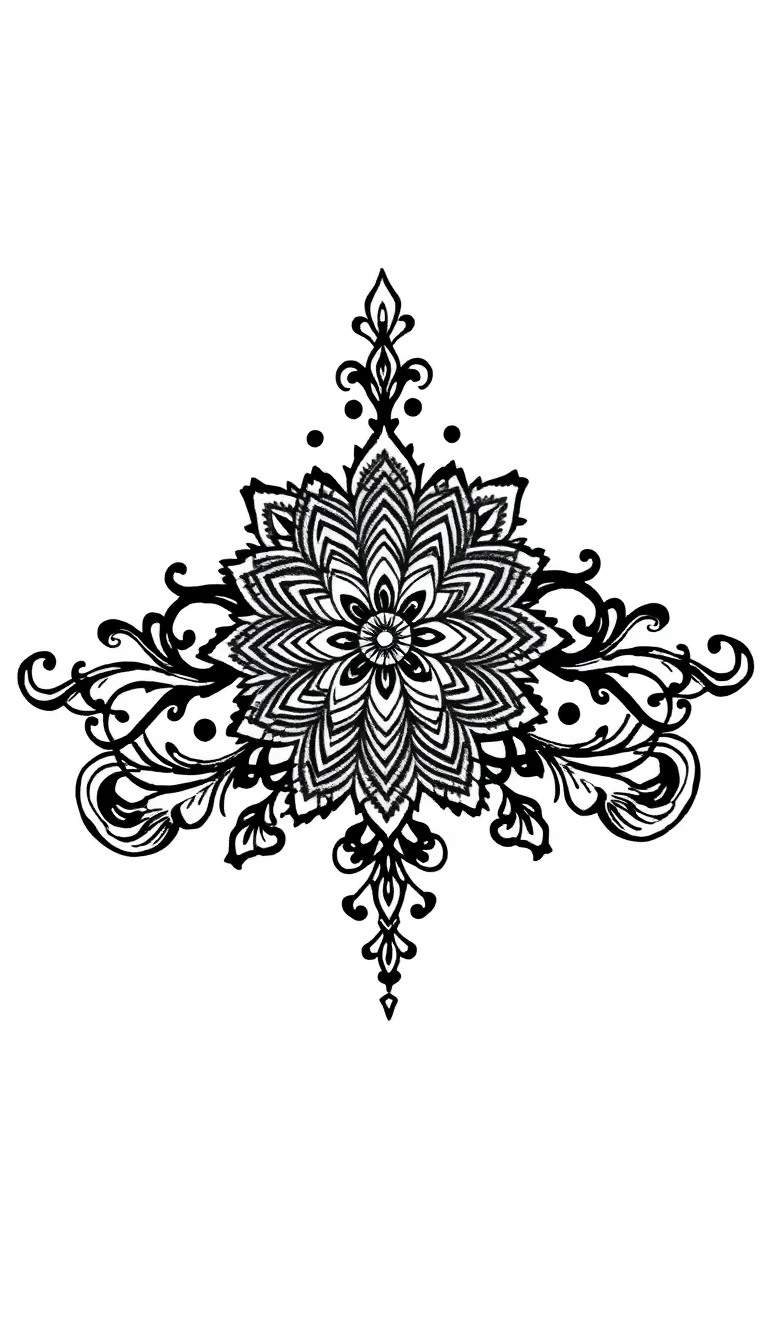
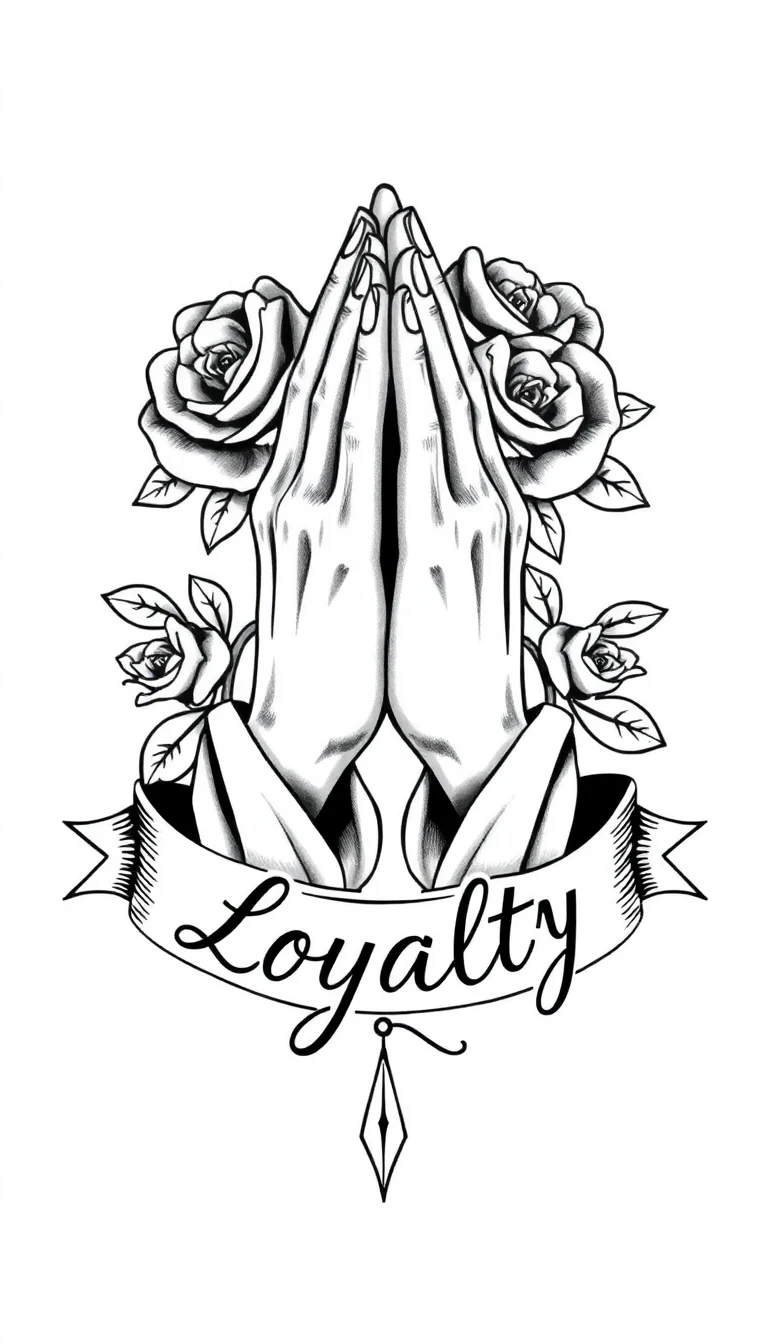
17 tattoo styles to explore
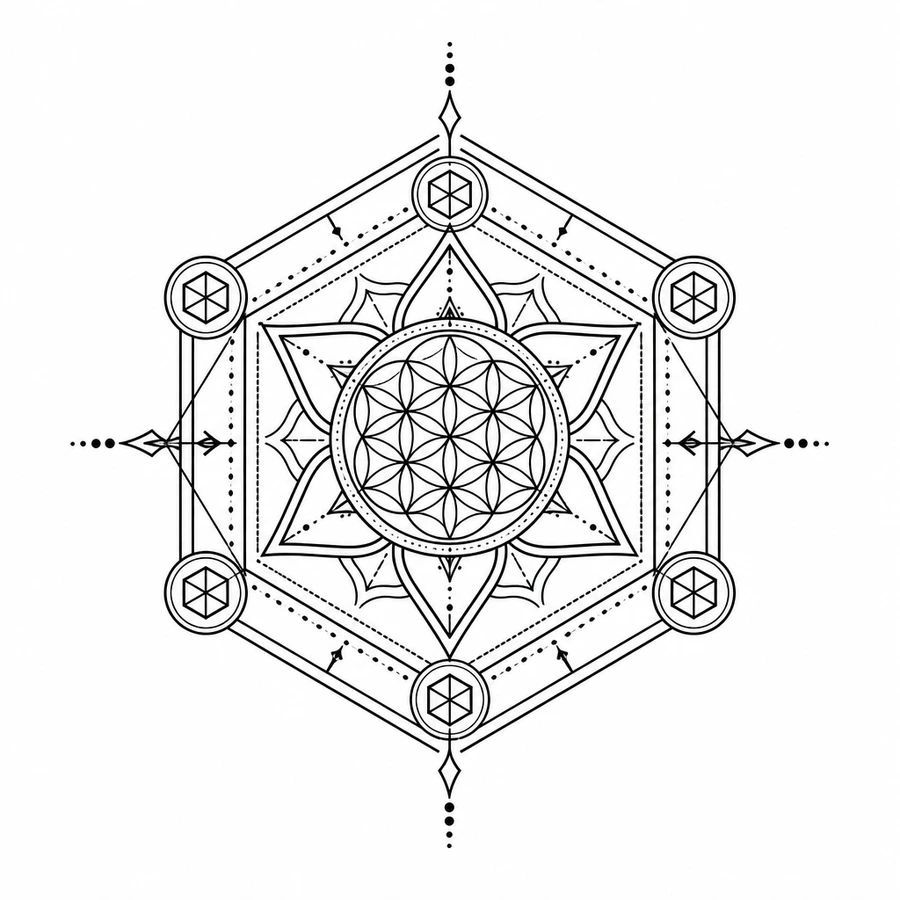
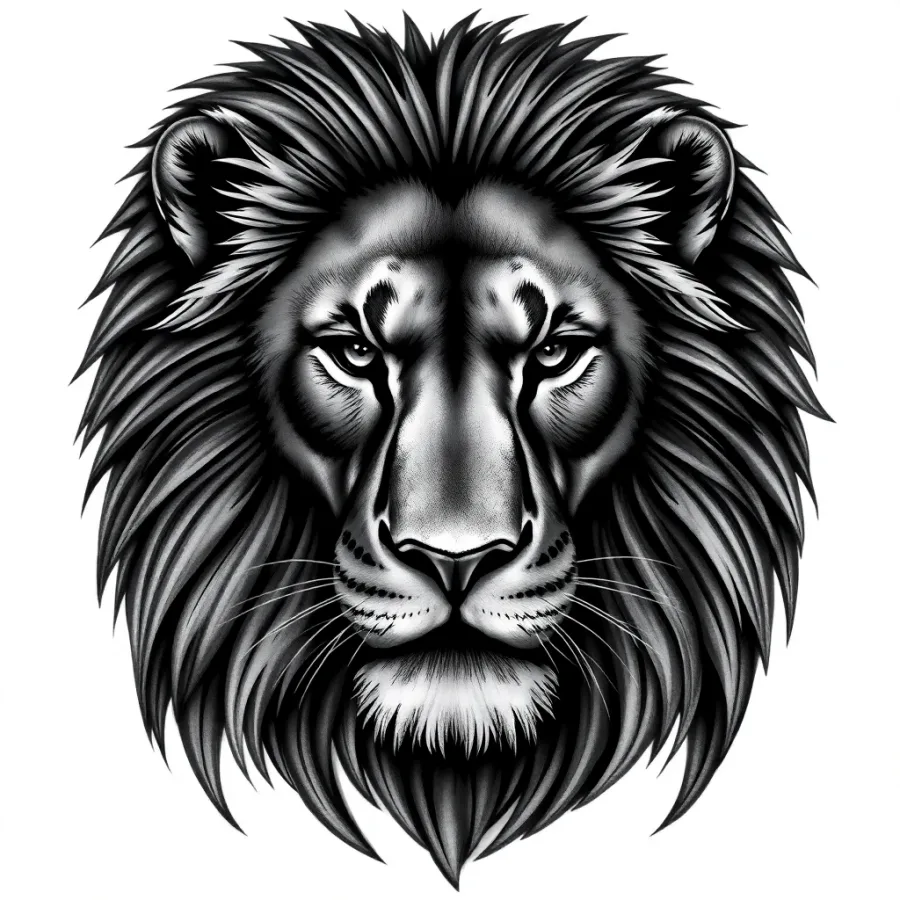
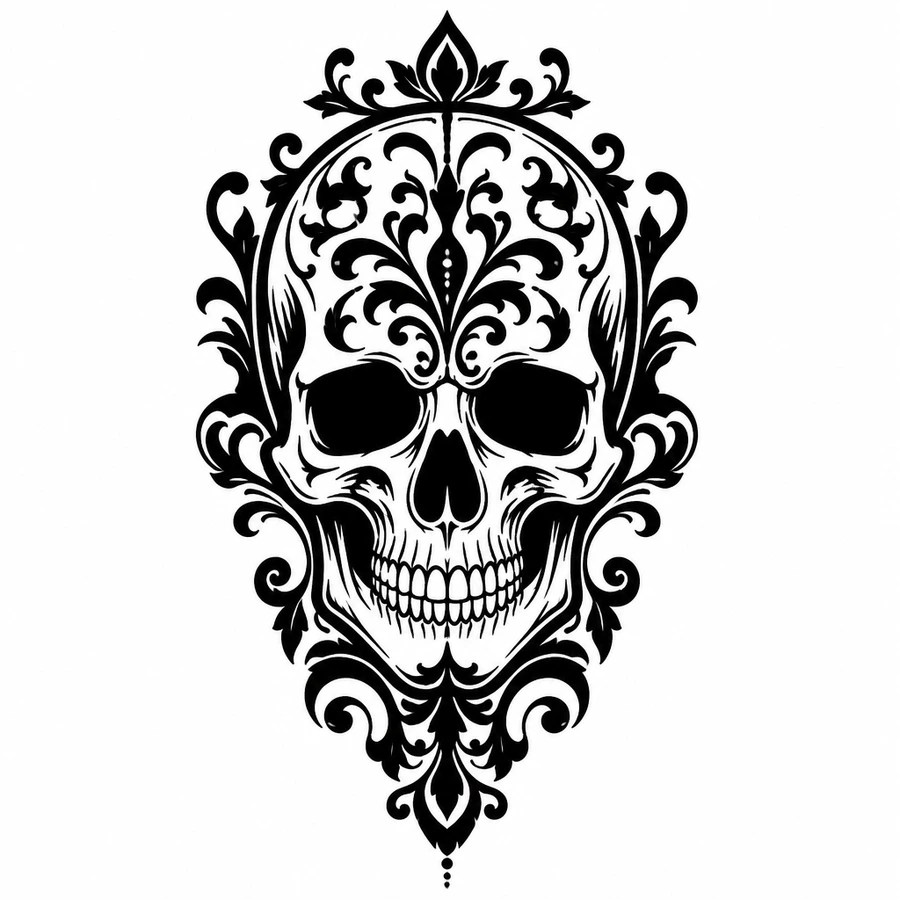
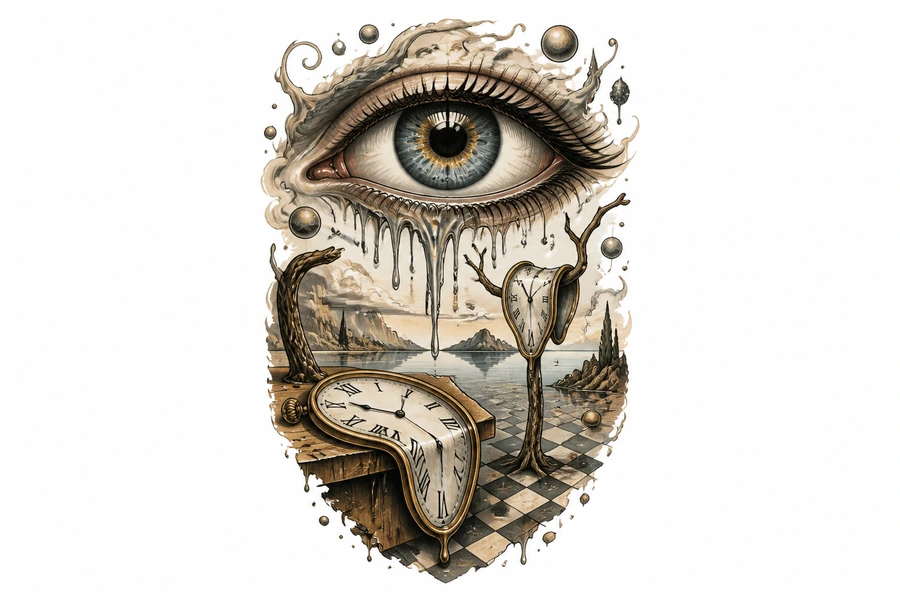
Each style has its own page with example prompts, tips, and one-click generation.
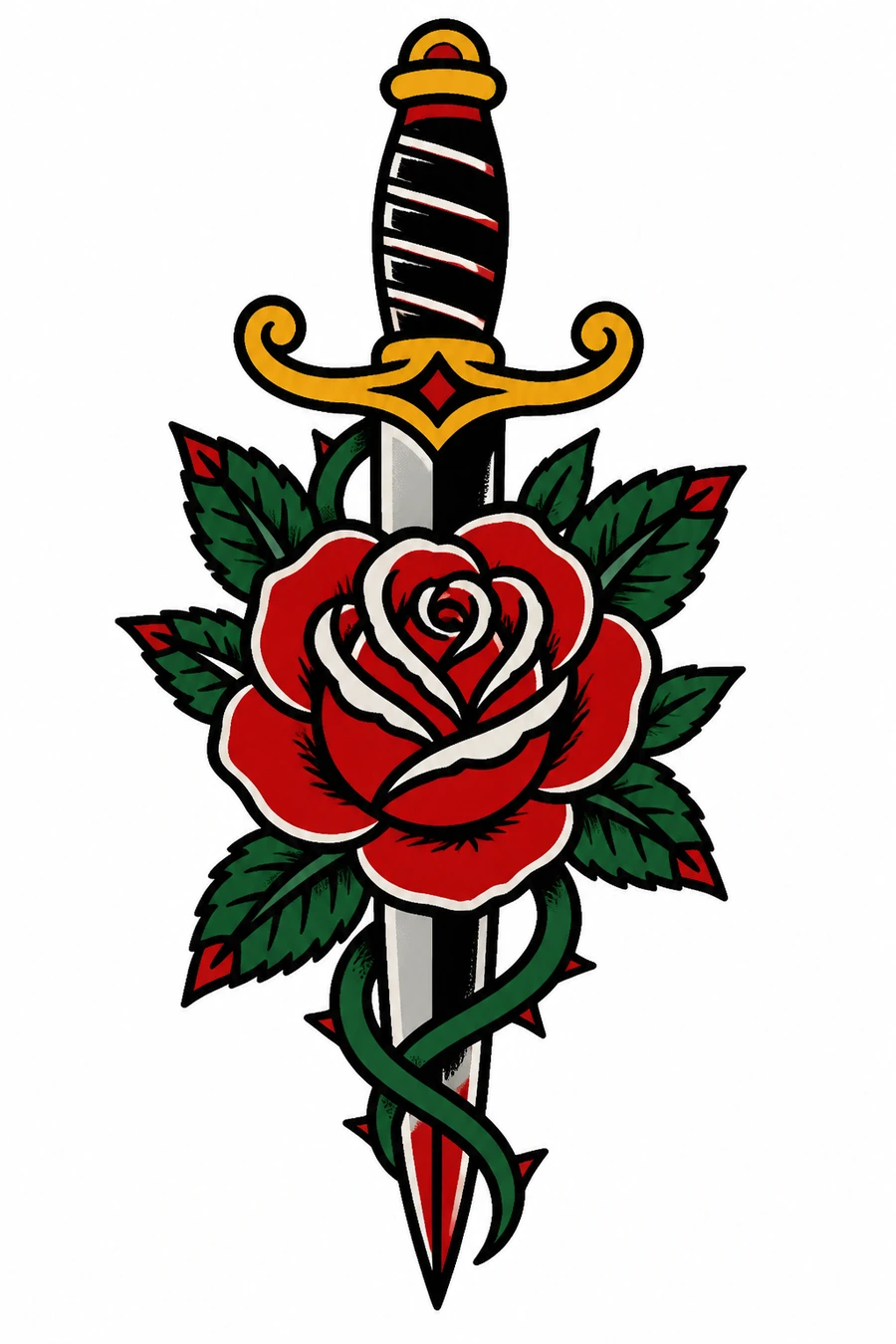
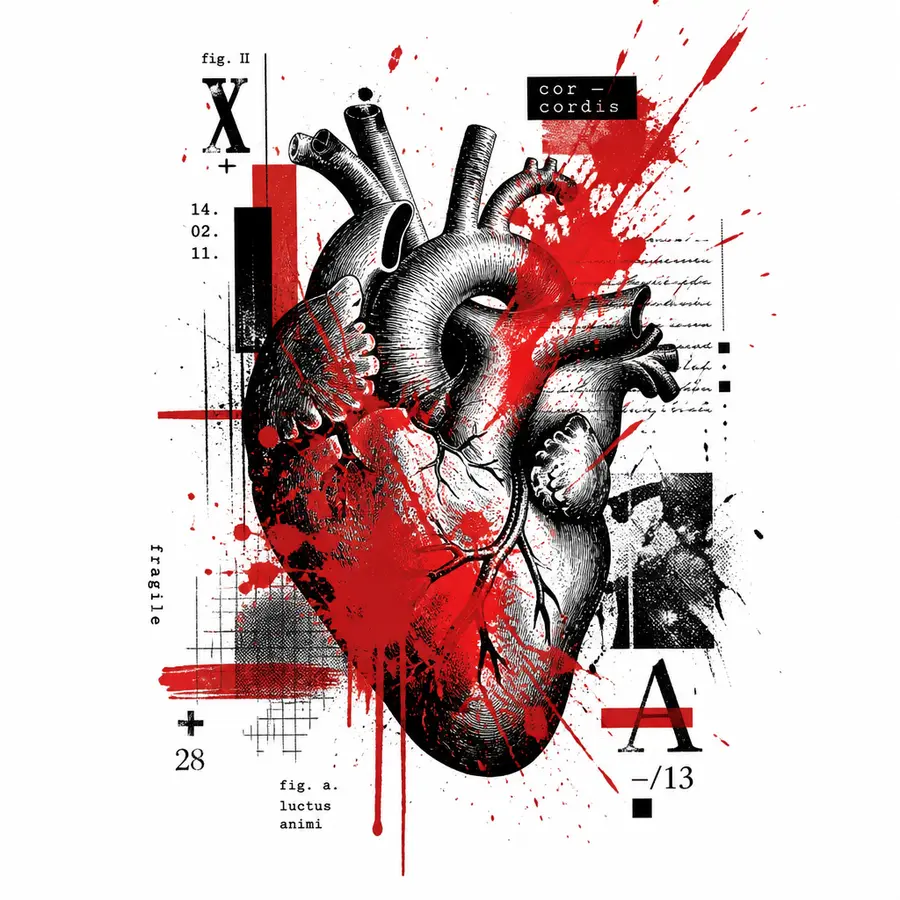
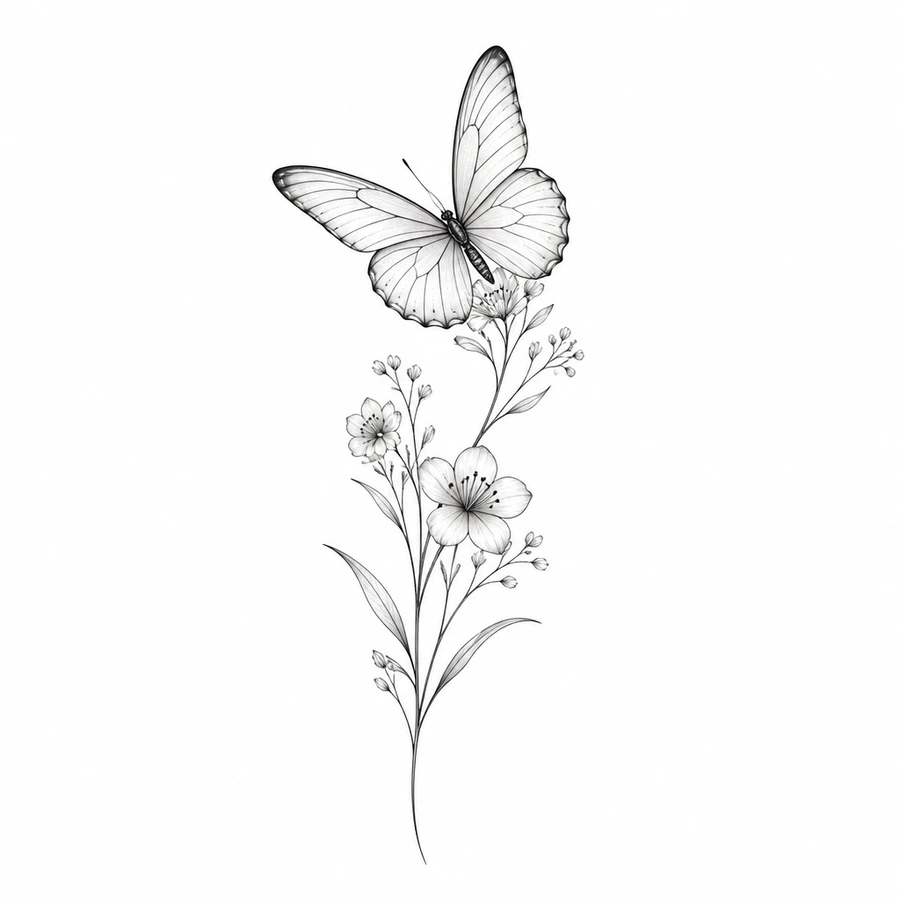
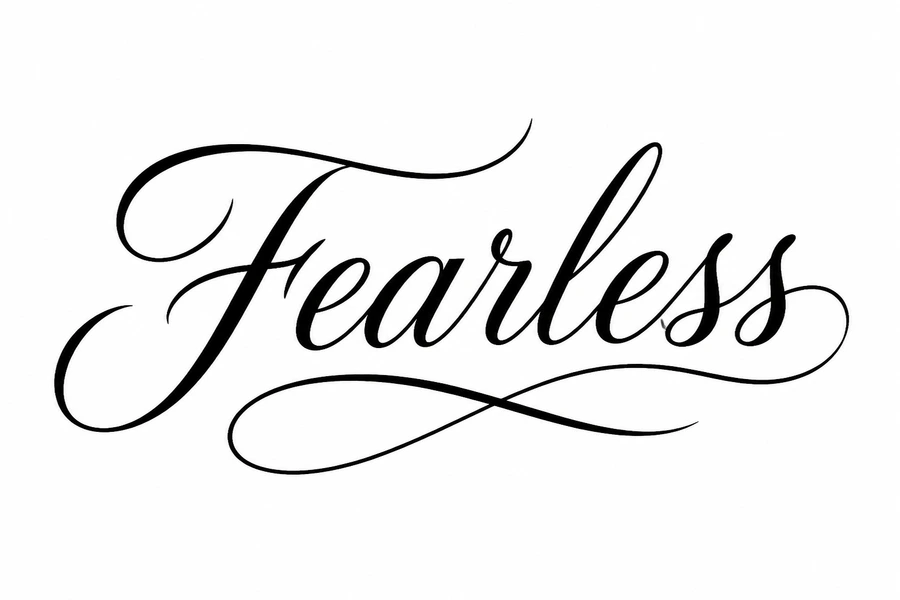
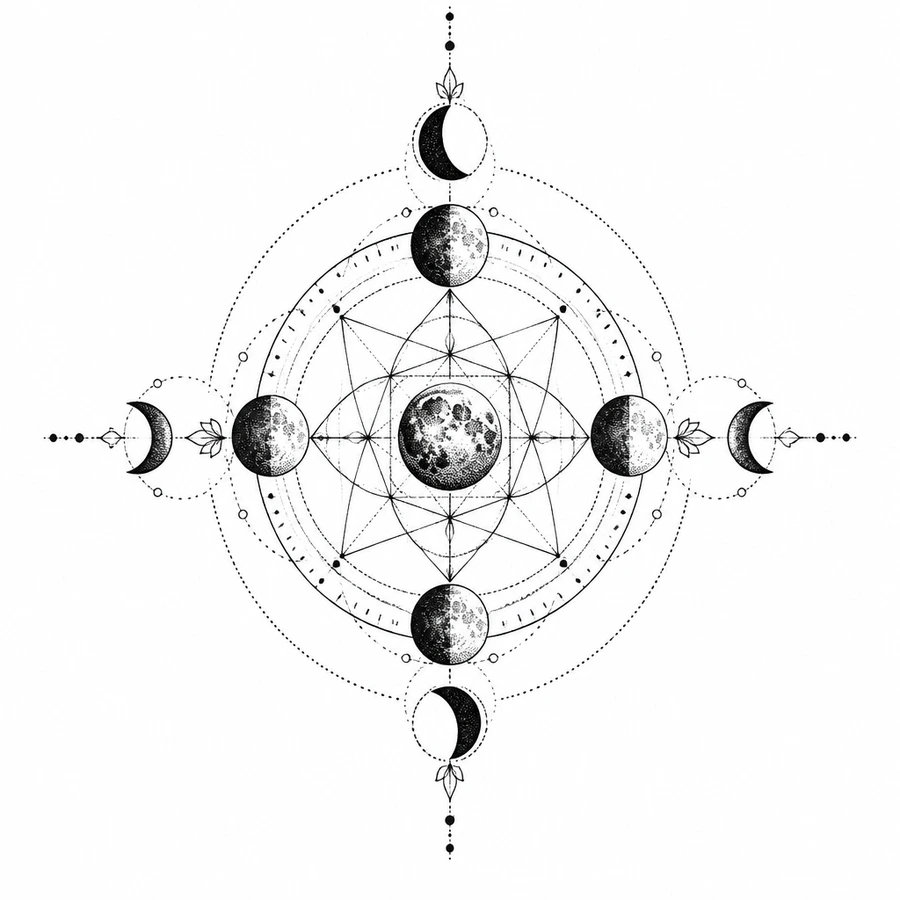
How to design a tattoo with AI
Four steps from an idea to a reference your tattoo artist can work from.
Describe or upload
Type the subject, placement, size, and color notes, or attach a sketch or inspiration photo as a reference.
Choose a tattoo style
Pick from 17 styles including traditional, Japanese, blackwork, fine line, watercolor, realism, and lettering.
Generate variations
Picverce AI produces ink-ready concepts. Adjust the wording and regenerate to compare compositions.
Share with your artist
Download your favorite designs and bring them to a professional, who will adapt the piece for your skin and placement.
Ready to design your ink?
Describe your tattoo idea in the prompt box above.
Loved by millions
See how creators, marketers, and developers are using Picverce AI to supercharge their workflows.
"This platform completely changed how I generate assets for my campaigns. The quality is unmatched and it saves me hours every single day."
Sarah Jenkins
Creative Director
"I've tried every AI generator out there, and nothing comes close to the precision and ease-of-use of Picverce AI. It's simply the best in class."
Marcus Chen
Lead Game Designer
"The upscaling and background removal tools alone are worth their weight in gold. A must-have tool for any modern digital business."
Elena Rodriguez
E-commerce Founder
"The speed and efficiency of Picverce AI is incredible. I can produce ten times the content I used to, all while maintaining top-notch quality."
David Miller
Content Creator
"Our ad campaigns have never looked better. The AI-generated assets perfectly match our brand style and have significantly boosted our click-through rates."
Aisha Patel
Marketing Manager
"I was skeptical at first, but this tool has completely won me over. It handles complex editing tasks in seconds that would normally take me hours in Photoshop."
James Wilson
Freelance Designer
"The image upscaler is absolute magic. It breathes new life into our older, low-res photos, making them completely usable for modern high-DPI displays."
Sophia Lee
Social Media Strategist
"Creating sprites and background assets used to be the biggest bottleneck in our workflow. Now we can rapidly prototype visual ideas without breaking a sweat."
Lucas Silva
Indie Game Developer
"The background removal tool is flawlessly accurate. It has streamlined our entire product photography pipeline, saving us thousands of dollars a month."
Emma Thompson
E-commerce Specialist
Frequently asked questions about AI tattoo design
Styles, prompts, references, sizing, and working with your artist.
It turns a text description, and an optional reference image, into a custom tattoo design with the style, composition, and ink detail worked out. Picverce AI produces concepts you can take to an artist.