Try asymmetrical bob hair on your photo with free AI
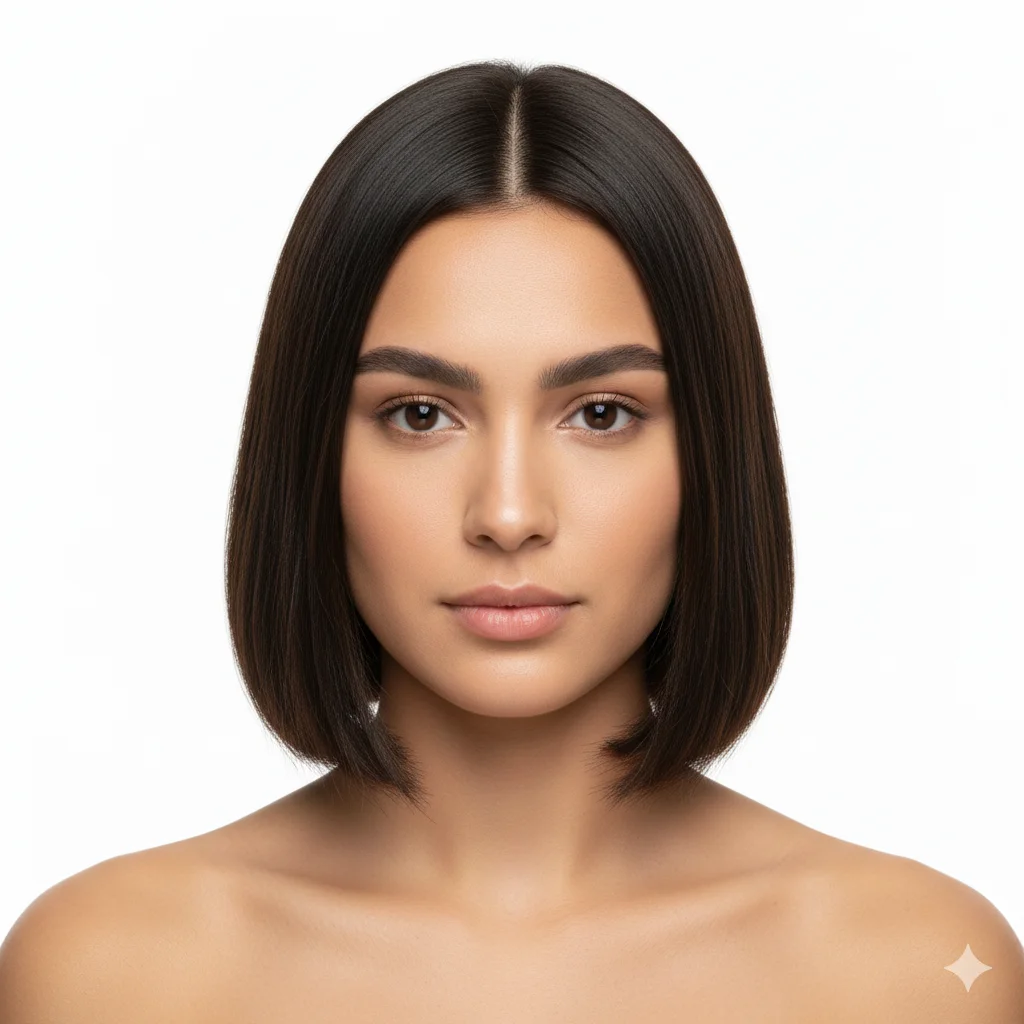
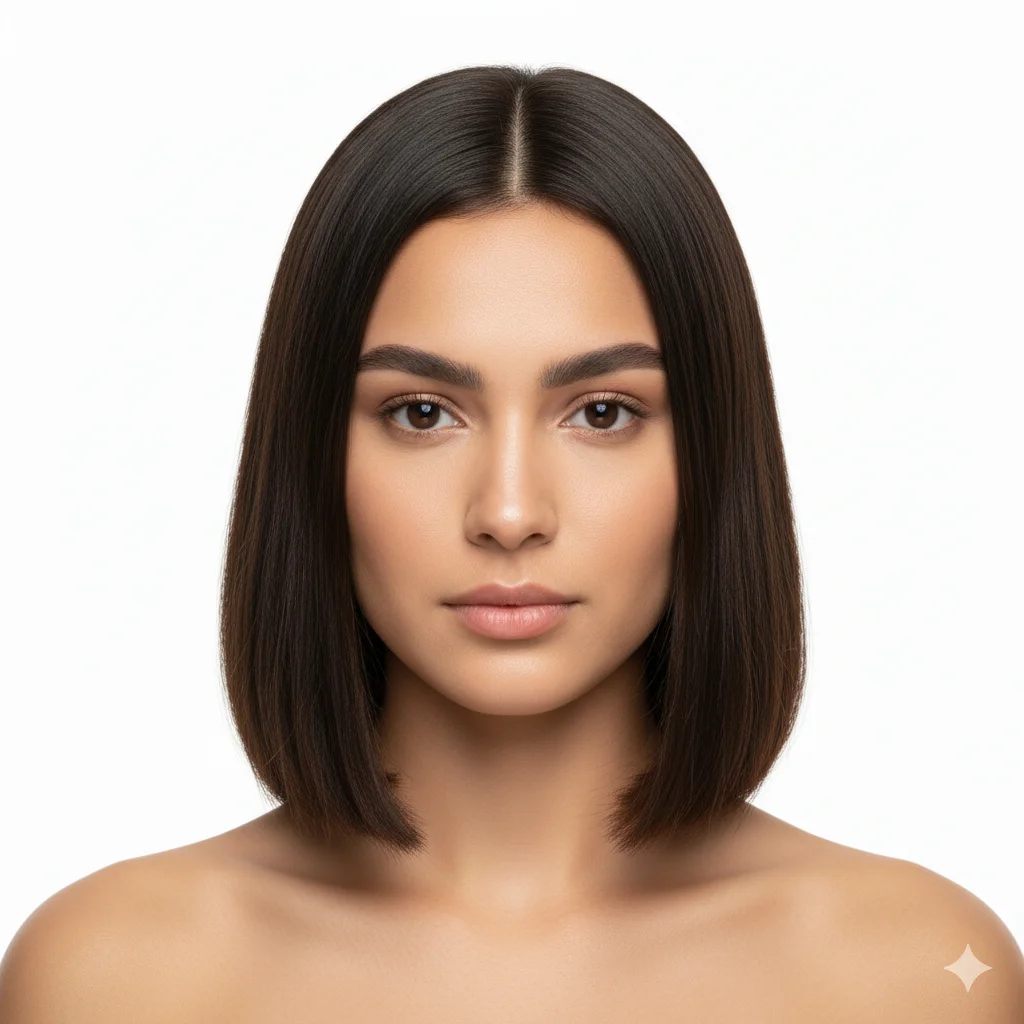
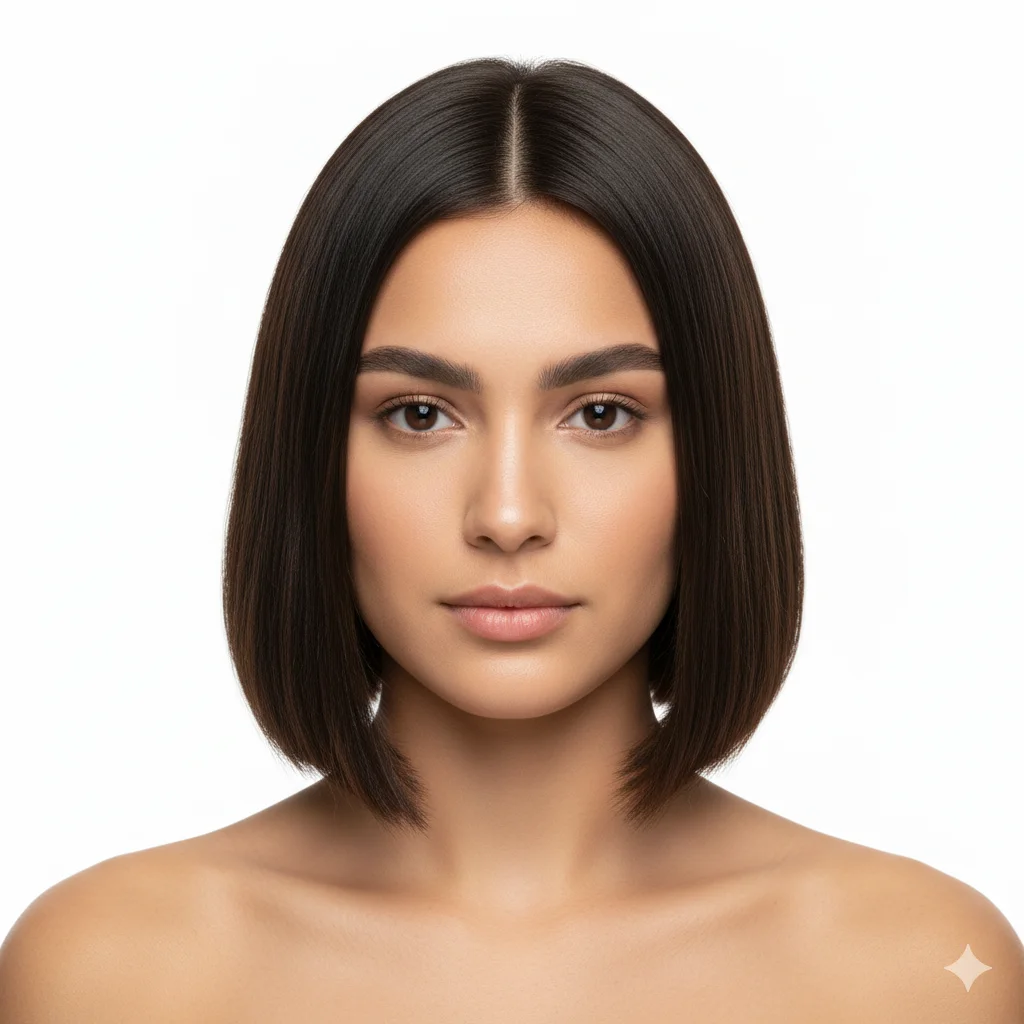
The asymmetrical bob is a structured cut that sits near the jawline. It defines your facial structure and stays neat with minimal styling. This layout works well for people who want a sharp appearance. It keeps the hair fibers uniform around the head.
By uploading you agree to our Terms & Privacy Policy
Our AI Tools
AI-powered photo enhancement, restoration, colorization, and object removal.
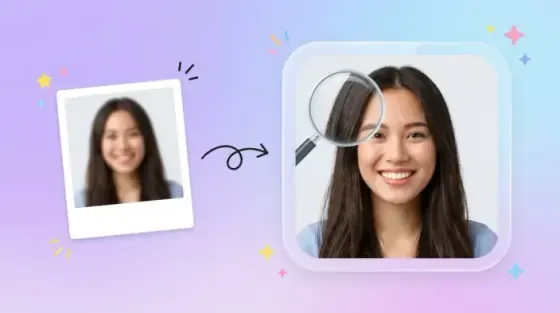
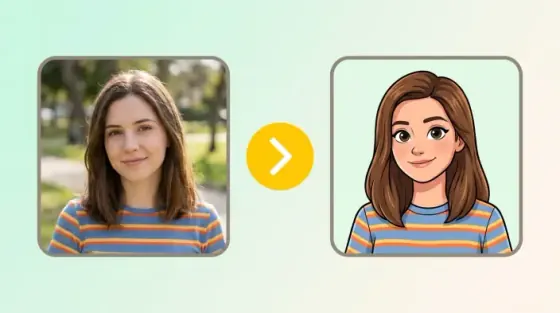
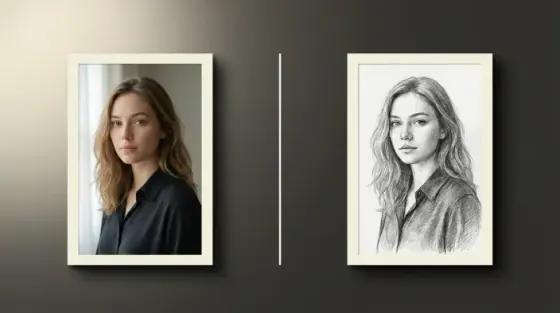
How to try asymmetrical bob hair on your photo
Four steps from your portrait to a asymmetrical bob preview you can download.
Upload a clear portrait
Add a front-facing photo where your hairline and forehead are visible. JPG, PNG, and WEBP up to 10 MB all work.
Open the studio with Asymmetrical Bob ready
Your upload opens Hairstyle Studio with the asymmetrical bob style already selected, so there is nothing to search for.
Pick a hair color
Optional step. Choose a shade from the color list to preview the cut and the color together.
Apply and download
Generate the preview, compare it against your original photo, and download the result without a watermark.
Ready to see asymmetrical bob hair on your face?
Drop a portrait into the upload area at the top of this page.
What asymmetrical bob hair does for a portrait
How the asymmetrical bob style reads on camera, and the face shapes it tends to suit.
About Asymmetrical Bob hair
The asymmetrical bob is a structured cut that sits near the jawline. It defines your facial structure and stays neat with minimal styling. This layout works well for people who want a sharp appearance. It keeps the hair fibers uniform around the head. When I tested this asymmetrical bob simulator with several photo profiles, the locks aligned precisely with the chin line.
Oval faces
Asymmetrical Bob sits well on a oval outline.
Round faces
Asymmetrical Bob sits well on a round outline.
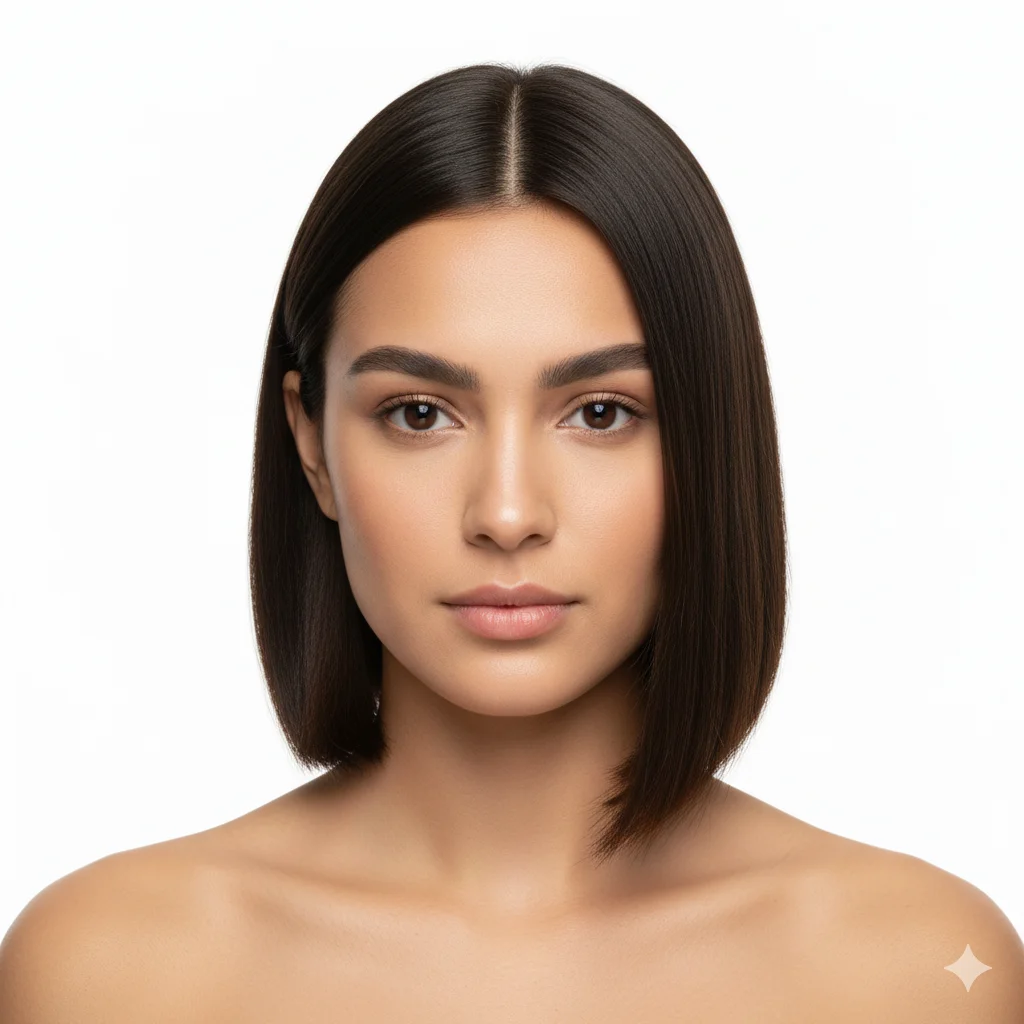
One side longer than the other for a deliberately uneven look
An asymmetrical bob intentionally cuts the two sides to different lengths, sometimes dramatically so, with one side at the ear and the other at the jaw. This calculated imbalance draws immediate visual attention and gives the face a dynamic, constantly-moving quality. It is most effective on strong, symmetrical faces because the contrast is more visible.
Square faces
Asymmetrical Bob sits well on a square outline.
Heart faces
Asymmetrical Bob sits well on a heart outline.
Test the visual impact of mismatched lengths
Cutting one side to the ear and the other to the chin is a bold statement. The simulator renders this deliberate lopsidedness with absolute precision, letting you see how the imbalance creates a striking, avant-garde aesthetic.
Better asymmetrical bob previews in fewer tries
The photo you start with decides most of the result. These six checks cover the usual problems.
- Use even light on the face. Hard shadows across the hairline make the blend harder to place.
- Keep your forehead visible. Hats, headbands, and a heavy fringe hide the edge the AI needs.
- Face the camera. Sharp side angles push the new hair out of place around the ears.
- Upload a photo with one person in frame so the studio knows which face to work on.
- Try two or three colors on the same portrait before deciding whether asymmetrical bob hair is for you.
- Use the largest version of the photo you have. More detail gives a cleaner hair edge.
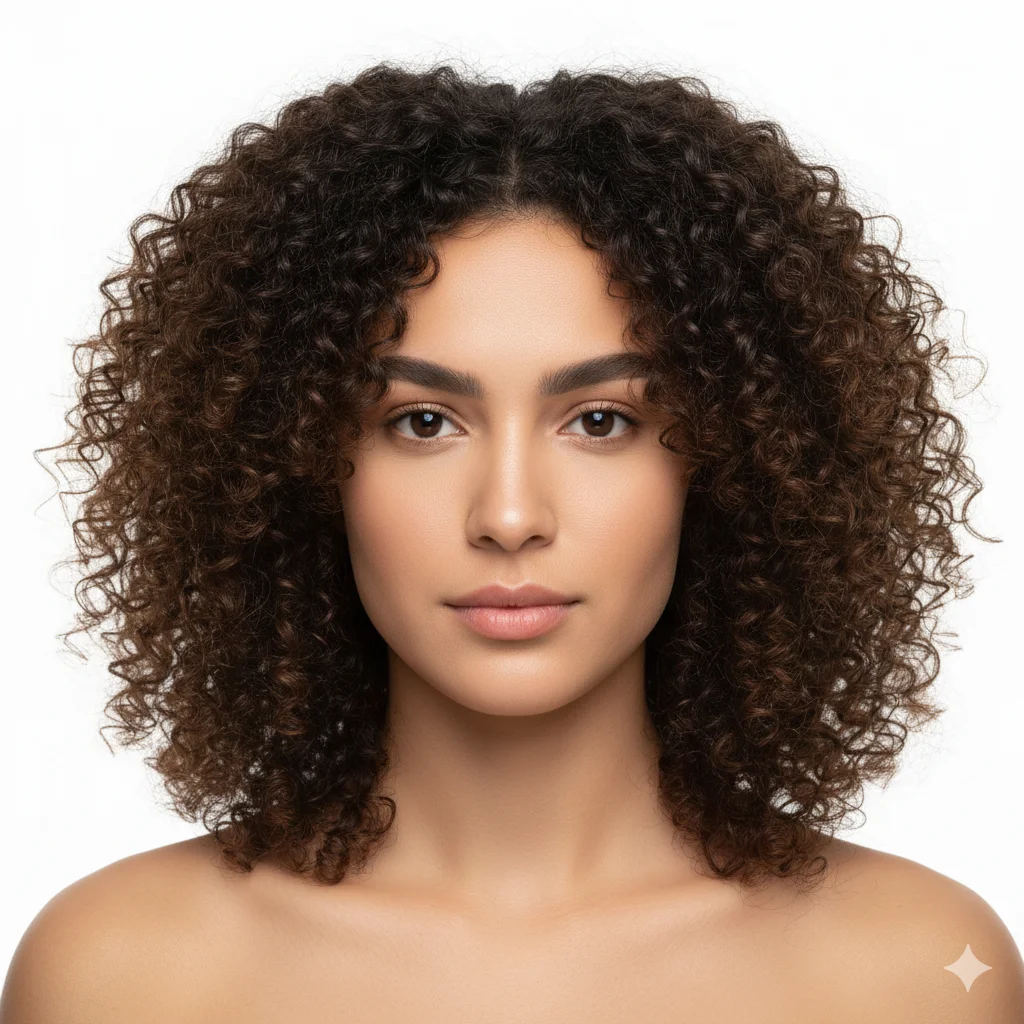
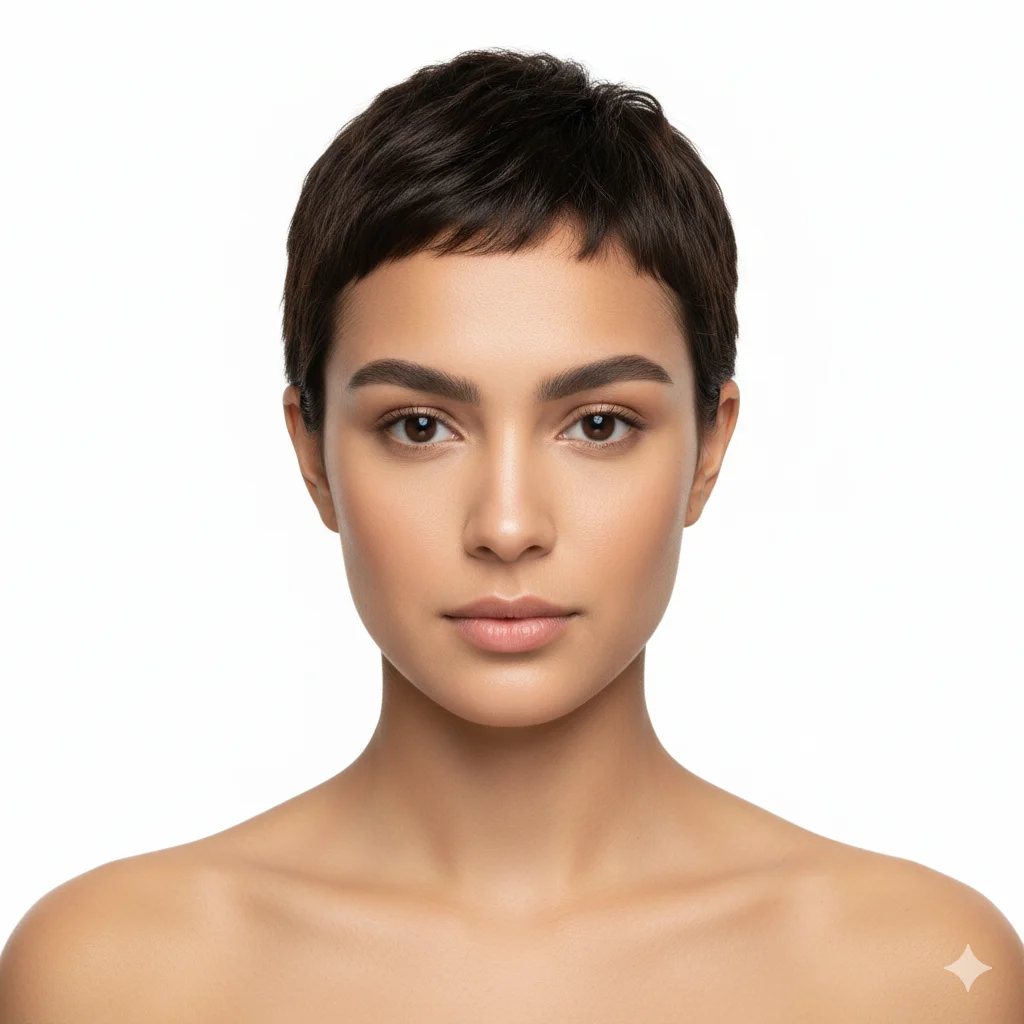
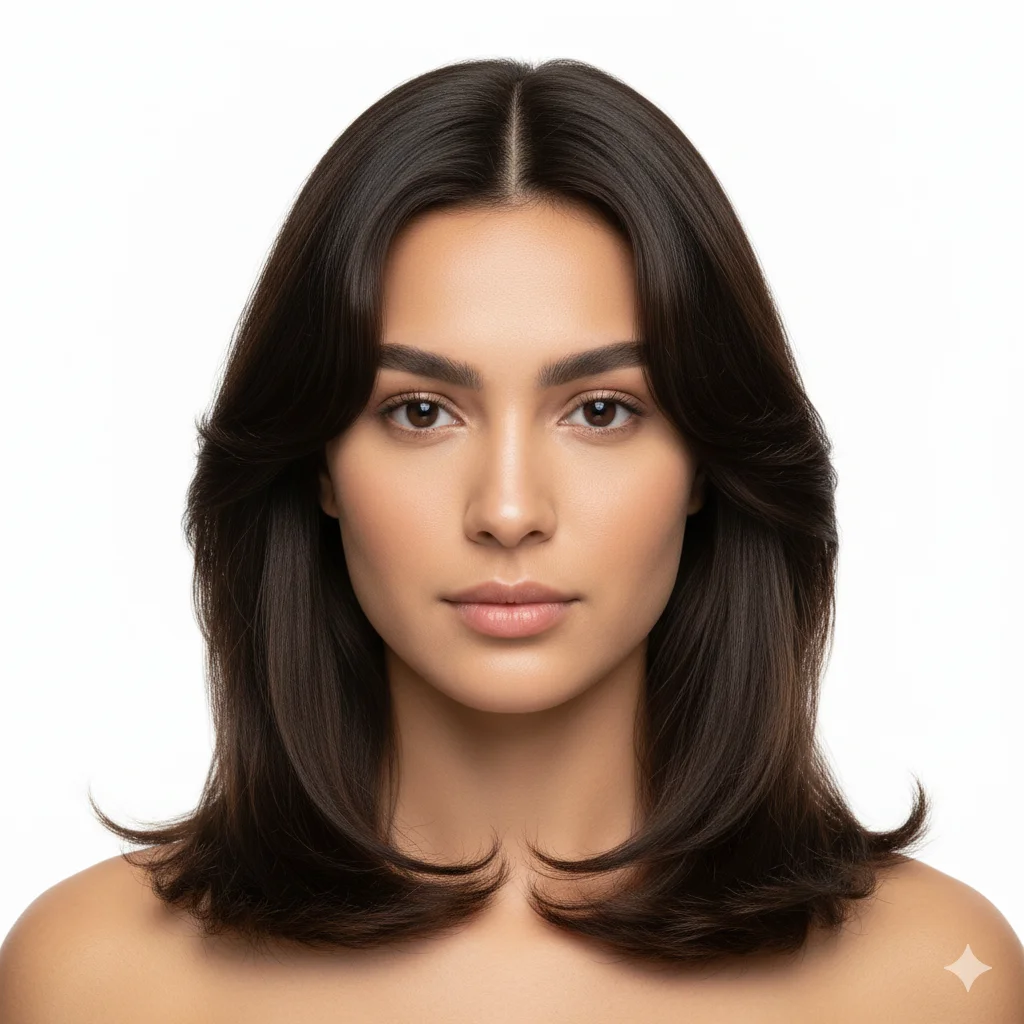
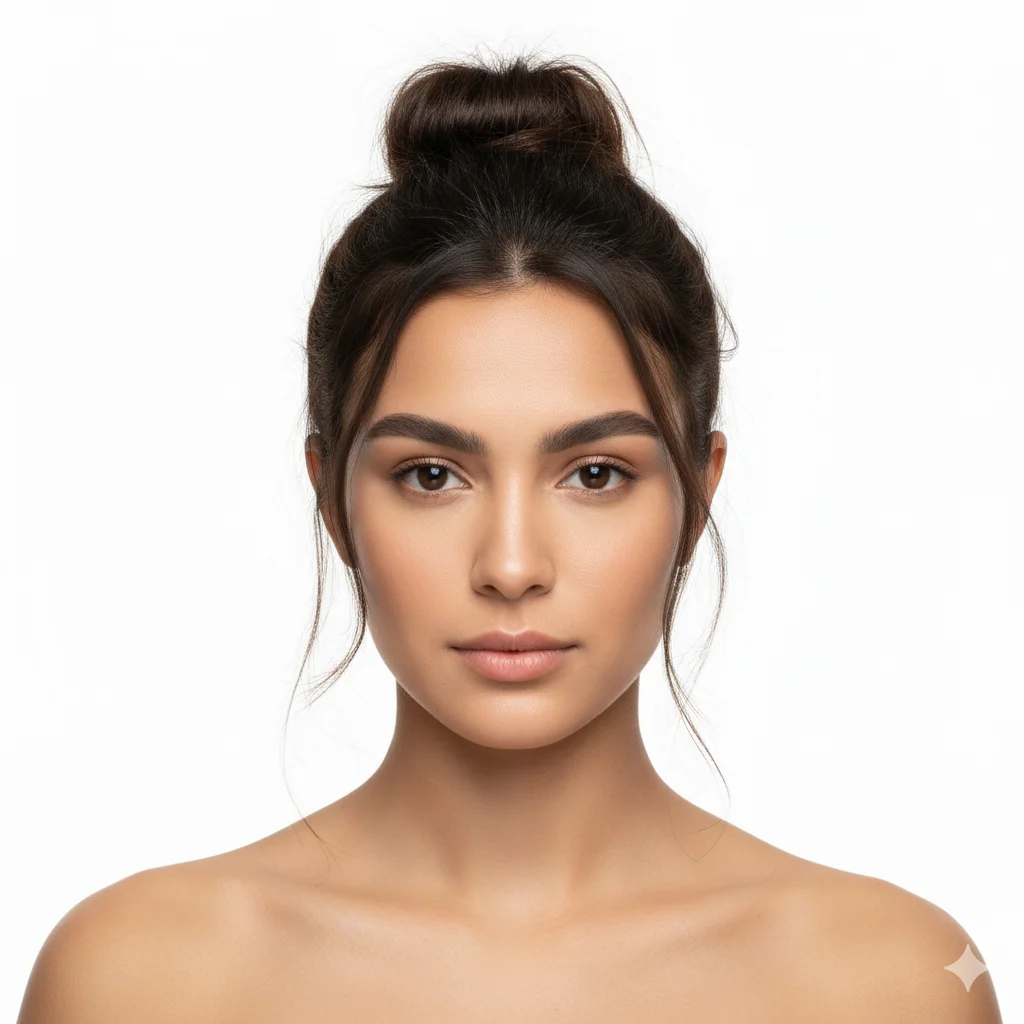
Styles to try alongside asymmetrical bob hair
One upload carries across every style page, so you can compare cuts on the same portrait.
Loved by millions
See how creators, marketers, and developers are using Picverce AI to supercharge their workflows.
"This platform completely changed how I generate assets for my campaigns. The quality is unmatched and it saves me hours every single day."
Sarah Jenkins
Creative Director
"I've tried every AI generator out there, and nothing comes close to the precision and ease-of-use of Picverce AI. It's simply the best in class."
Marcus Chen
Lead Game Designer
"The upscaling and background removal tools alone are worth their weight in gold. A must-have tool for any modern digital business."
Elena Rodriguez
E-commerce Founder
"The speed and efficiency of Picverce AI is incredible. I can produce ten times the content I used to, all while maintaining top-notch quality."
David Miller
Content Creator
"Our ad campaigns have never looked better. The AI-generated assets perfectly match our brand style and have significantly boosted our click-through rates."
Aisha Patel
Marketing Manager
"I was skeptical at first, but this tool has completely won me over. It handles complex editing tasks in seconds that would normally take me hours in Photoshop."
James Wilson
Freelance Designer
"The image upscaler is absolute magic. It breathes new life into our older, low-res photos, making them completely usable for modern high-DPI displays."
Sophia Lee
Social Media Strategist
"Creating sprites and background assets used to be the biggest bottleneck in our workflow. Now we can rapidly prototype visual ideas without breaking a sweat."
Lucas Silva
Indie Game Developer
"The background removal tool is flawlessly accurate. It has streamlined our entire product photography pipeline, saving us thousands of dollars a month."
Emma Thompson
E-commerce Specialist
Asymmetrical Bob hairstyle questions
Common questions about previewing asymmetrical bob hair with Picverce AI.
Yes. You can upload any front-facing portrait. For the best result, use clear lighting where your forehead is visible.