AI Christmas Photo: Put Your Family in a Christmas Scene
Upload a photo of your family, your partner, your kids or your pet, pick a scene, and everyone appears by the tree, the fireplace or in the snow with the same faces.
By uploading you agree to our Terms & Privacy Policy
Your photo is only used to create your Christmas photo. When you are signed in, it stays in your History for the same period as your other images, from 3 days on Free up to 90 days on Premium, and you can delete it sooner.
Our AI Tools
AI-powered photo enhancement, restoration, colorization, and object removal.
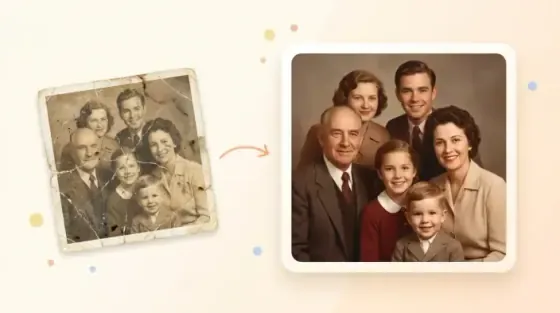
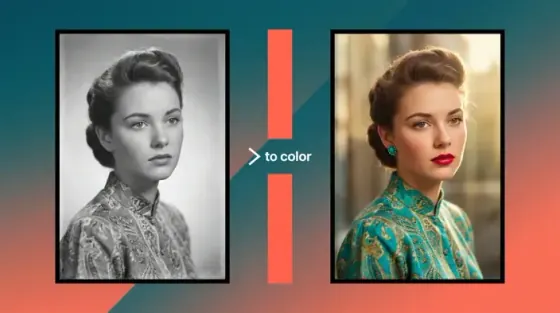
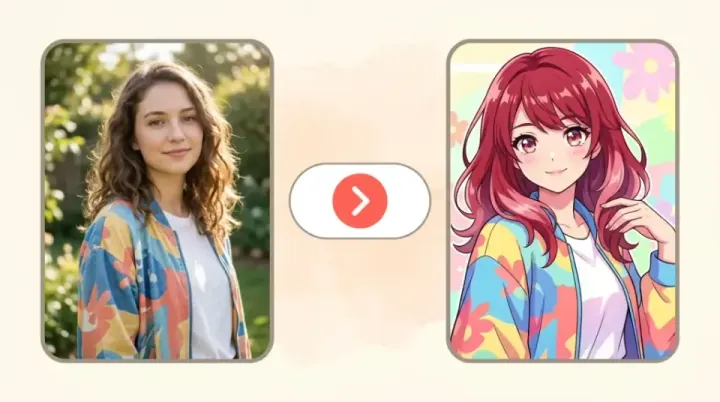
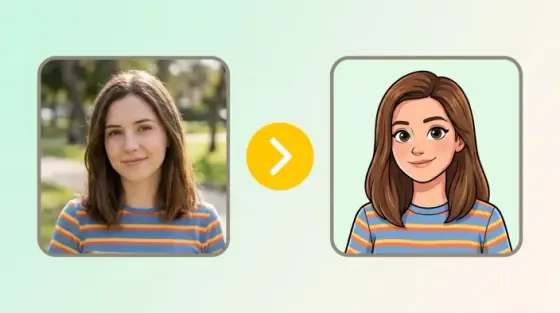
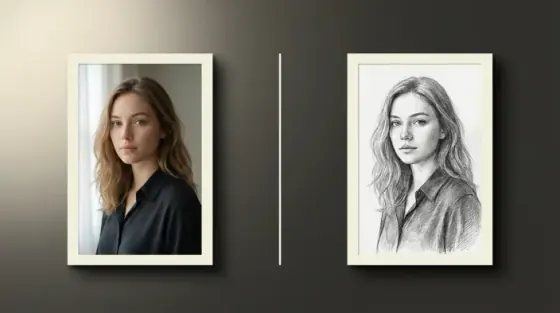
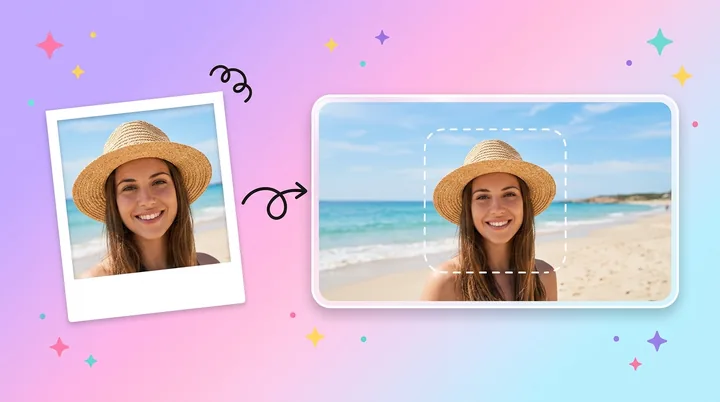
What the Picverce AI Christmas Photo Tool Can Do
Put the people and pets from one photo into a Christmas scene.
Families, groups and pets
Upload a photo of one person, a whole family or a group of friends with the dog, and everyone moves into the scene together.
Children stay children
No aging up, no beautifying, no swapping kids for elves.
Pets keep their markings
Breed, fur color and size are kept in the prompt.
Told to keep every face
The tool is told to keep faces, ages, skin tones, hair and glasses as they are, and never to add or remove anyone.
Clothes kept by default
Only the pajamas scene changes what people wear.
4 credits per image
Every scene costs the same. Credits are only taken when a result comes back.
Regenerate
Try another scene on the same photo in one click.
Six Christmas scenes
By the tree, by the fireplace, in the snow, at a Christmas market, on a cabin porch or in matching pajamas.
Upscale after
Send the result to 2x, 4x or 8x upscaling.
No watermark
Downloads come without a Picverce AI watermark.
Saved to History
Signed-in users can reopen or delete past results.
Works in the browser
No app to install, on desktop or phone.
Ready to make a Christmas photo?
Upload a photo above and pick a scene.
AI Christmas Photo Examples
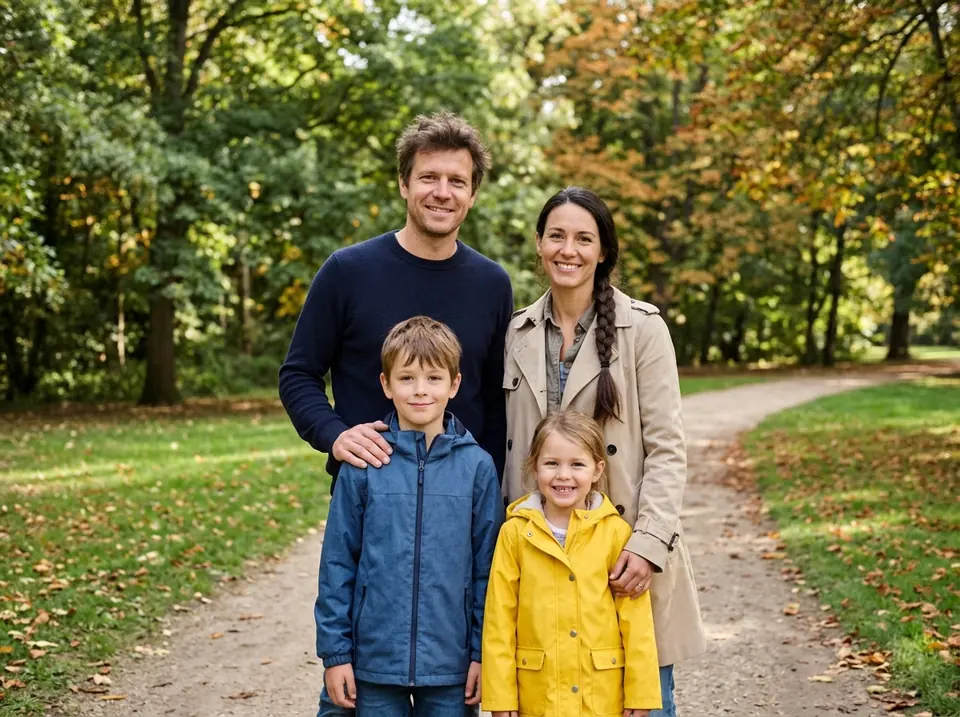
Illustrative, AI generated examples of four Christmas scenes. Your result depends on your photo. Drag the slider to compare.
 Before
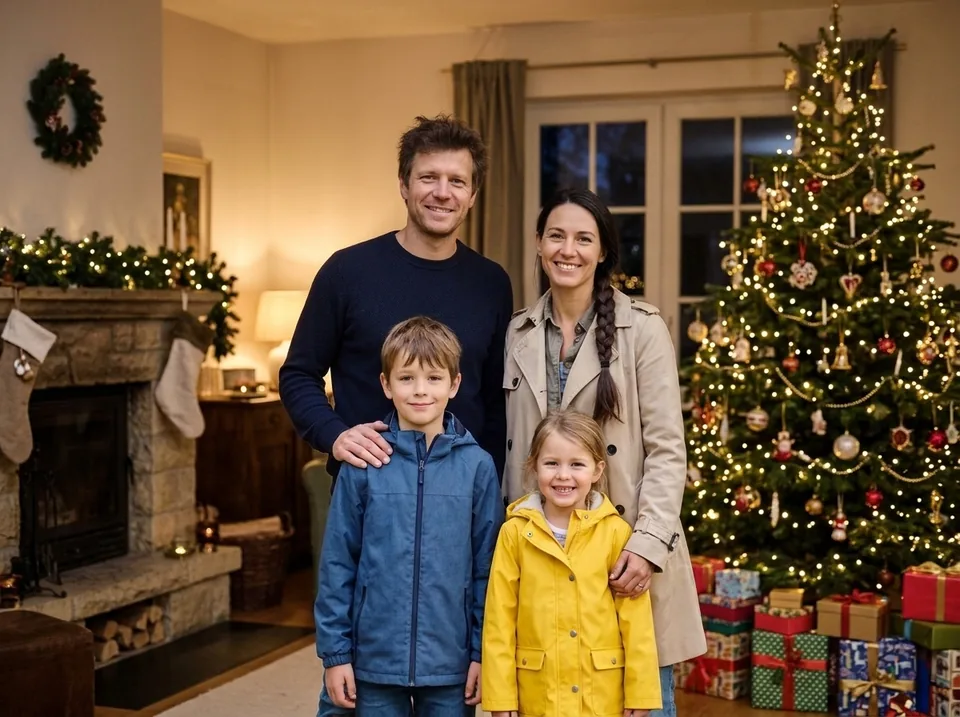 After
A family photo moved next to the tree
A family of four in an autumn park, placed in a living room with a fireplace, a decorated tree and presents.
- Same four faces
- Warm tree light
- Clothes kept
Christmas photo ideas you can make
Each idea is one of the six scenes in the tool. Pick it after you upload your photo.
Living room by the tree
A family card photo: everyone together by a lit tree with presents underneath.
By the fireplace
A couple photo with stockings on the mantel and warm firelight.
Snowy outdoors
A pet photo: your dog or cat sitting in fresh snow under pine trees.
Christmas market at night
A kids photo among market stalls and string lights at night.
Winter cabin porch
A solo portrait on a snowy cabin porch with a wreath on the door.
Matching pajamas by the tree
A group of friends or the whole family in matching plaid pajamas.
How to make an AI Christmas photo
Four steps from an everyday photo to a Christmas scene.
Upload your photo
Use a JPG, PNG or WEBP up to 5 MB. A clear photo where every face is visible works best.
Pick a Christmas scene
Choose the tree, the fireplace, snow, a Christmas market, a cabin porch or matching pajamas.
Create your Christmas photo
Press Create Christmas Photo. It costs 4 credits, taken only when the result comes back.
Compare and download
Check the before and after with the slider, then download, upscale or try another scene.
Ready to make a Christmas photo?
Upload a photo above and pick a scene.
Frequently asked questions about AI Christmas photos
What to expect when you put your photo in a Christmas scene with Picverce AI.
It takes the people and pets in your photo and places them in a Christmas scene, such as a living room by the tree, a fireplace or a snowy garden. The light is changed to match the new setting. Clothes stay the same, except in the matching pajamas scene.
Yes. Family photos, couples, groups of friends and photos with dogs or cats all work. The tool is told to keep the same number of people and pets and never to add or remove anyone. Photos where every face is clearly visible give the best results.
Your photo is only used to make your Christmas image. When you are signed in, the photo and the result stay in your History for the same period as your other images, from 3 days on Free up to 90 days on Premium, and you can delete them from History at any time.
The tool is told to keep every face, age, skin tone, hairstyle and pair of glasses exactly as in your photo, and not to beautify or de-age anyone. Results still depend on the photo. A sharp photo in even light, with faces looking at the camera, keeps faces closest to the original.
Each image costs 4 credits, on every scene, and so does each Regenerate. The free plan gives you 10 credits a day, which covers 2 Christmas photos. Credits are only taken when a result comes back.
The result keeps the shape of your upload, so a landscape photo comes back landscape and a portrait comes back portrait. If you need a bigger file for printing, upscale it 2x, 4x or 8x after it is made.
No. Every download comes without a Picverce AI watermark, on the free plan too.
Use a sharp photo where every face is visible and not too small, with even light and no heavy filters. Full or half body shots blend into a scene more naturally than tight close ups. JPG, PNG and WEBP files up to 5 MB are accepted.