Christmas Profile Picture Maker: A Festive Avatar from Your Own Photo
Upload a selfie, crop it to a square with a live circle preview, and pick a Santa hat, a Christmas sweater or fairy lights. Download a square JPG or a round PNG.
By uploading you agree to our Terms & Privacy Policy
Your photo is only used to create your Christmas photo. When you are signed in, it stays in your History for the same period as your other images, from 3 days on Free up to 90 days on Premium, and you can delete it sooner.
Our AI Tools
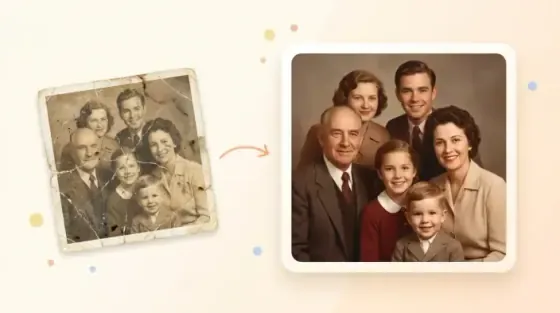
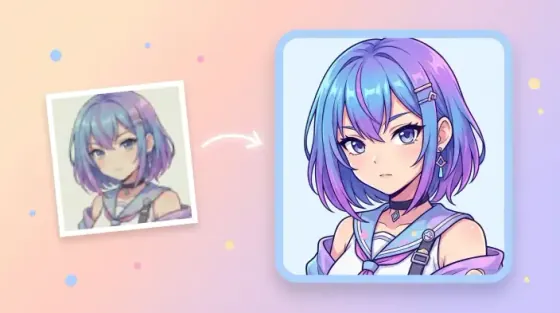
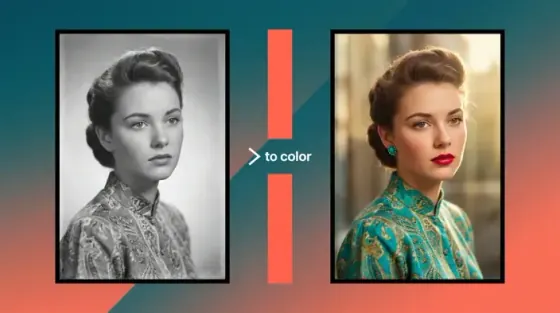
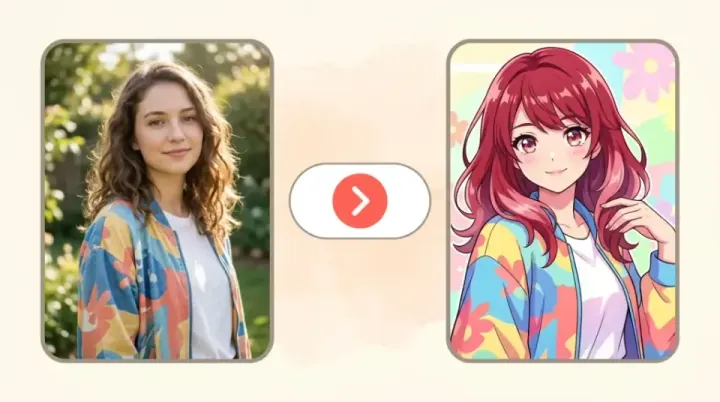
AI-powered photo enhancement, restoration, colorization, and object removal.
What the Picverce AI Christmas Profile Picture Maker Can Do
A festive, square avatar made from your own selfie.
Square crop with a circle preview
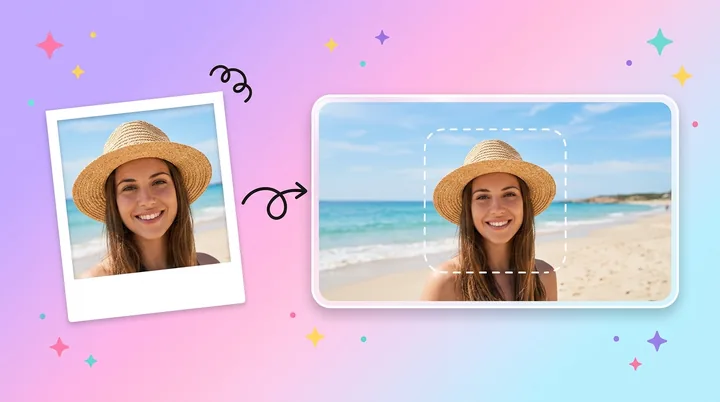
Drag and zoom your selfie inside a square, with a circle on top that shows exactly how the round avatar will look.
Five festive styles
Santa hat, Christmas sweater, fairy lights, snowy portrait or a red studio.
Square JPG download
Ready for apps that crop the avatar for you.
Framed for round avatars
The tool is told to center your face and leave space around the head, so a circle crop never cuts the face or the hat.
Round PNG download
A circle with transparent corners, made in your browser at no extra cost.
4 credits per image
Every style costs the same. Both downloads are included.
Regenerate
Try another style on the same crop in one click.
Told to keep your face
Face shape, skin tone, hair, glasses and expression are kept. No beautifying and no de-aging.
Upscale after
Send the result to 2x, 4x or 8x upscaling.
No watermark
Downloads come without a Picverce AI watermark.
Saved to History
Signed-in users can reopen or delete past results.
Works on your phone
Crop, create and download in the browser.
Ready to make your Christmas avatar?
Upload a selfie above and crop it to a square.
Christmas Profile Picture Examples
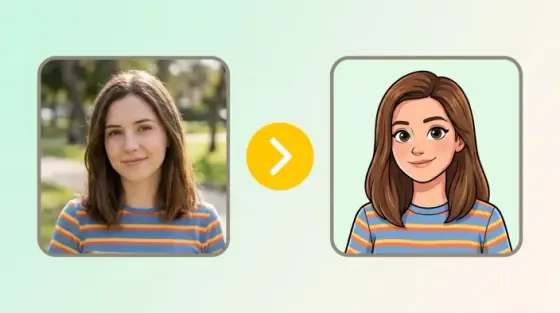
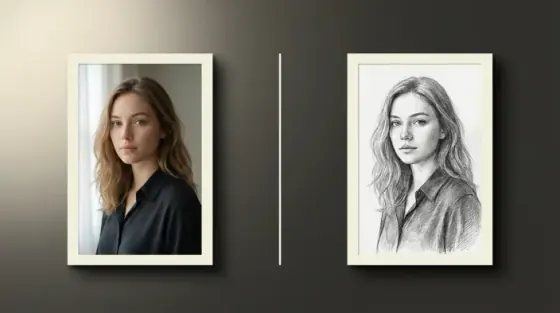
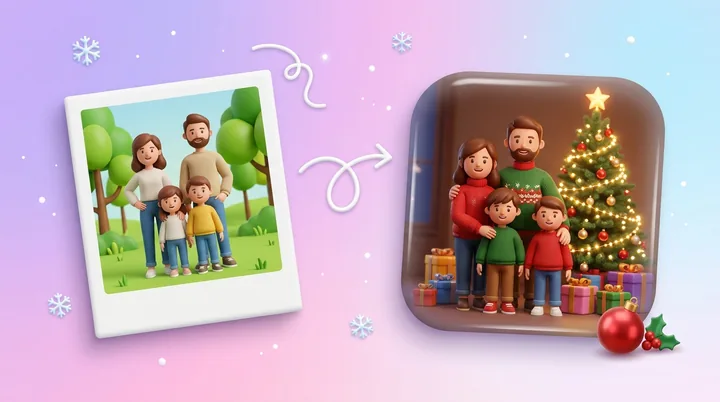
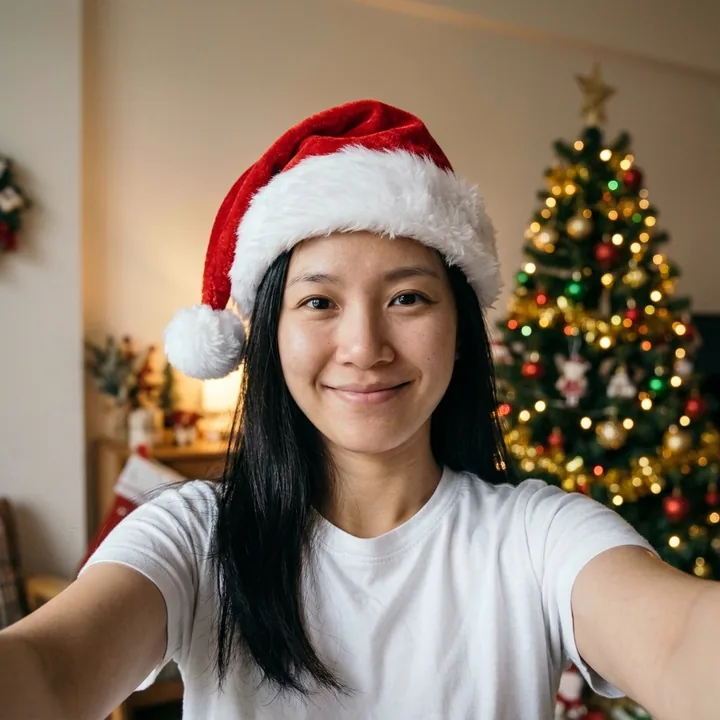
Illustrative, AI generated examples of three festive styles. Your result depends on your selfie. Drag the slider to compare.
 Before
 After
A selfie with a Santa hat
A square selfie gets a Santa hat and a softly lit room with a tree behind.
- Square output
- Same face and hair
- Tree in the background
Where to use your Christmas profile picture
Most apps crop your avatar to a circle and show it very small. A square photo with the face in the middle and space around the head survives that crop on every app below.
WhatsApp
Your photo shows as a small circle next to every chat and message.
Instagram
The profile photo and Story ring are round, so the face has to sit in the middle.
X
Profile photos are shown as circles next to every post and reply.
Facebook
The profile picture is round on your profile and in comments.
Discord
Avatars are round in the member list and next to every message.
Slack
Slack uses a rounded square, so the square JPG fits it well.
Why square and circle-safe? An app that gets a wide photo picks its own crop, which can cut off a hat or half a face. Cropping it yourself first means you choose what stays in the circle.
Want the whole family in the picture instead? Use the AI Christmas Photo tool.
How to make a Christmas profile picture
Four steps from a selfie to a festive round avatar.
Upload a selfie
Use a JPG, PNG or WEBP up to 5 MB, with your face clear and well lit.
Crop it to a square
Drag and zoom until your face sits inside the circle preview.
Pick a festive style and create
Choose the Santa hat, a sweater, fairy lights, snow or a red studio, then press Create. It costs 4 credits.
Download square or round
Save a square JPG or a round PNG with transparent corners and set it as your avatar.
Ready to make your Christmas avatar?
Upload a selfie above.
Frequently asked questions about Christmas profile pictures
What to expect when you make a festive avatar with Picverce AI.
It turns a selfie into a square, festive profile picture. You crop your photo to a square, pick a style such as a Santa hat or a Christmas sweater, and get a head and shoulders portrait framed to fit round avatars.
Yes, as long as everyone fits in the square crop. The tool is told to keep the same people and pets and not to add or remove anyone. For a family or group picture with a full scene, the AI Christmas Photo tool is the better fit.
Your photo is only used to make your profile picture. When you are signed in, the photo and the result stay in your History for the same period as your other images, from 3 days on Free up to 90 days on Premium, and you can delete them from History at any time.
The tool is told to keep your face shape, skin tone, hair, glasses and expression exactly as they are, and not to beautify or de-age you. Results still depend on the photo. A sharp selfie in even light, looking at the camera, keeps your face closest to the original.
Each profile picture costs 4 credits, on every style, and so does each Regenerate. The square JPG and the round PNG are both included at no extra cost. The free plan gives you 10 credits a day, which covers 2 profile pictures.
It is square. Your crop is uploaded at up to 1024 by 1024 pixels, or at the size of your crop if the photo is smaller, and the result keeps that square shape. You can download it as a square JPG or as a round PNG with transparent corners, and upscale it 2x, 4x or 8x.
No. Both the square and the round download come without a Picverce AI watermark.
A sharp photo with your face clearly visible, even light and no heavy filters. Leave some space above your head so a hat fits inside the circle. JPG, PNG and WEBP files up to 5 MB are accepted.