Christmas profile picture ideas for Facebook and WhatsApp
Christmas profile picture ideas for Facebook, WhatsApp and Discord: Santa hats, sweaters, fairy lights, couple pictures, and a crop that fits the circle.
GuidesYour profile picture shows up every time you send a message. In December, a festive one is a small, friendly signal to everyone you talk to.
Below are ideas that work on Facebook, WhatsApp, Discord and most other apps. You can shoot them yourself or make a Christmas profile picture from a selfie you already have.
Santa hat and sweater ideas
These are the classics because they read instantly, even when the picture is the size of a thumbnail.
- A Santa hat with a big smile, facing the camera.
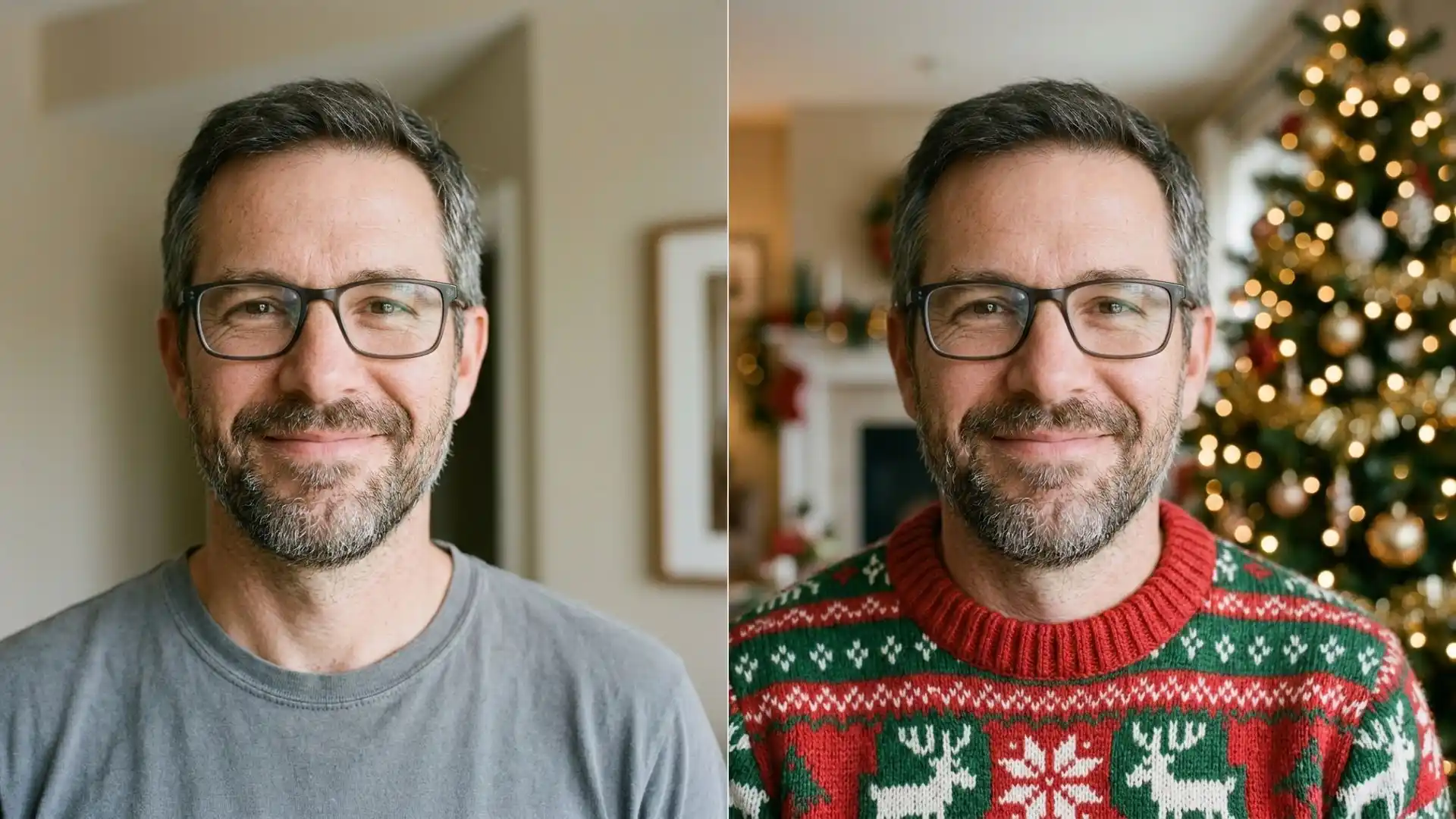
- A knitted Christmas sweater with a reindeer or snowflake pattern, shot from the chest up.
- A hat tilted slightly, with one eyebrow raised, for a playful look.
- A sweater picture with a lit tree blurred behind you.
The Santa hat and Christmas sweater presets do both of these from a normal selfie. The sweater preset swaps your top for a red and green knit and adds a soft tree behind you.
Keep your expression natural. A real smile reads better at small sizes than a big pose, and the tool keeps the expression you start with.
Glasses, beards and earrings stay as they are, so you still look like yourself to people who see you every day.
The full walkthrough for the hat, including what photo to start with, is in how to add a Santa hat to a photo.
Fairy lights and warm glow ideas
Not everyone wants a costume. Lights behind you say Christmas without changing what you wear.
This style also ages well. A lights picture still looks fine in the first week of January, while a Santa hat starts to feel late around New Year.
- Warm fairy lights blurred into soft dots behind your head.
- A deep red backdrop with a few gold lights, for a cleaner, studio look.
- Gentle falling snow with a few flakes in your hair.

These match the Fairy lights, Red studio and Snowy portrait presets. With Fairy lights and Red studio, your clothes stay the same and only the background and light change. Snowy portrait may add a knitted scarf if your neckline allows it.
Red studio is the safest pick for work chats. It looks festive but tidy, so it fits a team chat as well as a family group.
Matching ideas for couples
A matching pair is a nice touch for partners, best friends or siblings. Each person sets their own picture, and the two belong together.
- One person in a Santa hat, the other in a Christmas sweater.
- Both with the same fairy light background.
- Two halves of one photo, each cropped to a different face.
The profile tool works on one person at a time, so make each picture from its own selfie and pick the same preset for both.
Try to shoot both selfies in similar light, like the same window at the same time of day. The two pictures will look like a pair instead of two random photos.
Cartoon or anime style ideas
Some people would rather not show their face online. A drawn version still feels personal.
A cartoon version if you would rather not show your face keeps your hair and features recognizable to friends. The post on making a team cartoon headshot shows how that looks for a whole group.
Anime style is the other common choice for a drawn avatar. Pick one style and stay with it if your friends do the same, so the set looks planned.
A drawn avatar also lasts longer. You can keep it after the holidays and swap back to the plain version in January without making a new one.
Getting the crop right for each app
Apps show profile pictures in different sizes and shapes, and they change them from time to time. The rule that works everywhere is simple.
- Use a square image.
- Center your face.
- Leave space around your head, so a circle crop does not cut off your hair or hat.
- Keep it simple. Small details vanish at thumbnail size.
Before you set it, look at the picture at the size of a fingernail. If you can still tell it is you and it still says Christmas, it will work in a chat list.
The profile tool follows that rule. You crop the photo square before upload, the result leaves room around the head, and you can download it as a square JPG or a round PNG at no extra cost.
Each picture costs 4 credits. The Free plan gives you 10 credits a day, so you can try two presets a day.
Upload the largest version of your selfie you have. JPG, PNG and WEBP files up to 5 MB all work, and more detail in the face gives a cleaner result.
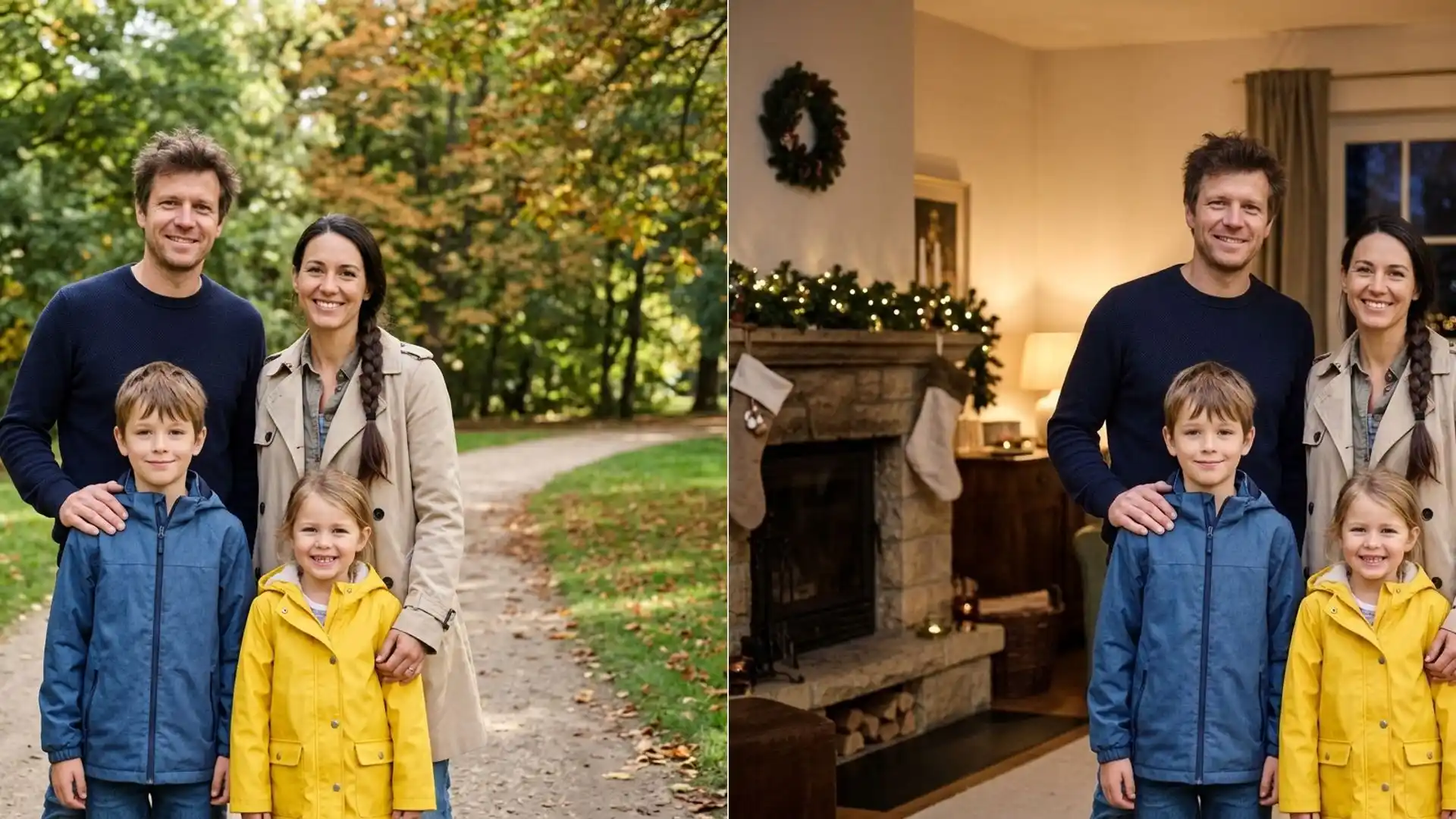
For a group or family picture, adding a Christmas filter to your photos keeps everyone in place and adds snow or lights around them.