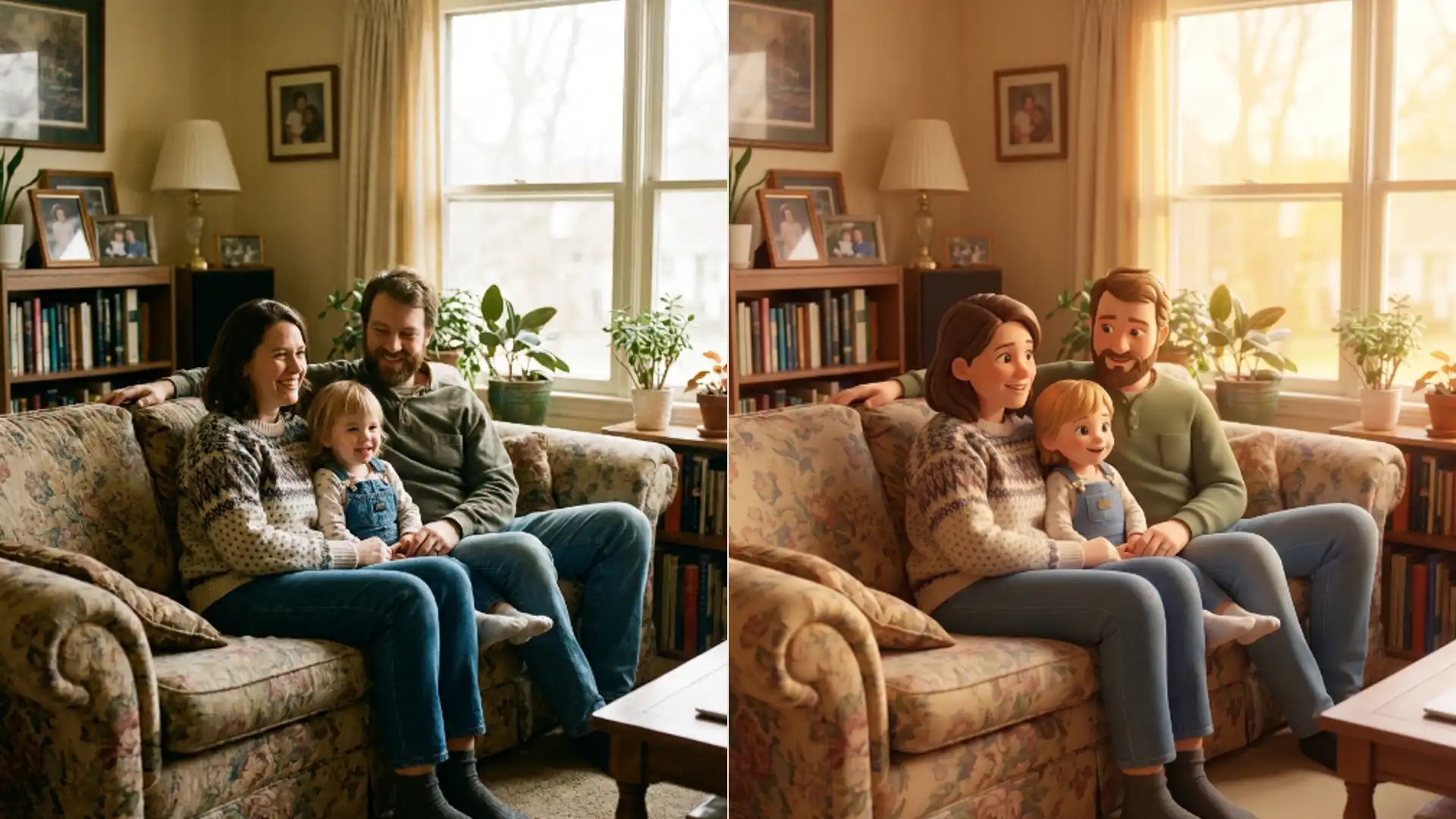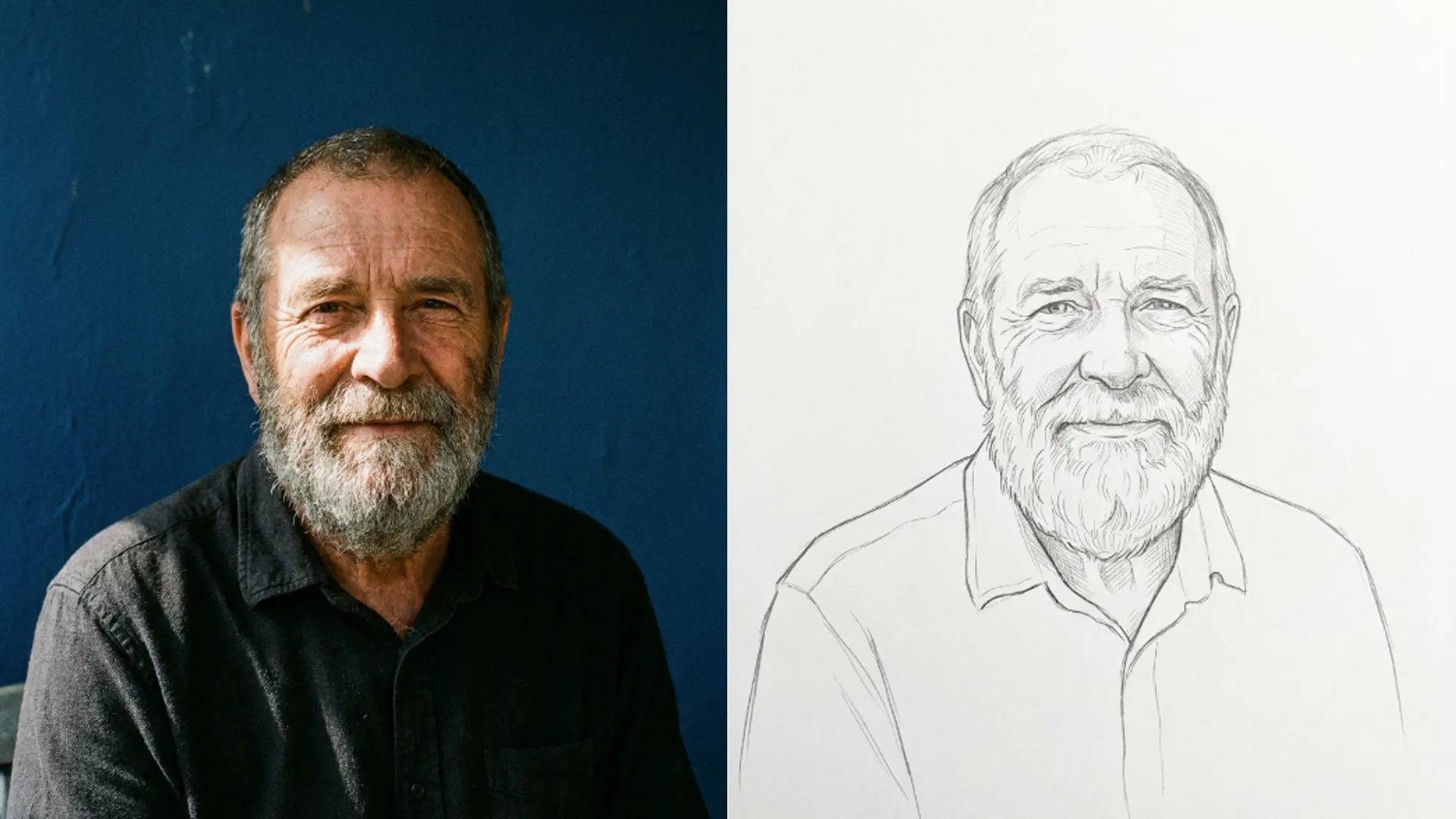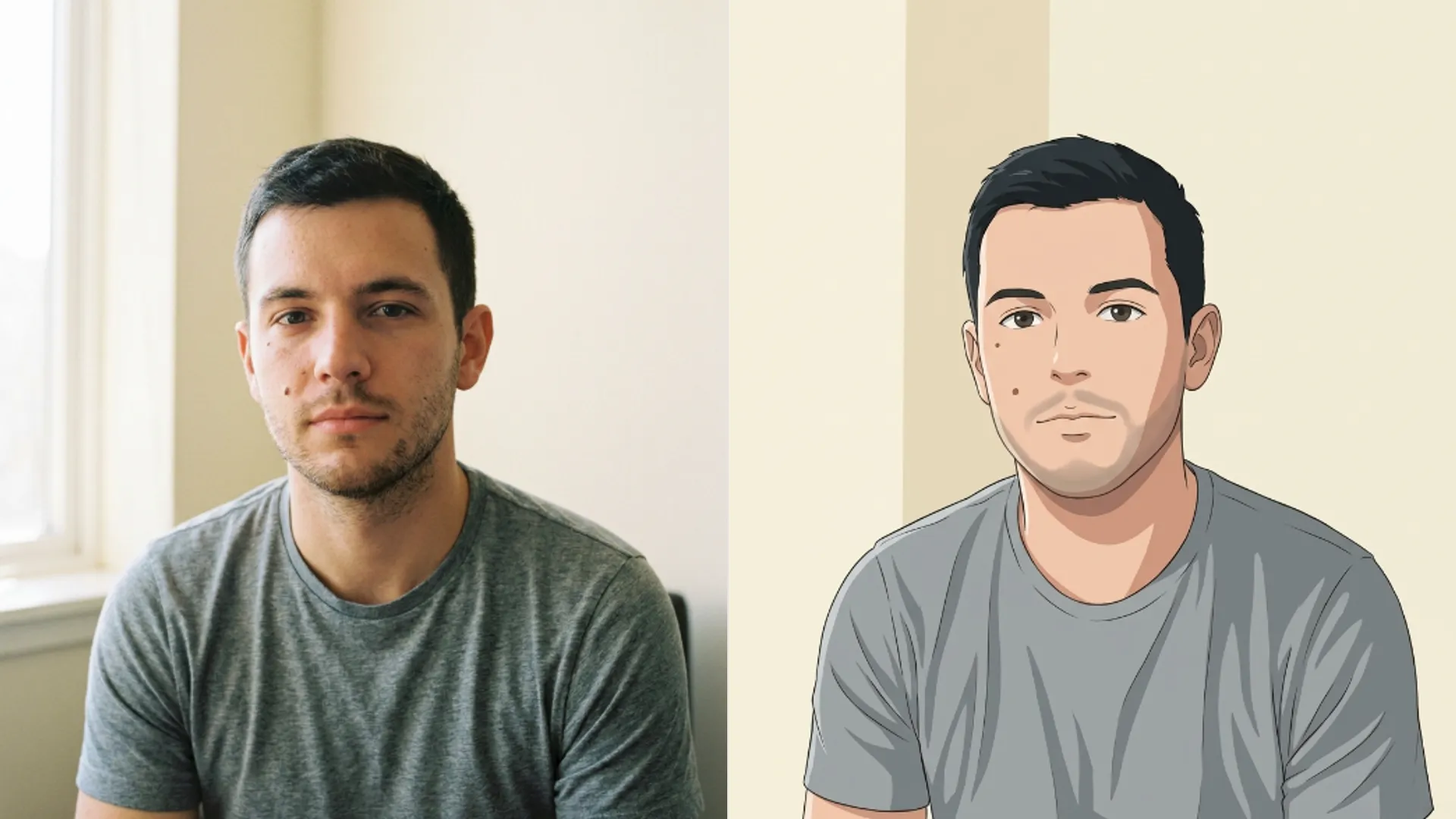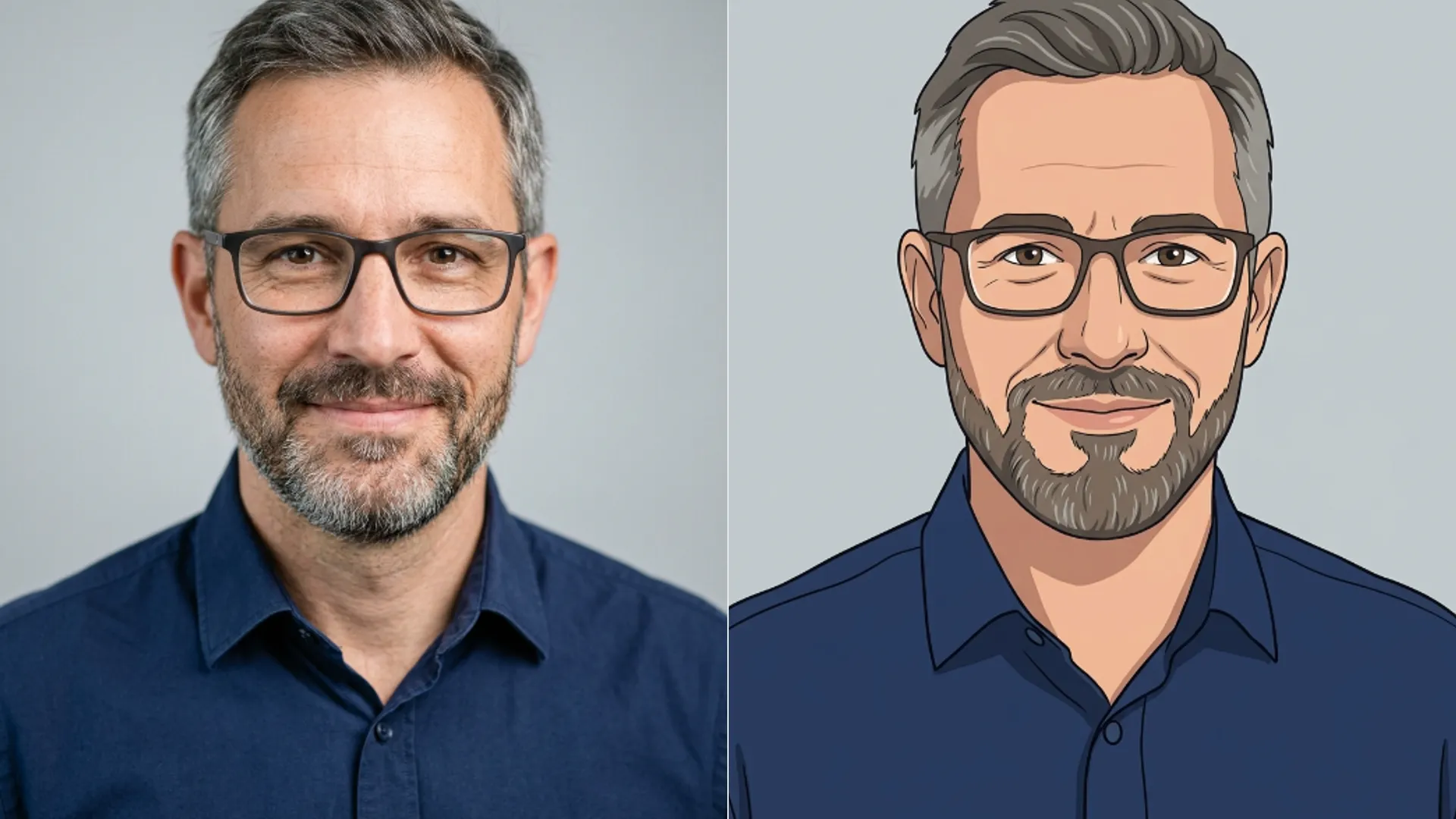
Make a team cartoon headshot
Turn a set of staff photos into matching cartoon avatars with the Picverce AI Photo to Cartoon tool, and keep the whole team looking like one set.
TutorialsAn about page with twelve headshots taken on twelve different days looks exactly like what it is.
Different light, different backgrounds, different framing, and one person who is clearly cropped out of a wedding photo.
Cartooning the whole set hides the mismatch, and it only works if you treat it as one job rather than twelve.
The result is not meant to fool anybody. It is meant to stop twelve different cameras being the first thing a visitor notices.
Pick one style and never change it
There are twenty four styles in the AI Photo to Cartoon tool, which is the widest style list on the site and the biggest trap in this particular job.
Twenty four options invites browsing. Browsing produces a team page where three people are Disney 3D and one is Pop Art.
A mixed set reads as an accident even when every individual picture is good. Consistency is doing more work here than quality is.
Choose once, write the choice down, and use it for every person including the ones you add next year.
Writing it down sounds excessive until somebody joins in March and nobody remembers which of twenty four options was used.
Disney 3D is the default and a fair pick for a team page. It is polished, it keeps identity, and nobody finds it odd.
Being the default also means it is what you land on if a link is mistyped, which quietly makes it the safest choice for a repeatable process.
Three others suit corporate use. Expressive 3D, Slice of Life and Western Comic all keep a face readable at small sizes.
Avoid the ones that change proportion or drop colour. Chibi 3D, Neko and Pencil Sketch all look great and none of them sit well beside a job title.
Cyborg, Gothic and Cyberpunk are the other three to skip for work use. They impose a mood that has nothing to do with the person.
The test is whether the style says something about the subject that is not true. A finance director rendered as Fantasy Anime is making a claim.
When I did this for a nine person team, running two candidate styles on the same three faces first settled the argument in ten minutes.
Pick those three faces deliberately. Include the person with glasses and the person with the most hair, since those are where styles differ most.
Standardise the photos first
The pass keeps identity and pose, which means it also keeps every inconsistency in your source photos.
- Crop everyone the same way. Head and shoulders, eyes at roughly the same height in the frame.
- Use the same aspect for all of them. Square is the safe choice for a team grid.
- Drop anyone wearing sunglasses or looking away. Those come back noticeably different from the rest.
- Watch the backgrounds. A busy office behind one person and a plain wall behind another still shows after the pass.
Cropping is the step that does the most work and costs nothing. Ten minutes in any photo app before you upload.
Eye height is the detail that matters most and the one people skip. Faces at different heights in the frame look wrong in a grid even when everything else matches.
Uploads are capped at five megabytes each, which a phone photo clears easily.
Each pass costs three credits, so a twelve person team is a small, predictable spend.
Budget for a few reruns on top. Two or three faces usually need a second go, and that is normal rather than a sign something is wrong.
Run the set in one sitting
Do all of them together. Coming back a week later means you have forgotten a detail and the set shows it.
The pass takes a few seconds, so twelve people is a single sitting rather than a project.
Check each result at the size it will actually be used. A team page thumbnail is small, and detail you admire at full size will not be visible there.
Look for the same three things on every face. Glasses surviving, hair reading correctly, and the expression staying recognisable.
Glasses are the most common problem. Thin wire frames sometimes merge into the eyebrow where the two run close together.
Expression is the one that decides whether somebody likes their own picture, which matters more than you would think on a team page.
Rerun anyone who came back wrong rather than accepting an outlier. One face in a different register is more obvious than twelve slightly imperfect ones.
Nobody compares a team photo to the real person. Everybody compares it to the eleven photos beside it.
Keep the originals. People leave, people join, and you will want the same source files when the style needs redoing.
Keep a short note with them recording the style, the crop and the canvas size. That note is what makes the thirteenth person take five minutes.
If the look you pictured is closer to anime than to cartoon, the AI Photo to Anime tool has a shorter list built around that specific register instead.
What each of the twenty four styles actually does to a face is set out in Picverce AI Photo to Cartoon explained.
One style, one crop, one sitting. The consistency is the product, not the individual pictures.