How Outfit Studio keeps face and scene
The Picverce AI Outfit Generator changes clothes and protects everything else. Here is the list of what it holds still and where that protection ends.
Image EditingChanging clothes in a photo is easy. Changing clothes without quietly changing the person wearing them is the hard part.
Every preset in the AI Outfit Generator carries a long set of instructions about what must not move, and that list is most of why the results hold together.
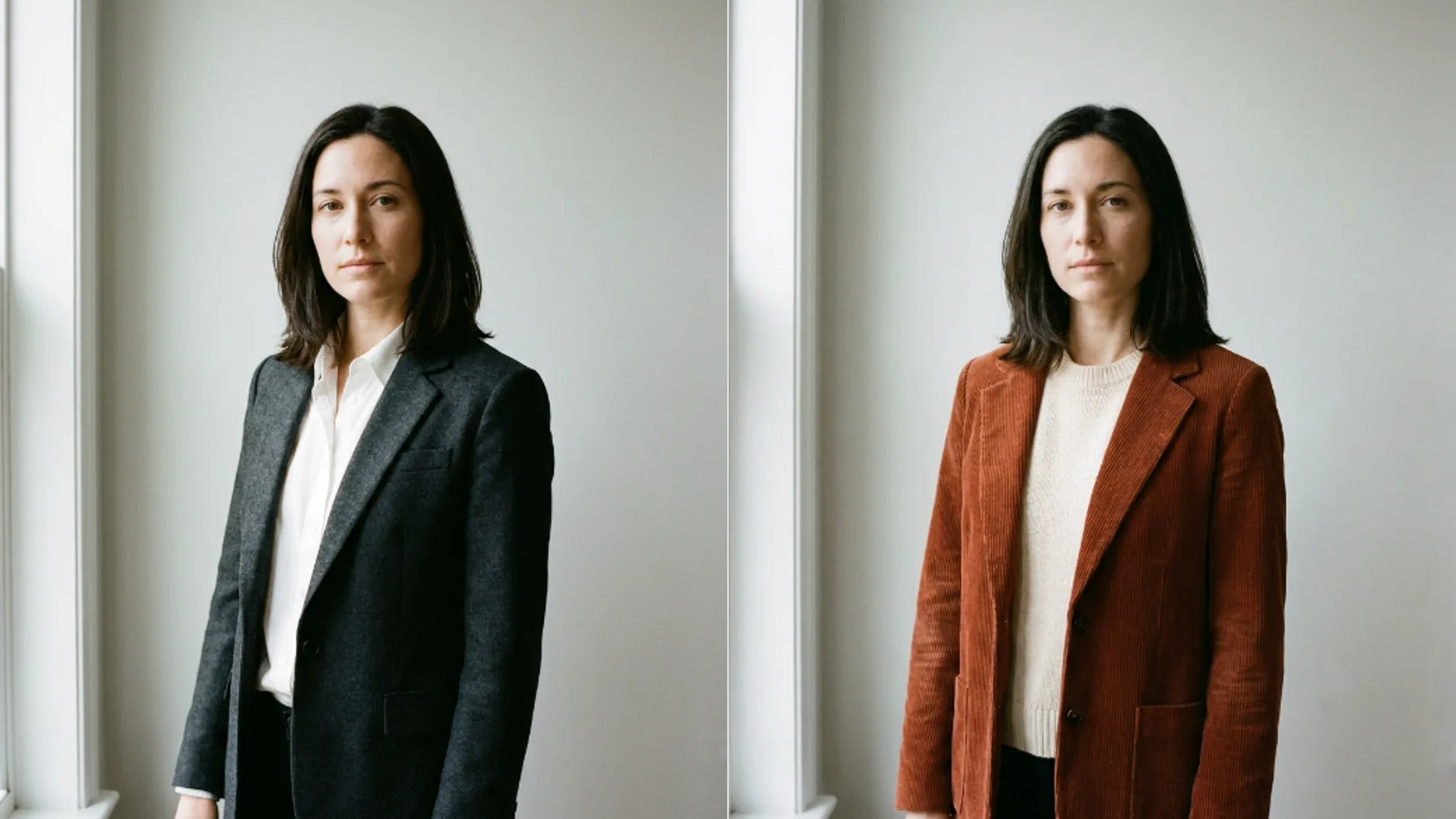
What it holds still on the person
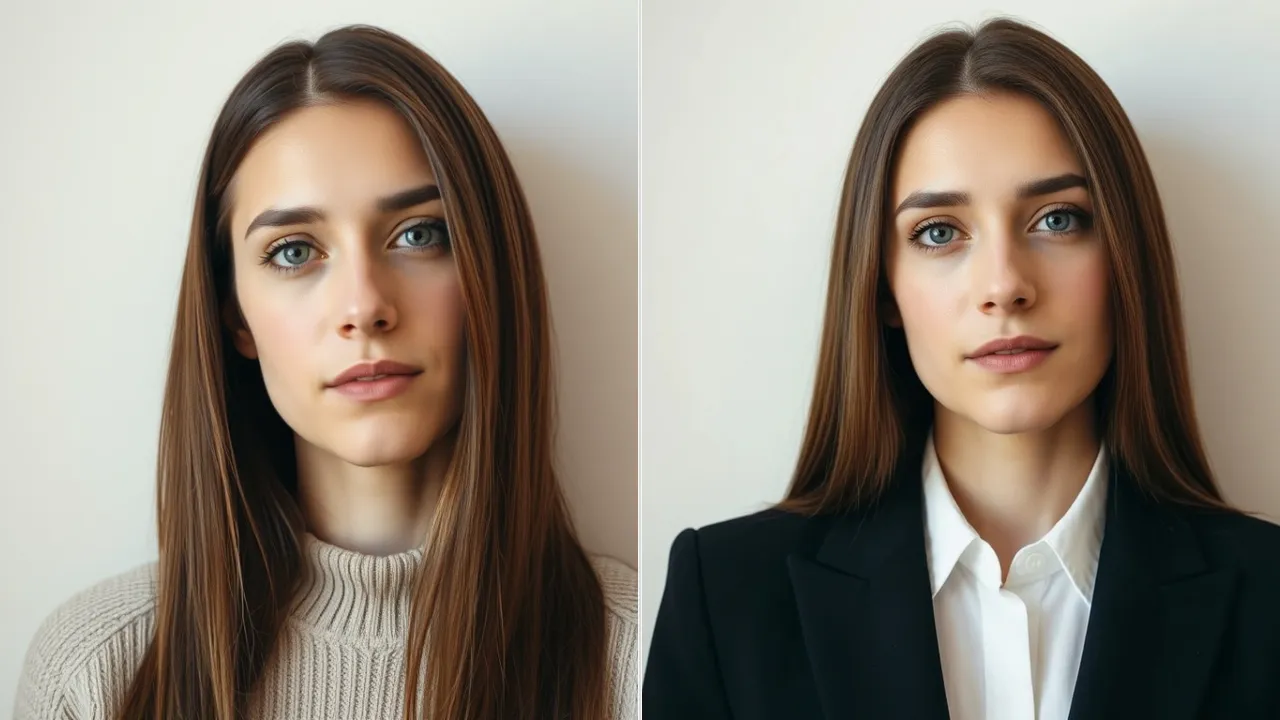
The face is protected in unusual detail rather than in general terms.
- Face shape, jawline, chin and bone structure stay identical.
- Nose shape and proportions, and lip shape, fullness and natural colour.
- Skin tone and texture, including moles, marks, freckles and scars.
- Hair style, length and colour, none of which the clothing change is allowed to touch.
- Facial expression, down to the small ones that make a photo look like you.
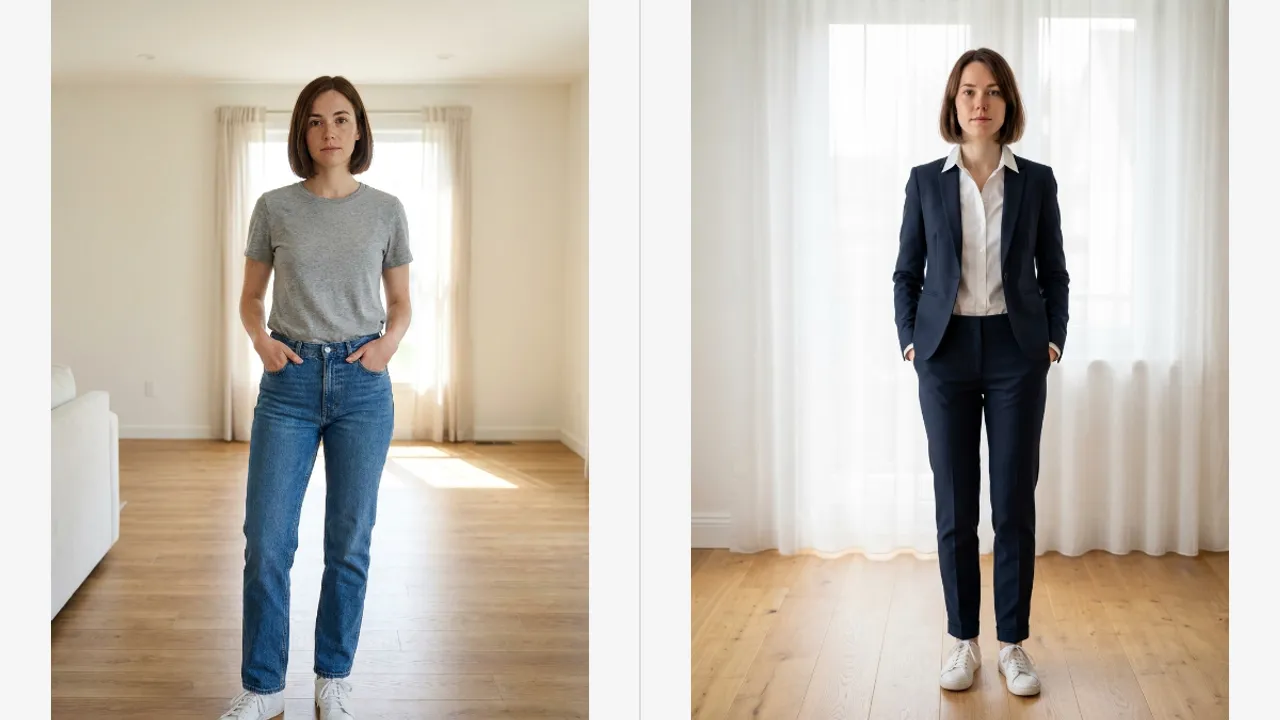
Pose, camera angle and framing are held as well. You get the same photograph with different clothes in it, not a new photograph of the same person.
That specificity is the reason a preset beats a written instruction for anything the catalog already contains. You would have to write all of that yourself, every time.
And you would have to write it identically each time for a set of photos to match. A preset carries the same instruction on every run.
Jewellery, glasses and a watch are kept too, with one sensible exception. If the layer you picked would naturally cover them, they go under it.
When I ran the same photo through four presets, the thing that convinced me was the freckles. They were still in the same places every time.
Small marks are the useful thing to check, because they are the first thing a loose edit loses. If a mole moved, everything else probably did too.
What it holds still behind the person
The scene is protected as tightly as the face, which people notice less and rely on more.
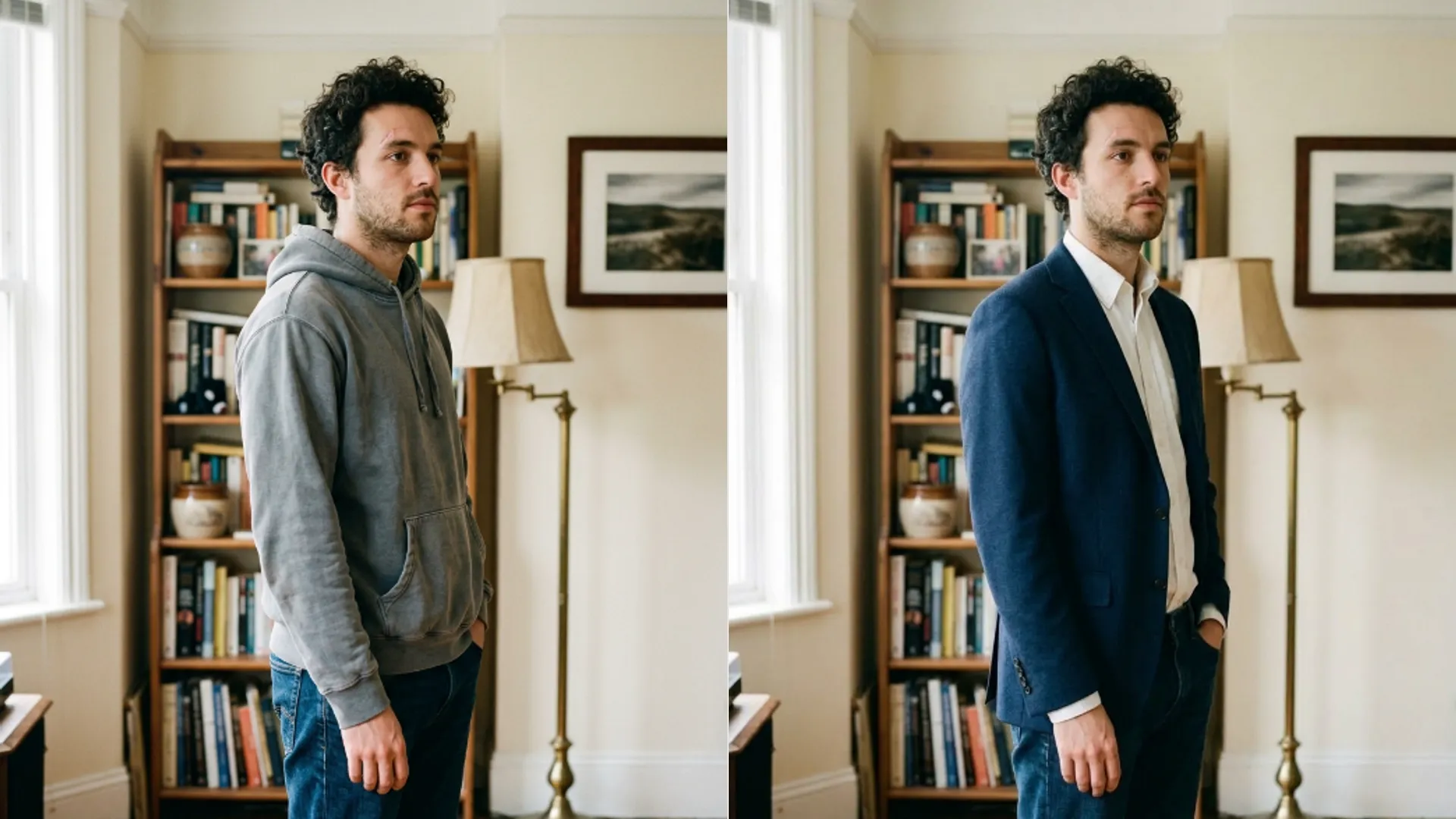
The background, the props and every object behind the subject stay unchanged. A room stays the same room.
Lighting direction, shadows, highlights and white balance are all maintained. That is what stops a new jacket looking pasted on.
Camera distance and depth of field are held as well, so a blurred background stays blurred by the same amount.
The new garment is then fitted to the existing lighting rather than lit on its own. Fabric folds and drape are matched to the pose you were already in.
This is why an outfit result usually survives being looked at closely. The failure mode for clothing edits is almost always inconsistent light, and that is the thing being explicitly protected.
Shadows on the ground are the second giveaway and they are held too. A new coat that casts the old shadow is what makes the picture believable.
Where the protection stops
The garment scope decides how much of your existing clothing is in scope at all.
- Full outfit replaces everything and covers twenty one of the thirty six presets.
- Outerwear adds a layer over what you are wearing. Six presets, and the clothes underneath stay visible where they already showed.
- Dress has four presets, top has four, and bottom has one.
Outerwear is the scope that shows the protection working hardest. A jacket goes on, the shirt underneath survives, and nothing else moves.
Getting that from a written instruction takes two clauses and usually several attempts. Here it is simply what the scope means.
Colour is scoped the same way. You get up to three colour slots, and on the top and bottom scopes that drops to two because a single garment has no third zone.
Outside the scope, nothing is recoloured. Skin, hair, background and any garment you did not select are all left alone.
Where seams meet between zones, they are blended rather than butted together. That is a small detail that would look wrong immediately if it were missing.
Fabric weight and folds are matched to your posture as well, so a heavy coat hangs like one on the pose you were actually in.
What it will not do
Two limits are worth knowing before you plan around the tool.
There is a content boundary. The tool will not produce lingerie, swimwear, sheer fabric, exposed underwear or nudity, and that is not a setting you can change.
And it works from one subject. A second person in the frame is treated as part of the scene, which means they are protected rather than dressed.
That is occasionally useful and usually not. If you want to change both people, you are running two photos rather than one.
Cropping to one person, running the change, and compositing back is possible and rarely worth it. The lighting protection only applies inside what you sent.
Each apply costs four credits regardless of scope, so an outerwear change and a full outfit change cost the same.
Results land in your history with the original attached, which makes comparing a few options later easy.
For a garment the catalog does not have, the AI Image Editor takes a written instruction and gives you none of the protections above, which is the trade you are making.
Which of the two doors to open for a given garment is settled in Outfit Studio vs Image Editor.
The clothes change and the person does not. That is the whole design, and the detailed list is what makes it hold.