Edited a listing photo from chat
A seller fixed a product photo without opening the studio or writing a script. What the Picverce AI connector handled and where it needed a person.
MarketingA seller I know runs a small ceramics shop and does not think of herself as technical. She already had an assistant open for writing product descriptions.
Adding the connector meant she could fix a photo in the same window she was already writing in.
That is the whole appeal of the MCP connector for someone like her. No new software, no second tab, and the same credits she already had.
The job she actually had
One mug photographed on her kitchen table. Good light, decent focus, and a wooden background a marketplace would not accept.
She needed it on plain white, at a size that would not look soft on a listing page.
That is two jobs, and she did not know it was two jobs. She asked for the photo to be cleaned up and put on white.
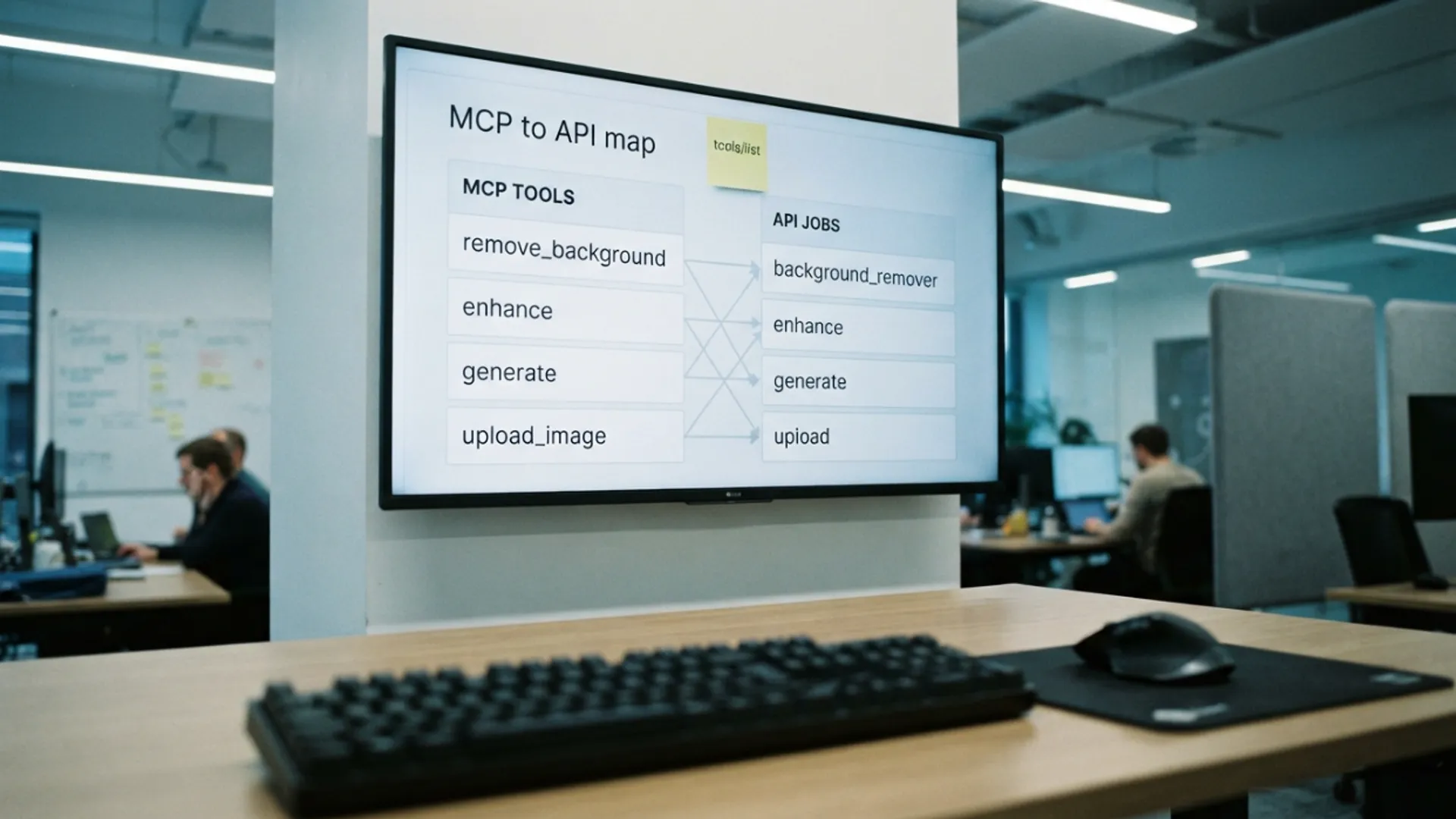
That is the normal way people describe photo work, and it is worth noticing because the assistant has to turn a sentence like that into specific tools.
It got the first half right and left the second half alone, which is a reasonable reading of an ambiguous request.
The assistant staged the attachment, ran a background removal, and came back with a cutout on white. That first request took under a minute.
The staging step happened without her asking, because a photo attached in a chat is not an address a tool can be pointed at. It costs nothing.
She did not know that step existed and did not need to. It only becomes visible when something goes wrong.
The tool doing that work was the same AI Background Remover the site uses, with the same 2 credit charge and the same edge behaviour.
Where it needed a person
The cutout was clean around the mug body and slightly rough where the handle met the rim.
She would not have spotted that from the chat preview. It only showed up when she opened the file at full size.
That is the honest limitation. A small preview inside a conversation is not a substitute for looking at the result properly.
The second thing the assistant did not do was tell her the photo was too small for the listing size she wanted. It ran what she asked for, correctly, at the size she gave it.
She found that out from the marketplace, not from the tool. An upscale afterwards fixed it.
The upscale was another chat request and another minute. Two jobs she could have done in one order if she had known the order.
That is the recurring shape of this. The connector is good at doing what you asked and does not warn you that you asked in the wrong sequence.
Knowing the ordering in advance would have saved the round trip, and that ordering is exactly what enhancer or upscaler which one to run first is about.
What made it worth doing this way
She was already in that window. Not switching context is worth more than it sounds when the alternative is opening a site, finding the tool, and uploading.
The description and the photo got handled in one sitting rather than two.
And the conversation carried the context. Asking for the same treatment on the next photo needed no re explaining.
For four mugs that afternoon, this was genuinely the fastest route available to her.
Total spend was 14 credits across the four cutouts and three upscales, which she was not tracking and did not need to.
That is the same total those seven jobs would have cost on the website. The interface changes nothing about the accounting.
She checks the balance in her account rather than in the conversation, which is the sensible place for it to live.
When I would tell her to use something else
At forty photos rather than four, this stops being the right tool. Attaching files one at a time is worse than a script or a studio session.
For anything where she needs to compare two styles side by side, the studio wins, because seeing both at once is the whole decision.
And for anything going to print, checking the file properly matters more than convenience. A chat preview is not a proof.
The connector suits small amounts of work that arrive while you are already doing something else. That is a real category and it describes most of her week.
It is also forgiving about not knowing tool names. She has never learned which tool does what and has not needed to.
What she has learned is to open the downloaded file before using it, which is the habit that actually mattered.
Everything she runs lands in her history too, so a result she lost track of in the conversation is still recoverable later.
Four photos, one window, no new software. That was the whole benefit and it was enough.