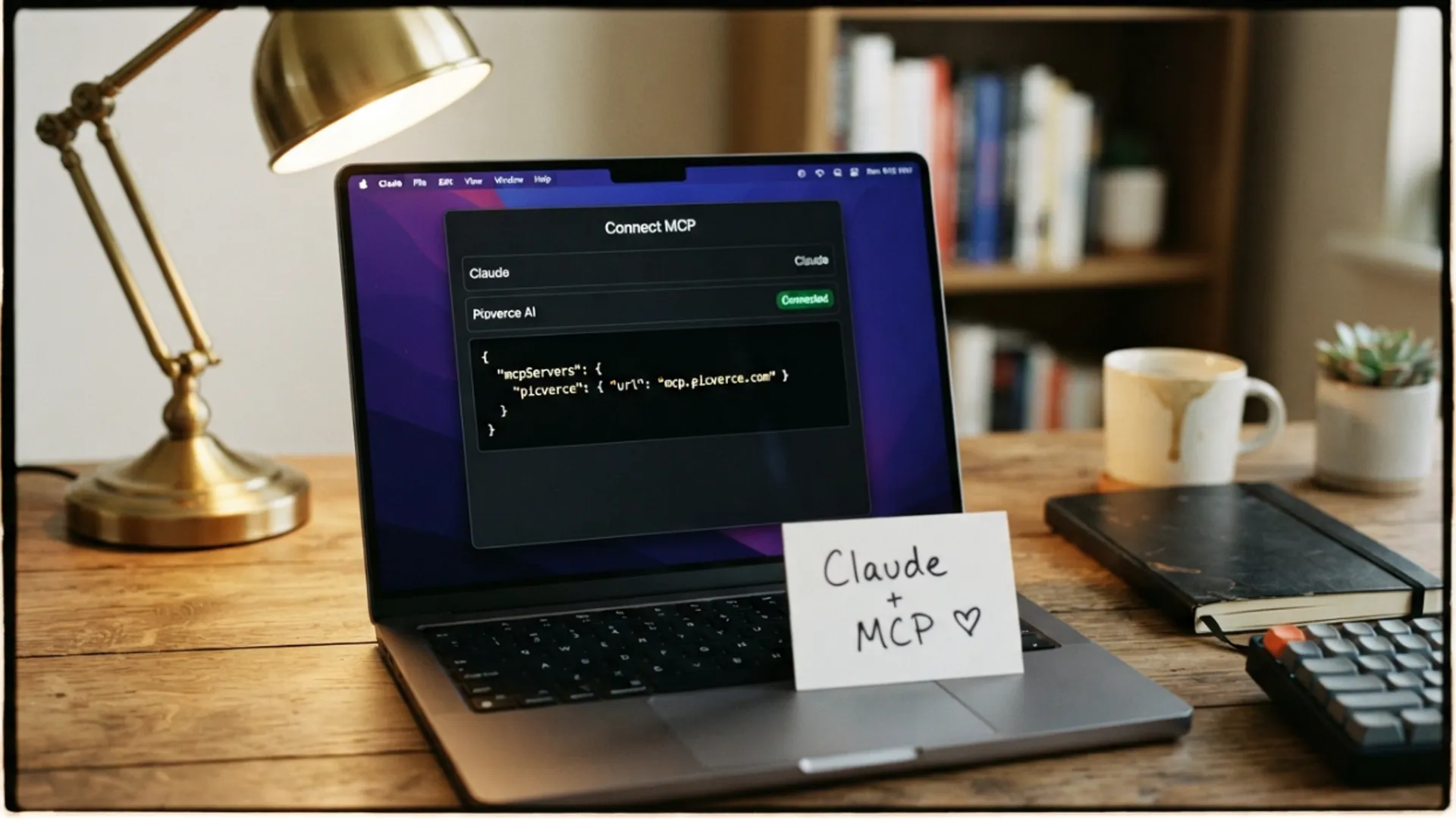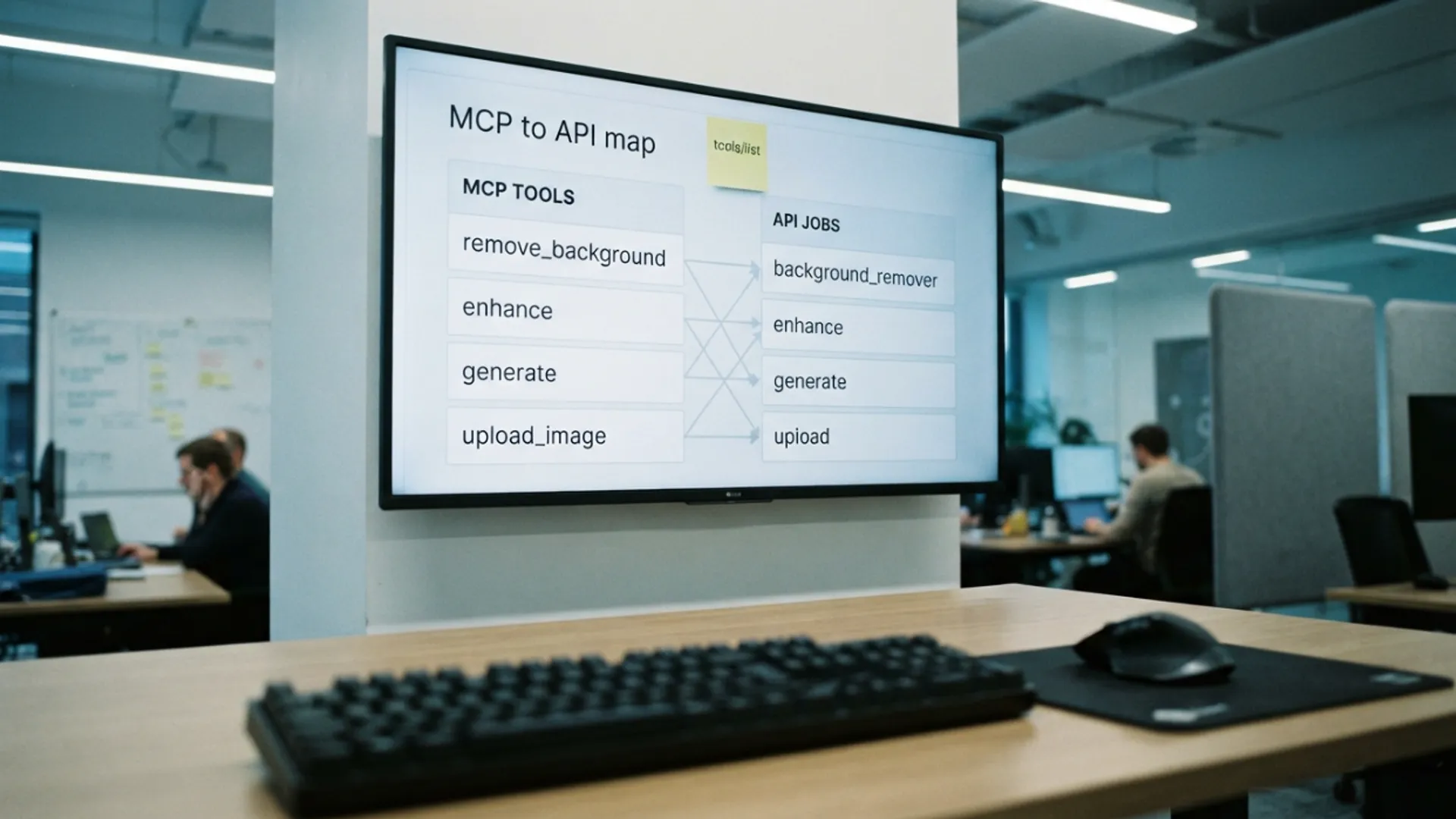
Which MCP tools map to which jobs
Each of the six Picverce AI connector tools turns into a specific API call. Knowing the mapping explains what an assistant is doing on your behalf.
AI ModelsAn assistant using the Picverce AI MCP connector is making ordinary API calls. Knowing which is which turns a black box into something you can reason about.
Six tools, and they fall into three groups by what they cost you.
The two that read the catalog
Listing the tools and listing the models both read a catalog and charge nothing.
They exist so the assistant works from what is actually available rather than from something it remembers.
That matters more than it sounds. A memorised list produces confident requests for tools that were never runnable.
These are also the right first calls when something is not working, because they prove the connection without spending anything.
Getting a list back means the URL and the key are both correct. Everything after that is a job problem rather than a setup problem.
Both return the same catalogs the endpoints in the Public API documentation return, in the same shape.
The one that stages a file
Uploading an image takes a picture and gives back a public address. No credits are charged for it.
This exists because of a plumbing problem. A photo attached in a chat window is not something an image tool can be pointed at.
So the file gets staged first, and the address that comes back is what the real job uses.
You will see this happen without asking for it whenever you attach a picture. It is a step, not a job.
The same address can be used as the input to an edit or as a reference for a generation, which is why it is one tool rather than two.
It also means a photo staged once can be used more than once. Trying two different tools on the same picture does not need it uploaded twice.
The two that cost credits
Editing an image runs one of the image tools against a picture. Generating an image makes a new one from a description and a model.
These are the only two that spend anything, and they cost exactly what the same job costs anywhere else.
- Edit maps to a tool job, with the tool id and its options.
- Generate maps to a generation job, with a model id and a prompt.
- Both reserve credits on creation and charge only on success.
- Both refuse an unsupported option with an error listing what is supported.
That refusal behaviour is worth knowing because it shows up as the assistant being corrected mid task. Nothing was charged, and the error told it what to use instead.
Watching that happen is reassuring rather than alarming. The alternative would be silently running something close to what you asked for.
Credits are reserved when the job is created and returned in full if it fails, so a mistaken request costs nothing beyond the time.
The runnable set matches the API exactly, so anything you can do in a script you can ask for in a chat.
Which tool suits which photo is a separate question, and browsing the tools directory is a faster way to answer it than asking an assistant to describe eighteen sketch styles.
The one that finishes the work
Checking a job reads the state of work that is still running. It charges nothing.
Generations are asynchronous, so a slow one hands back an identifier rather than a picture, and this is how the assistant collects it.
There is a detail here that catches people. Checking a generation is also what advances it.
A job nobody checks does not quietly continue in the background. It stalls, and it can be abandoned.
So a generation that seems to have hung is usually one that stopped being asked about. Prompting the assistant to check on it is the actual fix rather than a workaround.
Editing jobs are less affected by this because they tend to finish quickly enough to return in one go.
It is generations, where the work is longer, that show the behaviour most clearly.
If a generation has been quiet for a while, asking about it directly is the right move rather than starting a new one.
Starting again spends credits on work the first job may still deliver.
Two generations running for one request is the most common way people waste credits here, and patience is the entire fix.
A script has the same obligation, and the poll loop that satisfies it is described in public API vs the website studio.
Two free reads, one free staging step, two paid jobs, one free check. That is the whole map.
Holding that map makes an assistant much easier to supervise. You can tell from what it is doing whether anything is being spent.
It also makes the occasional odd behaviour legible. A repeated listing call is cheap curiosity, and a repeated generation is not.