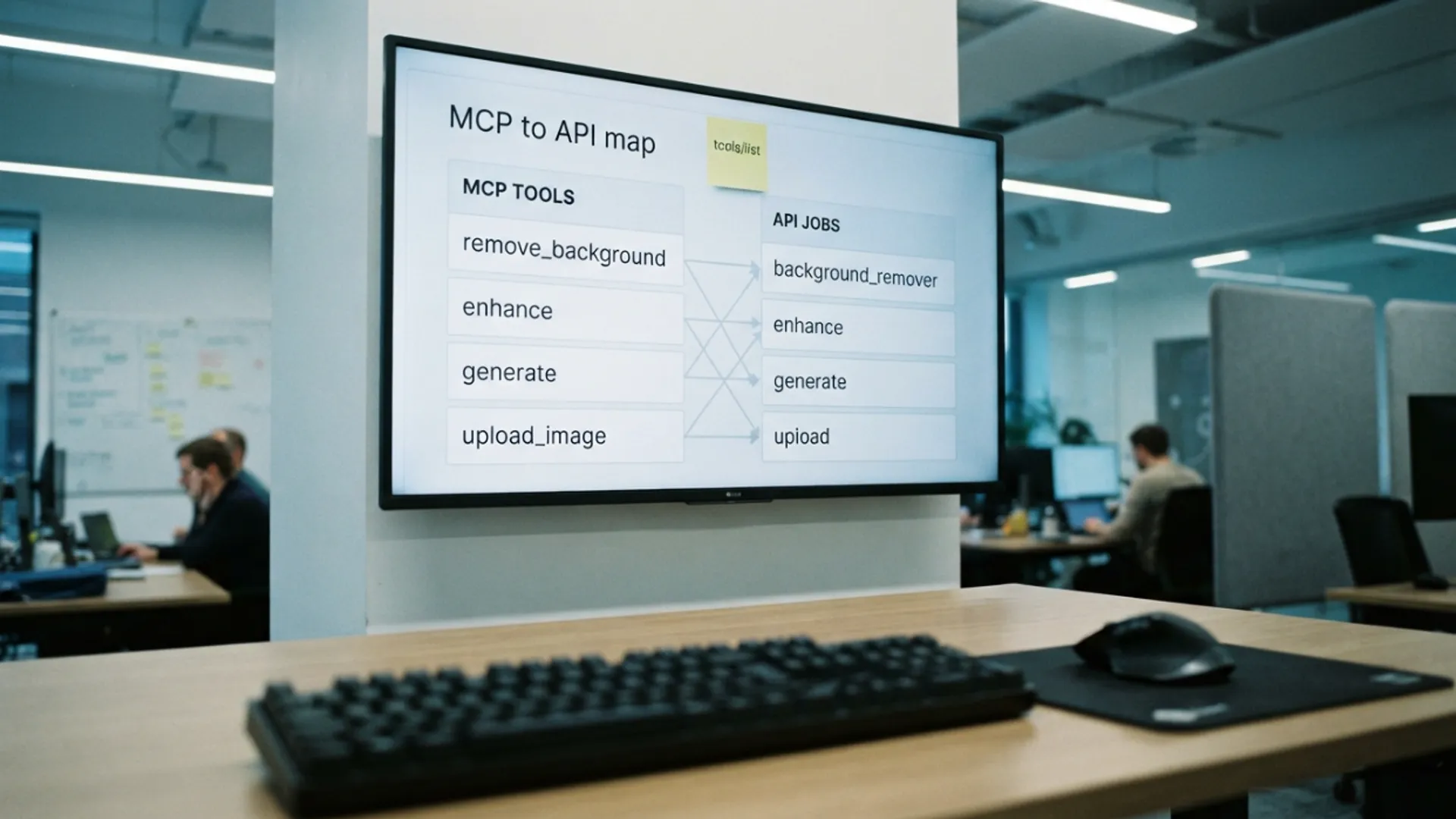
Picverce AI MCP connector explained
What the Picverce AI MCP connector actually is, the six tools it exposes to a chat client, where your key lives, and the things it deliberately will not do.
GuidesThe connector is a translator. It sits between a chat client and the same API the rest of the product runs on, and it turns a conversation into jobs.
Nothing new happens to your images because of it. The MCP connector is a different doorway into work you could already run, not a separate product with its own behaviour.
Here is what it exposes and what it deliberately does not.
The six tools a client sees
Connect it and your chat client gains six abilities. That is the entire surface.
- List the tools available, so the client never has to guess what it can run.
- List the generation models available, for the same reason.
- Upload an image, which stages a picture and hands back a public address. This one costs nothing.
- Edit an image, which runs one of the image tools against a picture.
- Generate an image from a description and a chosen model.
- Check a job, for work that is still running.
The two listing tools exist so the assistant reads what is available rather than working from a memorised list. Catalogs change and memorised lists go stale.
Upload is the one people miss. A photo attached in a chat window is not a public address, so it has to be staged somewhere before an image tool can be pointed at it.
That upload step is free. You are only charged when actual work runs.
Checking a job is free as well. Only the edit and the generation actually spend anything.
When I first connected it I expected some special chat only feature set. There is not one, and that is the point.
Where your key lives
You authenticate with the same API key you would use for any other integration, sent as a bearer token by the client.
The connector passes that key straight through to the API. It does not store your key and it has no account of its own.
That is worth understanding because it explains the whole trust model. The connector is a relay, so the security question is the same one you already answer about your key.
It follows that revoking the key revokes the connector. There is no separate access to withdraw and no second place your credentials are sitting.
It also follows that a key used in a chat client is as sensitive as one used anywhere else. Treat a shared machine accordingly.
Credits come out of the same balance as everything else. A job run from a chat costs exactly what the same job costs on the website.
The setup values live under the API section of your account, alongside the keys themselves.
What it does not do
The limits are as useful to know as the abilities, because they stop you asking for things that will not happen.
It does not give an assistant access to your history. It can run new work and check work it started, not browse what you did last week.
It does not manage your account. No plan changes, no key creation, no webhook configuration.
It does not expose every tool on the site. The list it returns is the runnable set, which is the same set the API exposes.
And it does not make an assistant good at choosing a style. It can list eighteen sketch cards, but picking between them is still a visual judgement someone has to make.
That last one shapes how the connector is actually useful. It is good at doing a job you have already decided on and poor at deciding it for you.
The same applies to judging a result. A small preview in a conversation tells you something ran, not that it ran well.
Open the file properly before it goes anywhere that matters. That habit costs seconds and catches the things a thumbnail hides.
How it relates to the API
Everything the connector does is a call to the same endpoints described in the Public API documentation, with the same rules about credits, validation and access.
Access needs an active Basic, Standard or Premium plan, or a credit pack. The connector inherits that requirement rather than working around it.
Jobs are asynchronous underneath, so a slow generation hands back an identifier and the assistant checks it. That is the same shape a script would use.
Failed jobs are refunded the same way. The chat interface does not change the accounting.
If you have not read how the underlying jobs behave, that is the useful starting point, and it is laid out in Picverce AI Public API for developers.
Read the connector as an interface choice, not a capability. Same jobs, same credits, different way of asking.
If a script would do the job better, use a script. The connector is not trying to replace one.