Picverce AI Public API for developers
How the Picverce AI Public API is shaped, why every job is asynchronous, when credits are actually charged, and the seventeen tools you can call.
GuidesThe API has one idea at its centre. You create a job, it returns immediately, and you come back for the result.
Everything else in the Public API documentation follows from that one decision, including how credits are charged and how retries behave.
Here is the shape of it before you write any code.
Every job is asynchronous on purpose
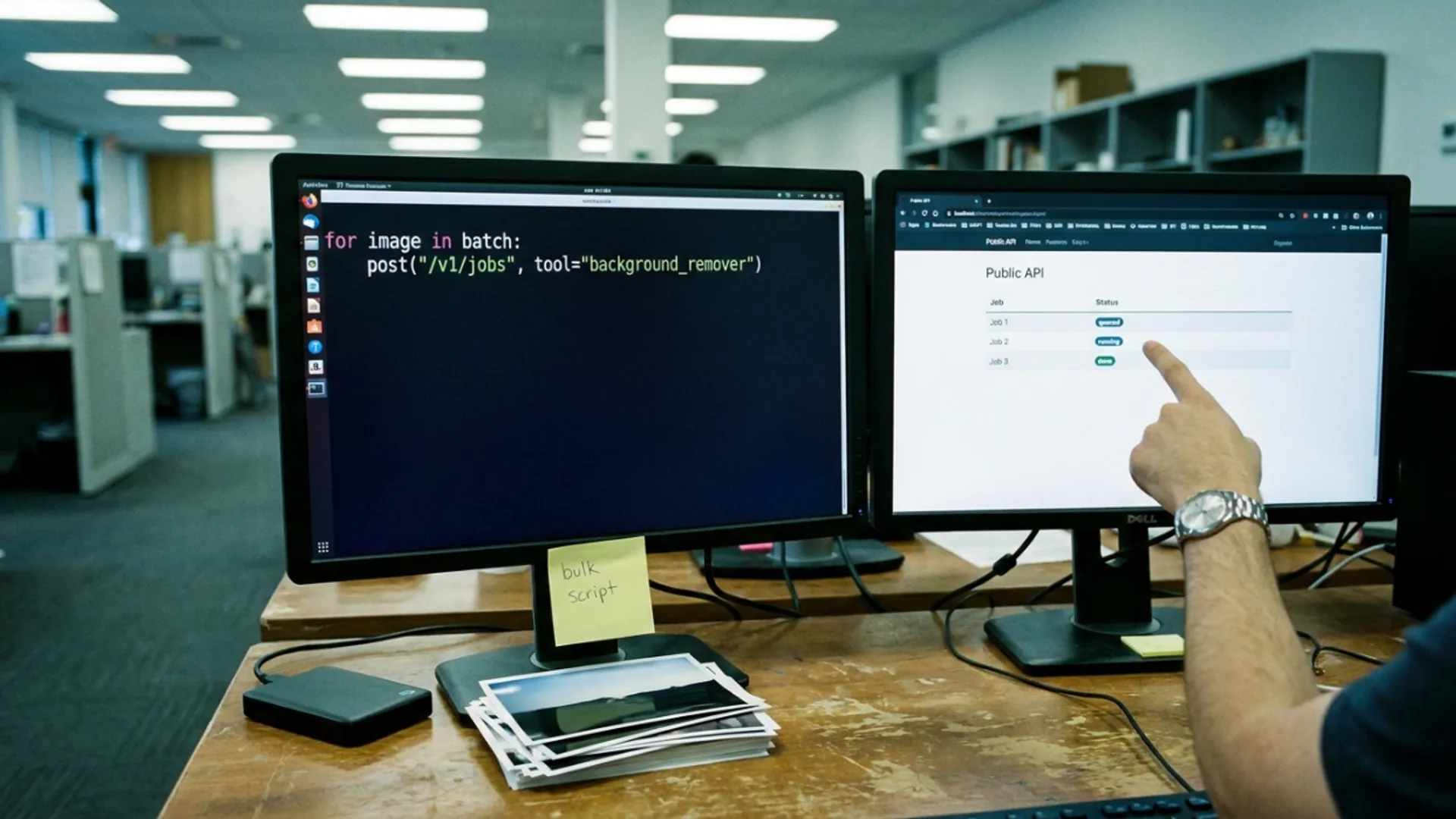
You post a job and get an answer straight away with a status of queued. The work carries on after the response closes.
Then you poll the job by its id until it reports finished or failed.
That design exists so a slow model never becomes a timeout on your end. A request that waits for a picture to be painted is a request that dies on a proxy somewhere at ninety seconds.
It costs you one extra round trip and buys you a client that does not break when a model has a slow day.
If polling is not what you want, you can register an endpoint and be told when a job finishes instead. That is configured in your account rather than through the API.
When I first wired this up I built the polling loop with a fixed one second interval and it was fine. Anything more clever than that is optimisation you can add later.
What you can actually call
Two families of work sit behind the same job endpoint, and you pick between them with a type field.
- Tool jobs run an existing image tool against a file you supply.
- Generate jobs make a new picture from a description and a chosen model.
- Seventeen tools are runnable today, including enhance, upscale, restore, sharpen, colorize, background remover, object remover, watermark remover, the anime, cartoon and sketch converters, hairstyle and outfit.
- The catalog endpoints list what is available, so you never have to hard code the list.
A tool sitting in the catalog is not automatically runnable through the API. Ask for one that is not and you get told which ones are, by name, rather than a vague refusal.
Reading the catalog at startup rather than pasting the list into your code is worth the five minutes. The list grows.
When credits are charged
This part surprises people and it is the friendliest thing in the whole design.
Credits are reserved when the job is created, and only actually charged when it succeeds.
A job that fails is refunded in full and reports zero charged. You are not paying for the model having a bad day.
Reserved credits have already left your available balance though, which is why a snapshot of your account can look lower than you expected while work is in flight.
Input is checked against the catalog before anything runs. An unsupported ratio or resolution is refused with a validation error that lists what is supported, rather than being quietly changed into something you did not ask for.
That refusal costs nothing. Getting a clear rejection is better than paying for a result in the wrong shape.
Keys, access, and rate limits
Authentication is a bearer token. Your key goes in the Authorization header and nowhere else.
Keys come in a live form and a test form. Both behave identically, which means the test prefix is a labelling convenience for your own sanity rather than a sandbox.
Treat both as secrets. A key in front end JavaScript is a key anyone can read and spend your credits with.
Access needs an active Basic, Standard or Premium plan, or any credit pack you have bought. A free account with no pack can read the docs but cannot create a key.
Every response carries your rate limit standing in its headers, so you can see how close you are without making an extra call. Go over and you get a 429 rather than a silent drop.
Retrying without paying twice
Network calls fail halfway. The API has a specific answer for that rather than leaving you to guess.
Send an idempotency header with a value you choose, usually a UUID, and the create becomes safe to repeat.
A second request with the same header and the same body returns the first job rather than starting another one, and does not charge again. The response tells you it was a replay.
Reuse the same header with a different body and you get a conflict instead, which is the API refusing to guess which one you meant.
Those values are remembered for a day and are scoped to the key that used them.
Everything the API runs is the same processing the website runs. If you want to understand what a given job actually does to a photo before you automate it, start with the AI Image Enhancer and watch one file go through by hand.
The behaviour under the hood is identical, including the file caps and the trade offs described in how the Picverce AI Image Enhancer actually works.
Read the catalog, create a job, poll it, handle the failure case. That is the whole integration.