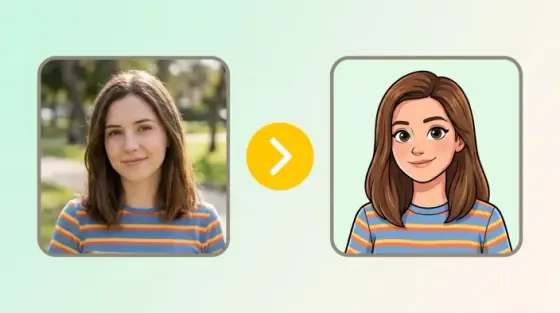
How to add a Christmas filter to your photos
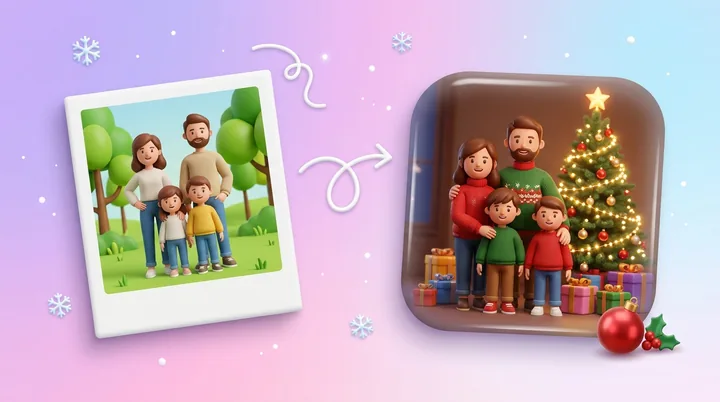
How to add a Christmas filter to photos you already took: falling snow, fairy lights, a frosted frame or a warm glow, with the people and poses kept.
This Christmas card maker puts your own photo and your exact greeting on a 5 x 7 inch card. Upload a photo, pick a layout and colors, write your greeting, then print it or download a PNG.
By uploading you agree to our Terms & Privacy Policy
Your photo stays in your browser and is never uploaded when you make a photo card.
Your photo and your exact greeting on a card you can print at 5 x 7 inches or send as an image.
Upload a family, couple or pet photo, then zoom and move it until the framing is right.
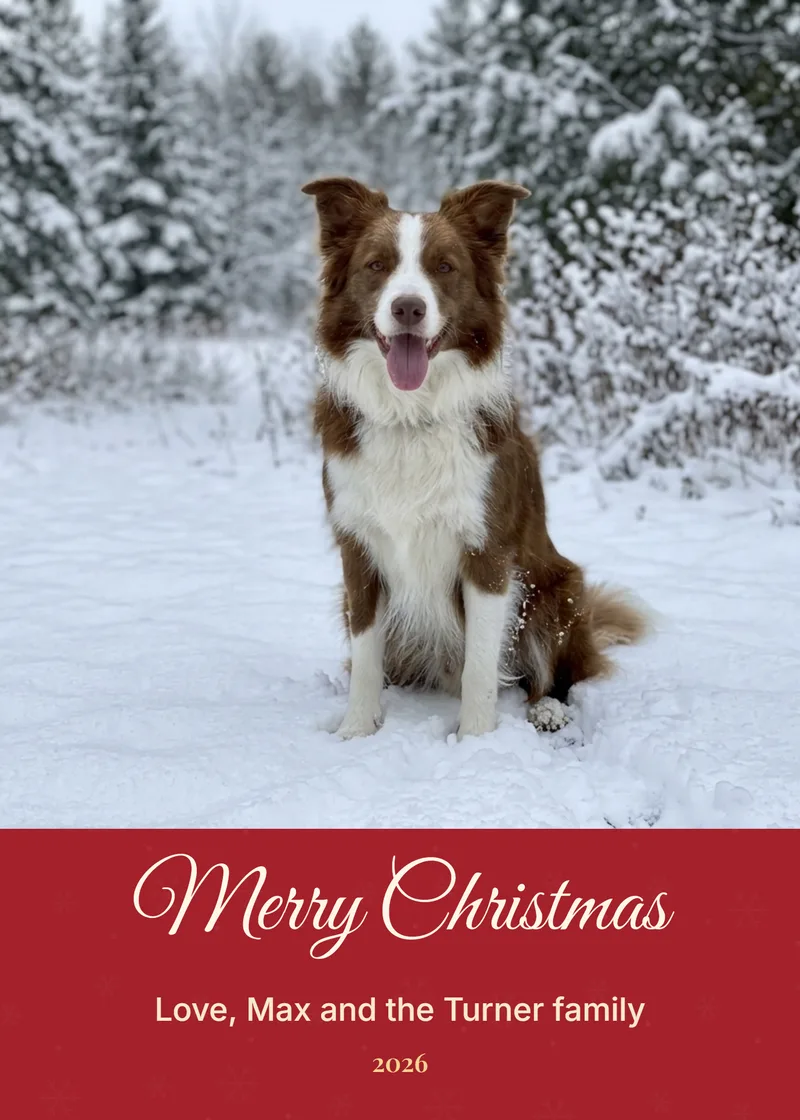
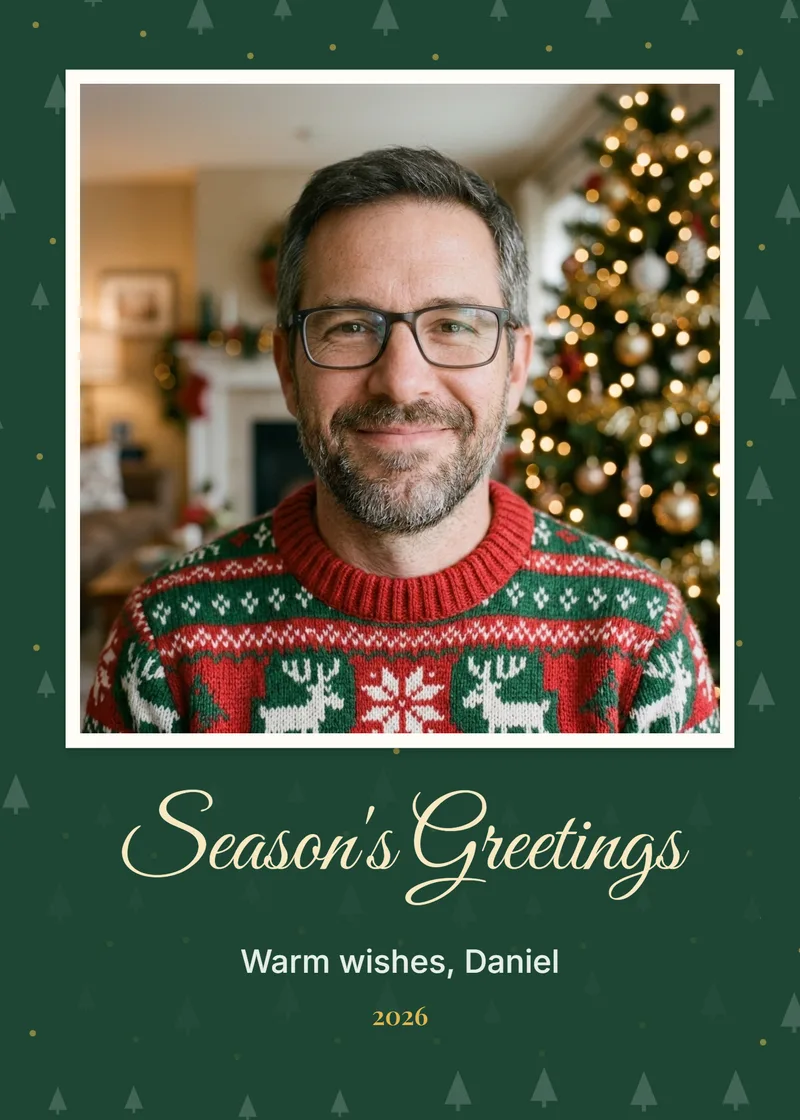
Full photo with a greeting band, a framed photo, or landscape with the greeting beside the photo.
Classic red, pine green, snow white and kraft, each with its own pattern.
Pick one of eight greetings or type your own, add a signature line and the year. The words print exactly as you type them.
Sliders for zoom and horizontal and vertical position.
Describe a card design under the upload box and make it in the AI Image Generator.
Only AI designs use generator credits.
Print at home or at a photo shop, save it as a PDF, or download a PNG to send by message.
Send an AI Christmas Photo result here with Make it a card.
For photo cards, your photo is never uploaded.
Cards print clean, with no Picverce AI logo on them.
Works in any modern browser, nothing to install.
Upload a photo above and pick a greeting.
Four photo cards made with the maker, one per color theme. Your card uses your own photo and greeting.
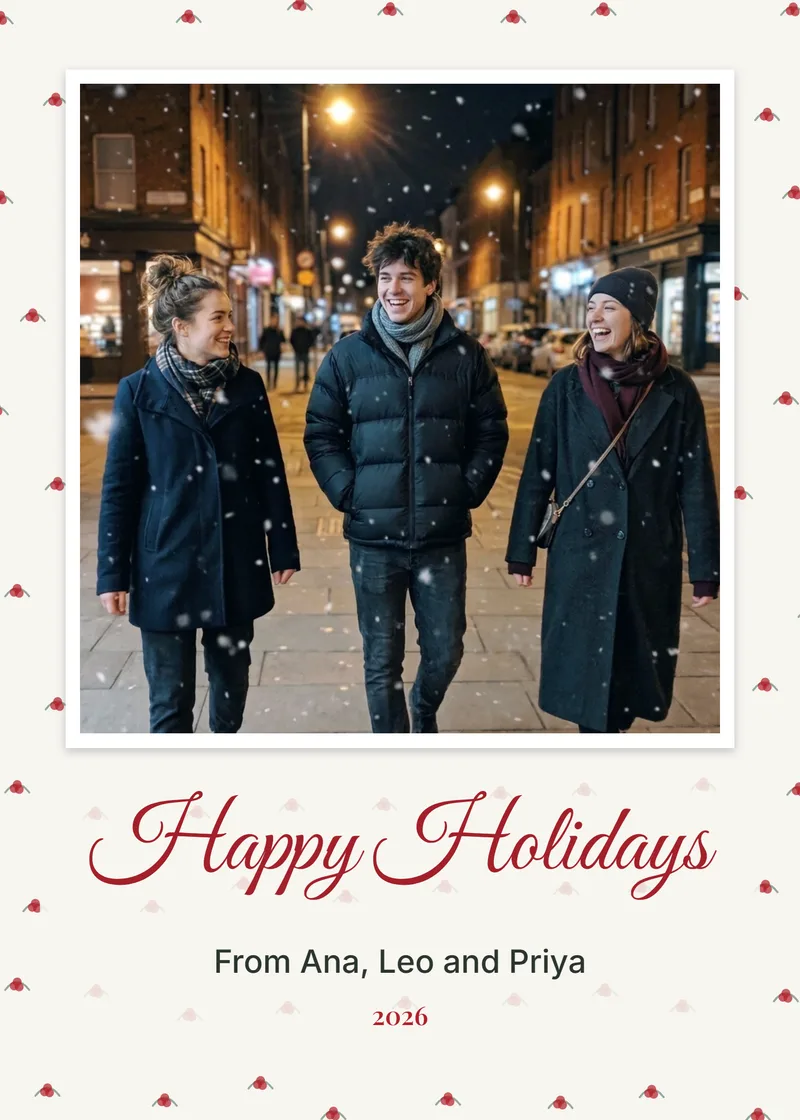
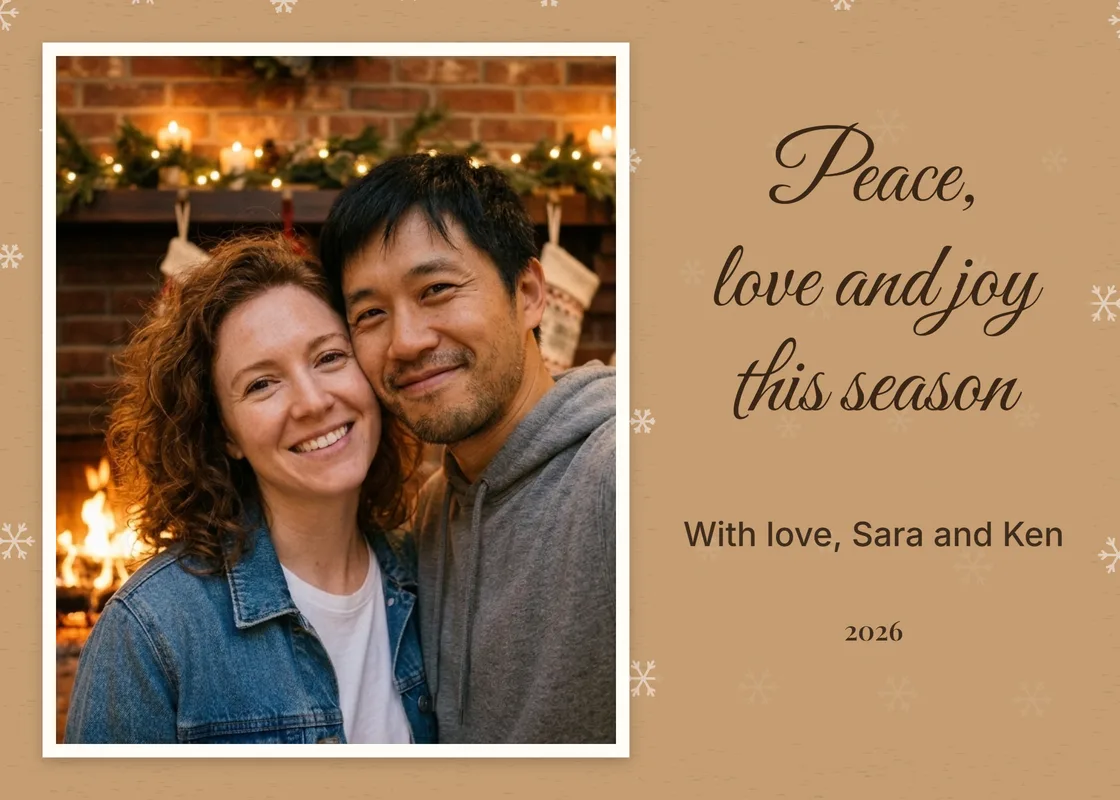
Four steps from a photo to a printed card.
Use a JPG, PNG or WEBP up to 10 MB. It stays in your browser.
Choose full photo, framed or landscape, then classic red, pine green, snow white or kraft.
Pick a greeting or type your own, then add a signature line and the year.
Print at 5 x 7 inches, save it as a PDF or download a PNG to send.
Upload a photo above to start.
How to add a Christmas filter to photos you already took: falling snow, fairy lights, a frosted frame or a warm glow, with the people and poses kept.
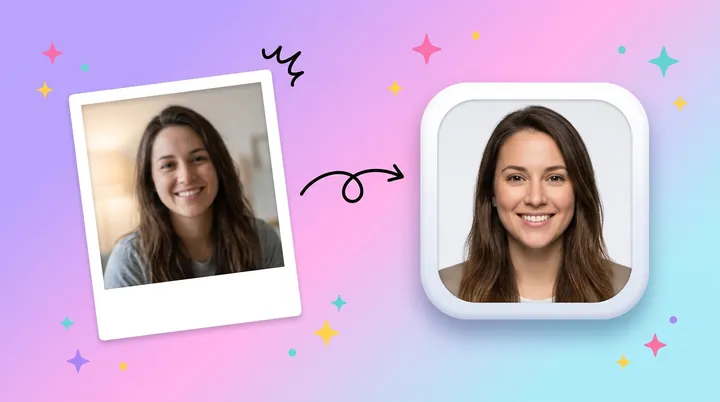
Christmas profile picture ideas for Facebook, WhatsApp and Discord: Santa hats, sweaters, fairy lights, couple pictures, and a crop that fits the circle.
How to add a Santa hat to a photo in a few steps, take a selfie that suits the hat, and download it square or round for your profile picture.
What you get with every tool on the site.
Enhance, upscale, restore, remove backgrounds, generate images and make cards, signs and flyers from one account.
The free plan refills each day, so you can try the tools before you buy credits or a plan.
Every tool page, guide and help text is available in both languages.
Signed-in results stay in your History for 3 days on Free and up to 90 days on Premium. You can delete them sooner.
Developers can run the same tools from code with an API key, or from an AI assistant through the MCP connector.
Make any result bigger for print or large screens without starting over.
Photo cards, AI designs, sizes and printing.
Photo cards are free and use no credits. The "Or design a card with AI" option makes the artwork in the AI Image Generator, which uses that model's normal credits. The free plan gives you 10 credits a day.
Yes. This is a Christmas card maker with photo upload: add a JPG, PNG or WEBP of up to 10 MB, then use the zoom and position sliders to frame it. You can also open a result from AI Christmas Photo or Christmas Profile Picture with the Make it a card button, at no extra cost.
Not for photo cards. The card is drawn in your browser and the download and print come straight from your device. The AI design option is different: your prompt is sent to make the image, the same as any other generation.
Portrait cards are 5 x 7 inches and the landscape layout is 7 x 5 inches, both at 300 DPI (1500 x 2100 pixels). Press Print or save as PDF to print at home, or download the PNG and order prints from a photo shop at 5 x 7.
AI image models can misspell words, so the Christmas card style asks for artwork without text unless you put words in quotes. For an exact greeting, download the AI design, upload it to the card maker and add your greeting there.
A short greeting and who it is from is enough, for example "Merry Christmas" and "Love, the Garcia family". Add the year if the card will be kept. Keep the greeting under about six words so it reads at a glance; the signature line can hold up to 60 characters.
Yes. Pick the "Photo left, greeting right" layout for a 7 x 5 inch landscape card. It works best with wide photos such as a couple or a group.
It can be. "Or design a card with AI", under the upload box, sends your idea to the AI Image Generator with a Christmas card style and a 3:4 card shape. Photo cards use no AI at all: it places your photo and words on the card exactly as you set them.
AI-powered photo enhancement, restoration, colorization, and object removal.