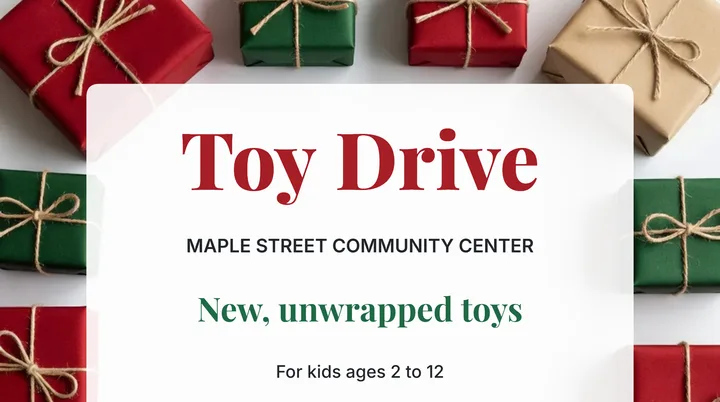
A weekend market poster I actually printed
Making a real poster for a village market with the Picverce AI Poster Generator, including the part where the printed version needed a redo.
Make a holiday hours sign with your exact dates and opening times, ready for the door or the counter. Pick each date, set the hours or Closed, and print it.
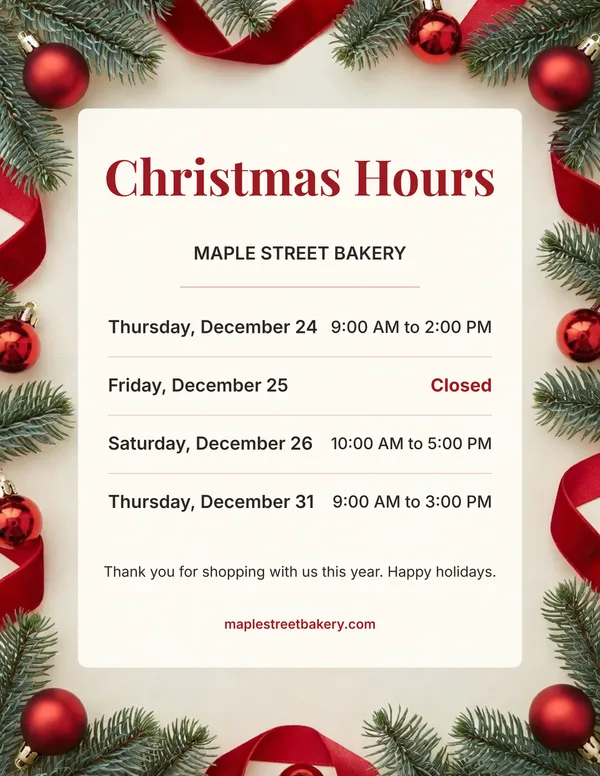
Exact dates and hours on a festive sign, ready to print.
Pick a date and the weekday is written from the calendar. A wrong weekday next to a date is the most common mistake on these signs.
Set opening and closing times per day, or mark the day Closed.
Enough for the whole week between Christmas and New Year.
Christmas classic, Christmas pine, winter snow, New Year, Thanksgiving and a minimal cream design that suits any holiday.
Long names shrink to fit their space instead of running off the sign.
Pick a preset title or type your own, up to 32 characters.
Add when you reopen and a phone number or website.
US Letter or A4 at 300 DPI. Print it on any home printer or save it as a PDF from the print dialog.
Post the same sign on your website or social pages.
The sign is drawn on your device. Nothing you type is sent to us.
Your sign prints clean, with no Picverce AI logo on it.
Works in any modern browser, nothing to install.
Fill in your dates above and print it.
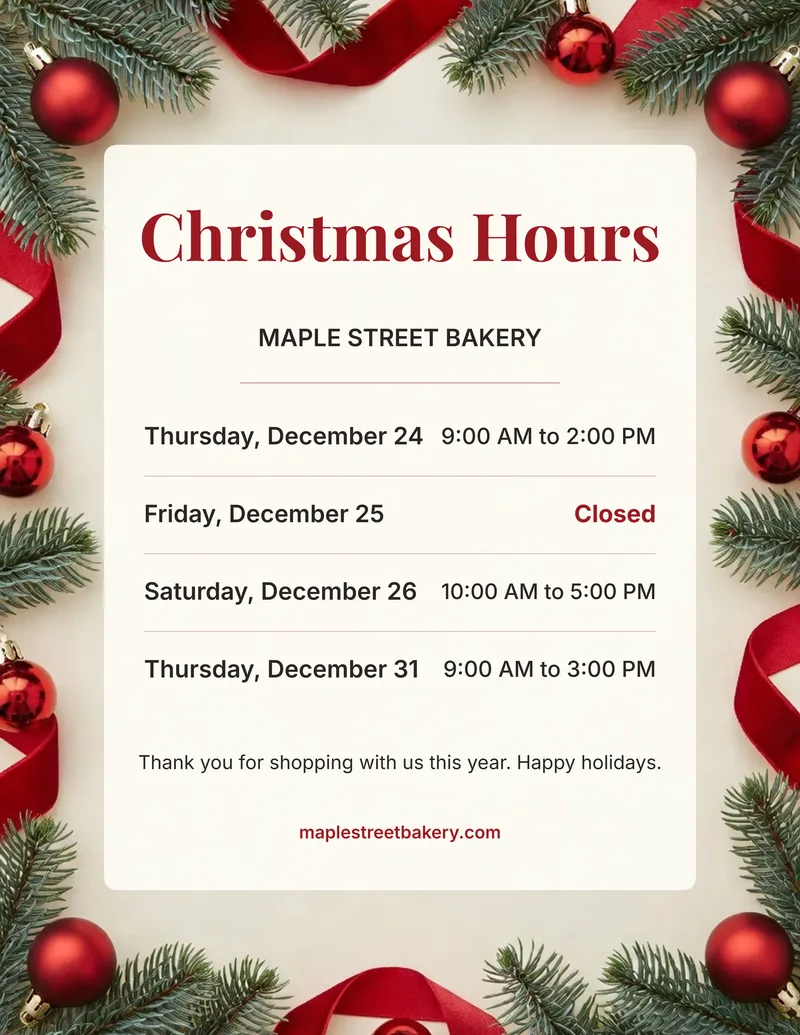
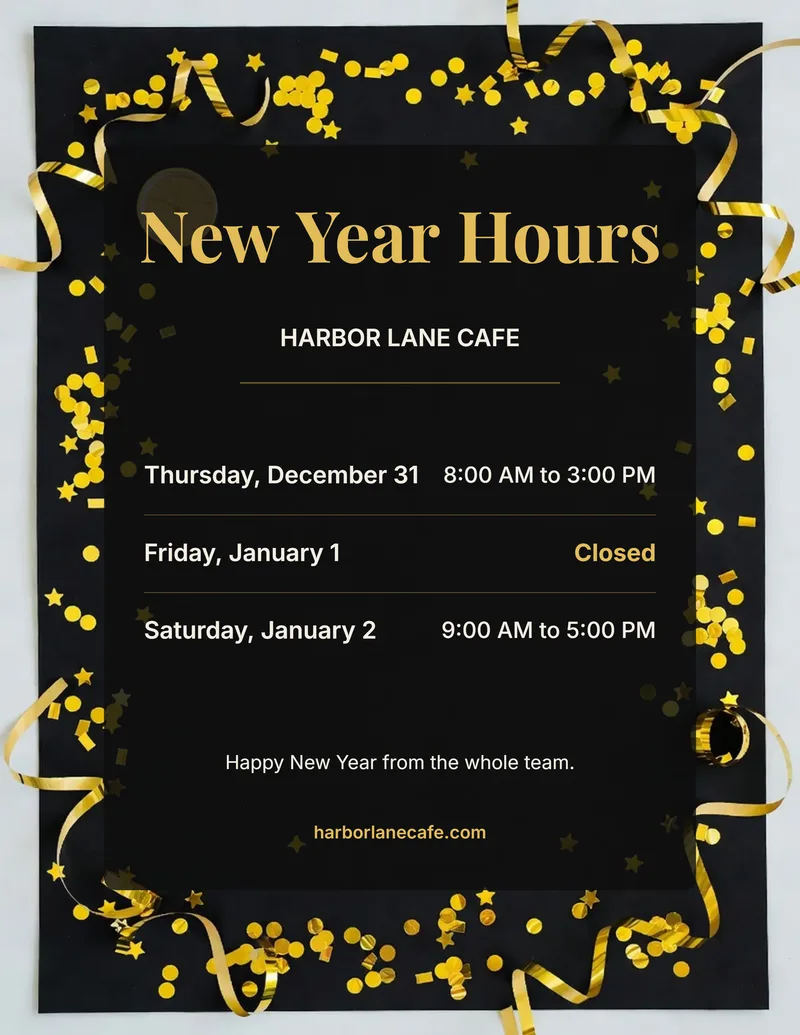
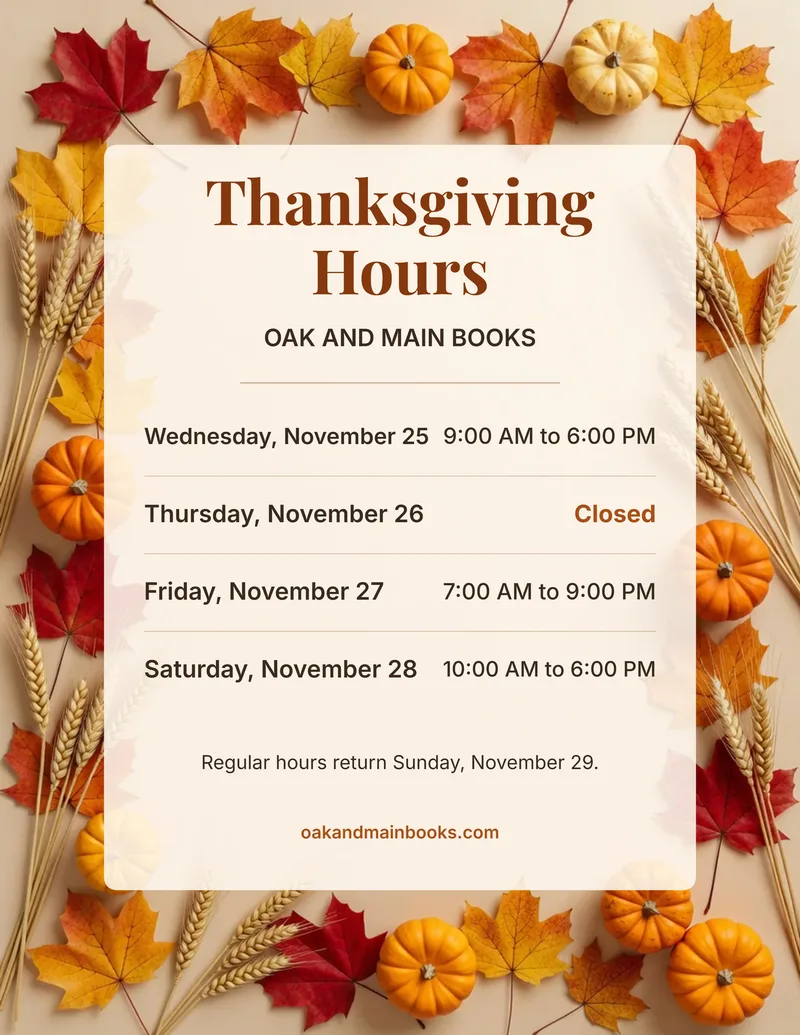
Four signs made with this maker, one per theme. Yours uses your own business name, dates and hours.
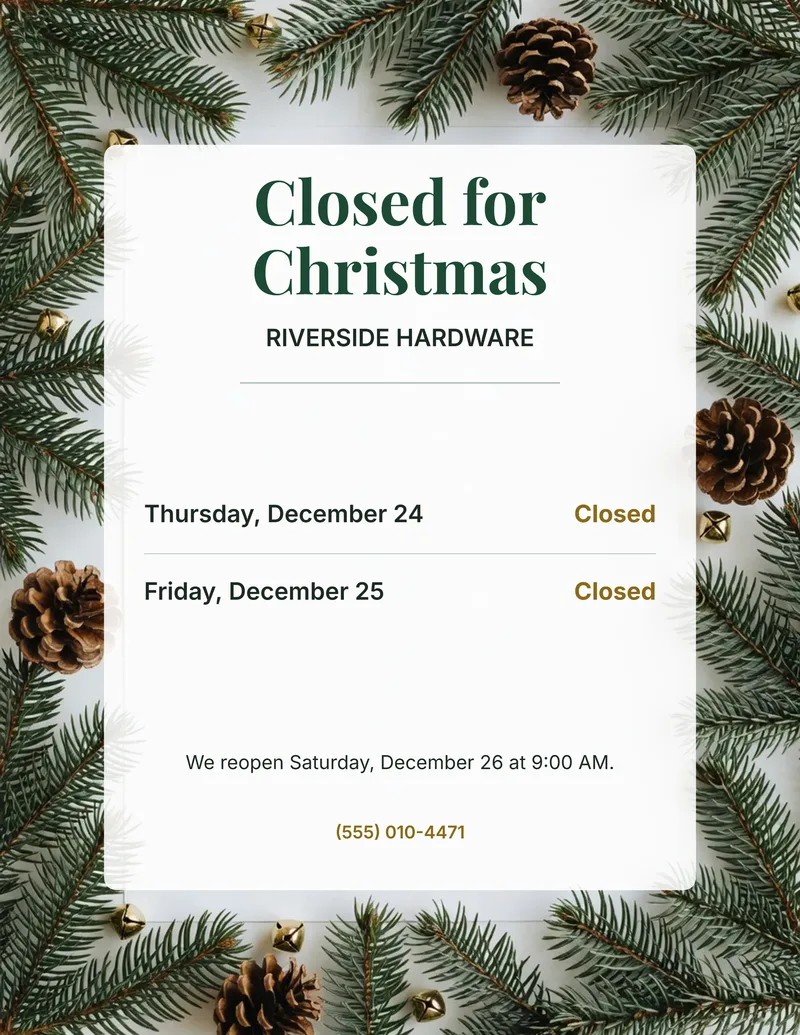
Pick "Closed for Christmas" as the title, add the days you are shut and tick Closed on each one. Use the note to say when you reopen, for example "We reopen Friday, January 2".
For other closures, type your own title such as "Closed for inventory" and use the winter snow or minimal background, which suit any time of year.
Four steps from your dates to a printed sign on the door.
Press Make your sign, then choose Holiday Hours, Christmas Hours, Closed for Christmas, New Year Hours or Thanksgiving Hours, or type your own, and add your business name.
Pick up to 7 dates. The weekday is filled in from the calendar for each one.
Enter opening and closing times, or tick Closed. Add a note and a phone number or website.
Pick a background and Letter or A4, then print, save as PDF or download a PNG.
Your sign is already filled in with an example. Change it to your own details.
Making a real poster for a village market with the Picverce AI Poster Generator, including the part where the printed version needed a redo.
The ten poster presets and three ratio tabs in the Picverce AI Poster Generator, why the style names are briefs, and what to do about the words.
How to turn a photo into a coloring page: pick a photo that works, choose a line style for kids or adults, and print custom pages for birthdays and pets.
What you get with every tool on the site.
Enhance, upscale, restore, remove backgrounds, generate images and make cards, signs and flyers from one account.
The free plan refills each day, so you can try the tools before you buy credits or a plan.
Every tool page, guide and help text is available in both languages.
Signed-in results stay in your History for 3 days on Free and up to 90 days on Premium. You can delete them sooner.
Developers can run the same tools from code with an API key, or from an AI assistant through the MCP connector.
Make any result bigger for print or large screens without starting over.
What to put on the sign and how to print it.
Put your business name, every day that changes with its weekday and date, the opening and closing times or the word Closed, and when normal hours return. A phone number or website helps customers who see the sign after hours. The maker writes the weekday from the date you pick, so the two always match.
The title presets are Holiday Hours, Christmas Hours, Closed for Christmas, New Year Hours and Thanksgiving Hours. Pick Christmas Hours for a Christmas hours sign, or type your own title of up to 32 characters for any other holiday or closure. The winter snow and minimal backgrounds suit any time of year.
Choose US Letter (8.5 x 11 in) in the United States and Canada, and A4 (210 x 297 mm) in most other countries. Both are made at 300 DPI: 2550 x 3300 pixels for Letter and 2480 x 3508 pixels for A4.
No. The sign is drawn in your browser on your own device, and the download and print come straight from there. Nothing you type is sent to Picverce AI.
Press Print or save as PDF. The print dialog opens with the page set to your paper size and no margins. Pick your printer, or pick "Save as PDF" to keep a file. If your browser asks, set the scale to 100%. You can also download a PNG and print it from any app.
Yes. Pick Closed for Christmas as the title, add the days you are closed and tick Closed on each. Every background works as a ready holiday hours sign template, so you only fill in your own details.
AI-powered photo enhancement, restoration, colorization, and object removal.

Create stunning images from text prompts.