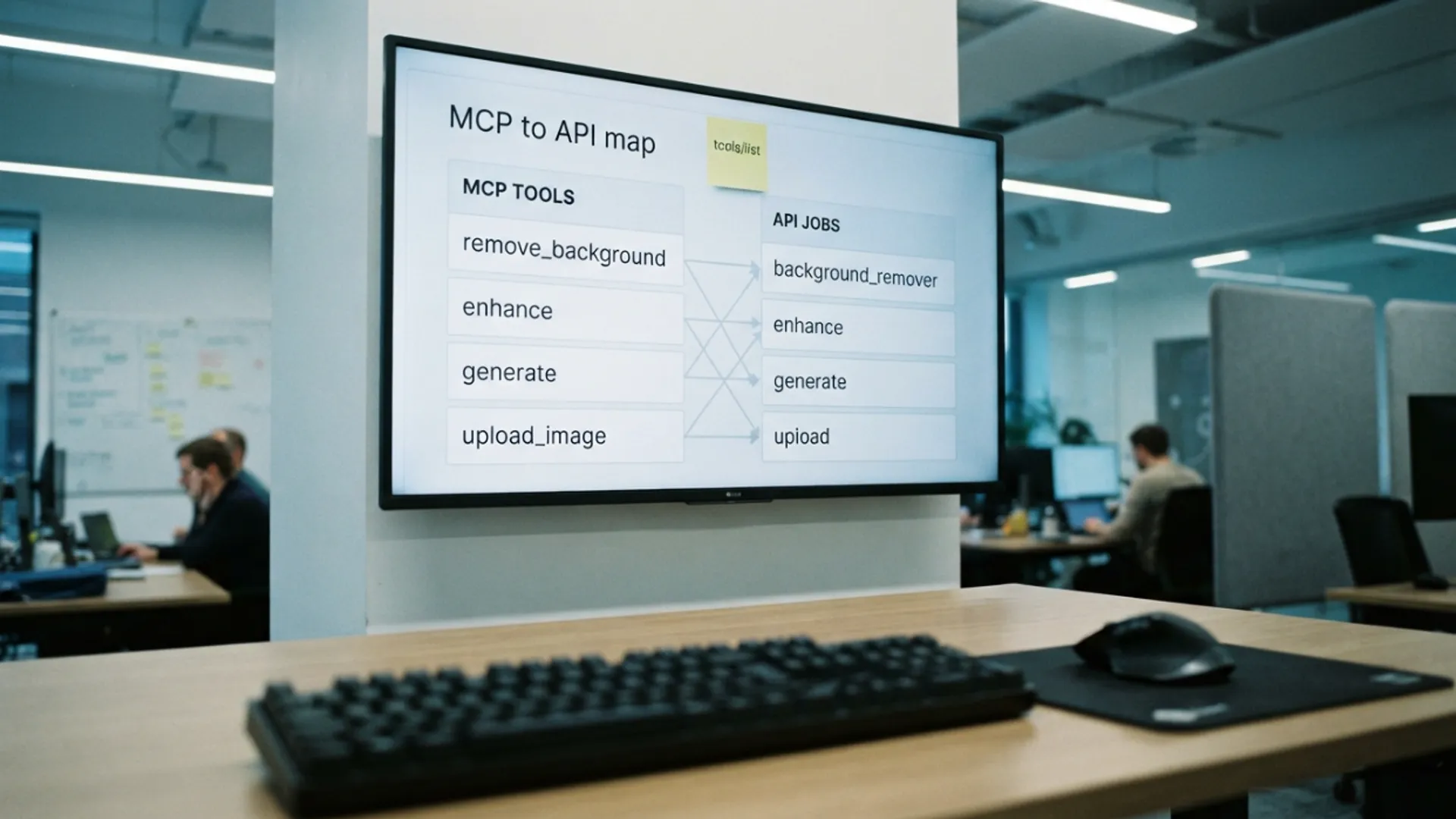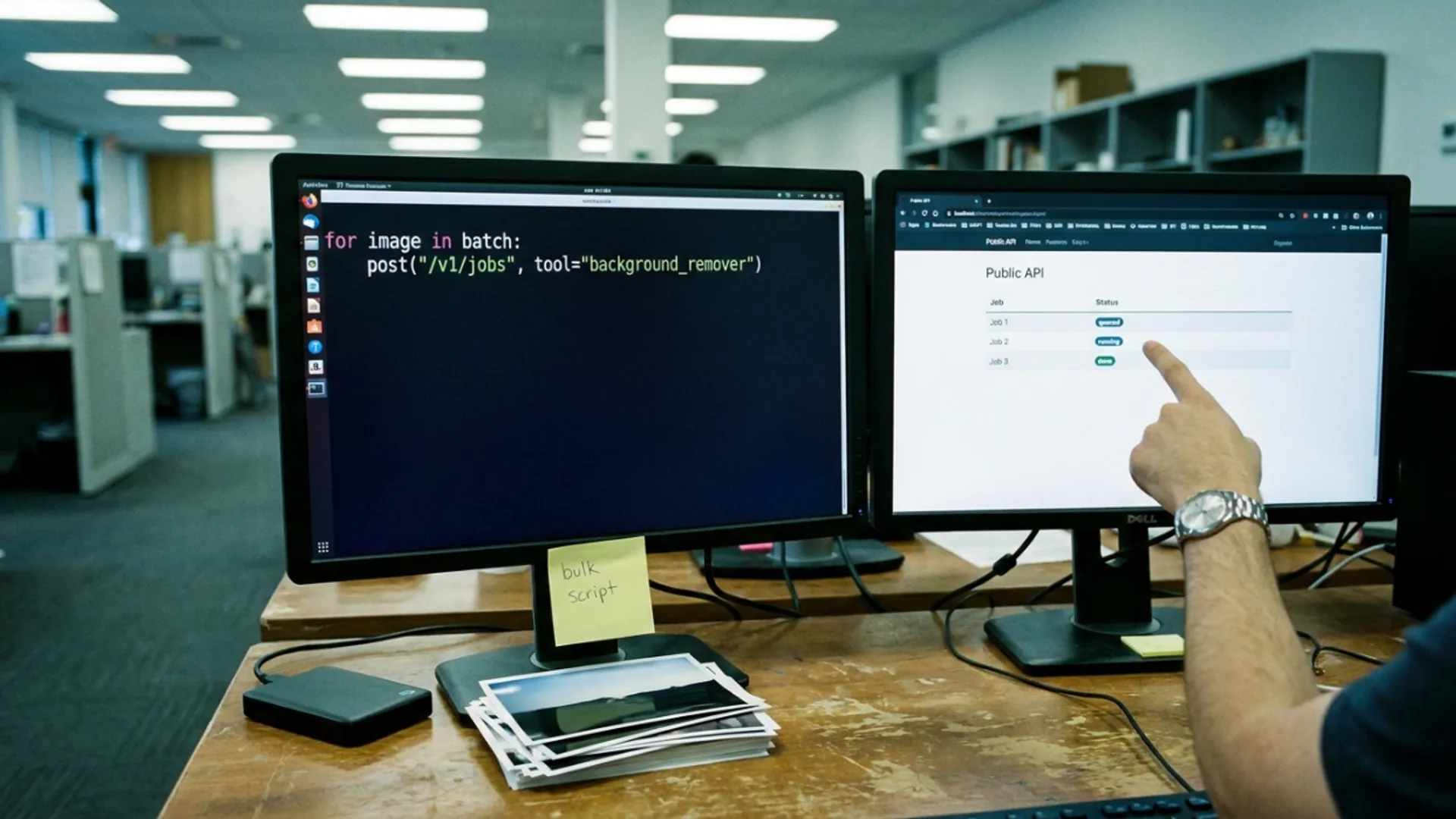
Bulk cutouts from a script I wrote
Four hundred product photos needed transparent backgrounds. What the Picverce AI Public API handled overnight and where the script needed guarding.
MarketingA homeware seller had four hundred product photos and a new marketplace that wanted every image on plain white.
Doing that by hand in the studio is roughly a day of clicking. It is also exactly the kind of job that should not be done by hand.
Why this was a good API job
Three things made it suitable, and it is worth naming them because plenty of jobs are not.
The work was identical for every file. Same tool, same option, four hundred times.
Nobody needed to look at the results one at a time as they arrived. An overnight run was fine.
And the failure case was cheap. A photo that came back badly could just be re run or done by hand later.
Jobs where a person has to judge each result are the opposite case. Automating those only moves the clicking somewhere less convenient.
The tool itself was the same one the site uses. The AI Background Remover behaves identically through the API, so I could test the settings by hand on ten photos before scripting anything.
That test run mattered. It told me a handful of the products had glass lids, and glass is the one edge a cutout genuinely cannot hold.
The rest of the edge behaviour matched what I expected from Picverce AI Background Remover cutouts, so I pulled the twelve glass items out of the batch and left them for a person.
The script, in four moving parts
It ended up being under a hundred lines, and most of that was error handling rather than clever work.
- Walk the folder and build a list of files still needing a cutout.
- Create a job per file with an idempotency value derived from the filename.
- Poll each job until it finishes, with a ceiling so nothing spins forever.
- Write the result next to the original and record the filename as done.
The idempotency value is the part I would not skip again. Deriving it from the filename meant a crashed run could be restarted without paying for anything twice.
None of it was clever. Every call it makes is described in the Public API documentation, and the whole script is a create, a poll, and a write.
I tested that deliberately by killing the script partway and starting it again. The already created jobs came back as replays rather than new work.
That test took two minutes and is the reason I trusted the run overnight. A batch script you have not interrupted on purpose is a script you do not know the behaviour of.
The filename was a reasonable source for the value because it was already unique in that folder. A UUID stored alongside the record works just as well.
Where it needed guarding
The first version ran too fast and spent its rate limit within a minute.
Every response carries the limit standing in its headers, so the fix was reading those rather than guessing at a sleep value.
When the remaining count got low the script waited until the reset time. That turned a burst of rejections into a steady run.
The second guard was on the poll loop. Without a ceiling, one stuck job would have held the whole batch up behind it.
The third was simply writing down which files were finished. Four hundred jobs is enough that you do not want to rely on remembering where it got to.
A plain text file of finished names was enough. It survived two restarts and needed no database.
Results were written next to the originals with the same base name, which made the morning check a matter of scrolling one folder.
I also kept the failures in their own list rather than deleting them. Nine names is a short enough retry queue to eyeball.
Everything landed in history as well, which meant the seller could look at a result without me sending files over.
What it cost and what it saved
Three hundred and eighty eight cutouts at 2 credits each is 776 credits, which fits inside a monthly allowance on the middle plan.
Failed jobs are refunded in full, so the nine that failed on the first pass cost nothing and succeeded on a retry.
The run took about four hours unattended overnight, most of which was the script politely waiting on its own rate limit.
Against a day of manual work, that is the whole argument. The seller checked a sample of forty in the morning and accepted the batch.
The twelve glass items took her about twenty minutes by hand, which is a much better use of twenty minutes than four hundred identical clicks.
Test by hand, script the identical part, guard the loop, keep a record of what is done. That is the pattern for every bulk job like this.