Public API vs the website studio
Same processing, same credits, two very different ways to work. When the Picverce AI Public API earns its setup and when the studio is simply faster.
RecommendationsThe API is not a better version of the website. It is the same processing with the interface removed, and that removal is both the point and the cost.
What is genuinely identical
More than people expect, which is why the choice is about workflow rather than capability.
- The same models run behind both. A job through either route does the same thing to your file.
- Credits come from one shared balance and cost the same per job.
- The same file limits apply.
- Results land in the same history either way.
You can prove that to yourself in a minute. Run a file through the tools directory by hand, then run the same file through the API, and compare the two results.
What differs is everything around the job, not the job itself.
That is the useful frame for the whole comparison. You are not choosing between two products, you are choosing whether a person or a script presses the button.
What the studio gives you that the API does not
Seeing the result immediately is the big one, and it matters more than it sounds.
Choosing a style is a visual decision. Nobody picks between eighteen sketch cards by reading their names in a catalog response.
The studio also lets you change your mind cheaply. Try a card, dislike it, try another, all without writing anything.
And there is no setup at all. No key, no plan requirement, no poll loop, no error handling.
For anything under about twenty files, I still open the site. The API setup costs more time than it saves at that volume.
The studio also handles the awkward parts of a file for you. Format conversion and the upload limits are dealt with before you notice them.
What the API gives you that the studio cannot
Repetition without a person, mainly. That is the whole category.
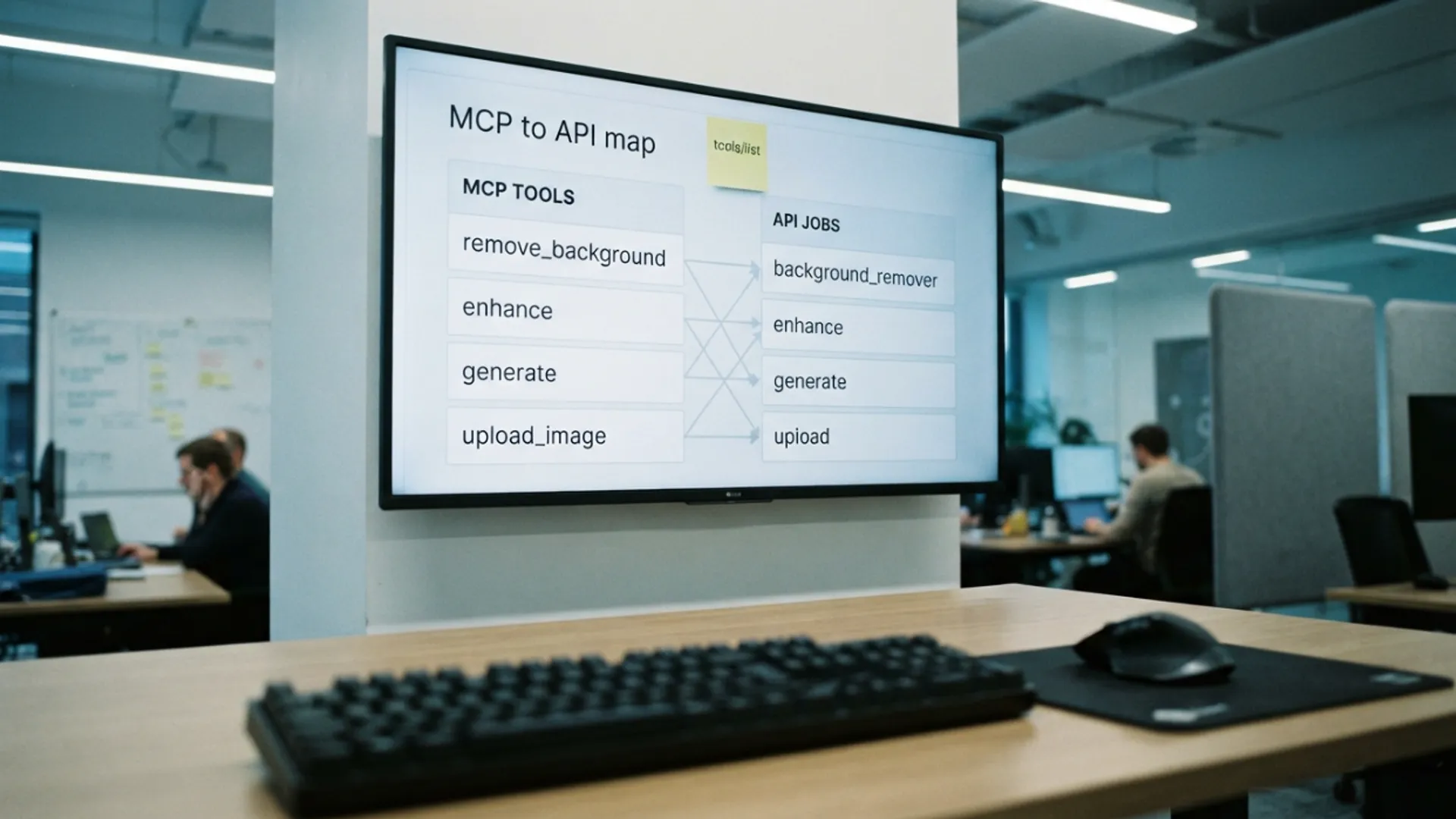
Everything it can run is listed in the Public API documentation, and the catalog endpoints return the same list at runtime so you never hard code it.
Four hundred identical jobs is not a thing anybody should click through, and that is where the setup pays for itself several times over.
It also puts the work inside something else. A job that runs when a product is added to your own system is not something a studio page can do.
You get real error handling too. A failed job returns a reason and a refund, and your code can decide whether to retry or skip.
And you can be told when work finishes rather than watching for it, by registering an endpoint in your account.
Retries are safer too. An idempotency value on the create means a half failed network call can be repeated without paying twice, which has no equivalent in a browser tab.
Which to reach for
The volume question answers it most of the time.
Under twenty files, or any job where you need to look at each result, use the studio. It is faster in real time even though it feels less sophisticated.
Over a hundred identical files, use the API. Below that the answer depends on whether it will happen again.
A one off batch of fifty is a studio afternoon. A batch of fifty that arrives every week is a script you write once.
The second question is whether the job needs to start on its own. Anything triggered by your own system rather than by a person is an API job regardless of volume.
A weekly batch that someone remembers to run is still a studio job. A batch that has to run whether anyone remembers is not.
Most teams end up using both, and that is the sensible outcome rather than a compromise.
If a person has to make a judgement on each file, the API is the wrong tool no matter the volume. Automation is for decisions already made.
The costs people forget
Access is not free with a free account. You need an active Basic, Standard or Premium plan, or a credit pack.
Every job is asynchronous, so you are writing a poll loop or an endpoint to receive callbacks. That is real work the studio does for you.
Rate limits are real and your first script will hit them. Reading the limit headers instead of guessing at delays is the fix.
And a key is a secret. Putting one in front end code hands your credits to anyone who opens developer tools.
Neither route changes which tool is right for a given photo. That decision is the same on both, and the ordering logic is in enhancer or upscaler which one to run first.
Pick by how many times the job repeats and whether a person needs to look. Everything else is the same underneath.