Create an API key and run your first job
From an empty account to a finished job on the Picverce AI Public API, including the poll loop, the credit reservation, and the two errors you hit first.
TutorialsThis is the shortest path from nothing to a finished job. Four steps, and the third is the one everybody gets wrong the first time.
Check you can create a key at all
Access is not part of the free tier on its own. You need an active Basic, Standard or Premium plan, or any credit pack you have bought.
A credit pack is the cheaper way in if you only want to try it. Buying one unlocks key creation on an otherwise free account.
Keys live under the API tab in your account, alongside your usage and your webhook endpoints.
Create one and copy it immediately. Treat it the way you would treat a password, because that is exactly what it is.
You will see a live prefix and a test prefix available. Both behave the same way and both spend real credits, so the test one is a label for your own organisation rather than a free sandbox.
Send it as a bearer token
The key goes in the Authorization header as a bearer token. Not a query string, not a custom header, and never in code that ships to a browser.
A quick call to the account snapshot endpoint is the fastest way to confirm the key works before you build anything on it.
That call also shows your balance and your rate limit standing, and reading it does not consume any of your limit.
Do that before writing anything else. A key problem discovered at step one is a minute lost, and the same problem discovered inside a poll loop is an afternoon.
Create the job
Post to the jobs endpoint with a type, a tool or model id, and the input for that job.
You get an answer back almost immediately with a status of queued and a job id. The picture is not ready and nothing has been charged yet.
Credits are reserved at this point rather than spent. They leave your available balance and come back if the job fails.
Pick a cheap tool for the first attempt. There is no reason to debug your first integration against an expensive job.
What each job costs matches the website exactly, and scale based pricing works the same way it does in Picverce AI Image Upscaler 2x 4x and 8x.
Poll until it finishes
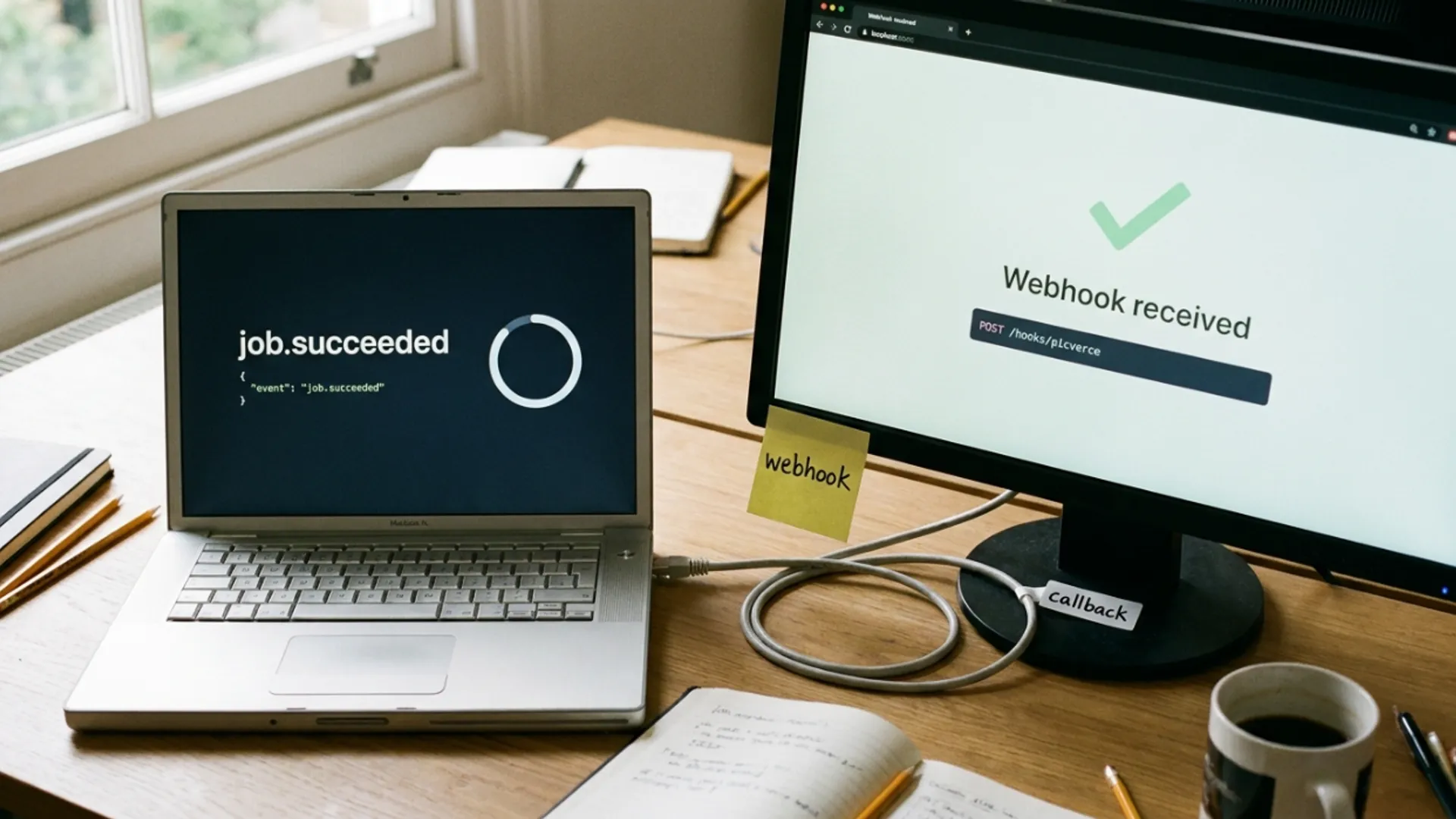
Fetch the job by its id in a loop until the status stops being queued or processing.
A one second interval is fine to start. Anything cleverer is an optimisation you can add once it works.
- Stop on success and read the output.
- Stop on failure and read the error. Your credits have already been returned.
- Put a ceiling on the loop so a stuck job does not spin forever.
- Do not poll faster than once a second. You will spend your rate limit on nothing.
When I wrote my first loop I forgot the ceiling and left it running against a job that never resolved. Nothing was charged, but the process sat there until I noticed.
The two errors you will hit first
Both are informative rather than cryptic, which makes them quick to clear.
The first is a validation error. You asked for a ratio, resolution or variation count the tool does not support, and the response lists what it does support.
Nothing is charged and nothing is silently altered. The alternative would be paying for a result in a shape you did not ask for.
The second is a tool that exists in the catalog but is not runnable through the API yet. The error names the ones that are, so you can pick a working one from the message itself.
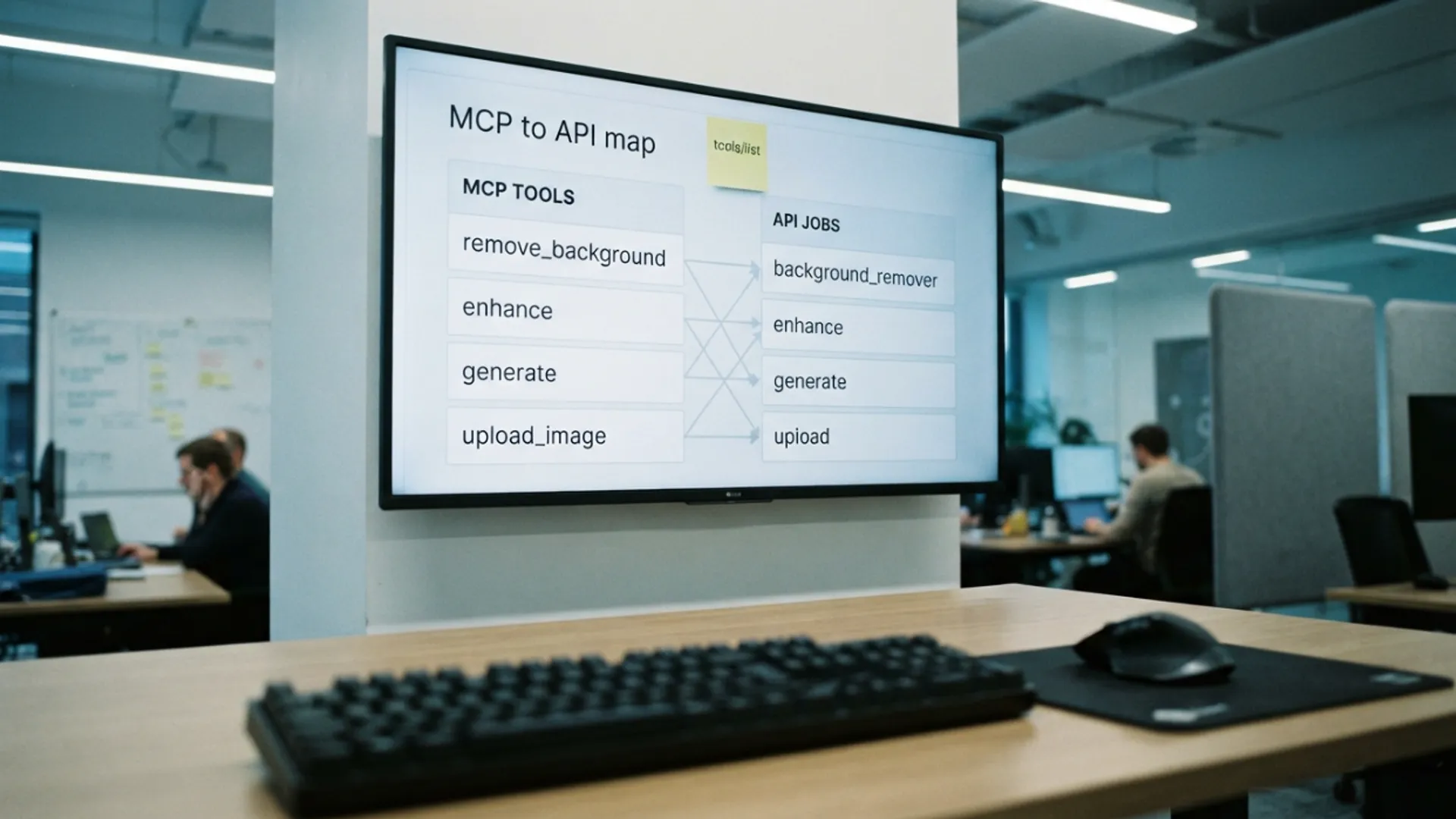
Read the catalog endpoints at startup instead of hard coding a list, and that second error stops happening.
A third error worth expecting is the plan check. If your access lapses, calls start refusing with a message pointing at pricing rather than failing obscurely.
None of these three cost credits. Errors are refused before any work starts.
Make retries safe before you ship
This is a five minute change that saves a real problem later.
Send an idempotency header on the create, with a value you generate per logical job. A UUID is the simplest choice.
If the call fails halfway and you repeat it with the same value and the same body, you get the original job back instead of a second one, and you are not charged twice.
Reuse the same value with a different body and you get a conflict, which is the API refusing to guess. Those values are remembered for a day.
The full parameter reference for every tool sits in the Public API documentation, including which options each one accepts.
Key, create, poll, handle failure. Get those four right and everything else is choosing which tool to call.