Flux vs Imagen vs Ideogram and which model to use
Flux vs Imagen vs Ideogram on Picverce AI: what each model family is reliably good at, and a cheap test that shows which suits your prompt in minutes.
RecommendationsFlux vs Imagen vs Ideogram is not a contest with one winner.
These three families come up most often, and the honest answer to which is best is that it depends on the prompt more than on the model.
What is useful is knowing what each family tends to be reliable at, so your first guess is a good one.
What sits in each family
All three are listed with everything else in the AI Models directory, which is the authoritative list rather than anything written here.
- Flux spans several tiers, from a fast lightweight option up to the larger Pro and Max variants.
- Imagen appears in a standard and an Ultra form.
- Ideogram appears as a standard and a Turbo variant.
- Each has its own resolutions, ratios and variation cap, declared per model.
That last point matters more than family loyalty. A cheap tier of one family and an expensive tier of another are not comparable just because of the name they share.
Compare specific models, not brands.
The tiers exist for a reason too. A faster model is not a worse one, it is trading detail for speed and cost, which is exactly what you want while drafting.
What each tends to be good at
These are tendencies from using them, not guarantees, and any of them can be beaten on a given prompt.
Ideogram has the strongest reputation for legible text inside an image. If your picture needs a word in it, start there.
Imagen tends to produce clean, well lit, conventionally attractive results with little coaxing. Good for a first draft that looks finished.
Flux spans the widest range, which makes it the family where choosing the right tier matters most. The fast option is excellent for drafting and the larger ones for finals.
When I needed a poster with a short word on it, the Ideogram result was usable on the second attempt and the others were still producing letter shaped decoration on the fifth.
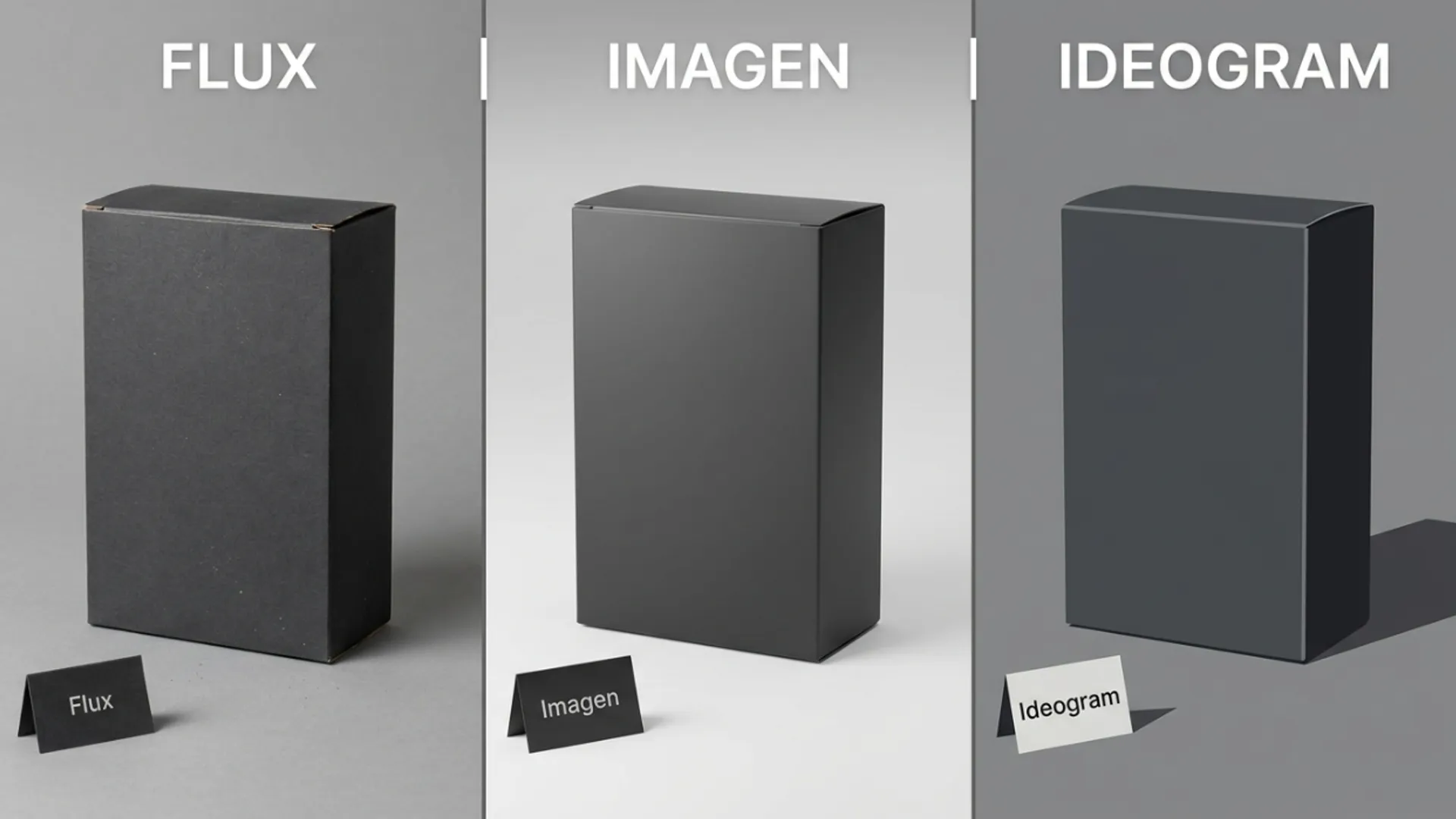
For a plain product scene with no text, that advantage disappeared entirely and all three were fine.
That is the useful shape of the whole comparison. The differences show up on hard prompts and vanish on easy ones.
If your prompt is straightforward, pick on price and speed rather than agonising over the family.
The test that actually answers it
Stop reading comparisons, including this one, and spend a few credits instead.
Take your real prompt, not a test prompt, and run it on one model from each family at the lowest resolution with a single variation.
Credits are attached to resolution, so three low resolution drafts cost a fraction of one high resolution final.
Do it in the generation workspace where switching models does not mean retyping the prompt.
Judge on the thing your picture actually needs. If it needs text, judge the text. If it needs a mood, judge the mood and ignore the rest.
Judging everything at once is how these tests turn into an opinion rather than an answer. Pick the one criterion that would make the image unusable if it failed.
The result of that test beats any general advice, because it used your prompt rather than somebody else.
Choosing without testing
Sometimes you want a starting point rather than a process. These are reasonable defaults.
- Words in the image, start with Ideogram.
- A polished looking draft with minimal effort, start with Imagen.
- Drafting a lot of variations cheaply, start with the fastest Flux tier.
- A final you will actually publish, move up a tier within whichever family won your test.
The one rule that survives every comparison is to draft cheap and finalise expensive. Fishing at high resolution is how credits disappear.
Keep the drafts. History stores the settings alongside each image, so a model you rejected today is easy to revisit when the next prompt is different.
Preferences change with the job, and a model that lost one test regularly wins the next.
Nothing is charged when a model refuses an unsupported setting, so exploring what each one accepts costs you nothing but time.
Comparisons like this one always come down to the output medium, the same way the print decision does in sketch vs anime for print.
Decide what the picture must get right, then test three models on your own prompt. Ten minutes settles it.
Repeat that test when the job changes rather than trusting the answer you got last month. The families move, and so do their tiers.
What does not change is the method. Your prompt, lowest resolution, one variation, one criterion.
That is cheap enough to run whenever you are genuinely unsure.
And keep the losing drafts rather than deleting them. They are the evidence for why you chose what you chose, which matters when someone asks.
A folder of rejected drafts has settled more disagreements about model choice than any amount of arguing.