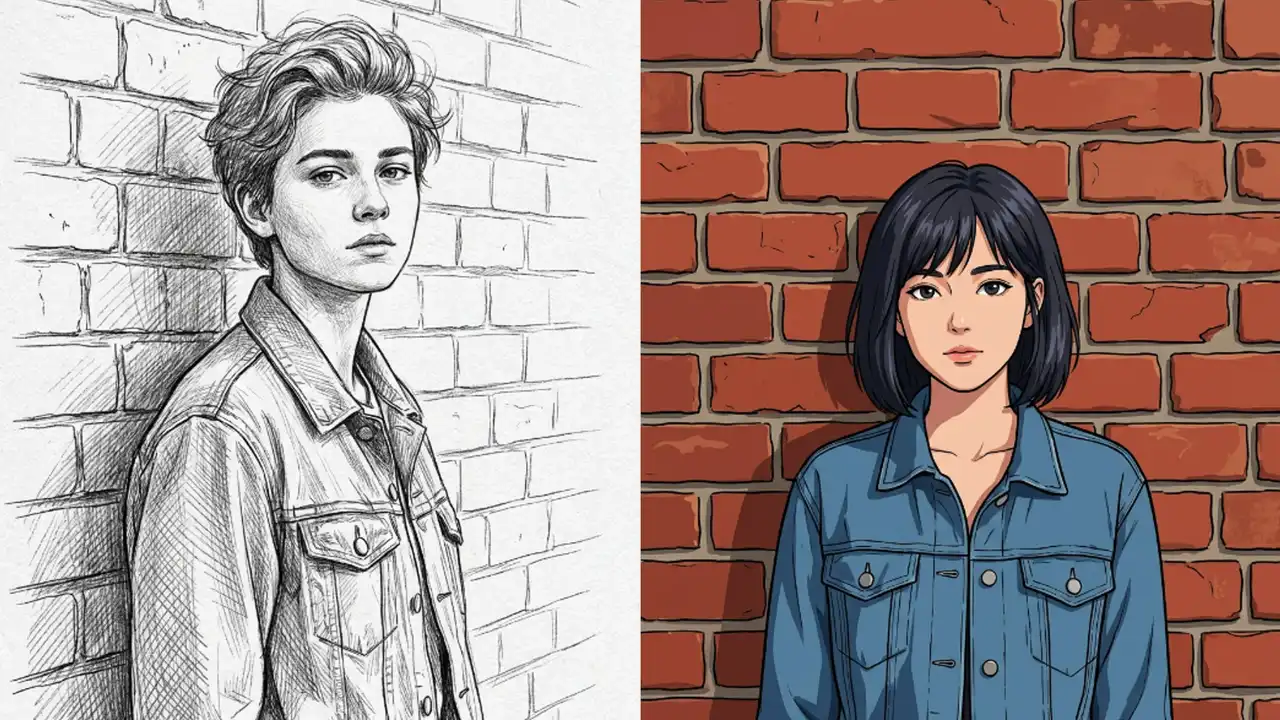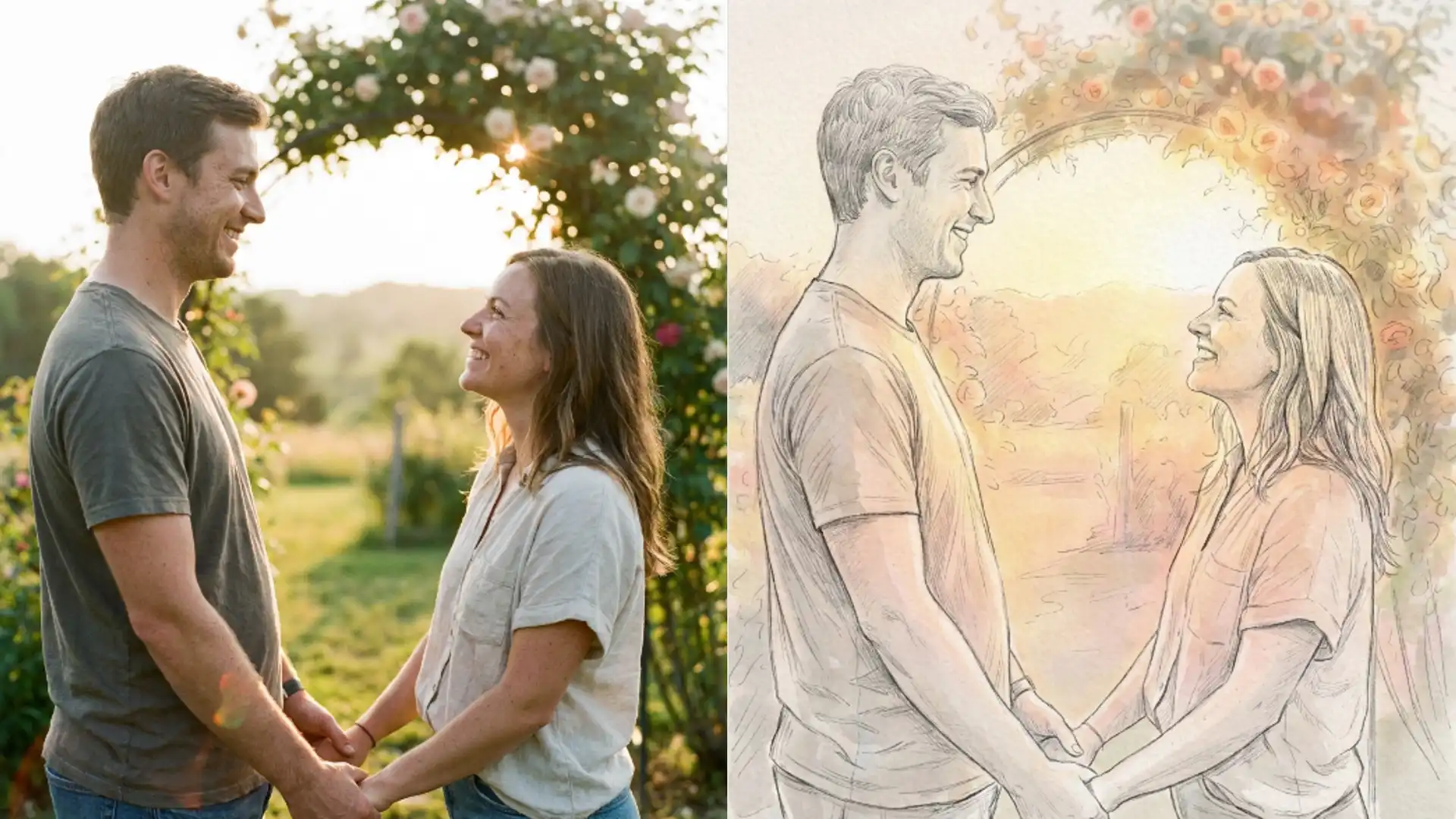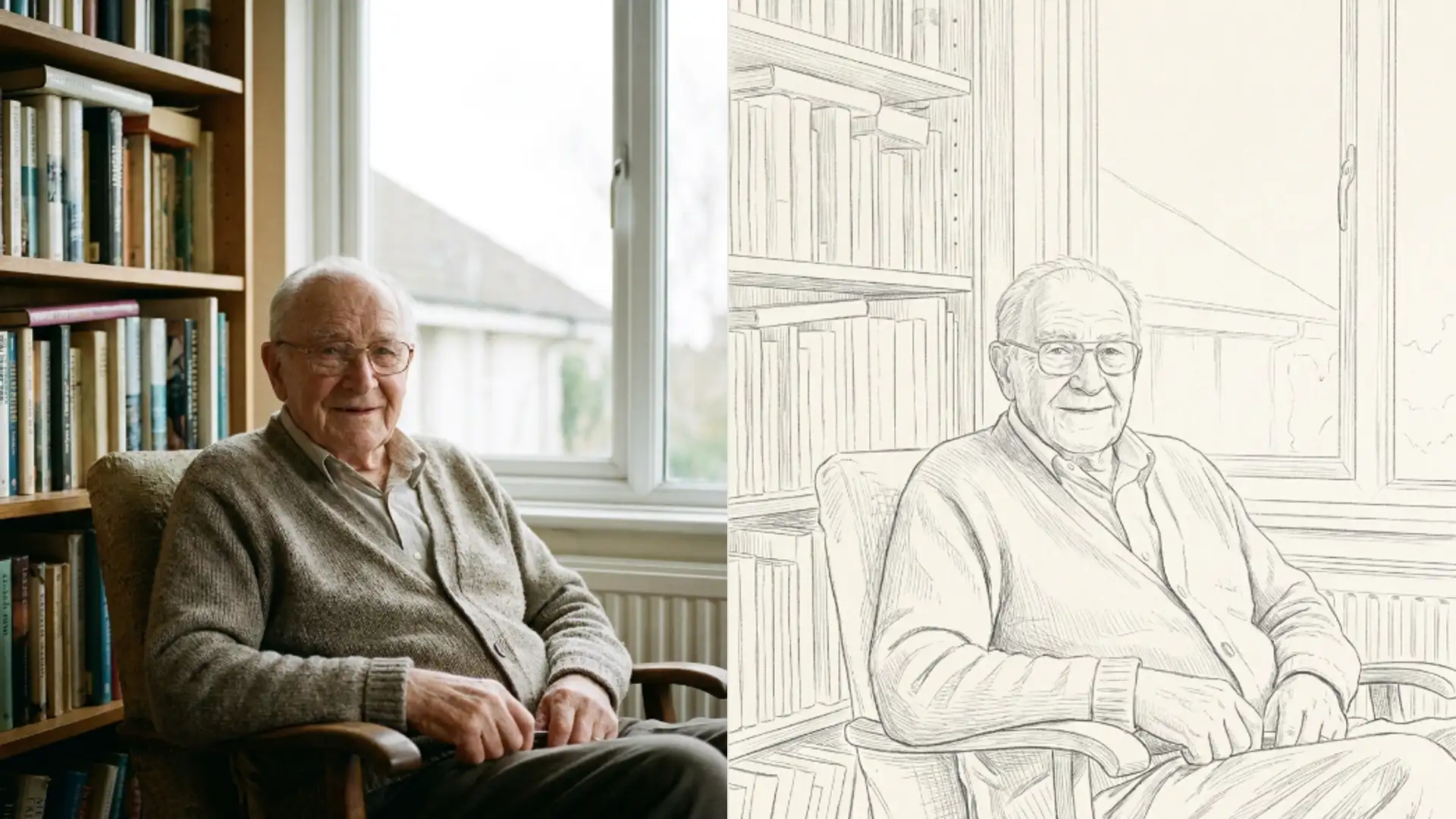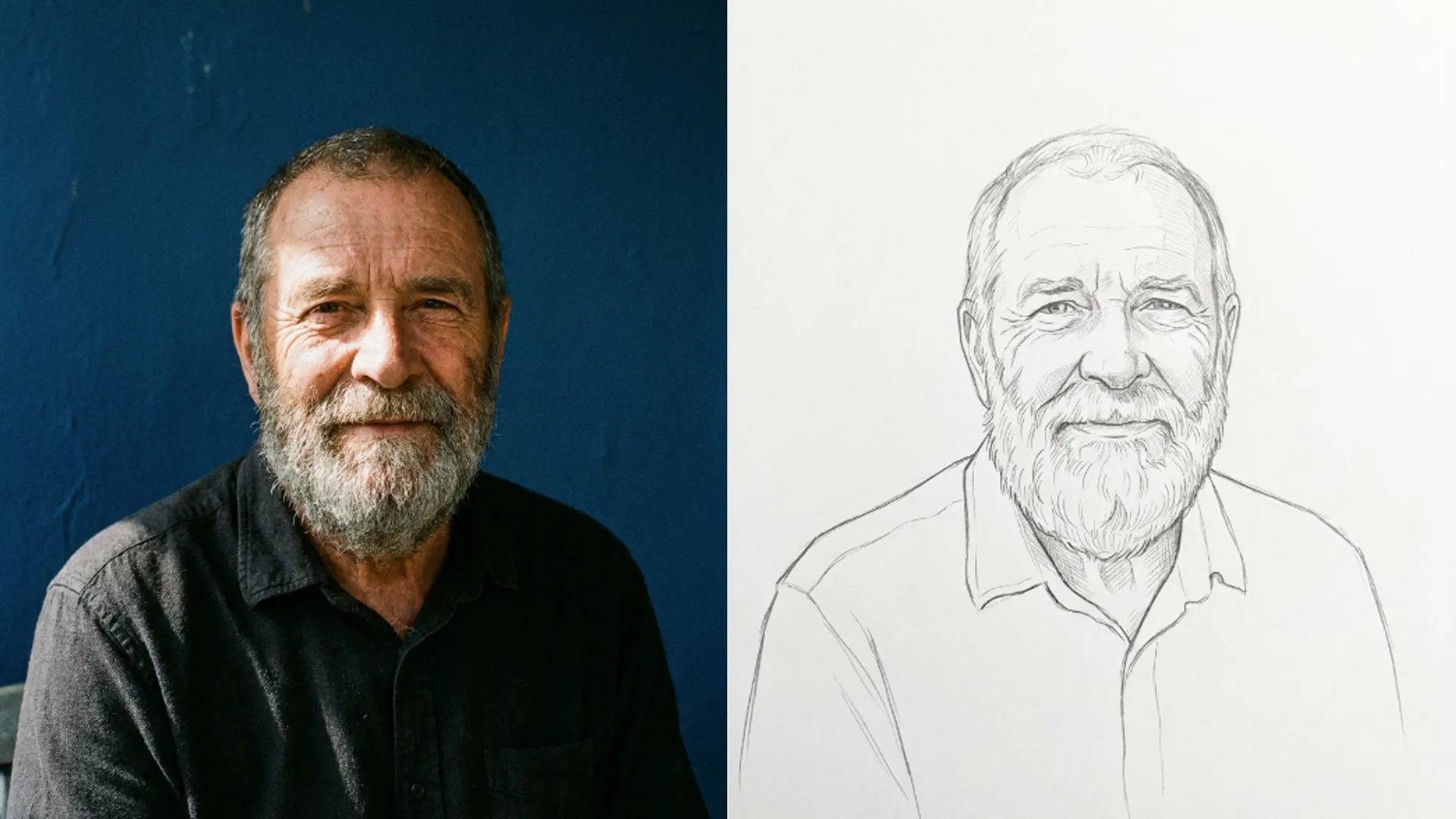
How to turn a picture into a clean line drawing
How to turn a picture into a clean line drawing outline: the sketch pass redraws the photo, so printed dots, grain and compression blocks drop away.
Image EditingWhen you turn a picture into a drawing outline with the AI Photo to Sketch tool, noise in the photo usually disappears along the way.
A sketch pass does not filter your photo. It redraws it, and that difference explains almost everything about what survives.
Understanding that stops you being surprised when the AI Photo to Sketch tool quietly deletes things you had spent time trying to remove.
Three kinds of noise that vanish
All three go for the same reason. None of them are shapes, and the pass works in shapes.
- Printed halftone dots. Scan a magazine page and the rosette pattern disappears entirely.
- Sensor grain. High ISO speckle does not survive, because a grain of noise is not an edge.
- Compression blocks. The square artefacts in a heavily saved JPEG get read past rather than drawn.
That makes a scanned newspaper portrait one of the better things to put through this tool. The halftone that makes it unusable as a photo is simply not carried across.
When I ran a scanned clipping through the pencil sketch style, the dot pattern was gone and the face underneath was still recognisable. The same file through a sharpening pass had just made the dots crisper.
There is a catch and it is worth stating plainly. The pass can also read noise as texture and draw lines that were never in the scene.
That happens most on very grainy shots with flat backgrounds. A clean wall behind a noisy subject sometimes comes back with faint cross hatching in it.
If it happens, a less detailed style fixes it. Fine detail sketch chases texture. Minimalist line sketch ignores it.
Shrinking the photo slightly before uploading is the other fix. Fewer pixels means less noise for the pass to mistake for detail.
What else disappears on every style
Colour first, on all but a few of the eighteen styles. Coloured pencil, watercolour and pastel keep it. The rest do not.
That surprises people who upload a portrait for the line work and get a monochrome result back. Check which style you picked before assuming something failed.
Smooth tonal gradients go as well. A soft falloff on a cheek becomes either a hatched area or nothing, depending on how detailed the style is.
Reflections and specular highlights are usually dropped. A catchlight in an eye survives, a reflection in a window mostly does not.
Glasses are a mixed case. The frames come through as line work and whatever was reflected in the lens usually does not.
Very low contrast detail is the fourth casualty. Anything that is nearly the same tone as what surrounds it has no edge to draw.
That last one is why a subject in a dark coat against a dark background loses its outline entirely on the lighter styles.
Raise the contrast on the photo before uploading if that is your situation. The pass draws what it can distinguish, and giving it a clearer separation is the only real remedy.
Picking a style by how much you want kept
Eighteen styles is a lot, and the useful way to read the list is by detail level rather than by medium.
- Most detail. Fine detail sketch, Da Vinci manuscript and concept sketch all chase small texture.
- Middle. Pencil sketch, charcoal sketch and ink sketch. Pencil sketch is the default and a fair starting point.
- Least detail. Minimalist line sketch, figure quick sketch and bold sketch keep the shape and throw away the rest.
- Colour kept. Coloured pencil, watercolour and pastel.
Match that to your source rather than to your taste. A noisy or low quality photo wants a low detail style, because the detailed ones will draw the noise.
A sharp studio portrait can take the detailed end, since there is real texture there worth chasing.
Graffiti sketch and manga sketch are worth calling out as the two that impose a look rather than describing one. Both change the drawing style noticeably, not just the stroke.
Each pass costs three credits, so trying two styles on the same photo is a small spend against guessing.
Uploads are capped at five megabytes. A large scan needs shrinking first, and shrinking a scan slightly before uploading also softens halftone, which helps.
Your file is converted on the way out too, so a transparent background does not survive. Working from a cutout means the transparency comes back as solid.
When to reach for a different tool
A sketch pass is subtractive. It removes information and never adds any back.
If a photo is soft because it was out of focus, the sketch will be soft too. No style compensates for missing detail.
Repair the photo first if it needs repairing, then sketch it. Doing it the other way round bakes the damage into line work.
The same order applies to cropping. Crop to what you want drawn before the pass, since the pass spends its effort evenly across the frame.
A face occupying a tenth of a wide shot gets a tenth of the attention.
If you want colour and a finished look rather than line work, the AI Photo to Cartoon tool is the closer match and it keeps far more of the original palette.
How the individual styles differ in stroke weight is set out in Picverce AI Photo to Sketch line weights.
Halftone, grain and compression blocks all go. So does colour on most styles. Pick the detail level to match the photo you have, not the one you wish you had.