Picverce AI Photo to Cartoon explained
Twenty four cartoon styles, what each family does to a face, the default you get when a pick fails, and how much a run costs on Picverce AI.
GuidesTwenty four style cards is a lot to scroll past, and the picker does not group them for you. Most people tap the first one and judge the whole tool on it.
The catalog in the AI Photo to Cartoon tool is wider than any other style tool on the site, and it makes more sense once you see it as five families rather than twenty four options.
The five families in the picker
Sorting them this way is the fastest route to the four or five cards worth your credits.
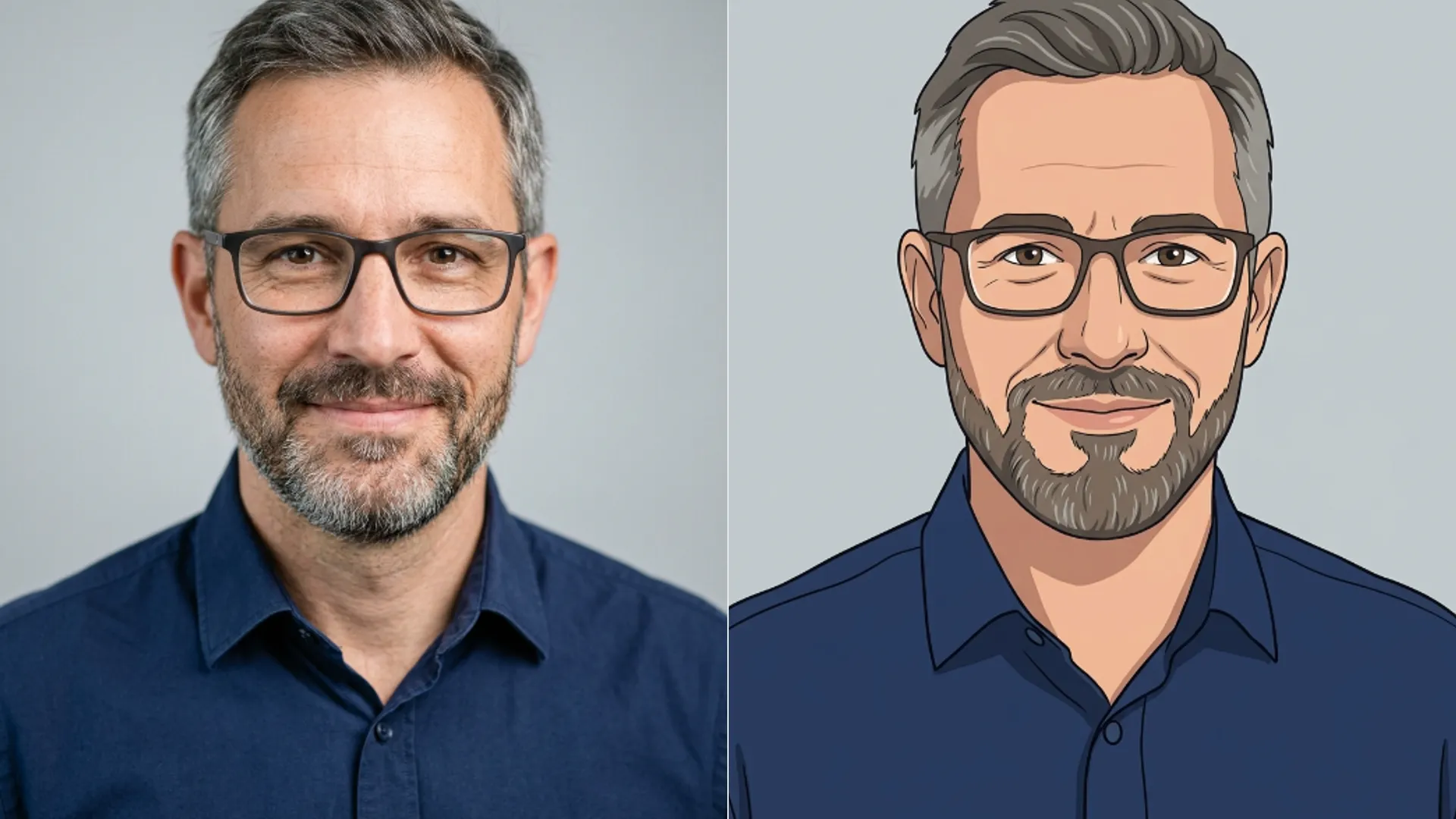
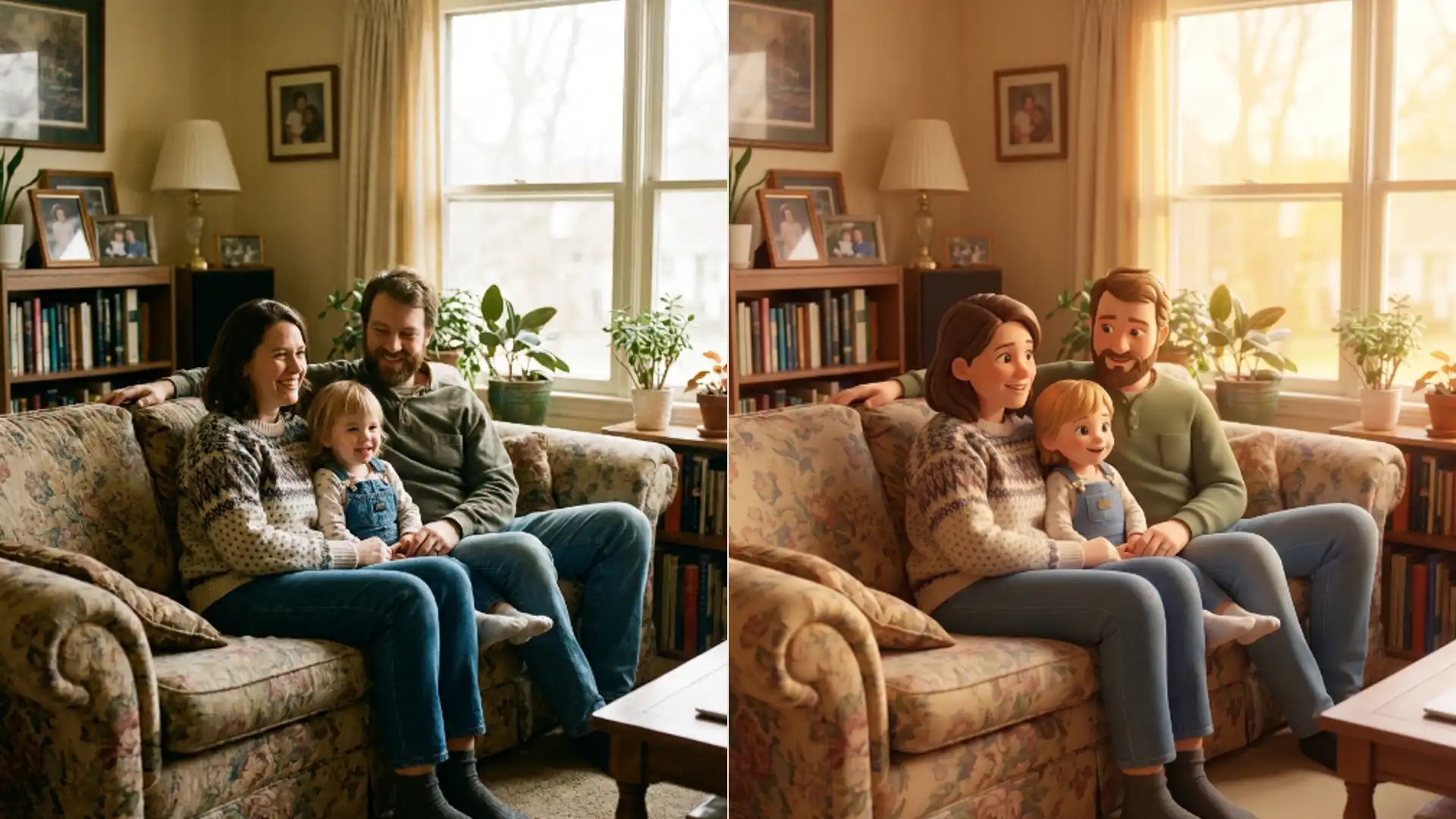
- Polished 3D: Disney 3D, Chibi 3D, Expressive 3D. Rounded forms, smooth shading, studio lighting.
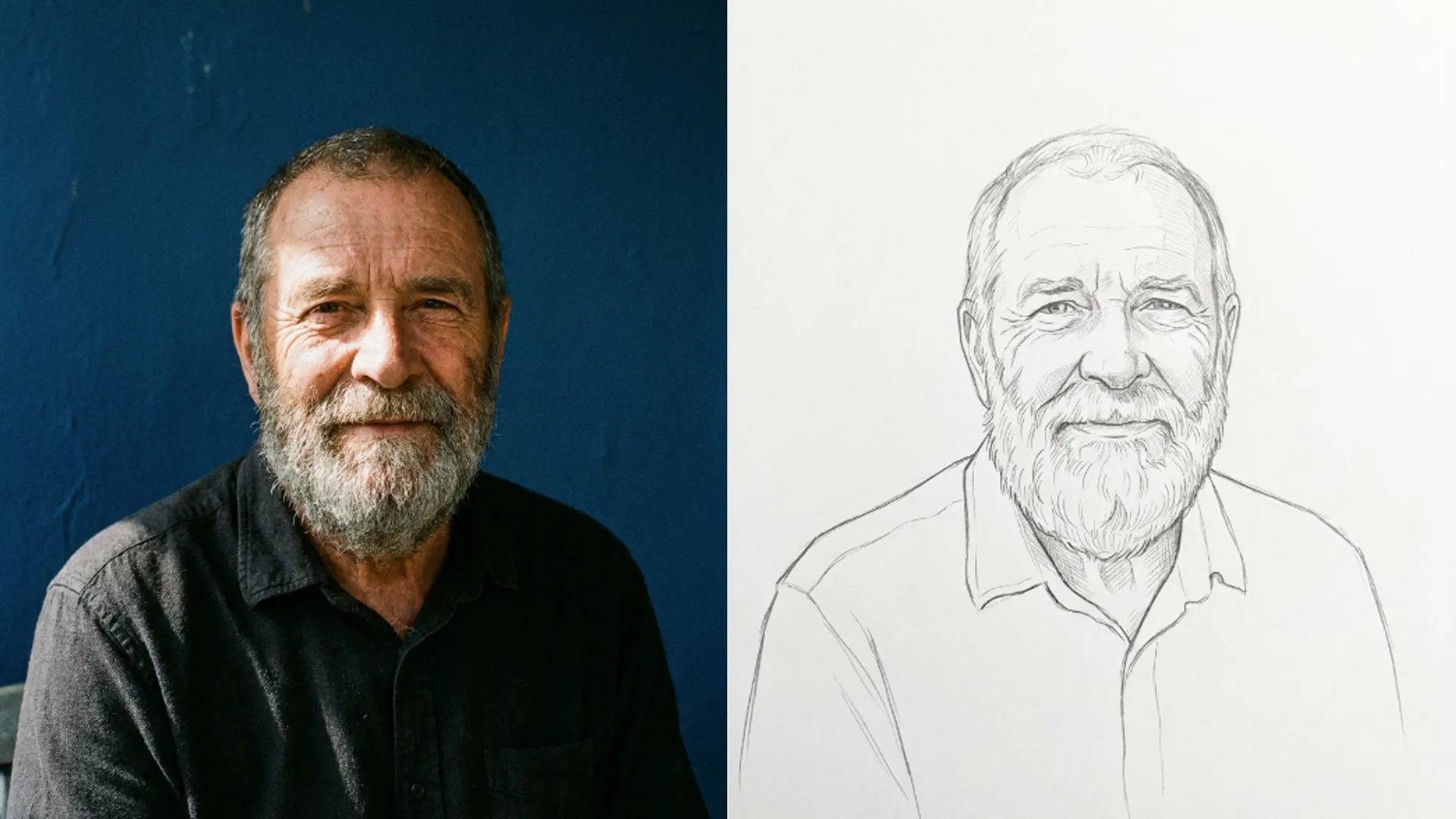
- Painted and drawn: Watercolour, Impressionist, Botanical, Fairytale, Pencil Sketch. Softer edges, visible medium.
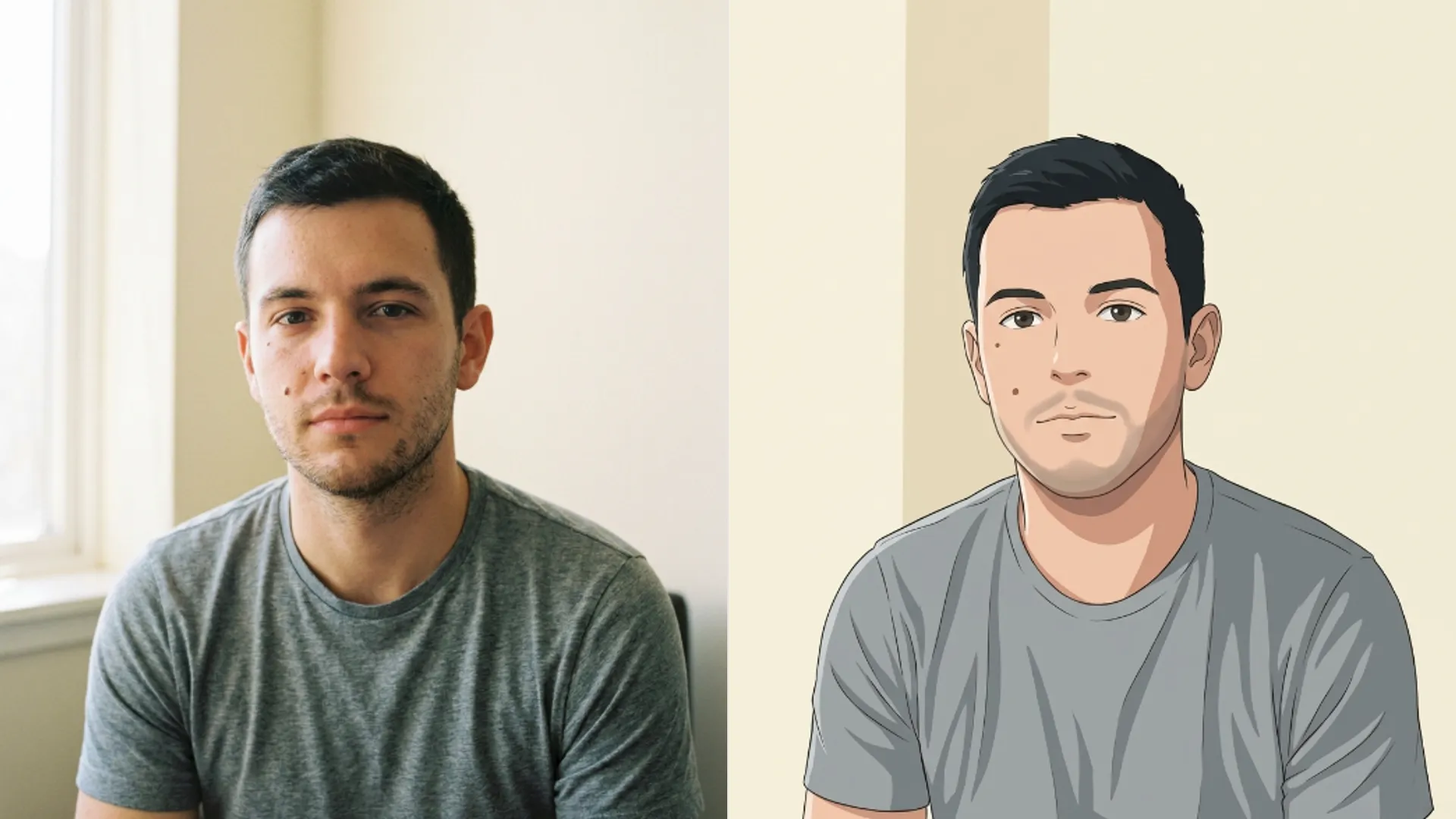
- Comic and ink: Western Comic, Shonen Comic, Ink Manga, Graphic Novel, Pop Art. Bold outlines and flat colour.
- Anime adjacent: Ghibli, Fantasy Anime, Slice of Life, Neko, Kawaii. Overlaps the anime tool.
- Stylised and genre: Cyberpunk, Gothic, Candy, Cyborg, Fantasy Game, Pixel Art. Strong looks that travel furthest from the photo.
The 3D family is the most forgiving. Rounded shading hides a lot of source problems, which is why those cards look good on almost any input.
The painted family is the least forgiving. Watercolour needs real edges to bleed against, so a soft photo comes back as a vague wash.
When I ran one headshot through one card from each family, the 3D and comic results were usable immediately and the painted ones needed a better source photo.
How far each family moves your face
Most cards ask for identity and pose to stay put while the rendering changes around them. That covers the 3D, painted, comic and anime adjacent families.
The stylised family is where the promise weakens. Pixel Art, for instance, only asks that your likeness stay readable at pixel scale, which is a genuinely different commitment.
That is not the card underperforming. Eight bit output has a few dozen pixels for a whole face, so faithful is not a thing it can be.
Cyborg and Gothic sit in similar territory. They add elements that were not in your photo, and adding is the opposite of preserving.
Candy and Fantasy Game behave the same way. All four are worth running for fun and none of them belong on a company page.
If you need someone recognised, stay in the 3D or comic families. If you want an image that looks good and happens to be based on you, the stylised family is where the interesting results live.
What a run costs and what it accepts
Every card costs the same 3 credits. There is no premium tier and no card that costs more because it looks more complicated.
Uploads cap at 5 MB and your file is converted to JPEG before it is sent, so transparency does not survive the trip.
There is no size ceiling trimming your photo down first, unlike the cleanup tools, so a large sharp source is genuinely worth uploading.
Pick a style the server does not recognise and it falls back to Disney 3D. That only happens with hand built links, but it explains a result that ignored your choice.
There is no strength control anywhere. The card is the entire instruction, so choosing the right one matters more than anything you can adjust afterwards.
Results write to your history with the original attached, so comparing two cards later costs nothing. That matters more here than on most tools, because twenty four options is a lot to hold in your head.
Getting a usable result on the first try
Crop to head and shoulders before uploading. The model spends its effort on what is in frame, so a full body photo gets you a stylised room.
Shoot or choose a photo facing the light. Every family in the catalog needs a readable face underneath, and backlight removes it.
Start with Disney 3D. It is the default for a reason and it tells you quickly whether your source is good enough for the fussier cards.
If Disney 3D comes back clean, the painted family is worth trying. If it comes back muddy, your photo is the problem and no other card will hide it.
Group photos are worth avoiding on every card. The instructions are written around a single subject, so a second face gets the leftovers.
If your target is specifically a Japanese animation look, the narrower AI Photo to Anime tool is the better door, with nine focused cards instead of four anime adjacent ones buried in a longer list.
And remember every one of these cards is guessing at things your photo never recorded. What that guessing looks like when it goes wrong is the subject of skin sky and fabric guesses the colorizer makes.
Twenty four cards is generous, but you will use four of them. Find those four on one face and stop scrolling.