Picverce AI Photo to Sketch line weights
The eighteen sketch styles sorted by how heavy their line is, which ones survive printing, and what a run costs on Picverce AI Photo to Sketch.
GuidesEighteen style cards sit in this picker and the names do not tell you the thing that matters most. Line weight decides whether a sketch survives being printed or shrunk.
Sorting the catalog in the AI Photo to Sketch tool by how heavy the mark is gets you to the right card faster than reading every label.
Here is that sorting, and what each group is good for.
Heavy line, thin line, and no line
The eighteen cards fall into four groups once you stop reading them as separate options.
- Heavy line: Bold Sketch, Ink Sketch, Graffiti Sketch. Thick confident marks that hold up small.
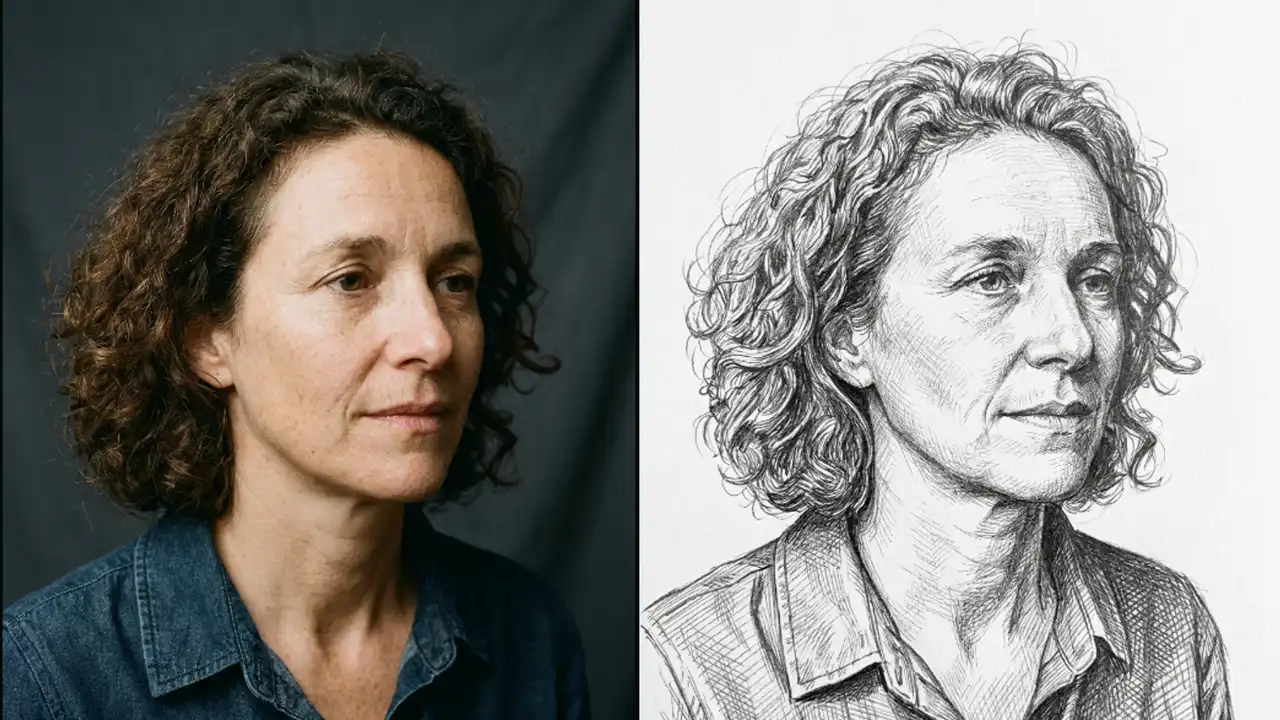
- Fine line: Fine Detail Sketch, Da Vinci Manuscript, Manga Sketch, Ballpoint Pen Sketch. Dense hatching, best seen large.
- Minimal line: Minimalist Line Sketch, Figure Quick Sketch, Aesthetic Sketch, Concept Sketch, Cartoon Sketch. Few marks, lots of paper.
- Tonal, not line led: Charcoal Sketch, Pastel Sketch, Watercolour Sketch, Ink Wash Sketch, Coloured Pencil Sketch. Shading carries the image.
Heavy line is the safe group. A bold mark stays readable when the image gets scaled down to a thumbnail or printed on rough paper.
Fine line is the group that disappoints people. Da Vinci Manuscript looks superb at full size and turns into grey mush on a small card.
None of that is the card underperforming. A dense hatch needs room, and a small canvas does not have any.
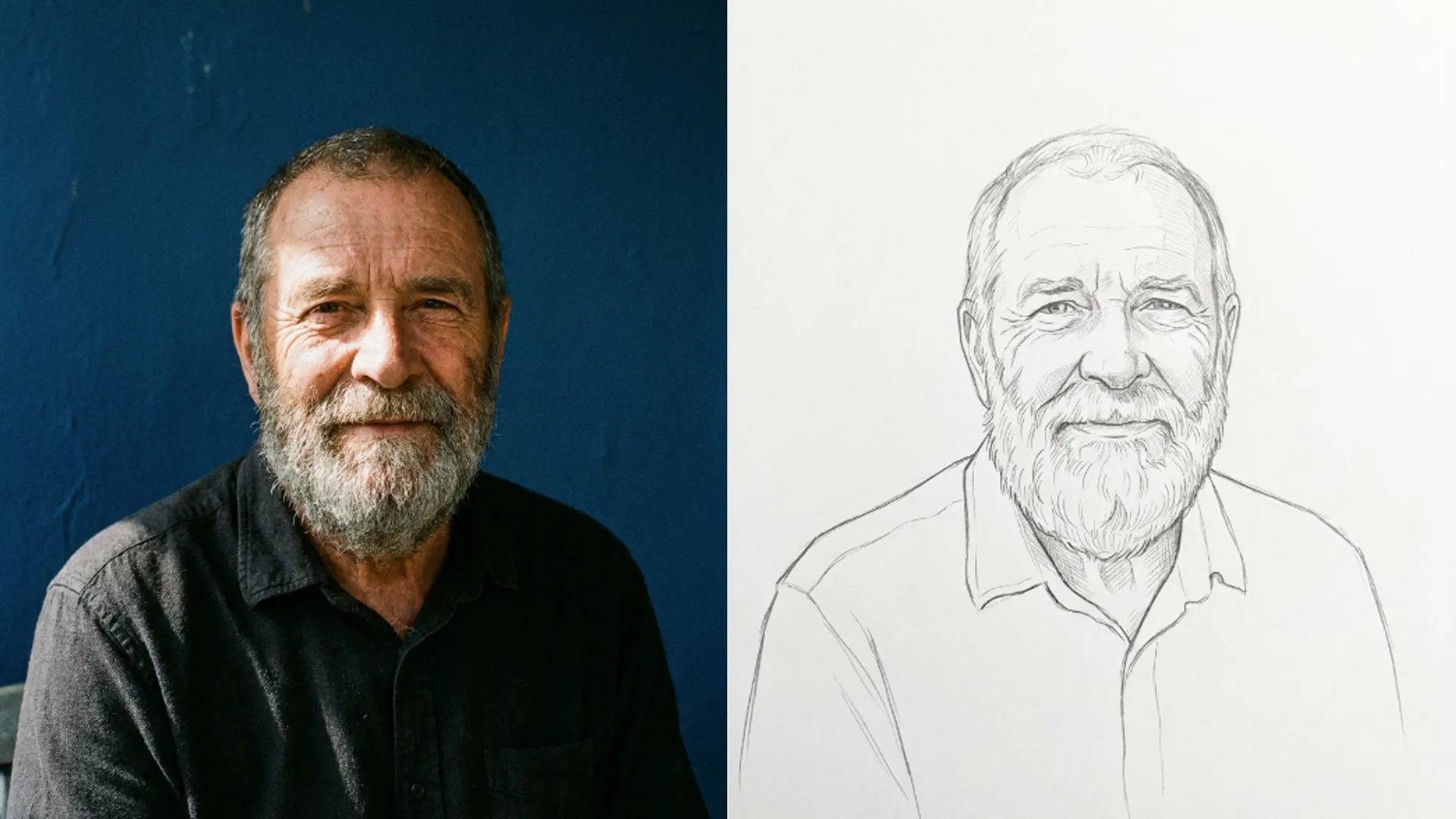
When I ran the same portrait through Bold Sketch and Fine Detail Sketch and then shrank both to 400 pixels wide, only one of them was still a face.
Which group suits which job
Match the group to the output size before you pick a card. That decision does more than any other.
For an avatar or anything under 500 pixels, use heavy line. Bold Sketch is the default answer.
For a print at A4 or larger, fine line earns its detail. This is where Da Vinci Manuscript and Fine Detail Sketch stop being a liability.
For an invitation or a card where you want white space, minimal line is the group. Minimalist Line Sketch leaves most of the page empty on purpose.
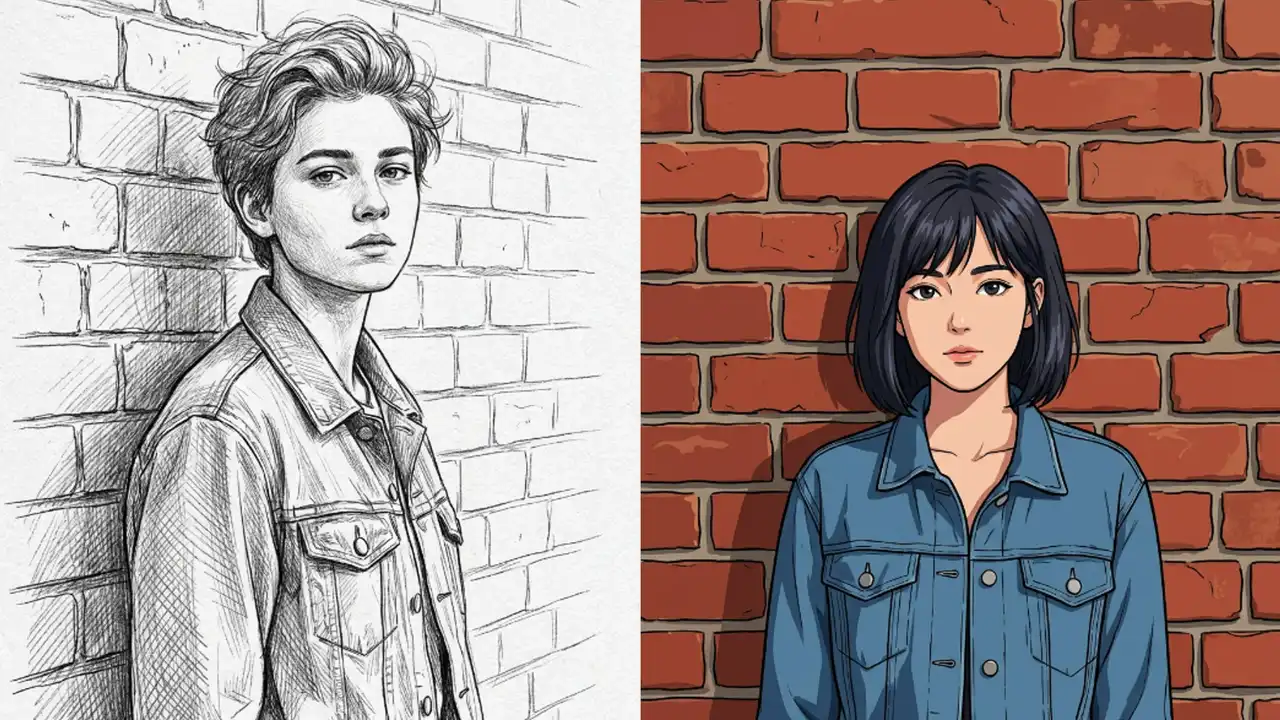
The tonal group is the odd one out. Those cards are not really sketches in the line sense, they are shaded drawings, and they behave more like the painted styles in the cartoon tool.
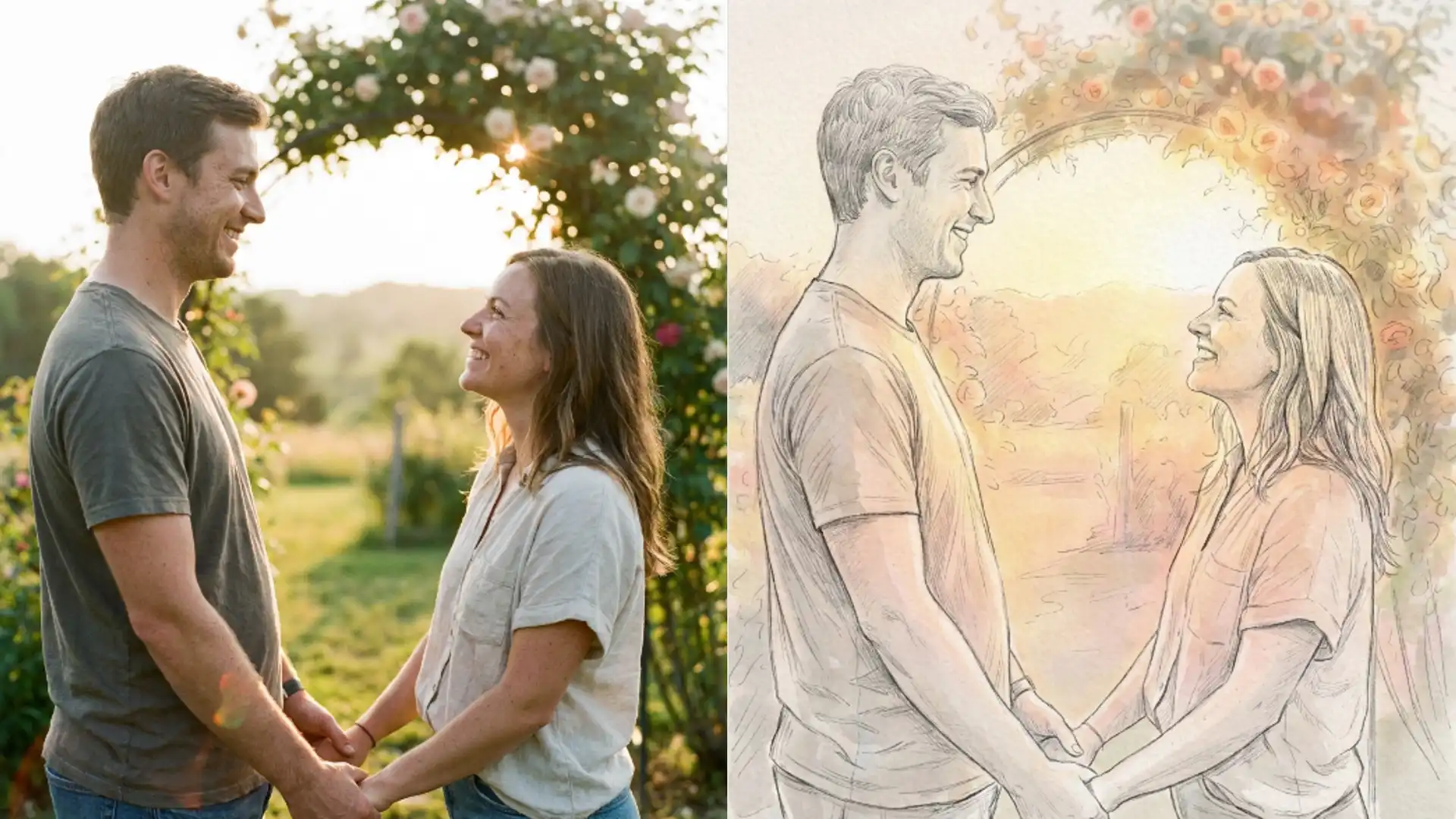
Coloured Pencil, Watercolour and Pastel are also the only three that return colour. The other fifteen come back monochrome or near it.
What a run costs and what it accepts
Every card costs 3 credits. Same as the anime and cartoon tools, and no card costs more than another.
Uploads cap at 5 MB and the file is converted to JPEG before it is sent, so a transparent PNG loses its transparency on the way in.
There is no size ceiling trimming your photo first, which the cleanup tools do apply. A large sharp source reaches the model as you saved it.
That matters more here than on most tools. Line work is generated from edges, and edges need a sharp original to be found in the first place.
Hand it a style name it does not recognise and it falls back to Pencil Sketch rather than failing. That only happens with hand built links.
There is no strength or line thickness slider. The card is the whole instruction, which is why the grouping above is worth memorising.
Where sketch struggles
Sketch fails differently from the colour style tools, and the failures are easier to predict.
Low contrast photos produce almost nothing. If the subject and the background are similar in tone, there are no edges to draw and the result is a faint scribble.
Busy backgrounds produce too much. Every leaf on a tree becomes a line, and the person disappears into the noise.
Dark hair against a dark background merges into one shape. That single problem accounts for most of the sketch results people call unusable.
The fix for all three is the same and it happens before you upload. Crop tight and choose a photo where the subject separates cleanly from what is behind them.
When the cartoon catalog is a better fit
Three of the eighteen cards here overlap with the wider catalog in the AI Photo to Cartoon tool, which also carries a pencil sketch and an ink manga card among its twenty four options.
If you want a drawing rather than specifically a sketch, the cartoon tool has more range for the same 3 credits. If you want line work, this tool is built for it and has far more line options.
The grouping logic is the same one that makes twenty four cartoon cards manageable, worked through in Picverce AI Photo to Cartoon explained.
Pick by line weight and output size. Everything else on the card name is decoration.