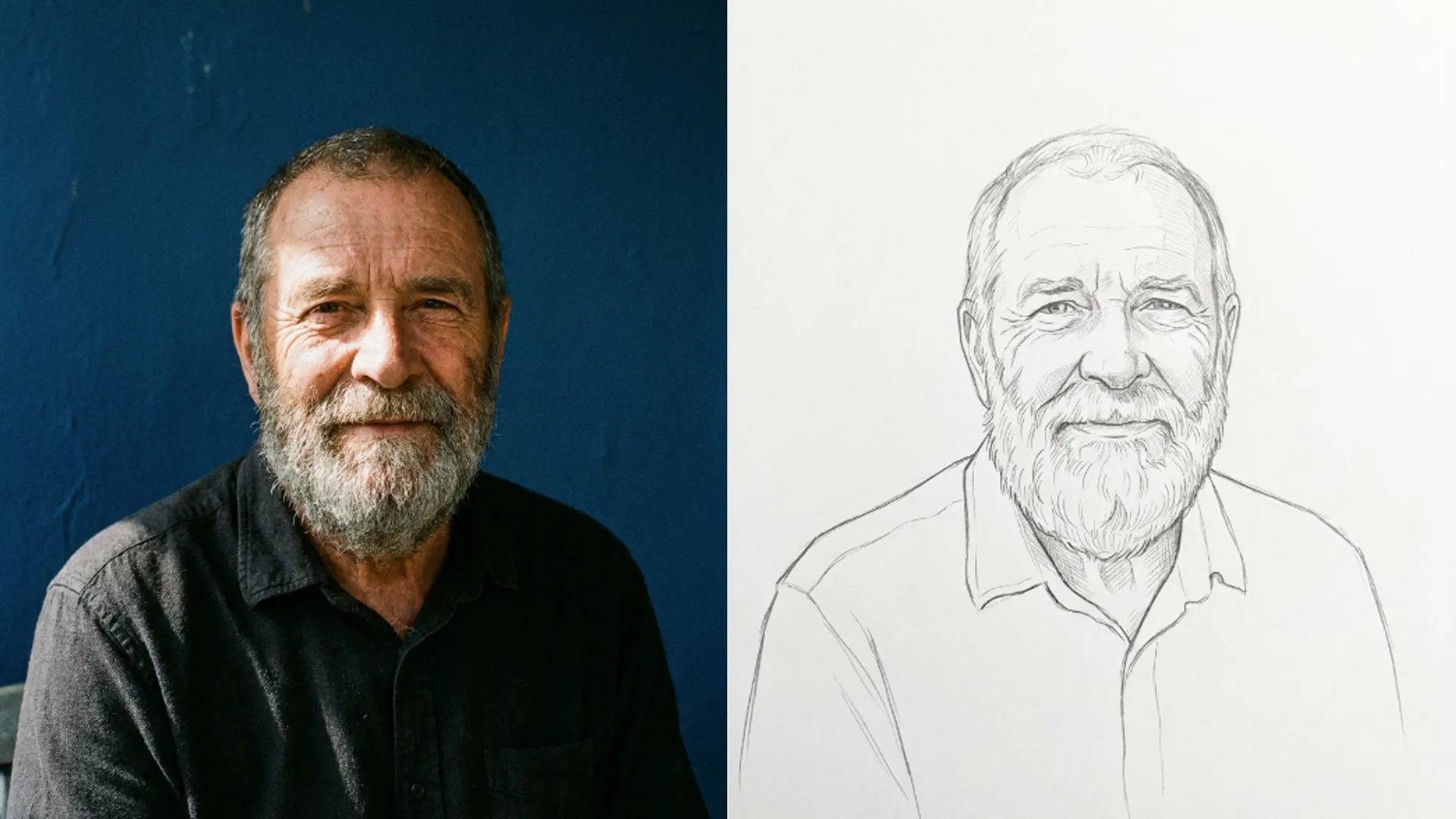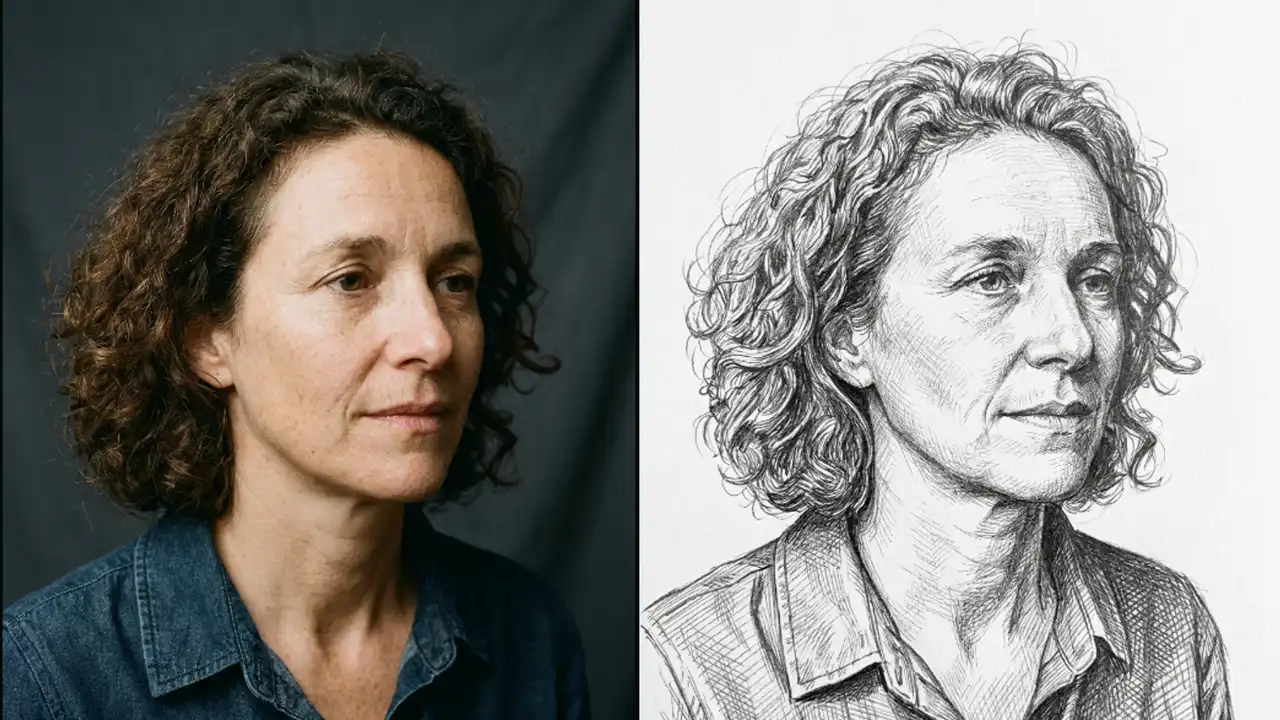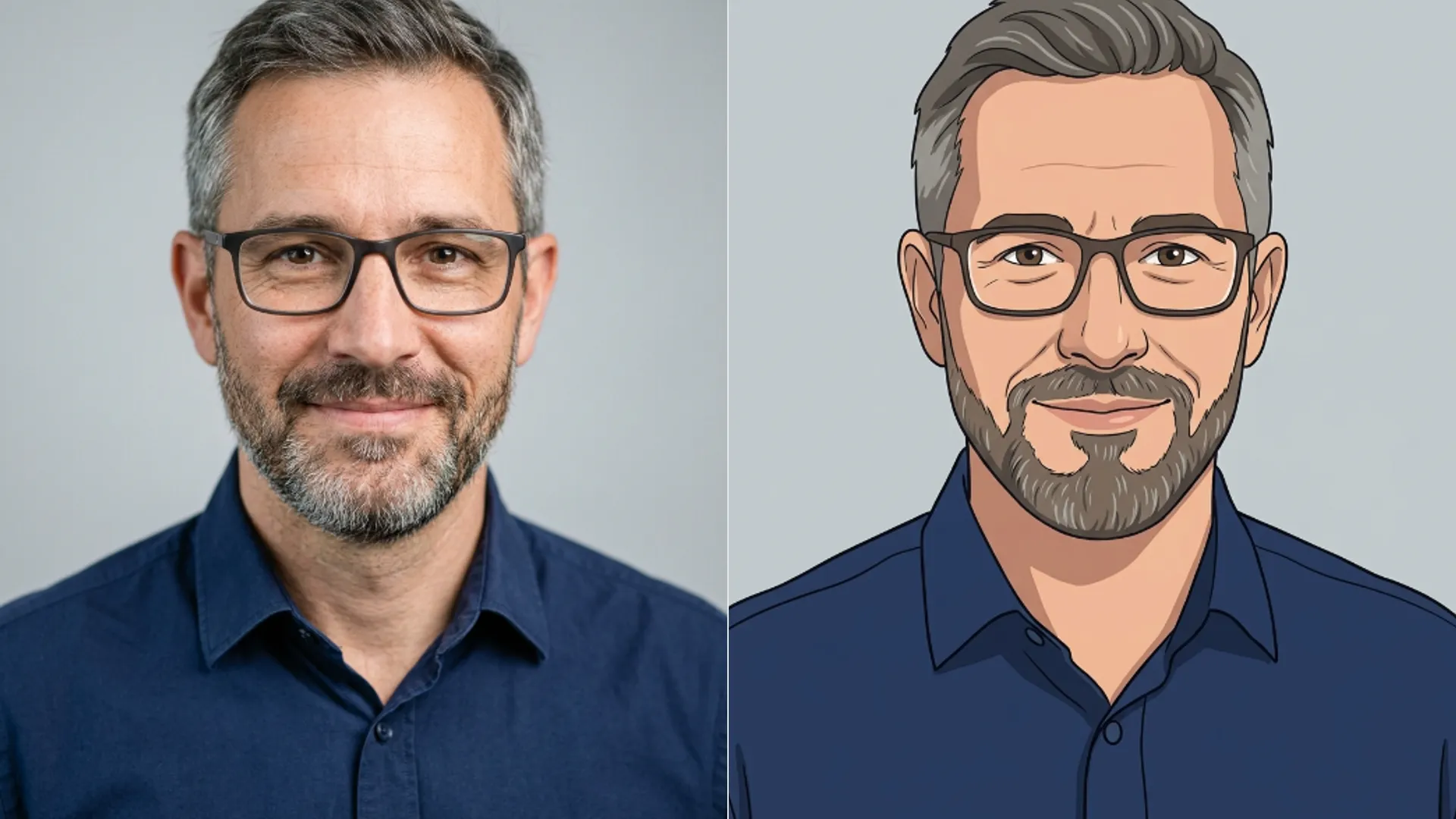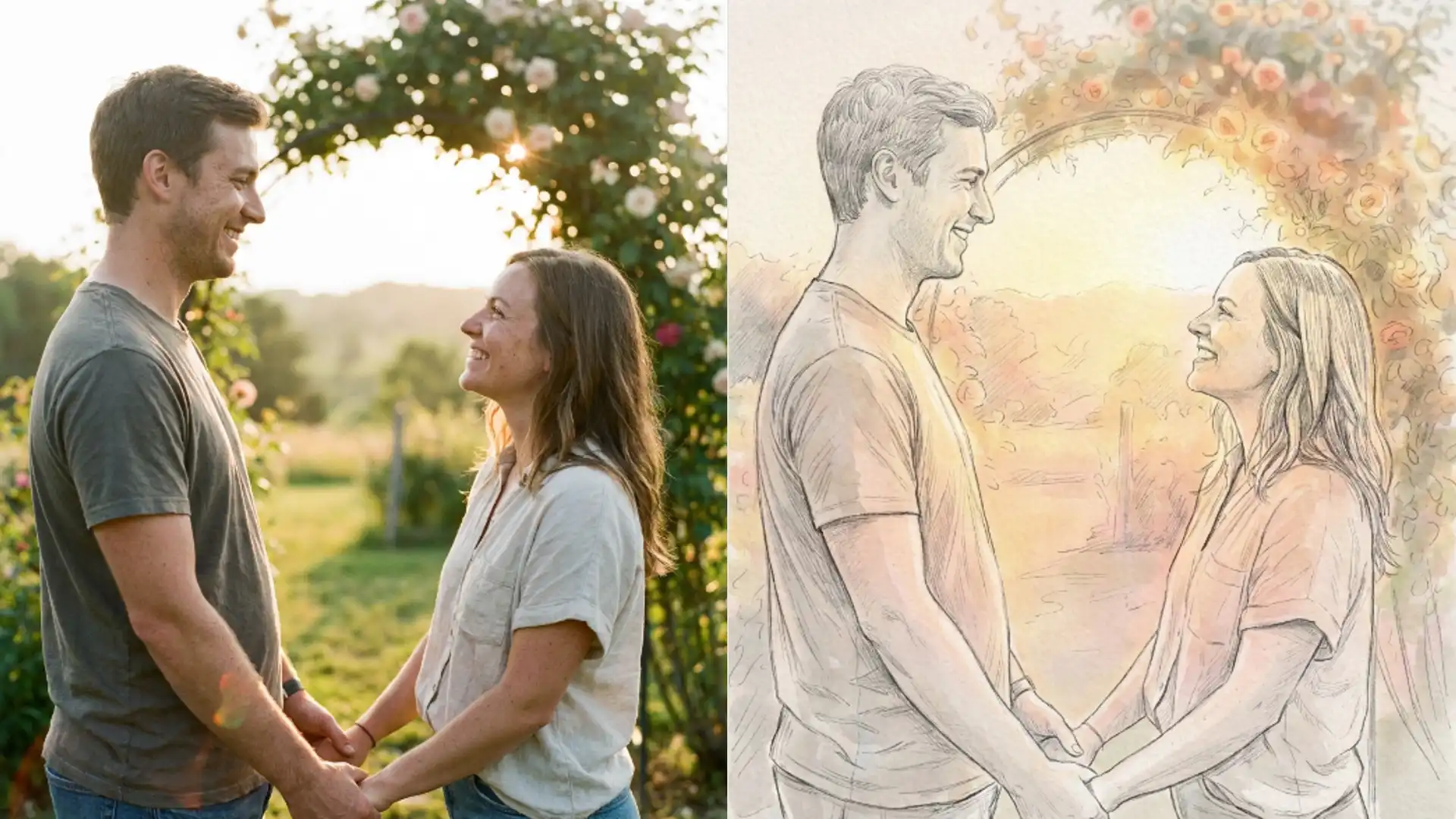
An invitation illustration from a couple photo
One engagement photo turned into line art for a save the date card. What Picverce AI Photo to Sketch handled and where the print nearly failed.
MarketingA friend wanted line art of herself and her partner for a save the date card. Two hundred cards, printed, going out in three weeks.
She had one engagement photo she liked and no budget for an illustrator.
Why the first attempt failed
The photo she picked was taken in a park. Trees behind them, dappled light, both of them in dark coats.
It is a lovely photograph and it was the worst possible sketch input.
Every branch became a line. The dark coats merged into the shadowed background. The result was a rectangle of marks with two faces somewhere in it.
That cost 3 credits to learn, which is a cheap lesson but it was still the wrong place to start.
The problem was contrast, not the tool. Sketch draws edges and that photo had thousands of them competing with the couple.
I could have cropped the park photo tighter and salvaged something. The faces were sharp and the coats were the real issue, not the trees.
It was faster to change the photo than to fight it, and she had a second option sitting in the same folder.
That is the general lesson from the whole job. Sketch quality is decided by the photo you feed it, and swapping the input beats tuning anything downstream.
The crop that fixed it
She had a second photo from the same session, taken against a stone wall. Plainer, less interesting as a photograph, far better as a source.
I cropped it to their heads and shoulders, cutting the wall down to a narrow band behind them.
Then I ran it through the AI Photo to Sketch tool on Minimalist Line Sketch, which leaves most of the page empty and suited a card with text under it.
That came back close to usable. Both faces readable, the wall reduced to a few horizontal marks, plenty of white space.
A second run on Pencil Sketch gave more detail in the hair, which she preferred. Six credits total across the two good runs.
Both runs came from the same cropped file. That is worth saying because it removes a variable, and comparing two cards is only useful when the input is identical.
The upload was 3.4 MB, comfortably under the 5 MB cap, and sharp enough that no cleanup pass was needed first.
Where the print nearly went wrong
The file looked right on screen and the printer flagged it. Line art at a small print size is unforgiving in a way photographs are not.
The cards were 148 by 105 millimetres and the illustration sat about 90 millimetres wide. At that size the finest marks in the hair were thinner than the press could hold.
On the proof they either disappeared or filled in as grey. Neither is what a line drawing should do.
The stock was a lightly textured uncoated card, which makes it worse. Uncoated paper spreads ink slightly, so the thinnest marks close up.
A coated stock would have held more of the fine work, but she had already chosen the paper for how it felt.
Switching to Bold Sketch solved it. Heavier marks survive small print, which is the one rule worth carrying out of this whole job.
She lost some delicacy and gained a card that actually printed. Three more credits, and the third proof was the one they ordered.
Print size driving the choice is the same trap as working from a source that was always too small, which is covered in fan art print from a small PNG.
What I would tell someone starting this
Pick the plain photo, not the beautiful one. Sketch rewards a clean background and punishes an interesting one.
Proof on paper before ordering anything. Screens make thin lines look fine and paper does not.
Budget three or four runs. Twelve credits to get a card design right is not a real cost against a print order.
Ask the printer what the finest line they can hold is, in millimetres, before you pick a card. Most will tell you, and it turns a guess into a decision.
Send the printer a full size file rather than a scaled preview. Line art scaled down in an email loses exactly the marks you are trying to check.
She kept the transparent working file too, which meant the same drawing could go on the website later without a second run.
And if what you actually want is an illustration rather than a drawing of a specific photo, the AI Image Generator is a different route entirely, because it builds from a description rather than tracing an existing picture.
For a save the date with two real faces on it, tracing the photo was the right call. For a decorative border it would not have been.