Product photo background ideas for online stores
Product photo background ideas for online stores: plain white, lifestyle scenes, colors, textures and seasonal sets, all made from one product photo.
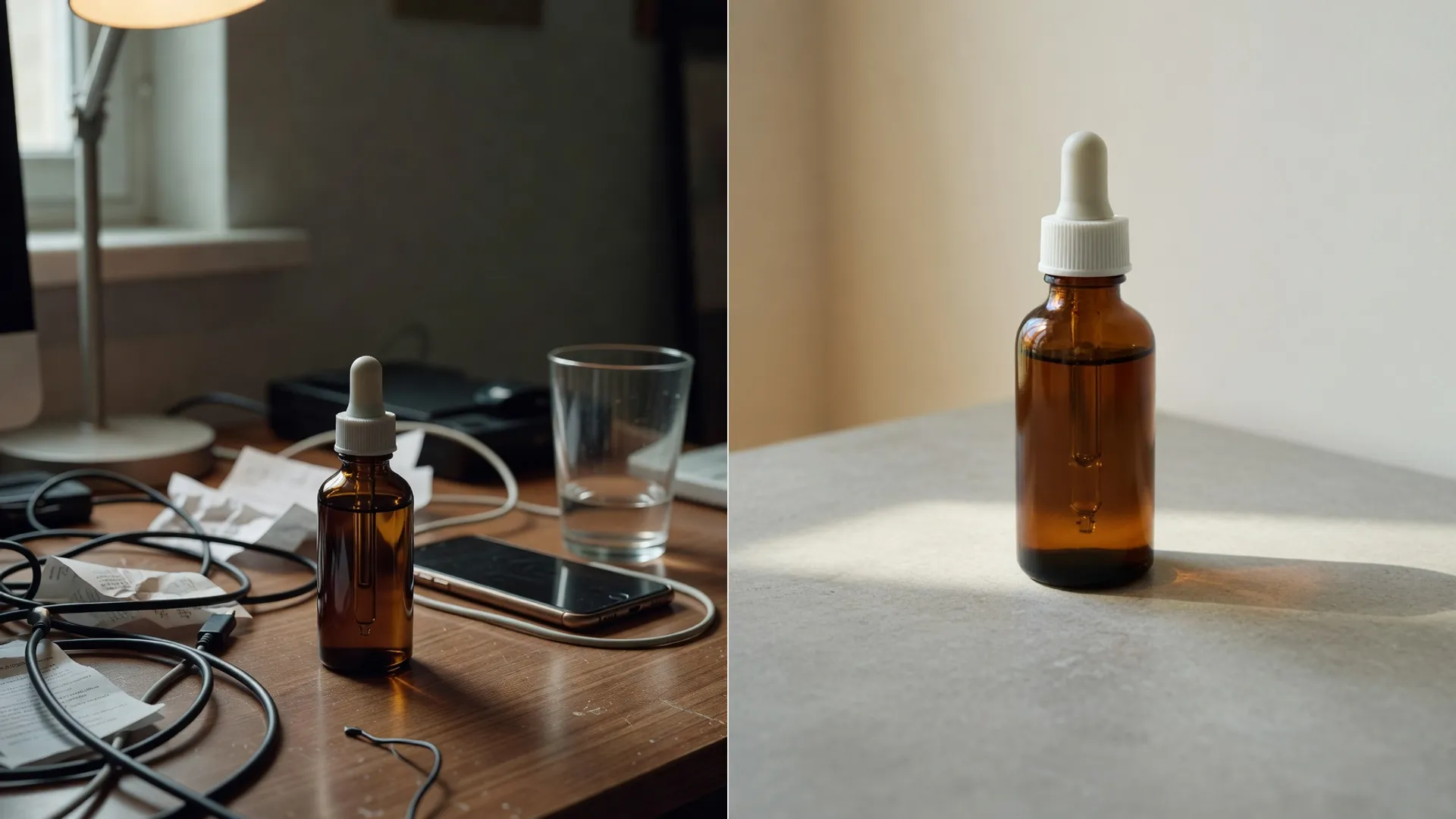
GuidesThe background decides how a product photo feels. The same bottle looks clinical on white, cozy on wood, and luxurious on marble.
These product photo background ideas cover the main options, from plain white to seasonal sets. You do not need a studio for any of them. The product photo studio can make them all from one photo of your product.
Plain white and when to use it
White is the default for marketplaces and catalog pages. It shows the product clearly, keeps a grid of listings looking even, and puts the focus on shape and color.
Use white for your main listing image, product grids, and any page where shoppers compare items side by side.
The studio has two white presets, Pure White and Amazon White, and export sizes for Amazon, Shopify and eBay listings.
Check each marketplace's own seller help for its main image rules before you upload. Rules differ between stores, and they change.
For a clean cutout to place on white, remove the background from your product photo. The step by step in cutting a product onto white covers the edges worth checking.
Lifestyle scenes
A lifestyle scene shows the product where it would be used. It helps shoppers picture it in their own home.

- Marble vanity with soft natural light, for skincare and beauty.
- Wooden table with warm lighting, for food, candles and home goods.
- Minimalist shelf with plants, for decor and small gadgets.
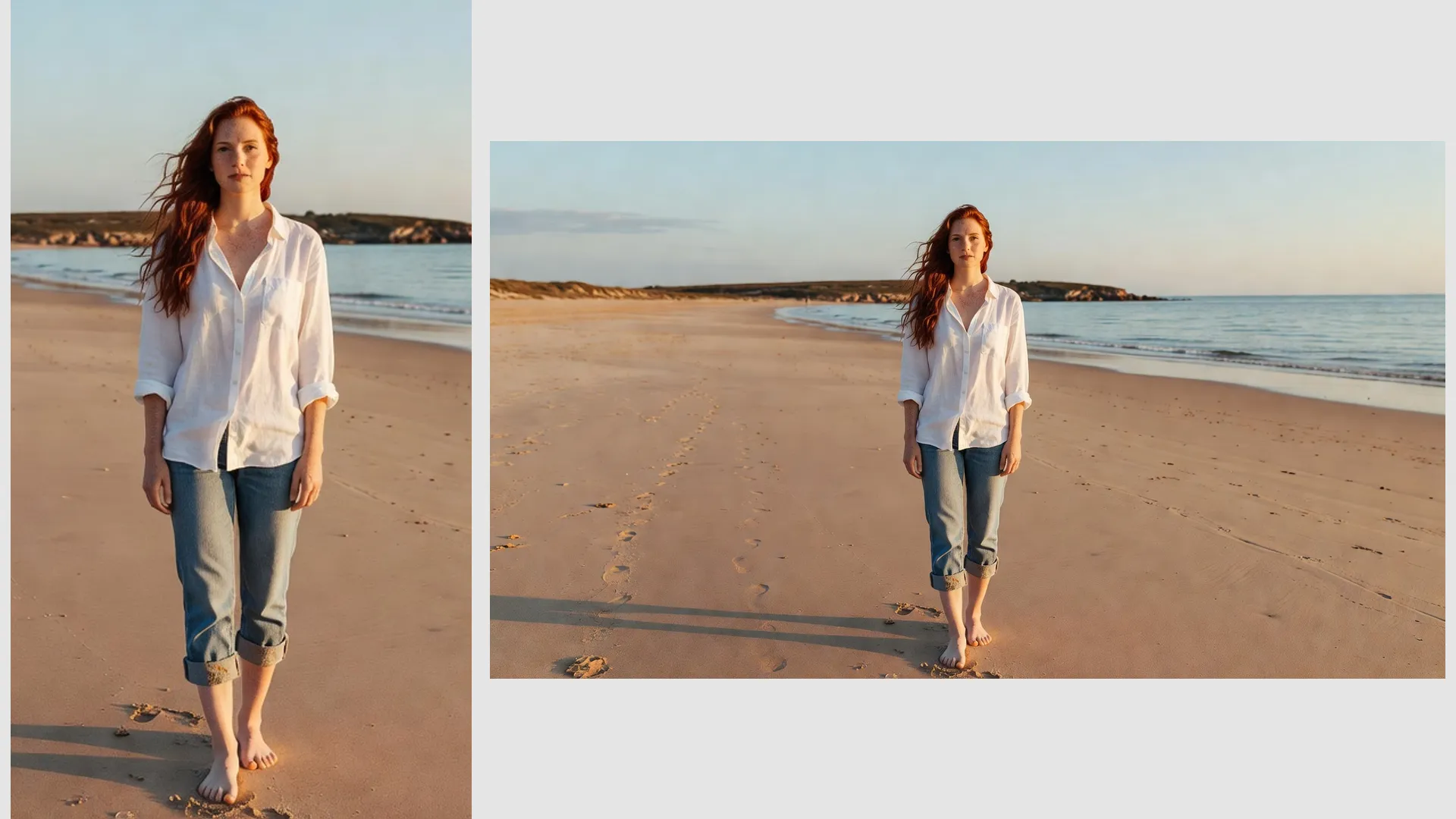
- Sandy beach with ocean backdrop, for summer and travel products.
These are quick suggestions in the studio's AI Scene panel. You can also write your own scene, like a kitchen counter in morning light.
Keep the scene simple. One or two props say more than a crowded table, and the product should stay the clear subject.
Match the scene to the buyer, not just the product. The same candle sells as a gift on a wrapped table and as decor on a living room shelf.
Keep the scale believable. A small bottle on a huge counter looks lost, and a big lamp on a tiny shelf looks fake. Put scale in the prompt, like 'small bottle on a bathroom shelf'.
Color and texture backgrounds
Solid colors and soft gradients sit between plain white and a full scene. They suit social posts, ads and brand pages.
- Pure White and Amazon White for listings.
- Light Gray, Dark Gray and Black for tech and premium products.
- Soft Cream for a warm, gentle look.
- Purple, Sunset, Mint and Mono gradients for social posts.
Pick a color that contrasts with the product. A white bottle disappears on cream, and a black watch disappears on dark gray.
Use the same background color across a whole collection. A shop page with one consistent color looks planned.
Gradients work best on social posts and ads, where a product needs to stand out in a busy feed. On a product page, a calm solid color usually reads as more trustworthy.
Seasonal backgrounds
Seasonal backgrounds give an existing product a fresh reason to be seen. They work well for gift guides, holiday banners and newsletters.
- Winter holidays: warm lights, pine branches and wrapped gifts.
- Spring: fresh flowers and soft daylight.
- Summer: sand, sea or a bright patio.
- Autumn: wood, leaves and warm, low light.
Write these as an AI Scene, for example 'wooden table with pine branches and warm fairy lights'. Keep a plain version of the same product too, for the main listing.
Plan seasonal images a few weeks before the season starts. Shoppers browse gift guides early, and a fresh image in a newsletter gets more attention than the same photo they saw last month.
Make them from one product photo
You do not need a new photoshoot for each background. Start from one clear photo of the product and build the rest in the studio.
- Upload your product photo.
- Remove the background for a clean cutout. This costs 2 credits.
- Pick a background color or gradient, or run an AI Scene for 5 credits.
- Add a shadow, with drop, floor or float options, for 3 credits, so the product sits naturally.
- Add text, badges or your logo, which cost no credits.
- Export at a preset size, such as Amazon Square 1600 by 1600, Shopify Square 2048 by 2048, or Instagram Story 1080 by 1920.
Shoot the original on a plain surface in daylight, with the whole product in view. A clean start gives a clean cutout, and every background after it looks better.
Upscaling is there too, at 2x, 4x or 8x for 2 to 6 credits, if your original photo is too small for a large export size.
Keep the cutout as your master file, saved somewhere safe. Every new background, season or campaign can start from it, so you only remove the background once per product.