How style slugs map to the preview
Every Picverce AI hairstyle has its own page and its own link. Understanding how a style name travels explains a result that ignored your choice.
Image EditingEach cut in the catalog is not only an entry in a list. It has a page of its own and a link that carries it into the studio.
Knowing how that works explains two things people find confusing, and it makes the tool faster to use.
A style is a name, a page and a link
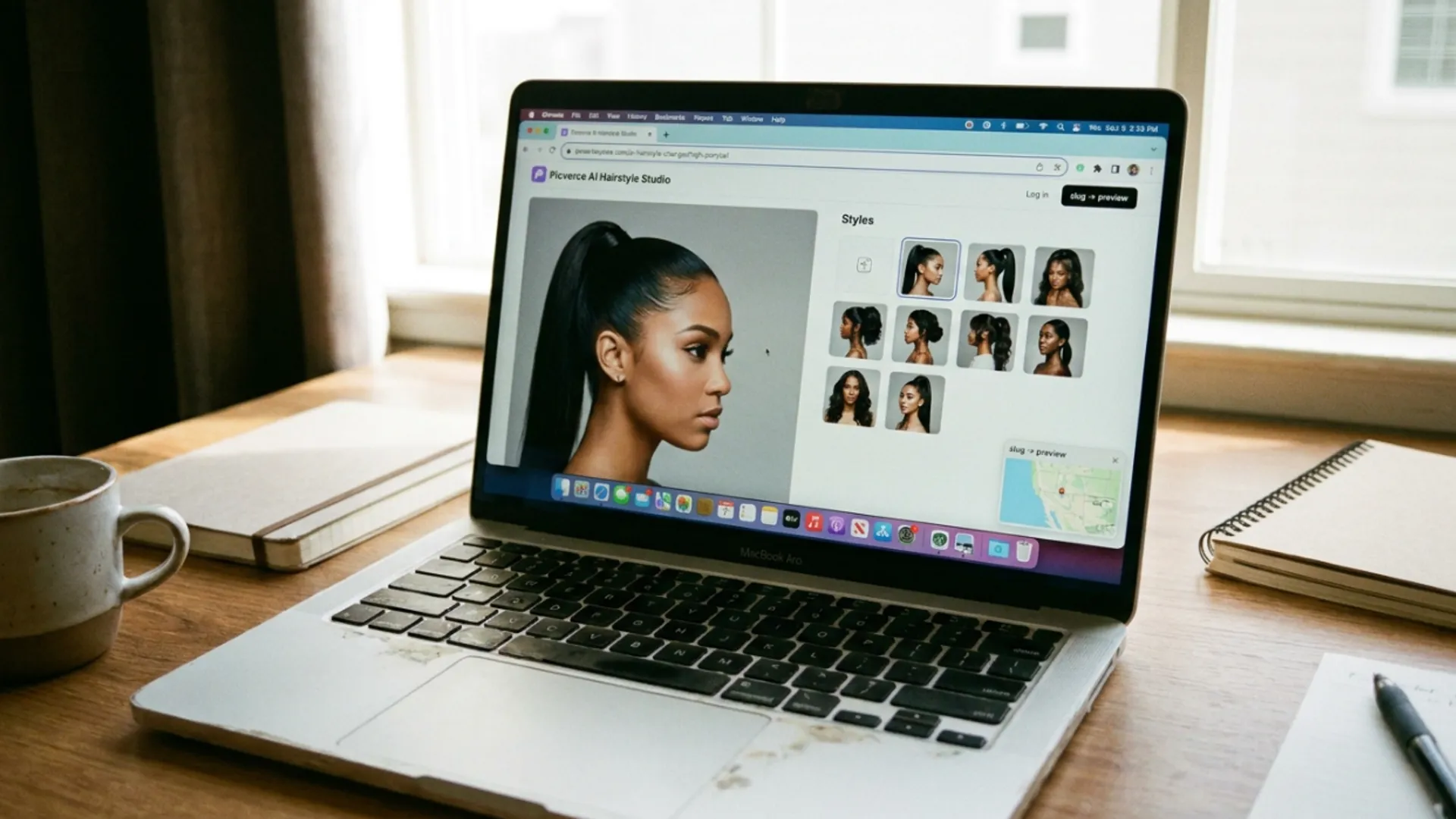
Every cut listed in the AI Hairstyle Changer has a landing page of its own, one per style across the whole catalog.
Those pages exist so somebody searching for a specific cut lands somewhere about that cut rather than on a generic tool page.
Upload a photo on one of those pages and it hands you into the studio with that style already selected. You do not pick it twice.
That handoff is why the tool feels quicker when you arrive from a style page than when you arrive from the tool page and scroll.
The same shape exists on the outfit side, which is not a coincidence. Both were built the same way.
That consistency is useful once you notice it. What you learn about one tool transfers directly to the other.
What actually travels
What moves from the page into the studio is the style name, carried in the address.
So the studio does not receive a picture of the haircut or a set of instructions. It receives a name and looks that name up.
That lookup is the whole mechanism, and it is also where things go wrong when they go wrong.
A name it recognises selects that card. A name it does not recognise cannot select anything.
Nothing is invented from an unknown name. There is no attempt to interpret it, because the studio only has a list to match against.
That is a deliberately dumb mechanism and it is better for being dumb. A lookup that guessed would produce results nobody could predict.
Why a result sometimes ignores your choice
This is the confusion the mechanism explains, and it almost always has the same cause.
If you built or edited a link by hand and the style part does not match an entry exactly, the lookup fails and you get a default rather than an error.
That looks like the tool ignoring you. It is actually the tool not finding what you asked for and carrying on rather than stopping.
The same behaviour exists on the outfit side, where an unrecognised preset name falls back to a default one.
It is a deliberate choice. A silent fallback keeps a shared link working when something is slightly off, at the cost of being quiet about it.
The practical rule is to arrive from a real link rather than a typed one. Click a style from the catalog and the name is correct by construction.
Editing the end of an address to try a different cut is the specific habit that causes this. It looks like it should work and it silently does not.
Going back to the catalog costs a few seconds and removes the whole problem.
The identical fallback and the identical reason for it are described for clothing in Picverce AI Outfit Generator presets and scopes.
Using the mechanism deliberately
Once you know a style is a link, a few things get easier.
- Bookmark the style pages you test often and skip the list entirely.
- Send someone a style page rather than describing a cut in a message.
- Arrive from the catalog rather than editing an address, so the name always matches.
- Check the selected card in the studio before running, since a run costs 4 credits.
That last one is the habit worth building. The studio shows you what is selected, and glancing at it before applying catches a failed lookup before you pay for it.
A colleague sending you a link for a cut is a much better message than a description, because the link cannot be misread.
Settings that travel with a link rather than being retyped is a pattern worth recognising elsewhere too, including the way runs are stored in Picverce AI Image Generator workspace.
And if the thing you want changed is clothing, the same link mechanism gets you into the AI Outfit Generator with a preset already chosen.
A style is a name in a link. Arrive from a real one, glance at what is selected, and the mechanism stays invisible the way it should.
It is worth understanding once precisely so you never have to think about it again.
Almost every confused report about a hairstyle result turns out to be a lookup that quietly failed rather than a model that ignored an instruction.
The fix in every one of those cases is the same. Go back to the catalog, click the style, and let the link carry the name for you.
It is a small mechanism and knowing it removes an entire category of confusion.