A living room mock from one prompt
One starter chip, six drafts and a canvas mock a client approved. What the Picverce AI Wall Art Generator handled and where a person still had to look.
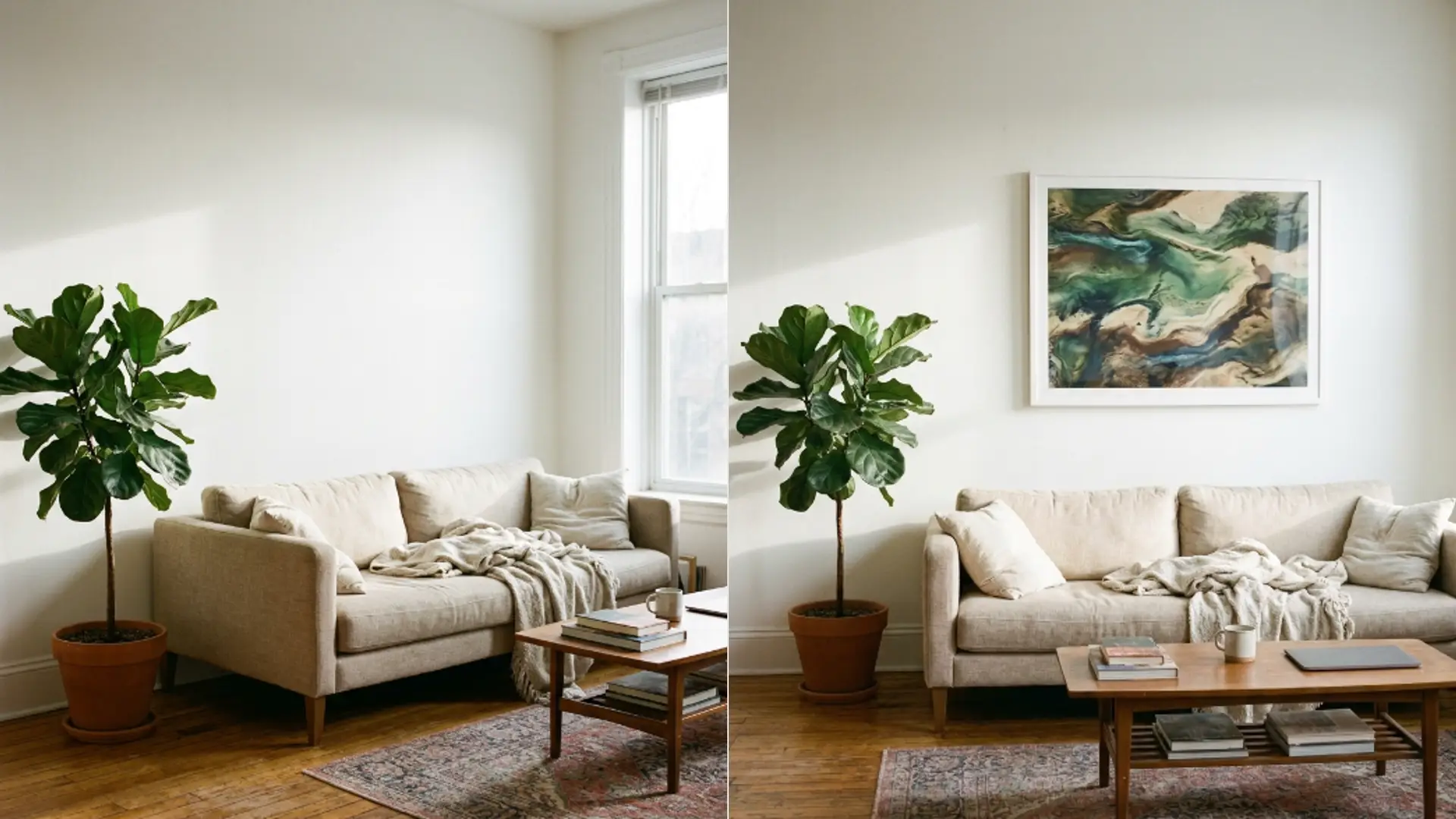
MarketingAn interior stylist I know needed art for a rental listing shoot. Real furniture, real room, and four blank walls that photographed badly.
Buying prints for a shoot that lasts an afternoon is money nobody spends. Generating them was the obvious idea and the execution had one real trap in it.
Starting from a chip rather than a blank box
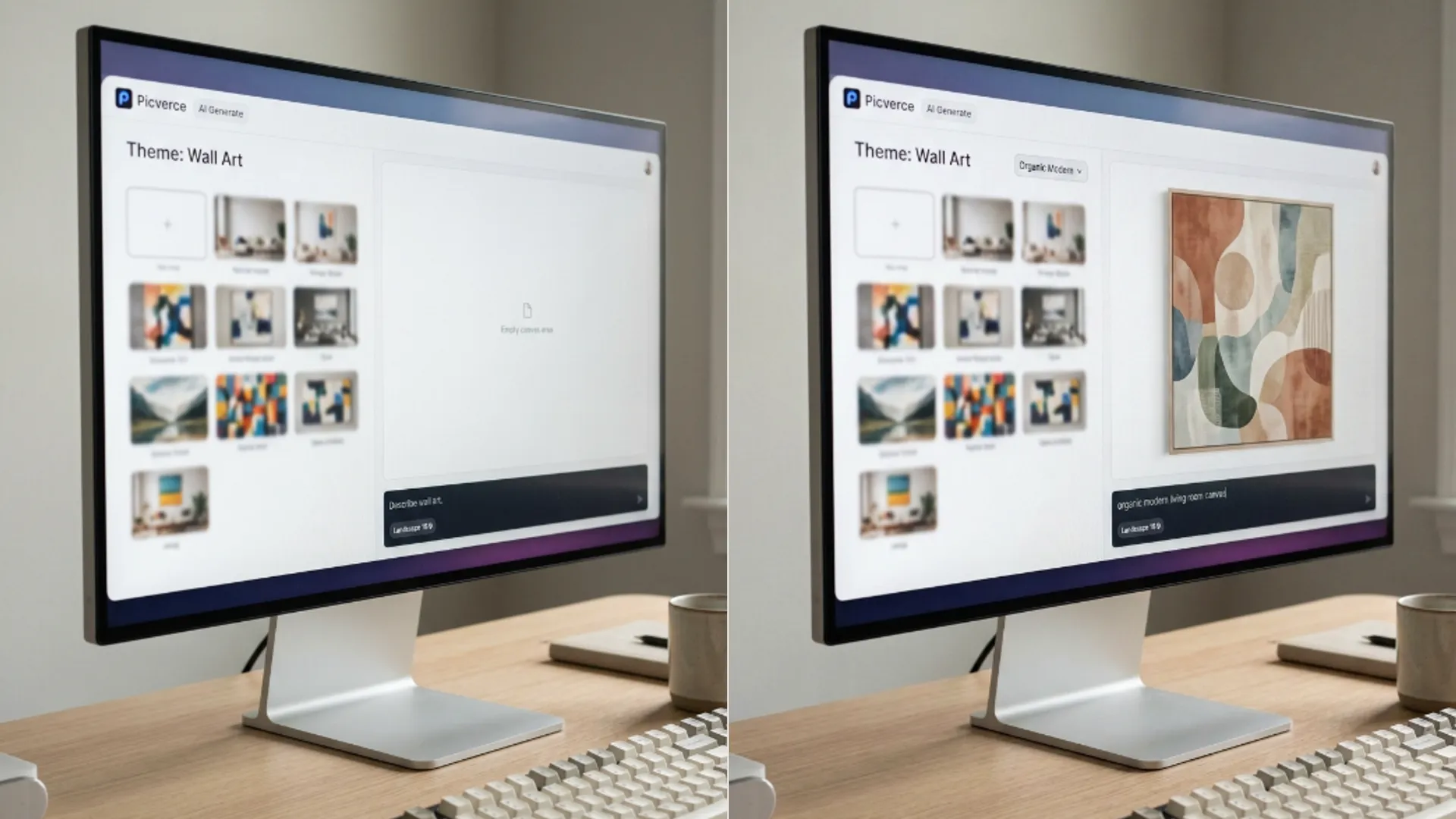
She opened the AI Wall Art Generator and used the living room canvas starter rather than writing from scratch.
That chip fills the box with a large abstract canvas for a living room, muted terracotta and cream, soft organic shapes, gallery print.
It is a good example of the shape a wall art prompt should be. A subject, a palette, a texture note, and an intent word.
She changed terracotta and cream to sage and bone because the room had a green sofa, and sent it. The rest of the prompt she left alone.
That single edit is the whole technique. Take the starter, swap the palette for the room, and leave the structure that already works.
The starters are written the way a good wall art prompt is written, which makes them worth reading even when you do not use them.
Two clauses of subject and palette, then a texture note, then a word about intent. Copying that shape into your own prompts is most of the skill.
Six drafts and the ratio decision
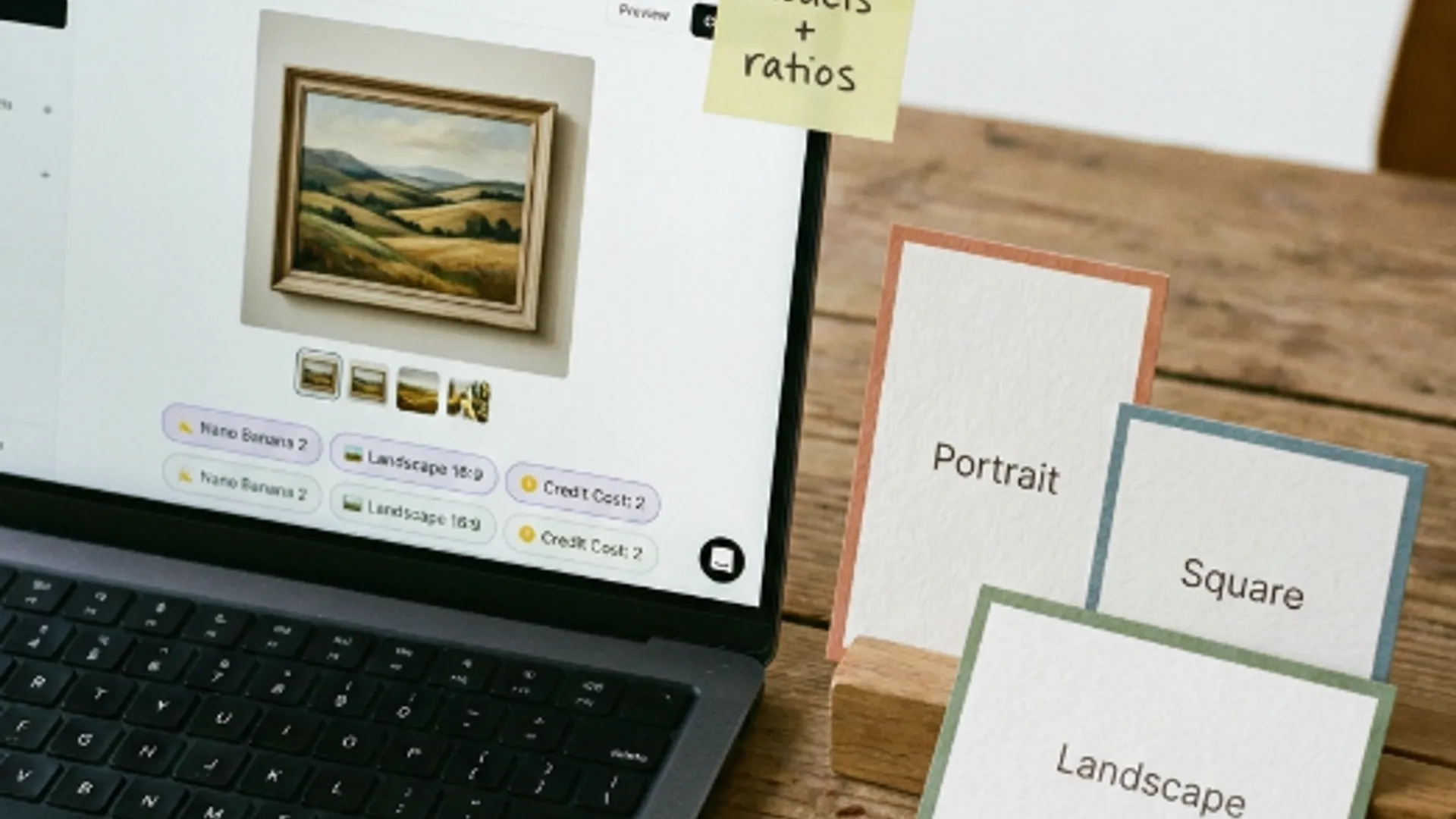
The wall above the sofa was wider than it was tall, so Landscape at 16:9 was set before anything else.
She drafted at the lowest resolution the model offered, one variation at a time, watching the credit figure in the settings panel as she went.
Two drafts on No Style told her the prompt was working. Four more across Organic Modern, Color Field, Soak Stain and Paper Layers told her which treatment suited the room.
Organic Modern won, which was not the one she expected. It kept the soft shapes without going so flat that the canvas read as a paint sample.
Six low resolution drafts is not an expensive way to answer a question that would otherwise be a guess.
She kept every draft rather than deleting the losers, which mattered later when the client asked why that particular piece.
Being able to show the four you rejected is a better answer than describing them, and it costs nothing to keep them.
Then one run at the highest resolution her plan allowed, on the winning preset, at the ratio she had set at the start.
The trap was the print size
The file looked right on screen. The canvas was going to be printed at roughly a metre wide for the shoot, and that is where it got interesting.
Generation resolution is decided by the model and your plan, not by how big you intend to print. Nothing in the workspace asks what size the wall is.
So the honest check is the same one any print job needs. Read the pixel dimensions of the file you downloaded and divide by the inches you are printing.
Hers came out short for a metre wide canvas, so the file went through the AI Image Upscaler before it went to the printer.
Abstract art is close to the ideal upscale subject. There is no face to go waxy and no text to turn into nonsense, just shapes and gradients that enlarge cleanly.
Picking the scale is arithmetic rather than preference, and that calculation is the one in upscale a product photo for print.
Where a person still had to look
Two things the tool did not and could not decide for her.
The first was whether the piece suited the room, which is a judgement about a green sofa and afternoon light rather than about a picture.
She held the laptop up against the wall to check. That is not sophisticated and it worked better than looking at it on a desk.
The second was the edges. Canvas wraps around a frame, so a couple of centimetres on every side disappears around the sides of the stretcher.
A composition with its balance close to the edge loses that balance on a wrapped canvas. She regenerated once with the shapes pulled further in, which cost one more run and saved a print.
Nothing in the workspace warns you about that, because the workspace does not know you are printing on canvas rather than paper.
What it actually saved
Four pieces for four walls, done in an afternoon, from starter chips and palette edits.
Against buying prints for a rental shoot, the comparison is not close on cost. Against commissioning anything, it is not close on time either.
What she gave up is any control over the specific image. Generation gives you a good piece in the right palette, not the piece you pictured.
For a listing shoot that is exactly the right trade. For art somebody is going to live with for ten years it would not be.
One note she asked me to include. Selling prints made this way needs a paid plan, because commercial rights come with those and free credits cover personal use.
For a shoot she was styling rather than selling, that never came up. For anyone planning to sell the output it is the first thing to check.
It is also the kind of thing worth settling before the work rather than after, because the answer changes what plan you want to be on while generating.