Make a team cartoon headshot
Turn a set of staff photos into matching cartoon avatars with the Picverce AI Photo to Cartoon tool, and keep the whole team looking like one set.
This caricature maker turns your photo into a fun caricature with a big head and a bold style. Upload a photo of one or two people, pick Classic, 3D, Pencil or Painted, and download the result.
By uploading you agree to our Terms & Privacy Policy
AI-powered photo enhancement, restoration, colorization, and object removal.
A big head, a big smile and your own face, in one of four styles.
The head grows and your own smile or expression is played up, the way a caricature artist draws at a street fair.
Couples and friends each get the same treatment.
The free plan's 10 daily credits make 3 caricatures.
Classic marker and watercolor, a polished 3D cartoon, graphite pencil on paper, or a bright digital painting.
Save the caricature as an image file.
Signed-in results are kept for your plan's History period.
Downloads come without a Picverce AI logo.
Every style asks the AI to keep your face shape, skin tone, hair, glasses, facial hair and age, and to keep the result flattering.
Works in any modern browser, nothing to install.
Upload a photo above to start.
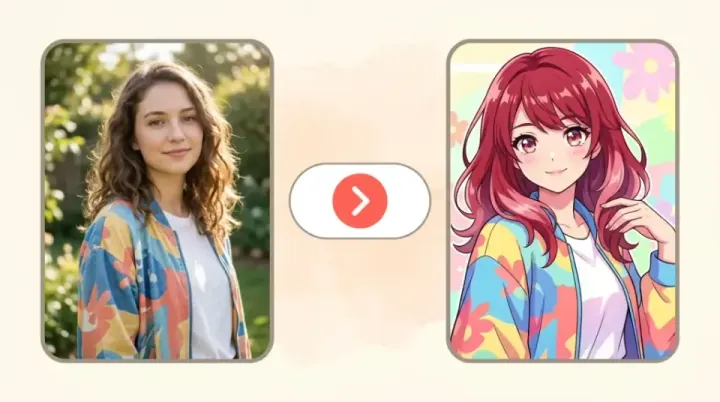
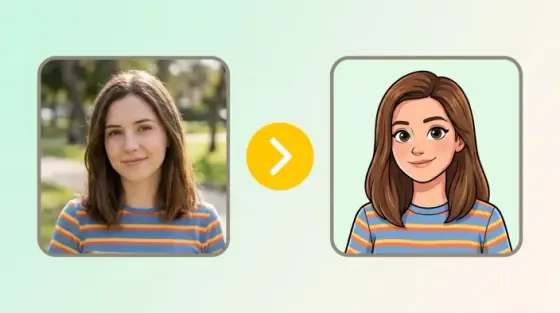
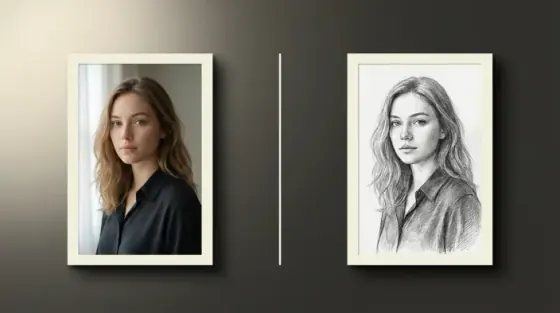
The photo on the left, the caricature on the right. All four were made with this tool.
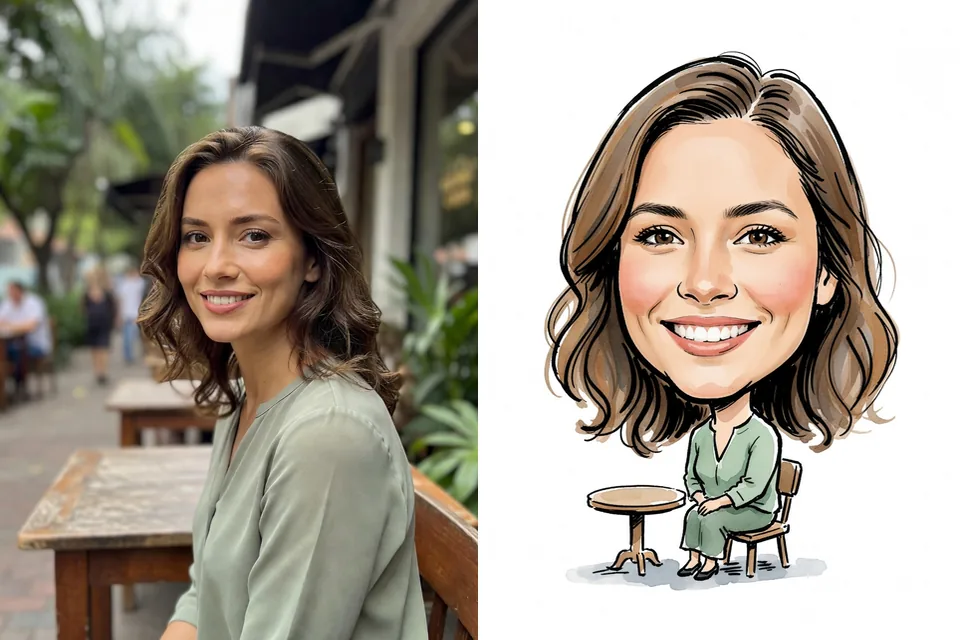
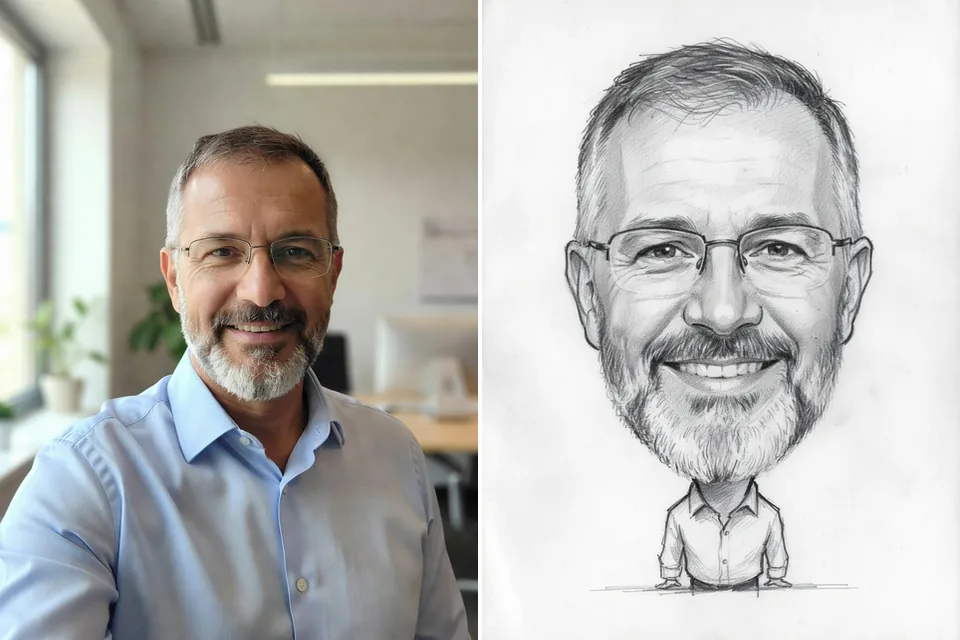
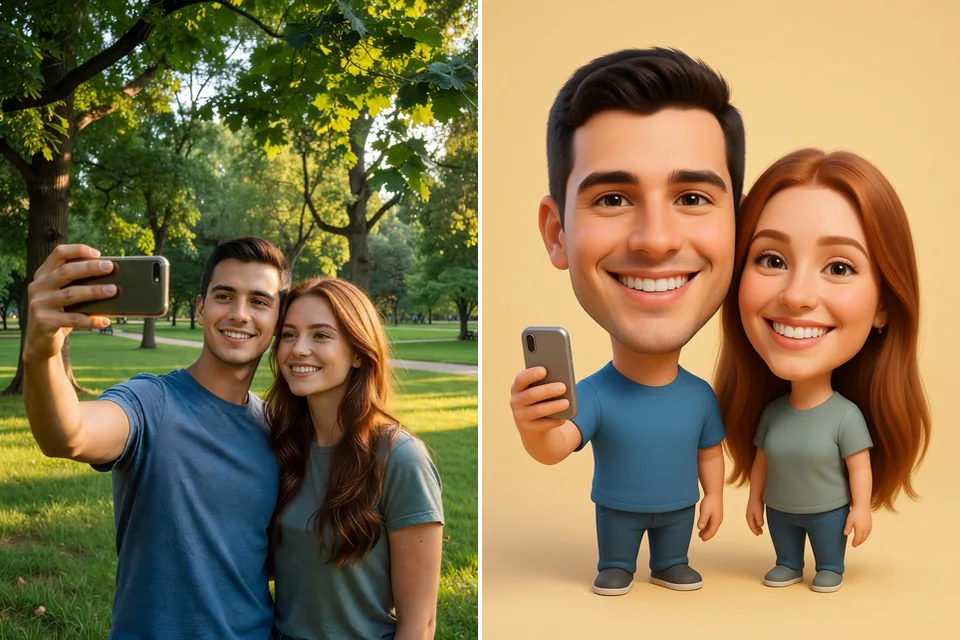
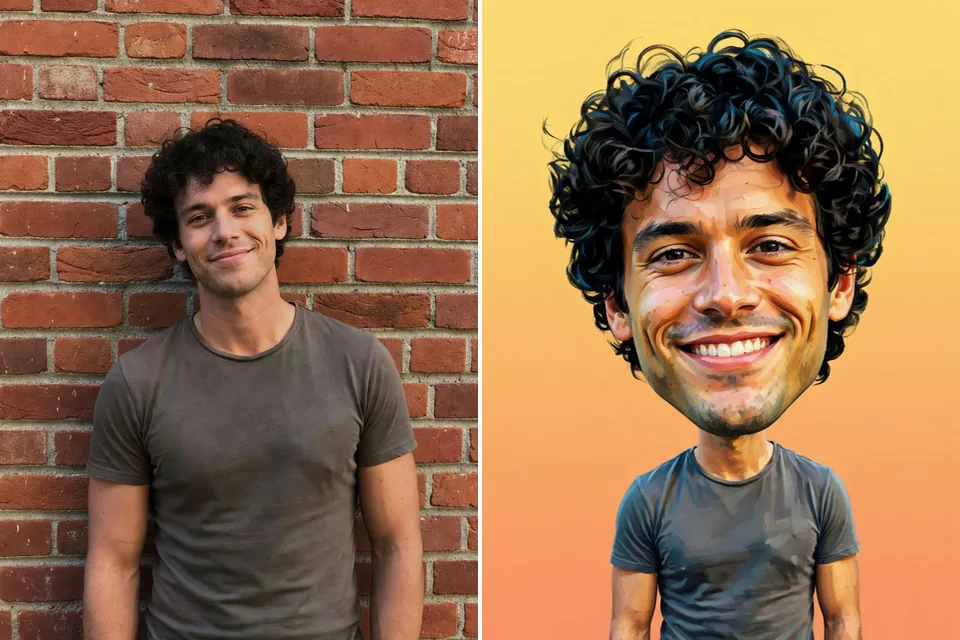
Every style enlarges the head and the expression and keeps the rest of you recognizable. Pick the look that suits where the picture is going.
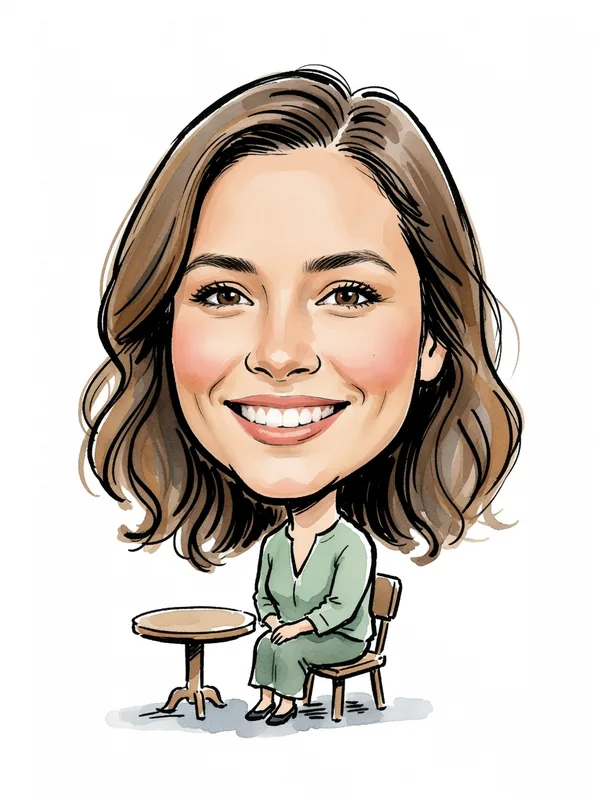
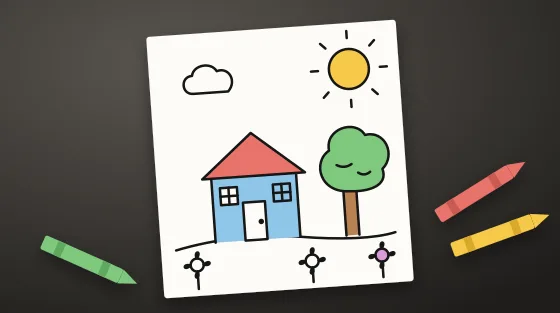
Bold marker outlines and soft watercolor color on a white background, like a caricature artist at a fair or a party. A good pick for a gift or a framed print.
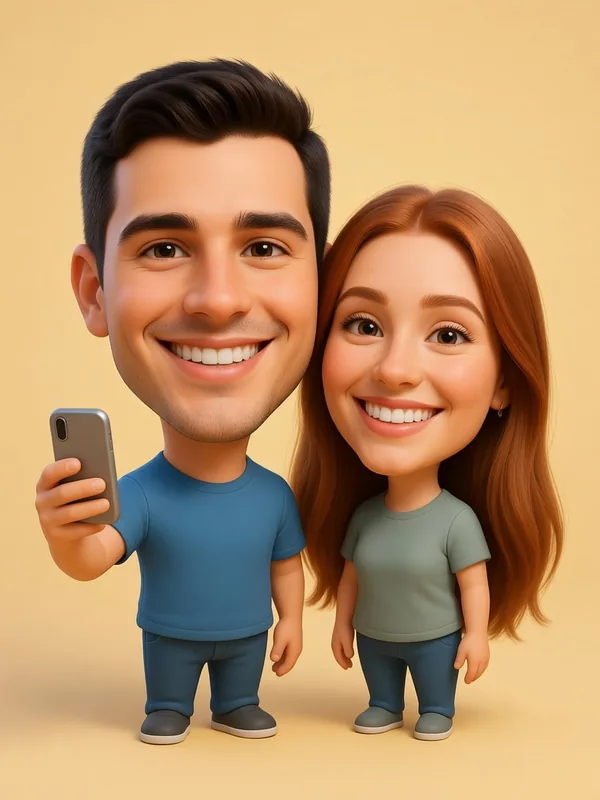
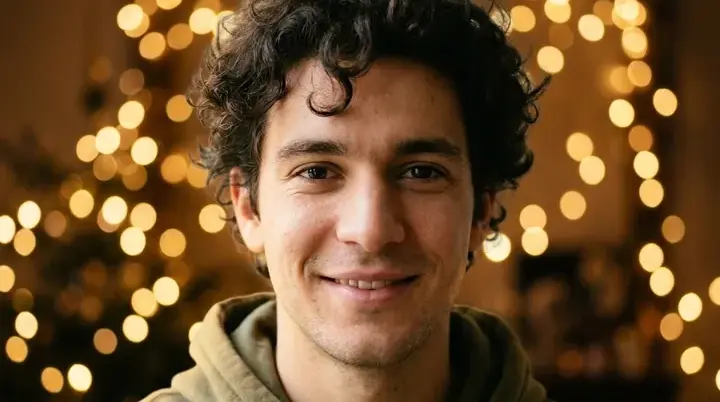
A polished 3D cartoon with smooth, rounded forms and soft studio light on a plain color background. It works well as a profile picture.
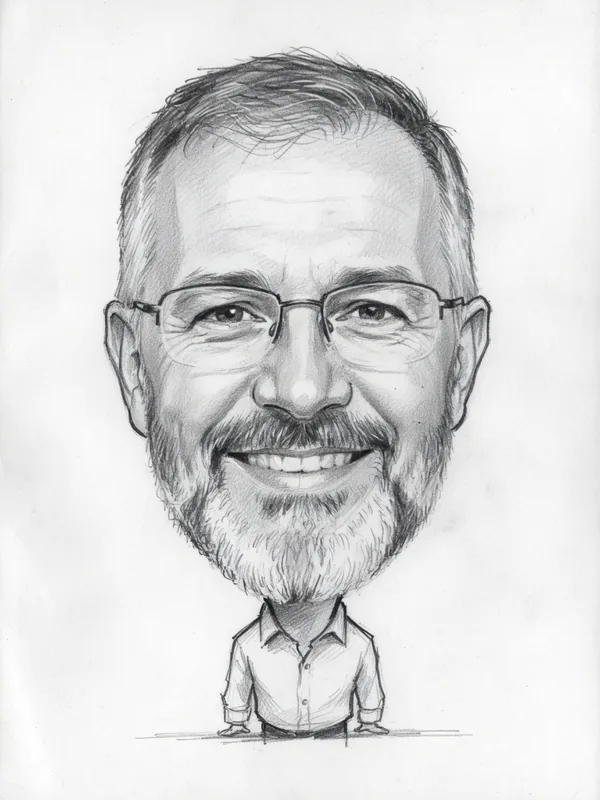
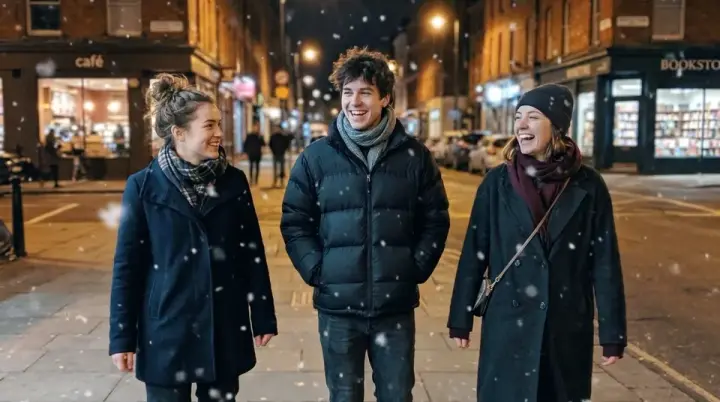
Confident graphite lines and soft shading on white paper, in black and white. It looks hand drawn and suits cards and farewell gifts.
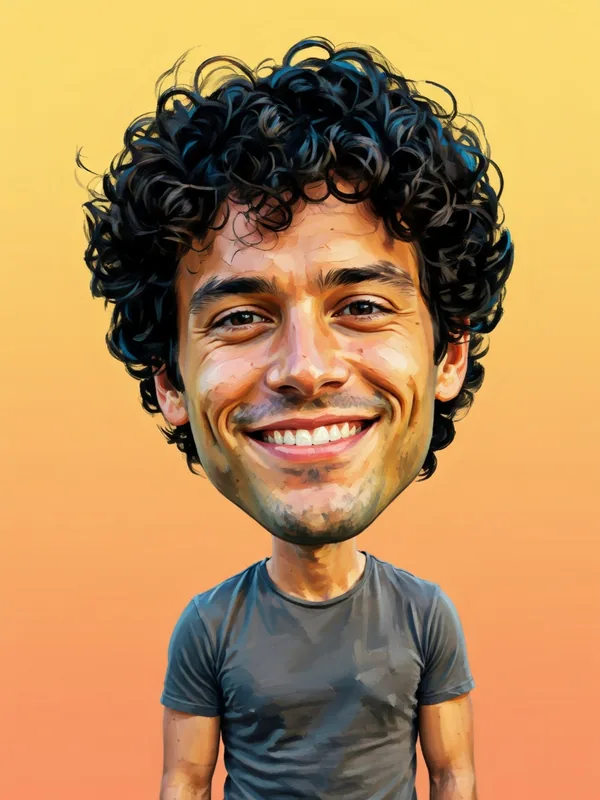
A bright digital painting with strong colors, visible brush texture and a simple gradient background. The most colorful of the four.
Photo to Cartoon redraws you in a cartoon style at normal proportions, with 24 styles to choose from. The Caricature Maker also enlarges the head and your expression, the way a caricature artist would. For a large print, run the result through the AI Image Upscaler first.
Four steps from a photo to a caricature.
Pick a clear JPG, PNG or WEBP of one or two people, up to 5 MB, with faces visible.
Choose Classic, 3D, Pencil or Painted in the style picker.
Press the button and wait a few seconds. Each caricature uses 3 credits.
Compare it with your photo on the slider, then download it, or try another style.
Upload a photo and pick a style.
Turn a set of staff photos into matching cartoon avatars with the Picverce AI Photo to Cartoon tool, and keep the whole team looking like one set.
How to turn a picture into a clean line drawing outline: the sketch pass redraws the photo, so printed dots, grain and compression blocks drop away.
Eight of the nine Picverce AI anime styles promise to keep your likeness and one deliberately does not. What survives the pass and what always goes.
What you get with every tool on the site.
Enhance, upscale, restore, remove backgrounds, generate images and make cards, signs and flyers from one account.
The free plan refills each day, so you can try the tools before you buy credits or a plan.
Every tool page, guide and help text is available in both languages.
Signed-in results stay in your History for 3 days on Free and up to 90 days on Premium. You can delete them sooner.
Developers can run the same tools from code with an API key, or from an AI assistant through the MCP connector.
Make any result bigger for print or large screens without starting over.
Styles, credits and the photos that work best.
A caricature is a picture of a real person with some features drawn bigger for fun, most often the head and the smile. Artists at fairs and parties draw them in a few minutes. This tool makes one from your photo with AI.
A cartoon redraws you in a drawn or 3D style at normal proportions. A caricature also enlarges the head and your expression. Photo to Cartoon makes cartoons in 24 styles, and the Caricature Maker makes caricatures in 4 styles.
Each caricature costs 3 credits. The free plan gives you 10 credits a day, which is enough for 3 caricatures. Paid plans and credit packs add more.
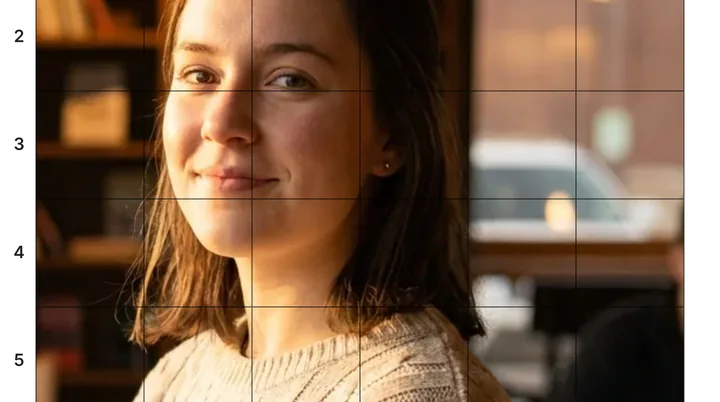
A clear photo of one or two people with their faces fully visible, in good light, from the shoulders or waist up. Avoid sunglasses, strong shadows on the face and faces that are very small in the frame. JPG, PNG and WEBP files up to 5 MB work.
Every style tells the AI to keep each person's face shape, hair, glasses, facial hair, age and gender presentation, and skin tone in the color styles. Results still vary from photo to photo. If a face does not look right, run it again or try a clearer photo.
No. The styles enlarge only the head and your own smile or expression, and keep the result warm and flattering. They tell the AI not to exaggerate weight, body size, ethnic features or any feature in a mocking way.
Yes. Download it and print it at home or at a print shop. For a large print, run the result through the AI Image Upscaler first so it has more pixels.